What Are Talking Baby AI Video Prompts?
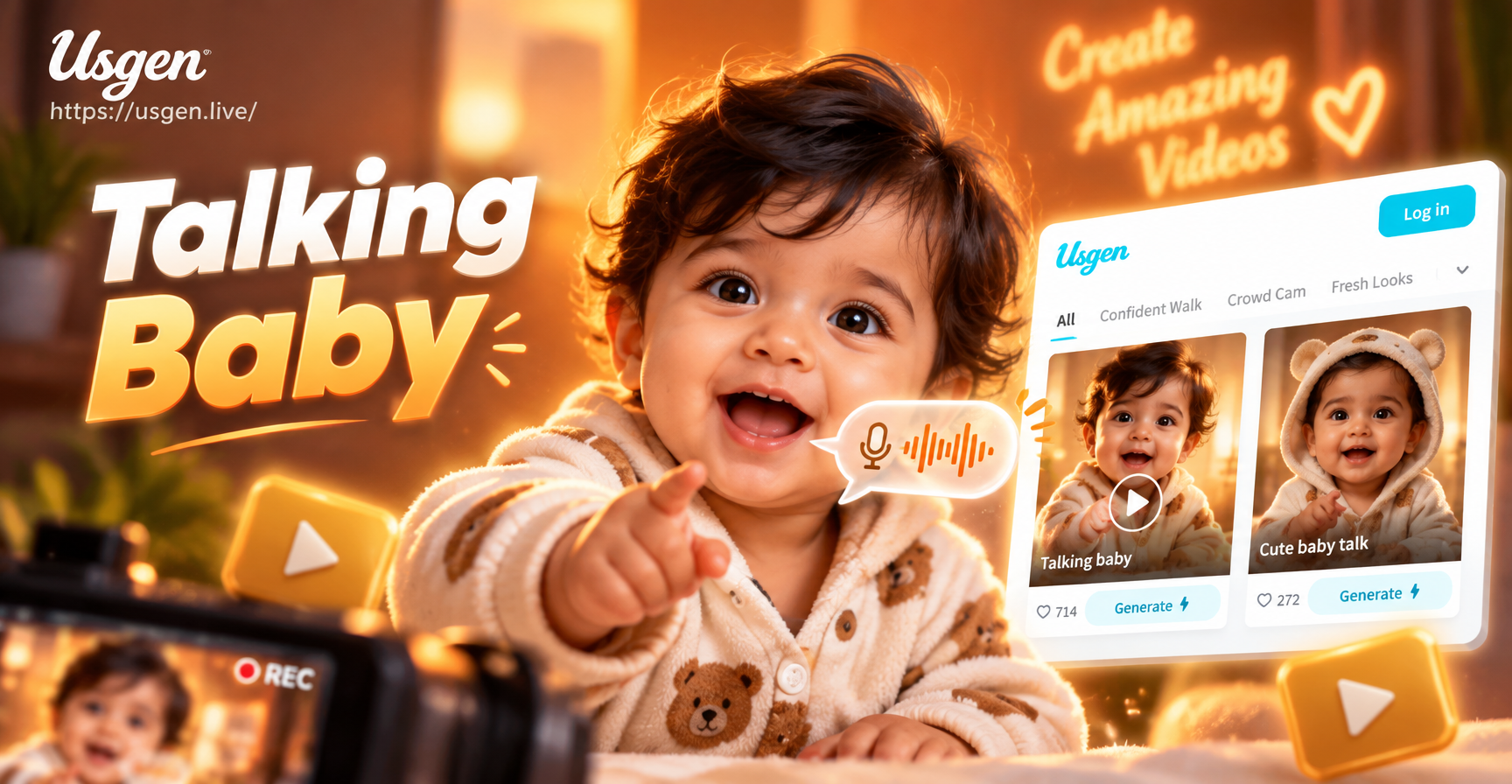
Talking baby AI video prompts are short descriptive instructions that tell an AI video generator exactly how to animate a baby talking. These prompts describe the baby's age, expression, clothing, setting, style, and what the baby should say or how the mouth should move. Instead of spending hours filming a real baby, you can generate a lifelike or stylized clip in minutes using a photo or a text description.
This guide gives you specific prompts you can copy into the usgen app. You will find cute everyday scenes, funny viral ideas, seasonal greetings, artistic styles, and fantasy adventures. Each prompt is ready to use, but you can easily change a few words to match your own baby or a specific idea.
How to Create a Talking Baby Video with AI
In the usgen app, you can start with a clear front-facing photo of a baby using image to video, or you can begin with a text description using text to video. Then choose a style filter such as realistic, 3D Pixar, anime, claymation, or watercolor. Finally, enter a prompt similar to the ones below and generate. The more specific your prompt, the better the result.
For example, a weak prompt says "talking baby". A strong prompt says "photorealistic close up of a 6 month old baby in a white onesie looking directly at the camera and mouthing the word mama, soft natural window light, shallow depth of field, high detail". The strong prompt gives the AI clear details about subject, action, setting, lighting, and quality.
25 Talking Baby AI Video Prompts You Can Copy
Below are specific prompts grouped by style and mood. Copy any prompt into the usgen app, tweak the details, and generate.
Cute and Everyday Prompts
- Photorealistic close up of a 6 month old baby in a white onesie looking directly at the camera and mouthing the word mama, soft natural window light, shallow depth of field, high detail.
- Cute newborn wrapped in a knitted blanket cooing softly with a gentle smile, pastel nursery background, dreamy soft focus, heartwarming tone.
- Toddler sitting on a soft rug trying to say hello while giggling, natural indoor lighting, clear mouth movement, high frame rate, realistic video.
- Baby in a high chair babbling excitedly while waving a spoon, bright kitchen background, cheerful mood, smooth lip sync.
Funny and Viral Prompts
- Toddler wearing a tiny suit and tie delivering a funny motivational speech at a miniature podium, confident expression, office background, realistic lighting.
- Baby chef wearing a tiny chef hat explaining a recipe while stirring a bowl, messy kitchen with flour, bright and comedic tone.
- Superhero baby in a cape giving an inspiring speech, comic book style with bold colors and halftone dots.
- Baby with oversized glasses explaining a simple science fact with a toy lab set, playful educational video, bright lab background.
Seasonal and Holiday Prompts
- Baby in a pumpkin costume saying trick or treat, Halloween background with warm lights, playful mood, high quality video style.
- Christmas themed baby in a red velvet dress saying Merry Christmas, snowy window background, twinkling lights, festive and cozy.
- Baby in a raincoat holding an umbrella talking about the rain, puddle reflections, cozy grey sky, realistic video.
- Baby holding a tiny gift box and saying happy birthday, balloon filled room, soft pastel colors, celebratory atmosphere.
Artistic and Stylized Prompts
- 3D Pixar style baby sitting in a high chair talking excitedly with hand gestures, colorful kitchen background, bright cheerful lighting, expressive eyes, smooth lip sync.
- Anime style baby with big sparkling eyes talking in a cheerful voice, cherry blossom petals falling, soft pastel colors, smooth animation.
- Claymation style baby with chubby cheeks babbling while playing with blocks, stop motion feel, warm studio lighting.
- Watercolor painting style baby talking to a teddy bear, soft brush strokes, gentle colors, storybook illustration feel.
- Black and white cinematic close up of a baby's face with lips moving in slow speech, dramatic side lighting, film grain, emotional depth.
- Vintage film style baby talking in a 1950s living room, sepia tones, slight film grain, nostalgic atmosphere.
Fantasy and Adventure Prompts
- Baby astronaut floating in a spaceship talking to mission control through a tiny headset, stars visible through window, realistic 3D render.
- Baby mermaid under the sea talking to fish, bubbles around, vibrant underwater colors, magical fantasy style.
- Baby wizard with a tiny wand casting a spell while reciting magical words, castle library background, glowing particles, fantasy animation.
- Baby pirate with a paper hat giving orders to a stuffed parrot, toy ship deck, playful adventure style.
How to Customize These Prompts
You do not need to use these prompts exactly as written. Change the baby's age from 6 month old to newborn or toddler. Swap the clothing from a white onesie to a yellow dress or a tiny tuxedo. Replace the phrase mama with dada, hi, I love you, or a full sentence. Adjust the background from a nursery to a park, a beach, or a birthday room. Change the lighting from soft window light to golden hour outdoor light or bright studio light. Add a camera angle such as close up, over the shoulder, or low angle. These small changes make each video feel unique.
If you want a specific voice or language, add that detail. For example, write "baby speaking in a soft British accent" or "baby saying good morning in Spanish". The usgen app lets you combine these prompt details with style filters for even more control.
Common Problems and How to Fix Them
- Unnatural mouth movement: Use a front-facing photo with a clear mouth, avoid extreme angles, and add "smooth lip sync" or "natural mouth movement" to the prompt.
- Audio and lip sync mismatch: If your tool supports audio input, upload a short voice clip and add "match mouth to audio".
- Blurry face: Use a high resolution photo, crop tightly to the face, and add "sharp focus on face, high detail".
- Wrong style: Include the exact style name such as "3D Pixar style" or "claymation" and avoid mixing styles in one prompt.
- Baby looks older or younger: Specify age in months and use descriptive words like "chubby cheeks" or "toothless smile".
Tips for Better Talking Baby Videos
Keep one clear subject in the frame. Simple backgrounds reduce distraction and help the AI focus on the baby's face and mouth. Choose a consistent lighting direction so shadows do not confuse the model. Generate multiple variations and pick the best one. In usgen, you can apply a style filter first and then refine the prompt for better results. If you are using a photo, make sure the baby's face is well lit and not covered by hair or hands.
Start Creating Your Talking Baby Video
Download the usgen app and paste any prompt above. Pick a style, upload a photo if you want image to video, and generate. With a little tweaking you will have a shareable talking baby video in minutes. These prompts work well for social media, birthday invitations, holiday greetings, or just for fun.