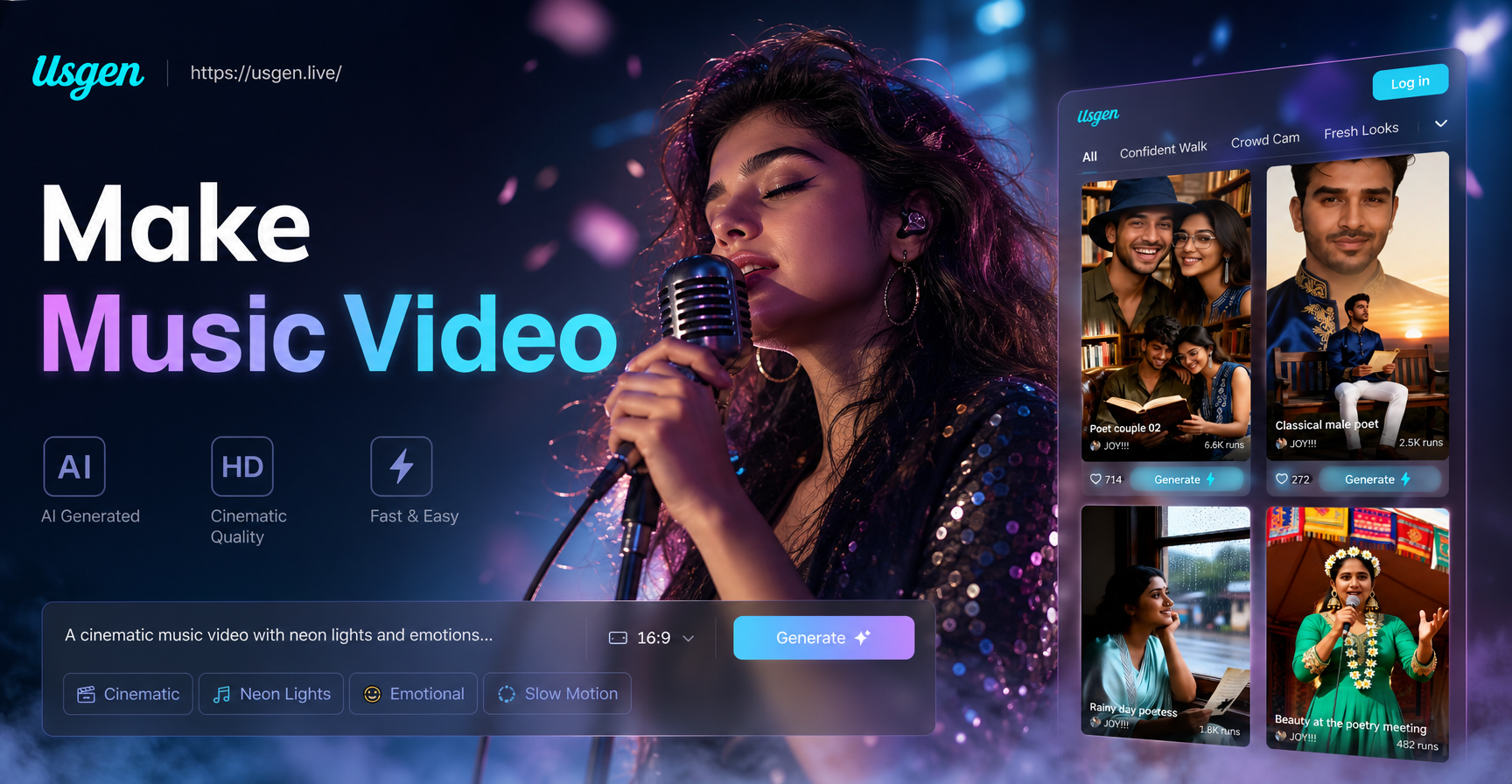
AI dress changing has moved beyond the runway and the photo studio. If you have a portrait or a full body photo, you can now use a mobile app to change the clothing a person is wearing without manually selecting fabric layers, cutting out patterns, or repairing shadows in traditional software. This guide explains how AI changes dress clothes, the types of image to image edits that work best, and how to use the usgen app for realistic outfit transformations.
## What Does AI Change Dress Clothes Mean?
AI dress changing is a form of image to image generation. You provide a source photo and a text prompt or style reference, and the generative model produces a new version of the photo. The goal is to keep the subject's face, pose, and overall scene while replacing the clothing items with a different style, color, or silhouette.
This is different from a traditional augmented reality virtual try on. A virtual try on usually places a specific garment from a product catalog over a live camera feed or a model image. AI dress changing does not always map to an exact purchasable item. Instead, it interprets a description and creates a stylized or realistic output based on the model's training data. The result can be useful for creative direction, social media content, event planning, and style experiments.
## How AI Clothing Transformation Works
When you use an image to image tool, the AI analyzes the source photo and the prompt together. It identifies the person, the clothing region, the background, and the lighting. Then it generates a new pixel arrangement for the areas that need to change. The process usually preserves facial structure and overall posture better when the source image is clear, well lit, and not too tightly cropped.
Style filters and templates help guide the model. For example, a cinematic style template may produce a more dramatic edit with strong contrast and controlled color grading. A realistic photography template may focus on natural fabrics, accurate shadows, and softer highlights. Choosing the right template often matters as much as the text prompt.
## How to Change a Dress in a Photo Using the usgen App
The usgen app is available on Google Play and runs entirely on a mobile device. It combines text to image, image to image, and video generation tools in one place. For clothing changes, the image to image workflow is the most direct approach.
1. Download the usgen app from Google Play and open it on your phone.
2. Select the image to image option and upload a photo. A full body shot or a three quarter portrait usually gives the model more clothing area to work with.
3. Choose a style template that matches the direction you want. For a natural outfit swap, pick a realistic photography or cinematic style. For a bold fashion concept, try an editorial or fashion oriented template if available.
4. Enter a clear prompt that names the clothing item, the fabric, the color, and any fit details. For example, "change the red dress to a navy satin evening gown with a fitted bodice."
5. Generate the image and compare the result with the original. If the face or background shifts too much, regenerate with a simpler prompt or try a different template.
6. Save the best version and use it in your project. You can also run multiple variations to create a small style test set.
## Prompt Examples for Dress Clothing Changes
The quality of the output depends heavily on the prompt. Specific prompts usually beat vague ones. Here are several examples you can adapt.
Change the white summer dress to a black silk slip dress, keep the same pose, soft indoor light.
Replace the denim jacket with a cream tailored coat, maintain the street background and facial expression.
Transform the casual t shirt and jeans into a burgundy velvet suit, editorial fashion photo.
Keep the subject and the beach background unchanged, change the outfit to a linen shirt and white trousers.
Change the floral maxi dress to a sequined cocktail dress, keep the hair and makeup identical.
Try a prompt that includes the garment type, color, material, and style context. If you want a specific sleeve length, collar shape, or hemline, include that detail too. The model may not reproduce every detail perfectly, but named details give it a clearer target.
## Choosing the Right Style Template for Fashion Edits
Style templates are more than simple filters. They guide color grading, lighting behavior, and the level of realism. A template built for cinematic shots tends to add stronger contrast and may keep clothing details sharper but more stylized. A template built for realistic photography often attempts to preserve natural fabric texture and subtle shadows. A 3D or anime style template will produce a non photoreal result, which can be useful for themed content but less helpful if you need a believable outfit preview.
If you are testing a real wardrobe idea, start with a realistic photography template. If you are making a futuristic or editorial fashion series, try a cinematic or art based template. The template you pick should match the final mood, not just the prompt. Changing a floral dress into a denim jacket may look odd under a watercolor style, but the same edit under realistic photography may look much more natural.
## Tips for Better AI Dress Edits
Start with a clean source image. Avoid heavy filters, motion blur, or extreme angles. A photo with even lighting and a visible full outfit gives the model more information to work with.
Use a simple background when possible. Busy backgrounds can confuse the model and cause unwanted changes in the surrounding scene. If the background is complex, mention in the prompt that the background should stay the same.
Describe the clothing in layers. Instead of writing "change the dress," write "change the dress to a long sleeve emerald green chiffon gown with a v neck." The additional detail helps the AI fill in the garment more convincingly.
Generate multiple versions. AI image generation is not deterministic in everyday use. Small differences in the starting noise can change the collar, the fabric drape, or the highlight placement. Creating three or four variations helps you pick the most believable result.
Check the hands, face, and edges after generation. The model may alter jewelry, fingernails, or produce odd seams. If a result is close but has a small issue, you can crop the edit or run another pass with a more targeted prompt.
## What to Watch For
AI dress changing is powerful but not perfect. The output may not match a real garment exactly. If you need an accurate preview of a product from a store, a dedicated virtual try on tool or a physical fitting is still more reliable.
The model can also change skin tone, hair color, or background elements by accident. Keep your original file saved and compare each output carefully. Avoid using AI dress changes for official identity photos, legal documents, or any context where the image must be a faithful record.
Fabric logos, pattern alignment, and small accessories may be inconsistent. The AI can suggest a plaid or stripe but may not keep the lines perfectly straight across folds. For personal moodboards and social posts, these small errors are often acceptable. For commercial fashion production, you will likely need additional graphic design or photography work.
## When Is AI Dress Changing Most Useful?
AI clothing transformation fits well into a few practical scenarios.
Fashion moodboards. Instead of searching for a model wearing a specific combination, you can generate several variations from one photo.
Content creation. If you want to show different outfit ideas on the same person without multiple outfit changes, AI can speed up the process.
Event planning. You can test how a color palette looks on a subject before choosing a real dress or suit.
Social media trends. Creative outfit swaps can become short videos or before and after posts. The usgen app also includes image to video features, so you can animate a still photo after you finish the clothing edit.
While these use cases are convenient, always be transparent when an image has been generated. Misleading edits can cause confusion, especially in advertising or sponsored content.
## Common Questions About AI Dress Changing
Can AI change clothes in any photo?
The best results come from clear photos where the person is visible from at least the waist up. A tight crop on the face leaves little clothing area for the model to edit. Full body and three quarter shots are usually better.
Does the background stay the same?
Often it does, but not always. If the background is complicated or the new clothing has a very different shape, the model may change the scene slightly. Mention the background in your prompt to reduce unwanted edits.
Can I change a dress in a group photo?
The usgen app supports multi person photo processing. However, changing one person's outfit while keeping everyone else identical may be more difficult than editing a single subject. Start with a clear single person photo if you want the cleanest dress change.
Is the result good enough for print?
It depends on the output resolution and the complexity of the edit. For small social media images, the result is usually acceptable. For large format print, you may need to upscale or use a higher quality source image.
## Final Thoughts
AI dress changing is not a replacement for real photography, but it is a fast and flexible way to explore clothing ideas. By combining a clear source photo, a detailed prompt, and the right style template, you can create believable outfit transformations without desktop level editing skills. The usgen app puts these tools on your phone, which makes it practical for quick style tests and creative content. Download the app, start with a simple portrait, and experiment with small changes before moving to more ambitious outfit swaps.