Music Video

Choose the Perfect Music Video Style
From cyberpunk concerts to dreamy anime sequences, find the AI filter that matches your song's mood and visual style.
Your Complete AI Music Video Toolkit
Everything you need to create compelling music videos. Upload still images, write text prompts, or animate existing photos into dynamic performance clips.
Text to Music Video
Type a simple description like 'a singer on a neon stage' and watch usgen transform your words into a polished music video scene.
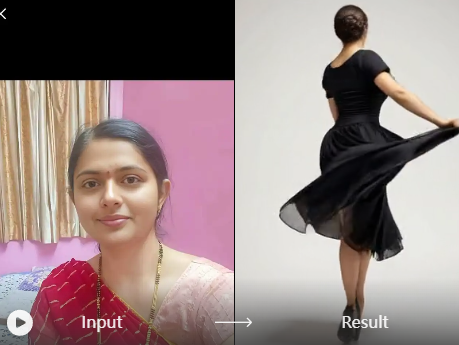
Image to Music Video
Upload a photo of yourself, your friend, or any character. The AI animates them singing, dancing, or performing within your chosen style.
Style Transfer
Apply cinematic, anime, 3D, or watercolor filters to your music video. Match the visual mood of any genre, from hip hop to indie folk.
Ready-to-Use Music Video Templates
Access a growing library of music video templates designed for viral social media content. Pick a choreography, performance, or storyboard template. Upload your face or character, and the AI maps the motion seamlessly. Perfect for musicians, content creators, and anyone who wants to produce eye-catching music visuals without a film crew.
Why Creators Choose usgen for Music Videos
Making a music video used to require cameras, lighting, and editing software. usgen puts the entire production studio in your pocket. Generate a complete visual concept for your song in minutes, not weeks. The app handles facial preservation, motion transfer, and style consistency automatically, so your performer stays recognizable across every frame.
How to Create a Music Video with AI
Turn your song into a visually stunning AI music video in three simple steps using the usgen mobile app.
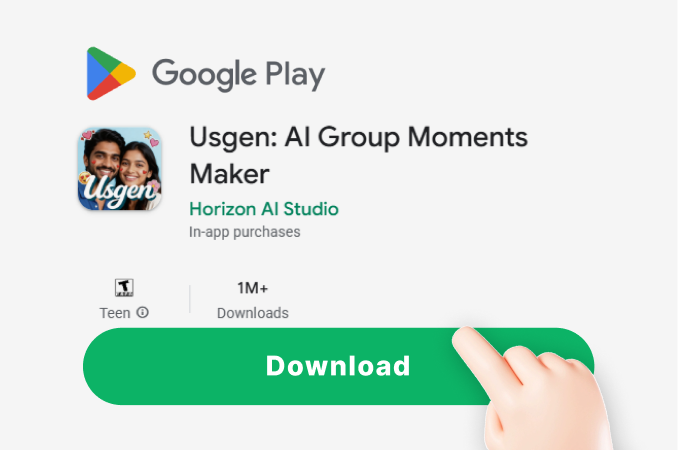
Step 01.
Download the usgen app from Google Play. Open it on your phone and tap the video creation option to get started.
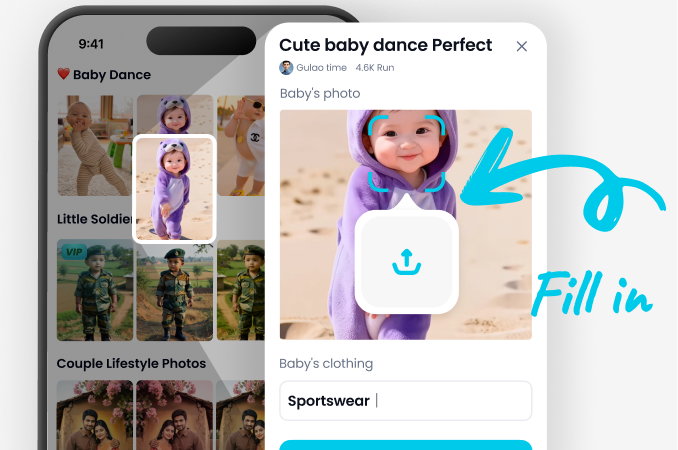
Step 02.
Upload a clear photo of the person or character you want in the video. Choose a music video style template that fits your song's mood.
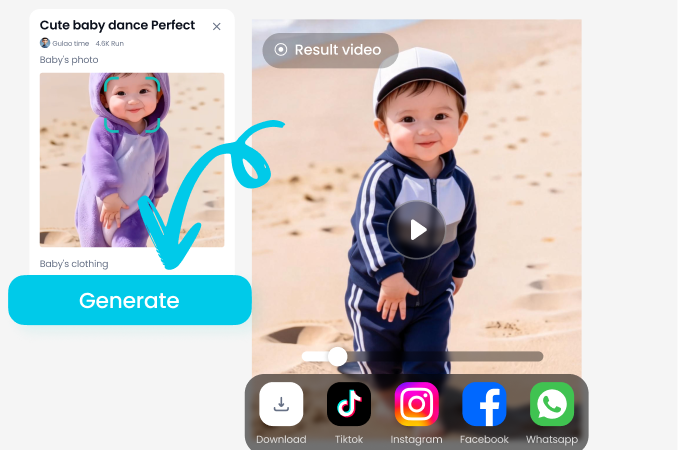
Step 03.
Tap generate and let the AI animate your subject. Preview the result, download the video, and share it directly to TikTok, Instagram, or YouTube.
AI Music Video Effects on Your Phone
Generate smooth, high-quality music video clips with trending effects like AI Hug, Ghibli style animation, and cinematic realism. Download the app to access over one million style filters.

Frequently Asked Questions About AI Music Videos
Find answers to common questions about creating music videos with the usgen AI generator.
More Topics You May Like
Explore more topics you may like and discover fresh ideas tailored to your interests.
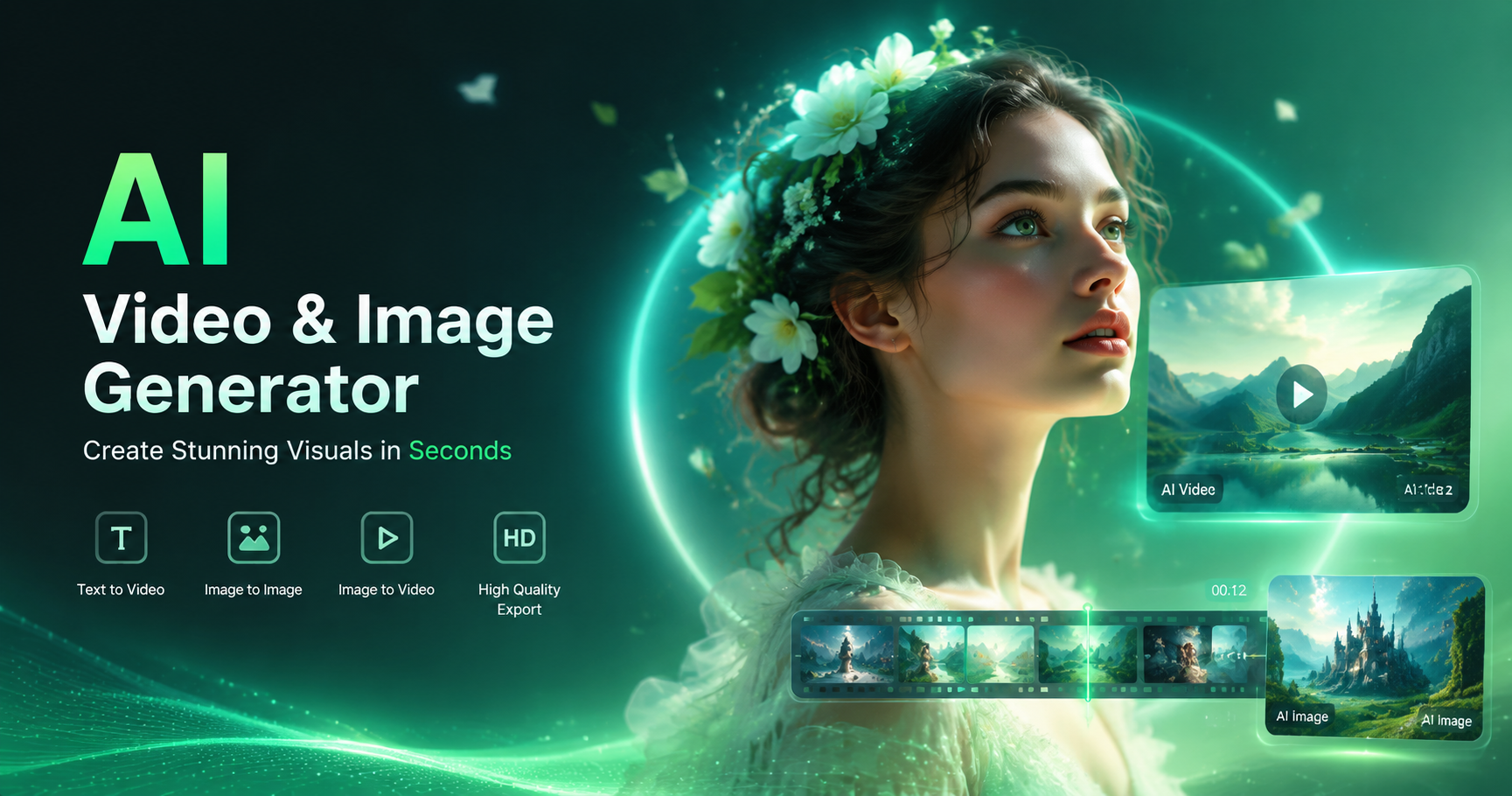
Gemini AI 1st Birthday Invitation Card: Create in Seconds
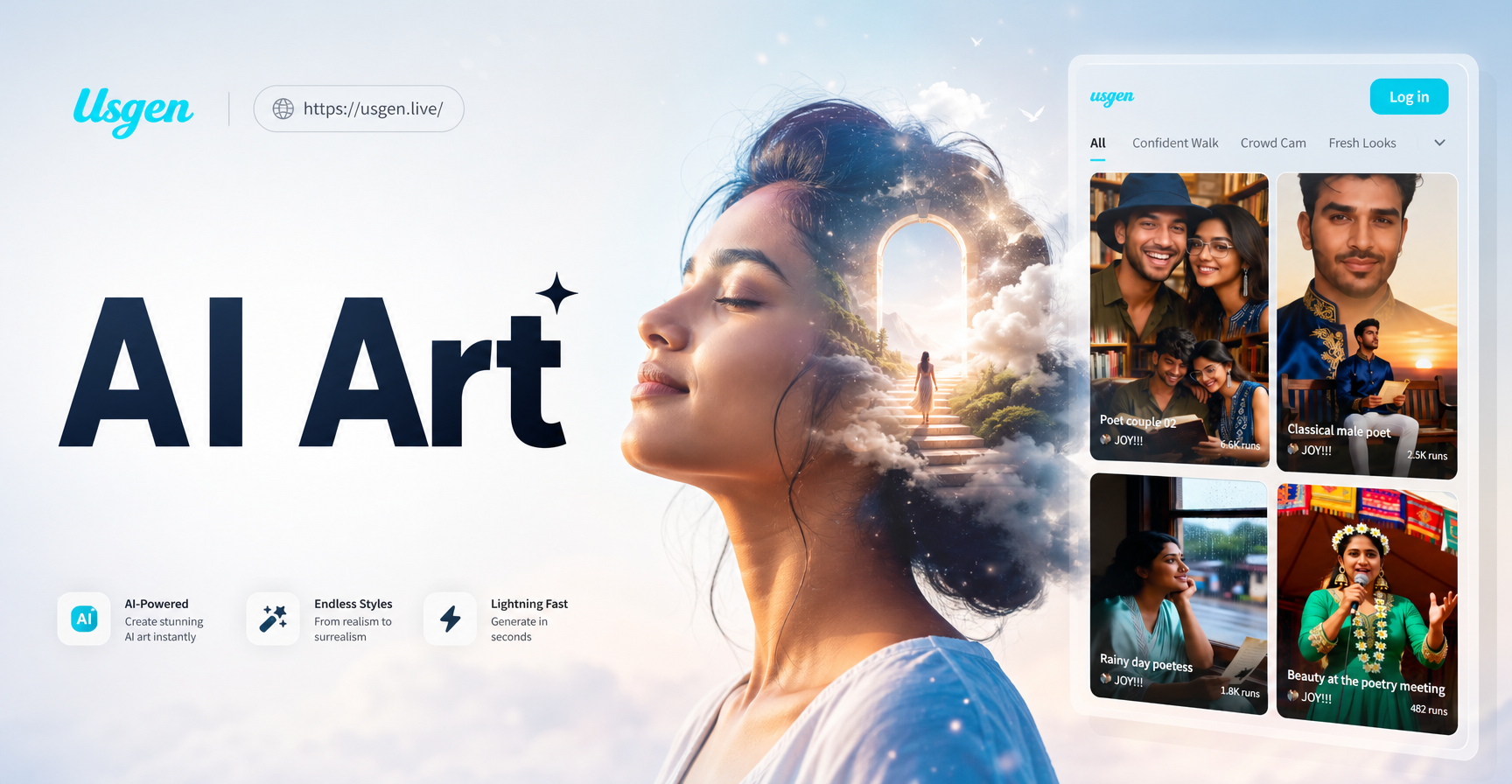
AI Surrealism Photo: Turn Reality into Dreamlike Art

AI Music Video Maker: Create Stunning Visuals
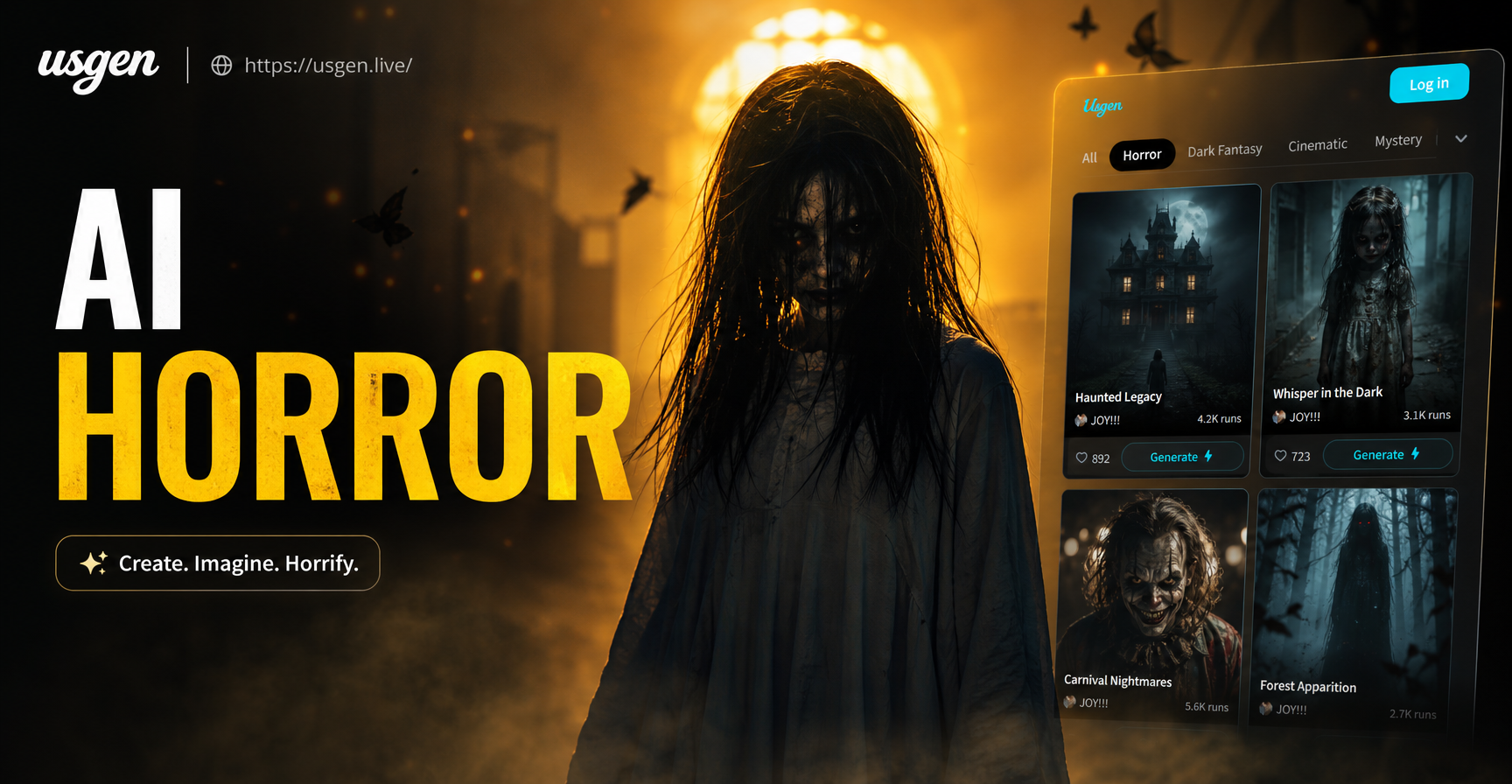
Create Chilling AI Horror Images in Seconds
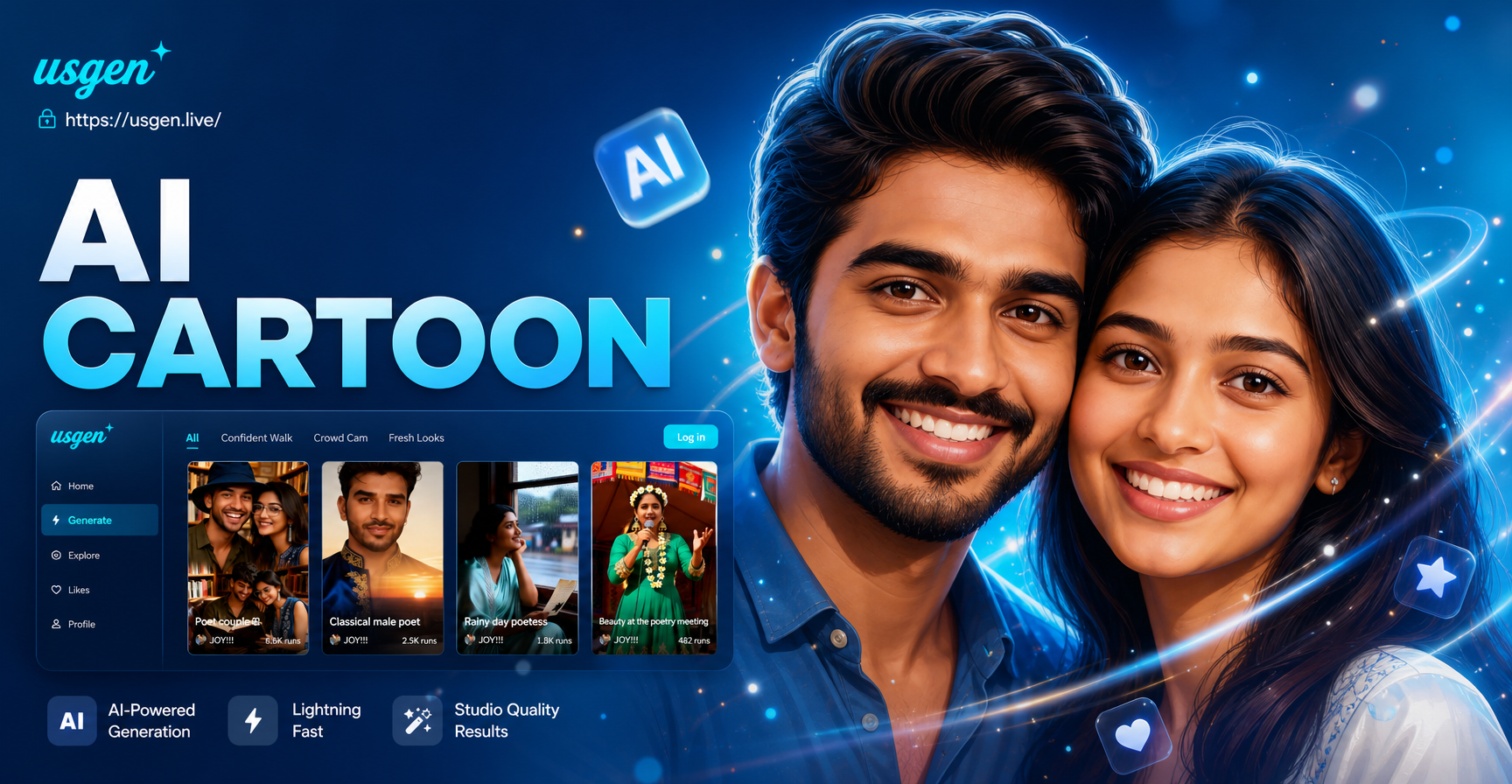
AI Cartoon: Turn Any Photo into Stunning Cartoon Art
Gemini AI 1st Birthday Invitation Card: Create in Seconds
AI Surrealism Photo: Turn Reality into Dreamlike Art
AI Music Video Maker: Create Stunning Visuals
Create Chilling AI Horror Images in Seconds
AI Cartoon: Turn Any Photo into Stunning Cartoon Art
Your Song Deserves an AI Music Video
Download usgen and transform your music into share-worthy visuals in seconds. Create, iterate, and publish professional-looking music videos without a production team.
Your Song Deserves an AI Music Video
Download usgen and transform your music into share-worthy visuals in seconds. Create, iterate, and publish professional-looking music videos without a production team.