Gemini AI Photo In New York
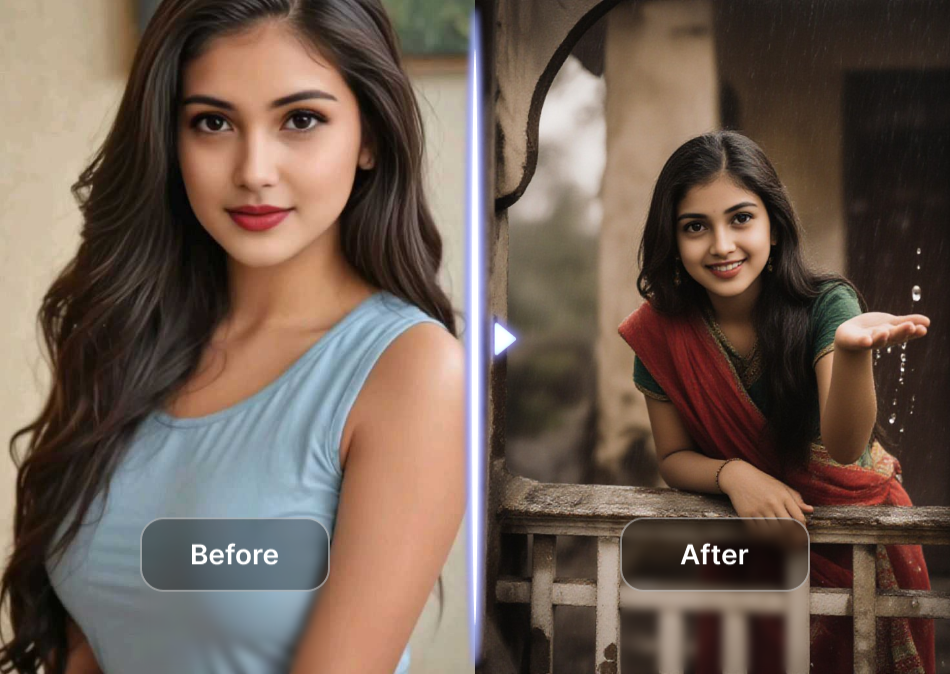
Choose the New York Photo Filter That Matches Your Vibe
Explore a curated set of AI filters designed to give your photos that unmistakable New York look, from skyline night shots to editorial street style.
Key Features of Gemini AI Photo In New York
Create photorealistic New York themed portraits and urban scenes with simple tools built for everyone.
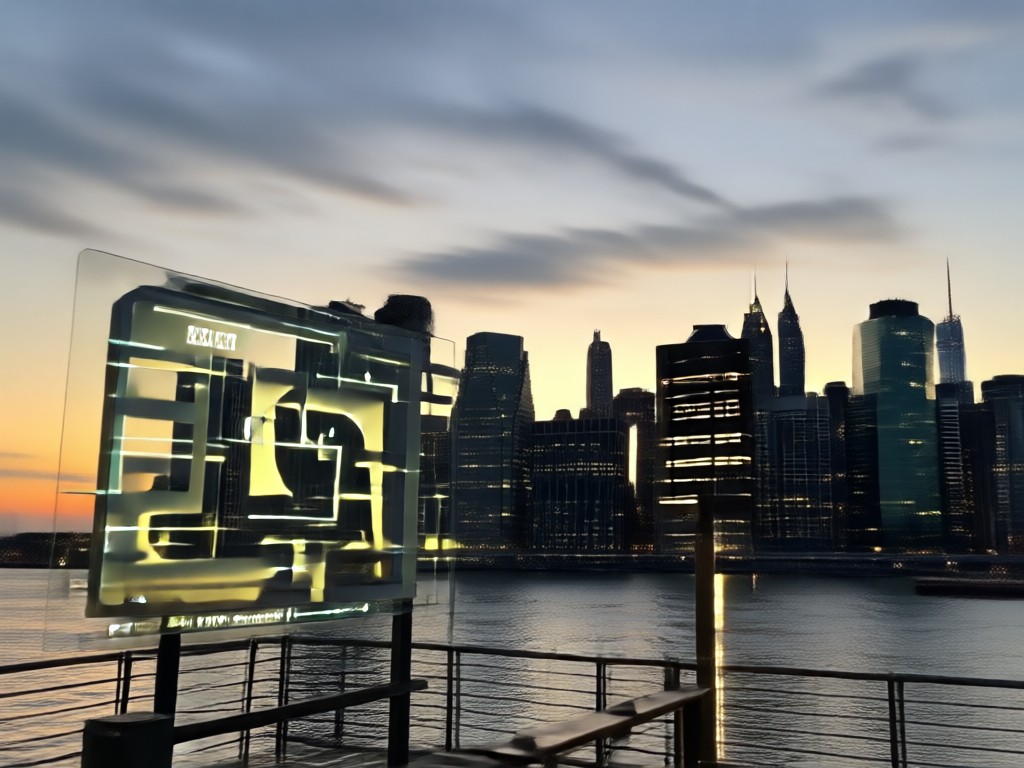
Instant New York Style Transformation
Upload any photo and let the AI apply vibrant city energy, street fashion details, and cinematic lighting. Your face stays natural while the background and outfit take on that iconic New York vibe. No manual editing required.
Instant New York Style Transformation
Upload any photo and let the AI apply vibrant city energy, street fashion details, and cinematic lighting. Your face stays natural while the background and outfit take on that iconic New York vibe. No manual editing required.
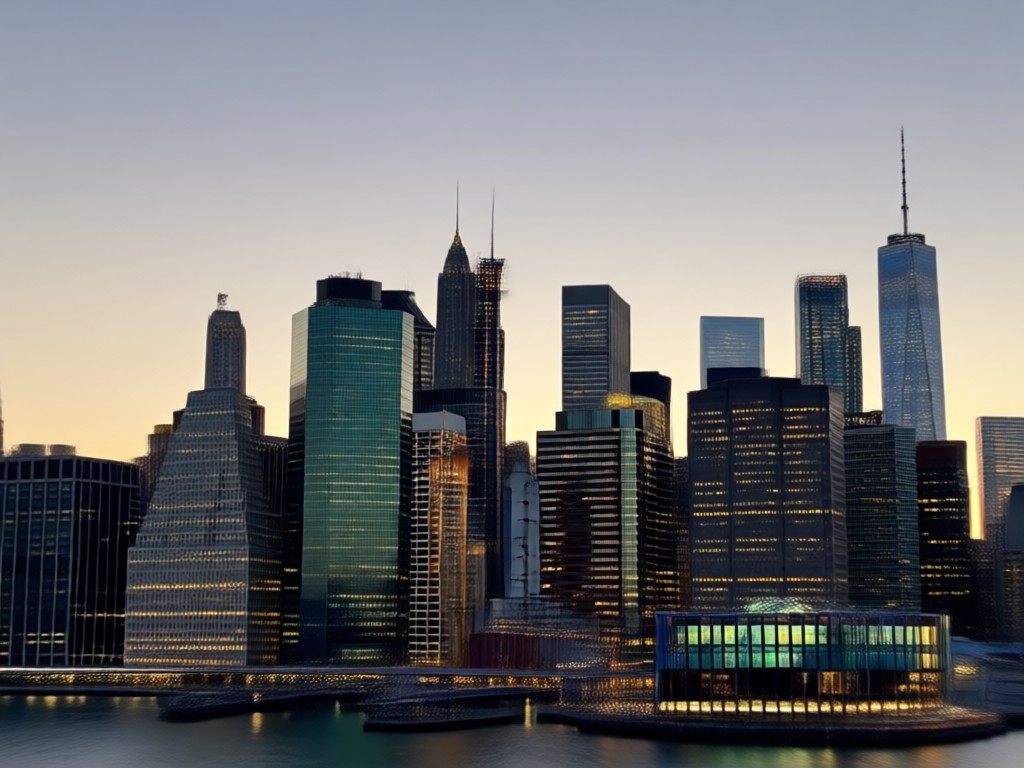
Realistic Skyline and Street Backdrops
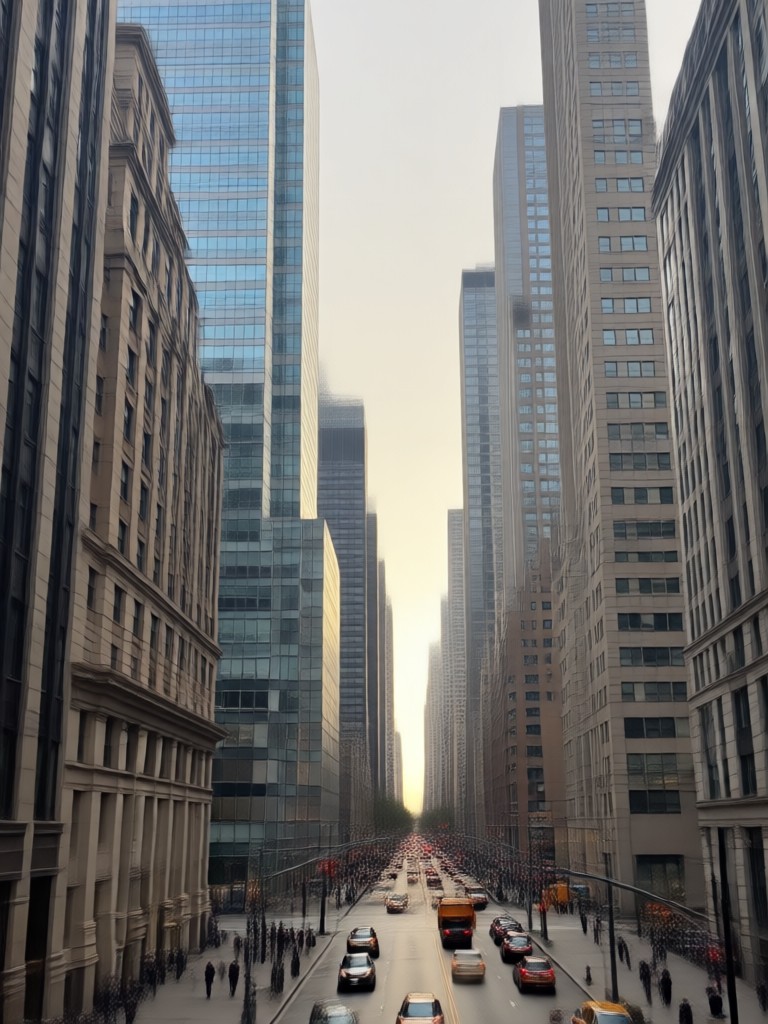
Place yourself in front of the Manhattan skyline, a Brooklyn brownstone, or a neon lit subway station. The AI blends lighting, shadows, and colors for a convincing result that matches your pose and angle.
Realistic Skyline and Street Backdrops
Place yourself in front of the Manhattan skyline, a Brooklyn brownstone, or a neon lit subway station. The AI blends lighting, shadows, and colors for a convincing result that matches your pose and angle.
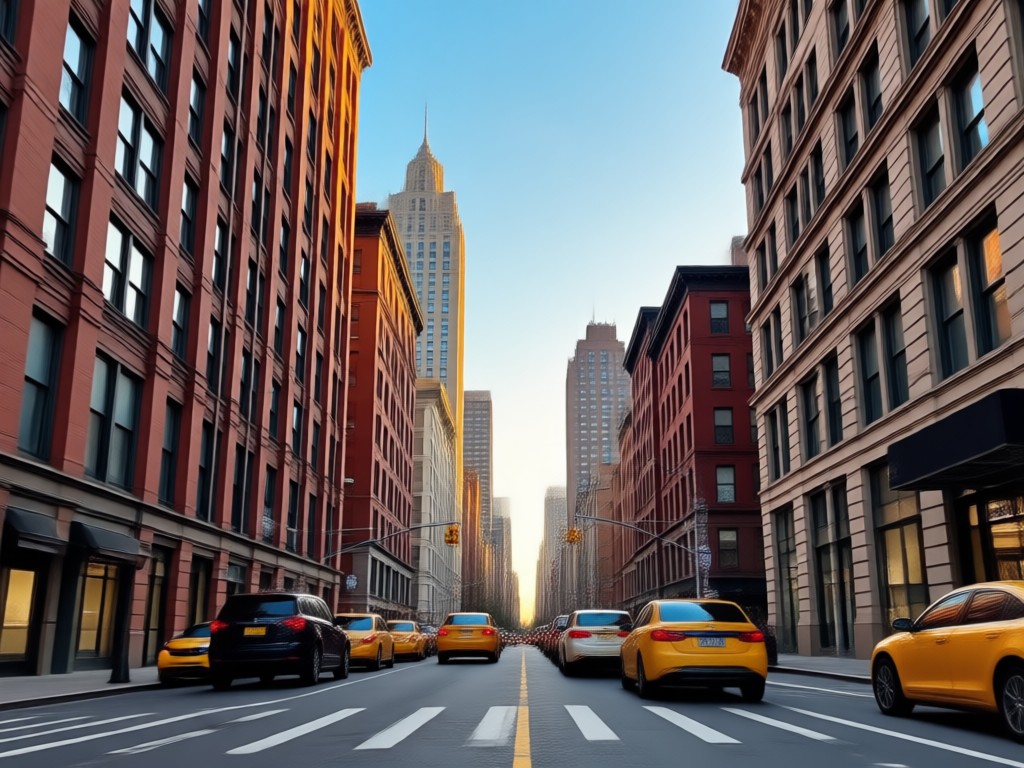
Group Photo New York Edition
Process group photos without face blending. The AI identifies each person separately, so everyone gets the same high quality New York style treatment in one shot.
Group Photo New York Edition
Process group photos without face blending. The AI identifies each person separately, so everyone gets the same high quality New York style treatment in one shot.
New York AI Photo Results You Can Create
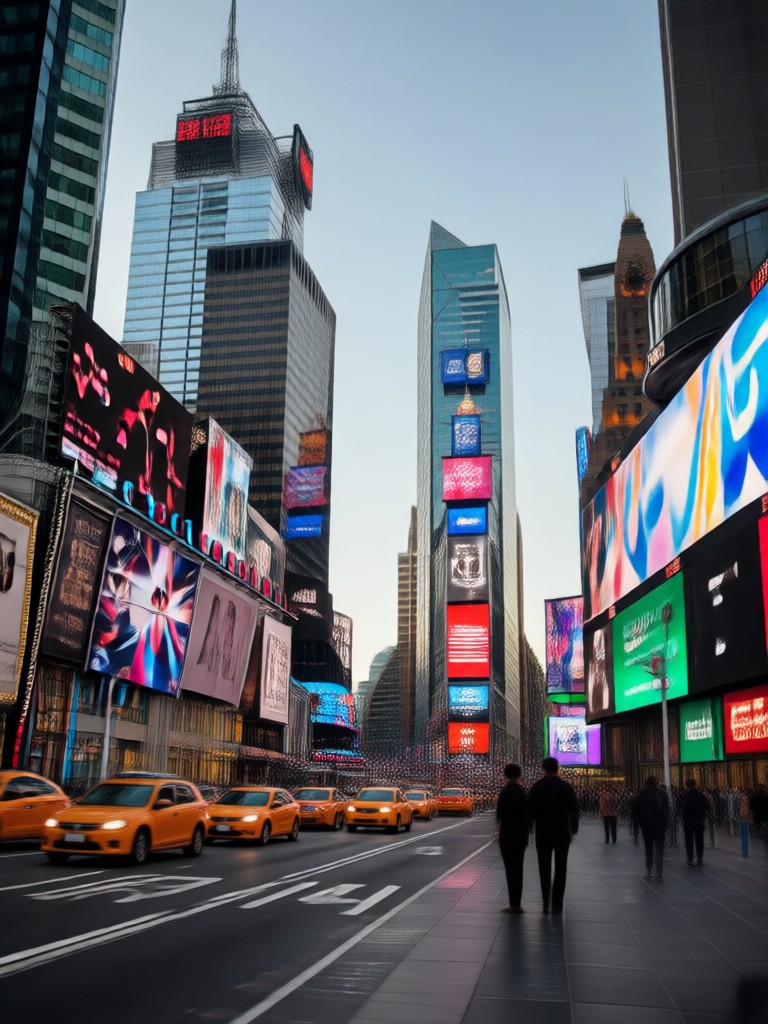
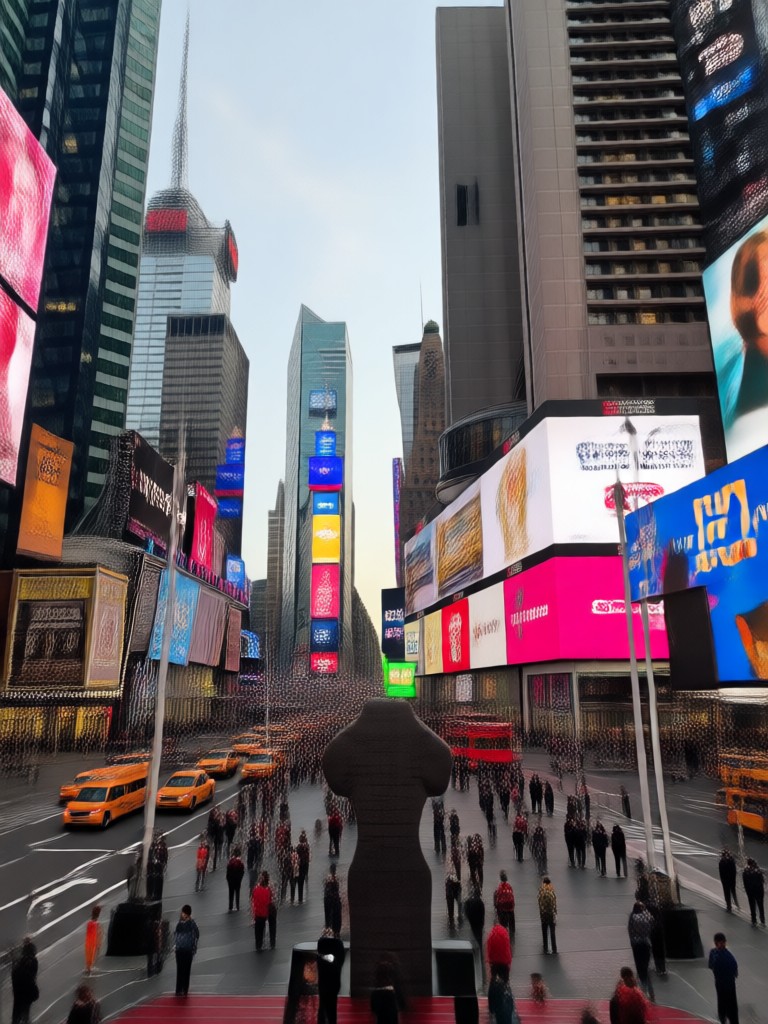
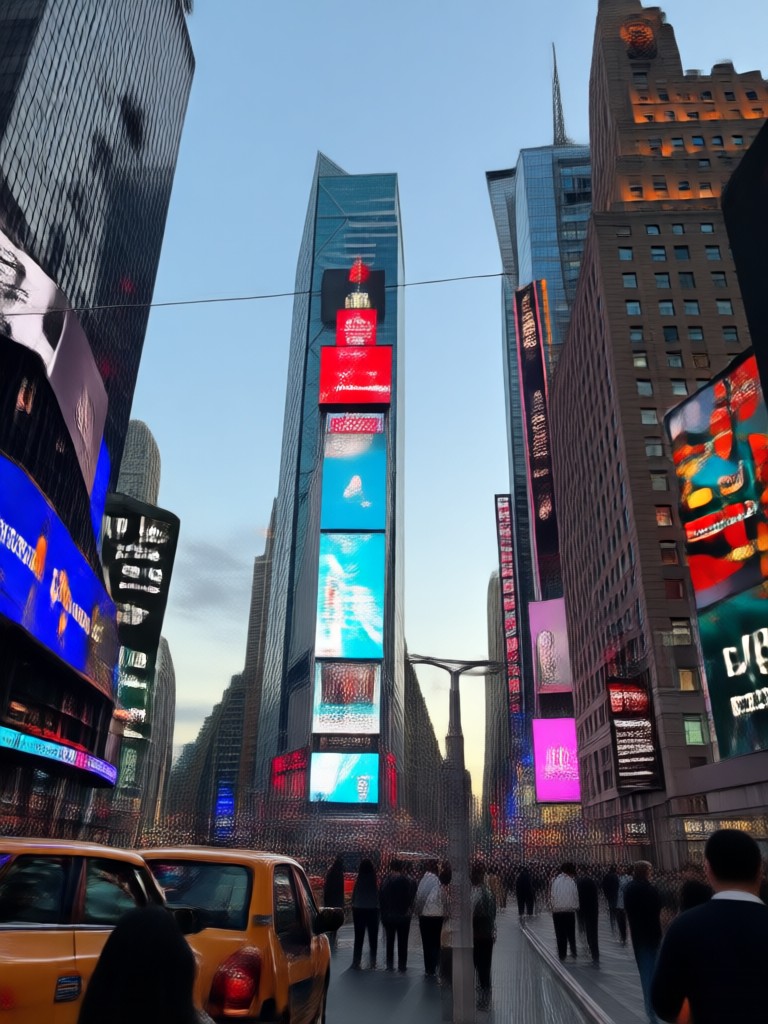
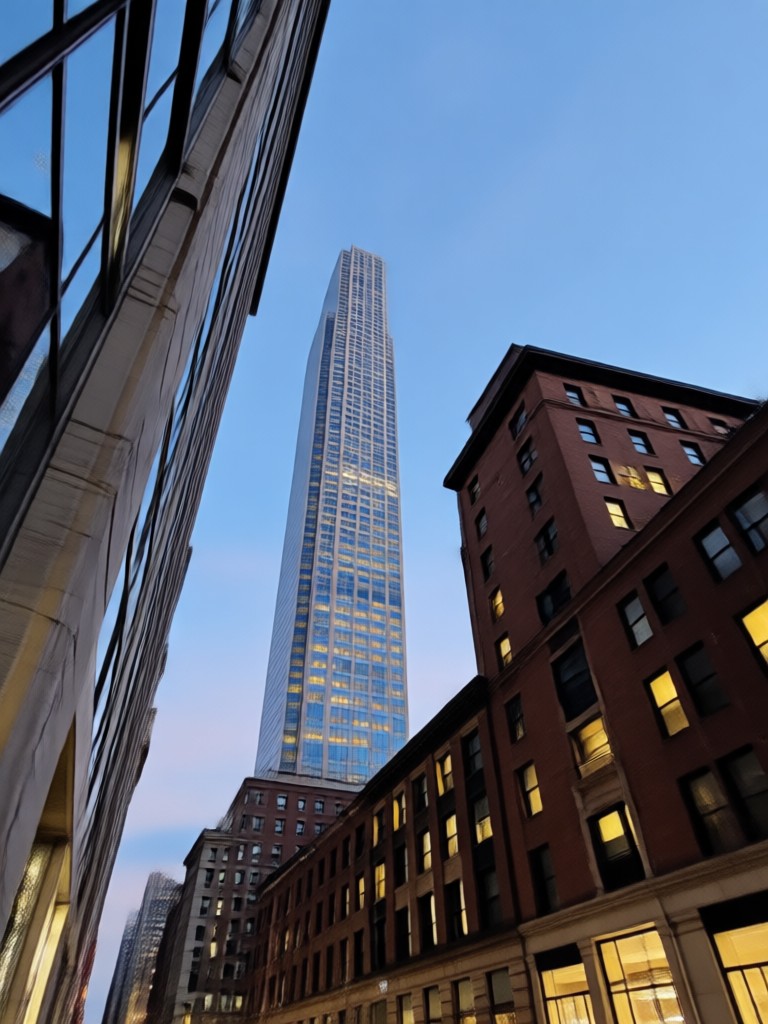
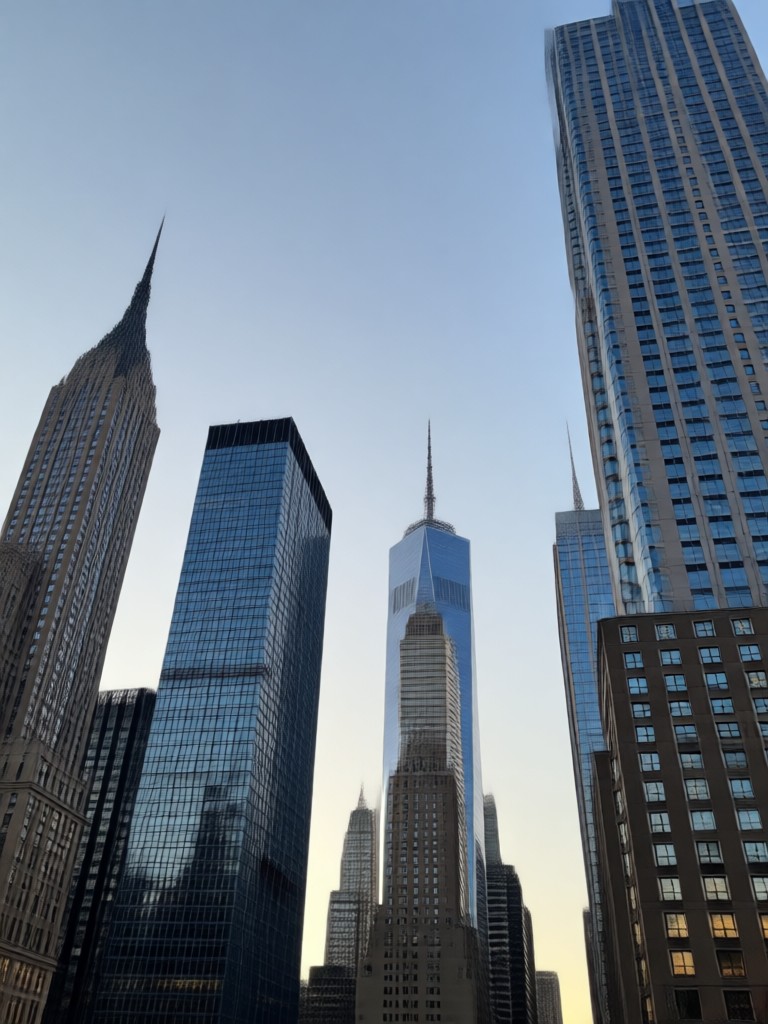
Browse examples of realistic New York themed AI photos made with usgen. From street portraits to rooftop skyline shots, these images show what you can generate in minutes.
How to Create a Gemini AI Photo In New York
Turn a simple selfie into a New York style photo in three easy steps using the usgen mobile app.

Step 01.
Download the usgen app from Google Play and open it on your phone.
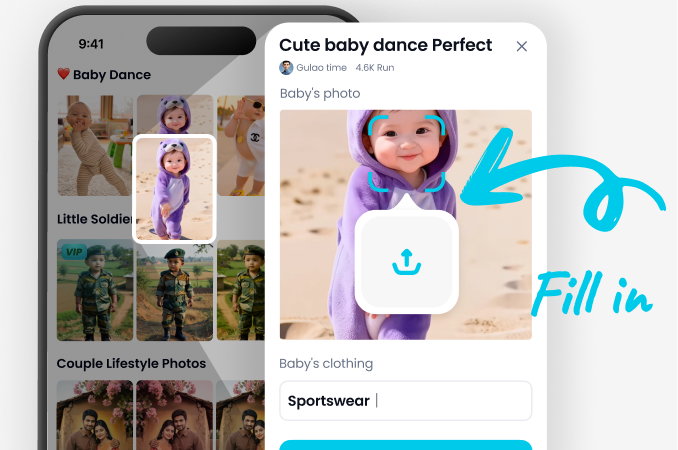
Step 02.
Upload your photo and choose a New York themed style filter from the library.
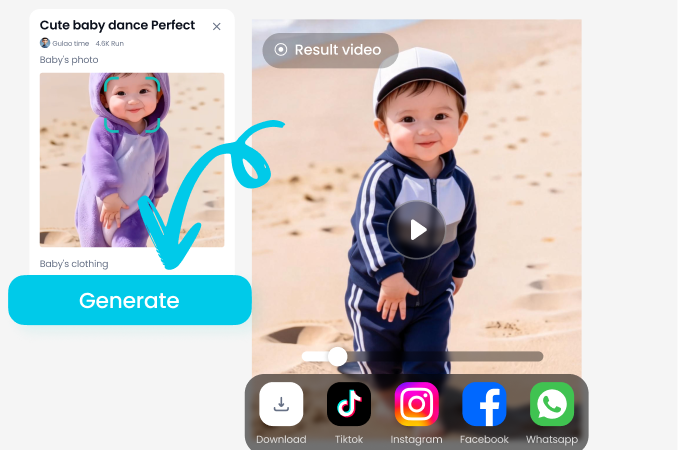
Step 03.
Generate your AI photo and save or share it directly to social media.
Why Choose usgen for New York AI Photos
usgen combines powerful AI image generation with an incredibly simple mobile workflow. You do not need to learn complex editing tools or write detailed prompts. Just pick a style, upload a photo, and let the AI handle the rest. The results look natural, polished, and ready to share.
Why Choose usgen for New York AI Photos
usgen combines powerful AI image generation with an incredibly simple mobile workflow. You do not need to learn complex editing tools or write detailed prompts. Just pick a style, upload a photo, and let the AI handle the rest. The results look natural, polished, and ready to share.
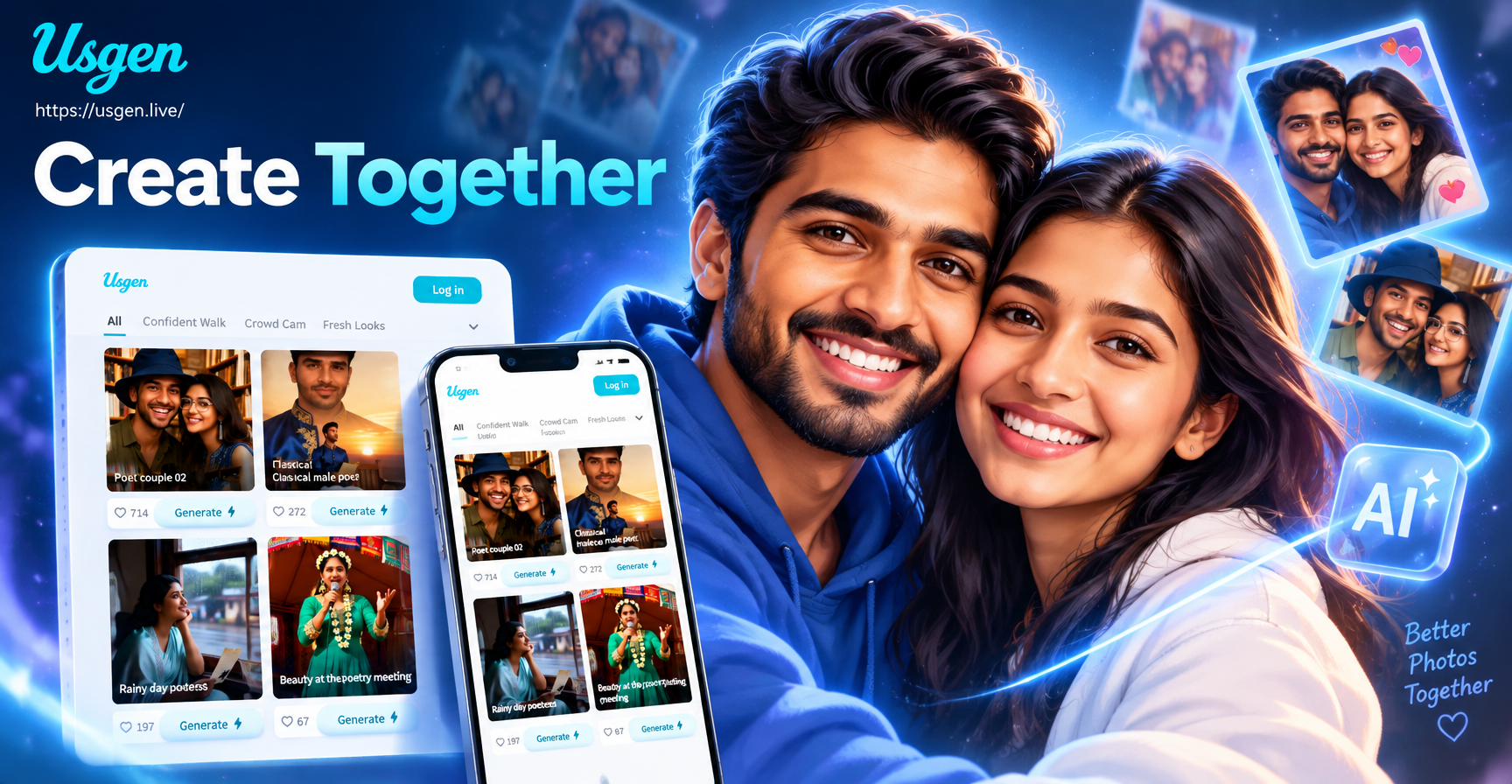
Create a Gemini AI Photo In New York on Your Phone
The usgen app puts realistic New York style photo transformations right in your pocket. Download for free and start generating impressive AI portraits today.

What Creators Say About the New York AI Photo Filter
My New York photos finally look professional
I used usgen to add skyline backgrounds to my travel selfies. The AI matched the lighting and my pose perfectly. It saved me hours of editing and my followers loved the results.
Perfect for street fashion content
The New York style filters are amazing for outfit posts. I can test different looks without leaving home and the photos still look like they were shot in SoHo.
Great for group shots too
I processed a group photo with six people and everyone stayed clear and natural. The New York backdrop looked real and nobody's face got blended. Very impressed.
Frequently Asked Questions
Find clear answers to common questions about creating Gemini AI photos in New York with usgen.
More Topics You May Like
Explore more AI photo styles and creative ideas to expand your content.

Gemini AI Still Life Photography: Create Gallery Art
Turn Ideas into Stunning AI Flat Illustration Art

Make a Gemini AI Fathers Day Card in Minutes

Make Stunning Drink Ads with Gemini AI Poster
Gemini AI Still Life Photography: Create Gallery Art
Turn Ideas into Stunning AI Flat Illustration Art
Make a Gemini AI Fathers Day Card in Minutes
Make Stunning Drink Ads with Gemini AI Poster
Ready to Create Your New York AI Photo?
Download the usgen app today and turn your photos into stunning New York style images in seconds. No design skills needed.

Ready to Create Your New York AI Photo?
Download the usgen app today and turn your photos into stunning New York style images in seconds. No design skills needed.