AI Flat Illustration
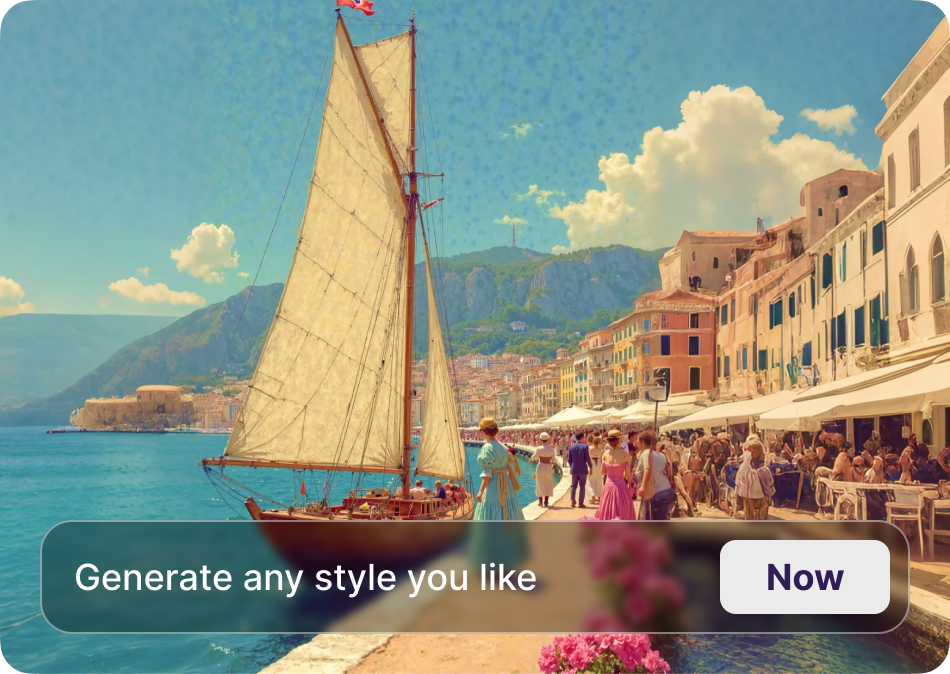
Choose Your Flat Illustration Style
Discover filters for minimal, geometric, cute, and abstract flat illustrations. Pick a style and start creating instantly.
Why AI Flat Illustration Works for Everyone
Turn photos, sketches, or text prompts into polished flat illustrations in a few taps. No design experience or complex software required.

Text to Flat Illustration
Describe any scene or object and let AI render a clean flat vector image. Perfect for social posts, presentations, and branding.
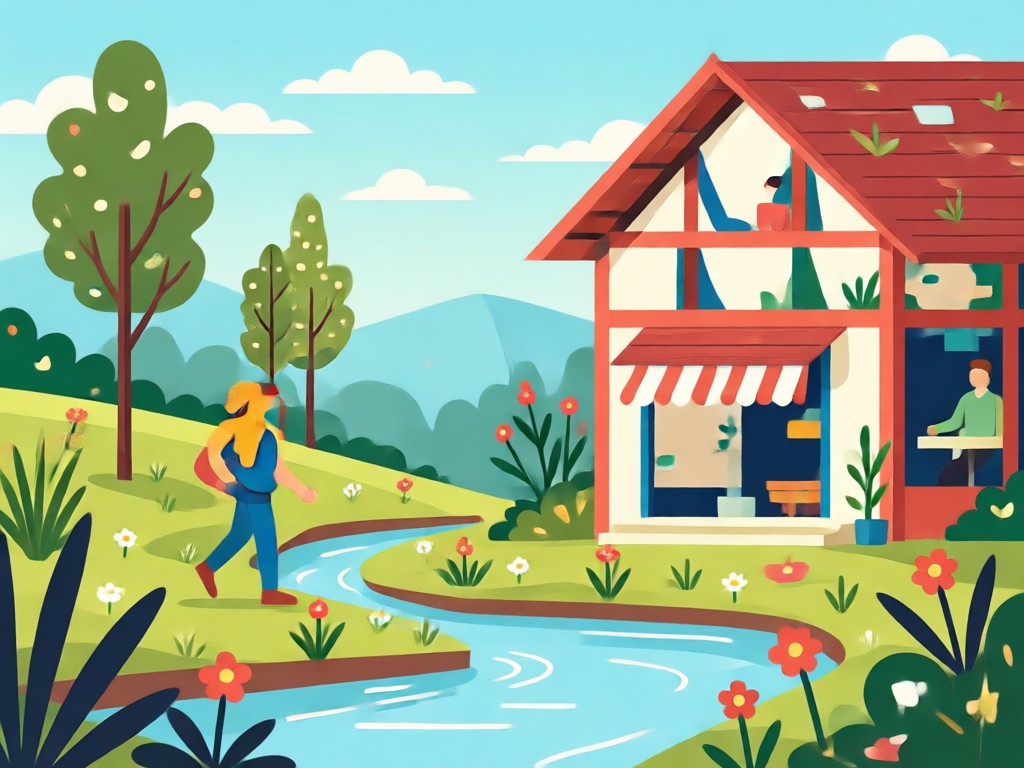
Photo to Flat Illustration
Upload a portrait or product photo and transform it into a minimal flat illustration while keeping the subject recognizable.
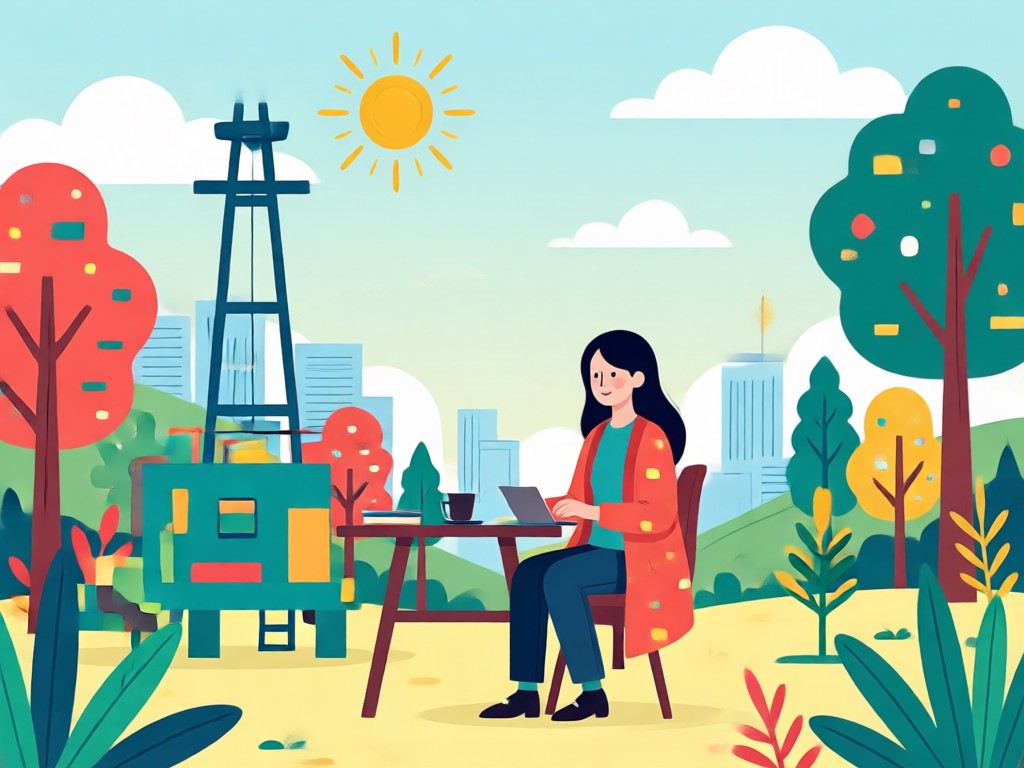
Custom Style Control
Choose from thousands of flat illustration filters. Adjust colors, geometry, and line weight to match your project mood.
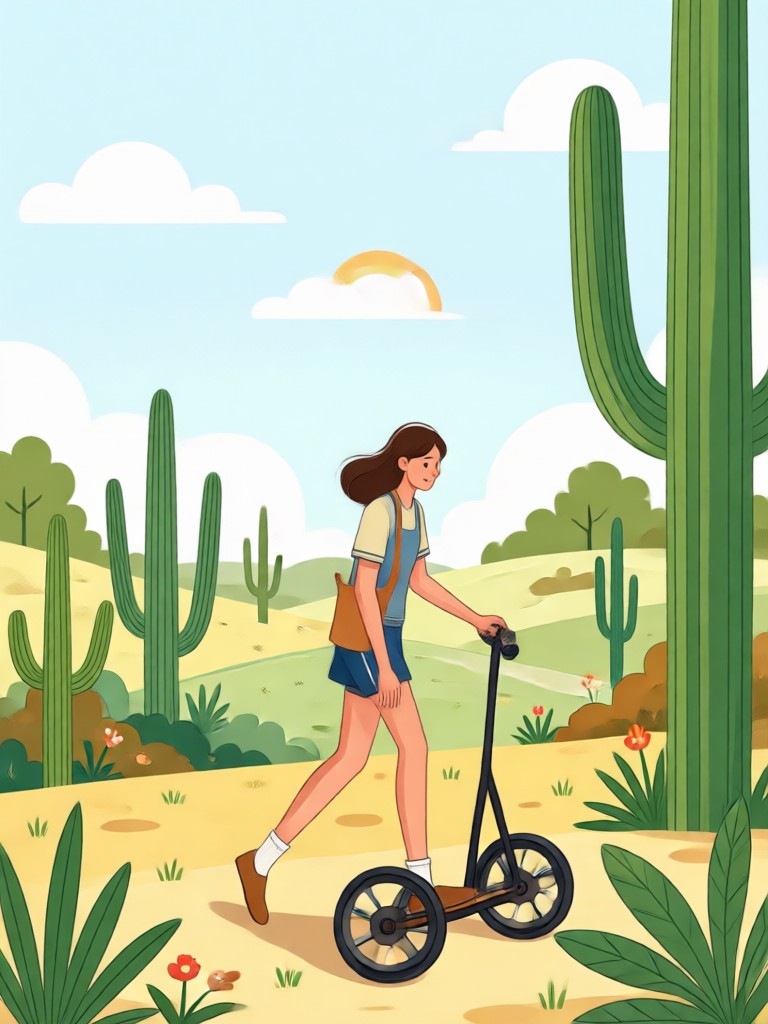
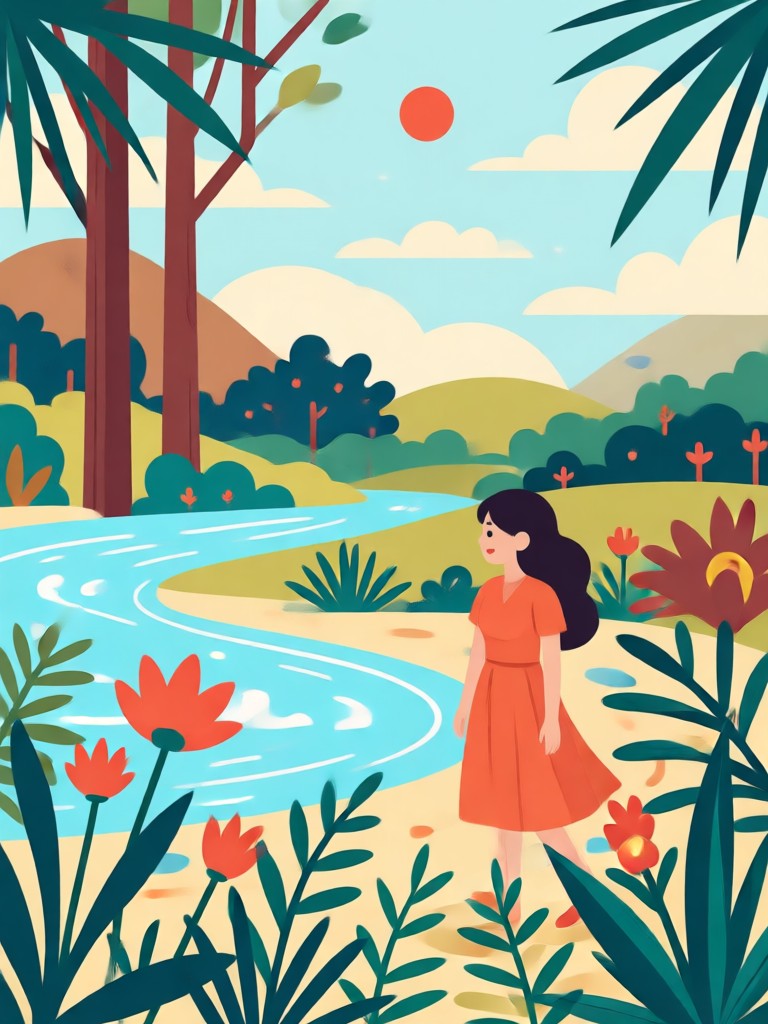
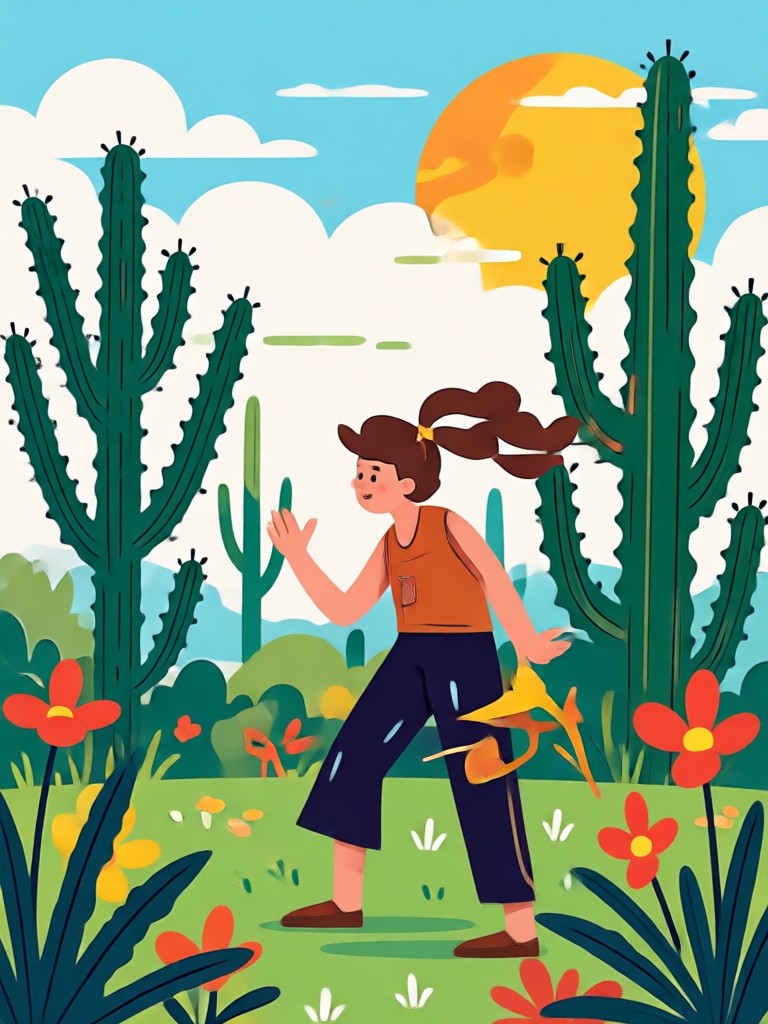
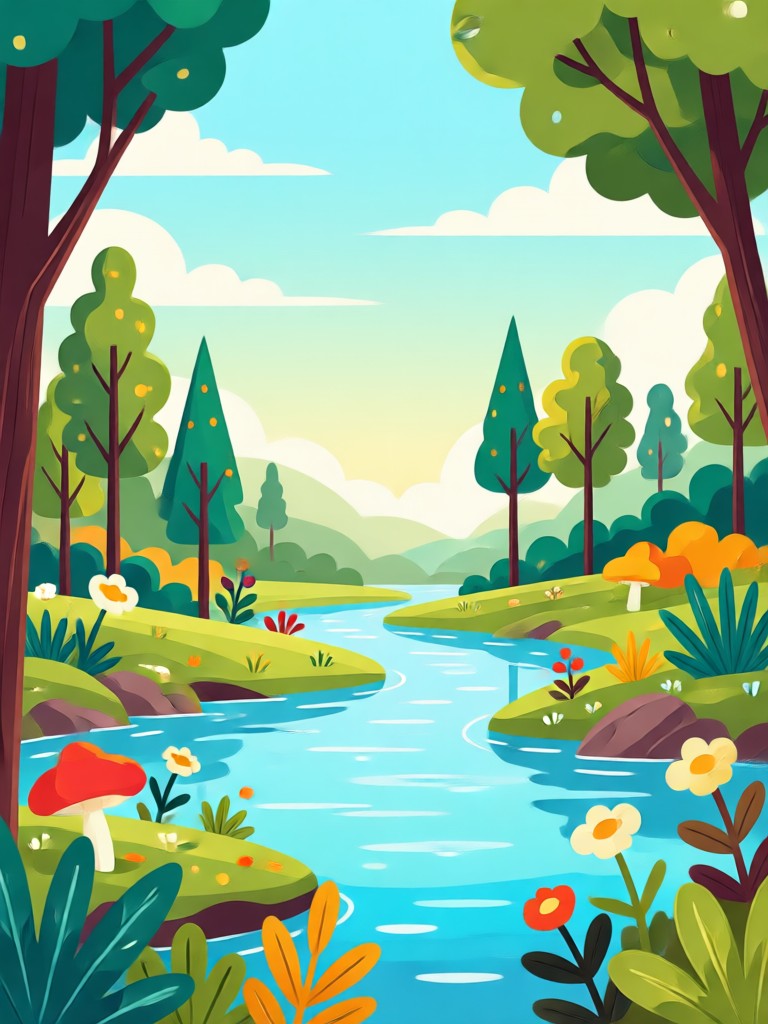
Popular AI Flat Illustration Styles
Browse popular flat illustration filters and pick the one that fits your next project. Generate, download, and share in minutes.
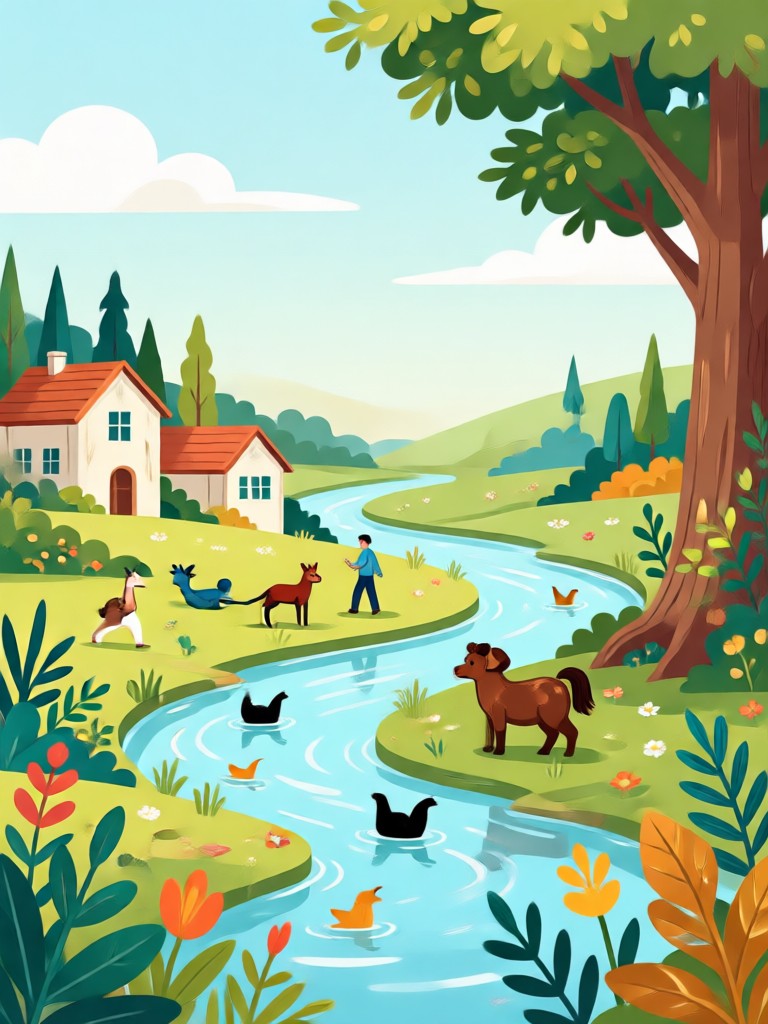
How to Create AI Flat Illustrations
Follow three simple steps to turn any idea into a clean flat illustration using the usgen app.
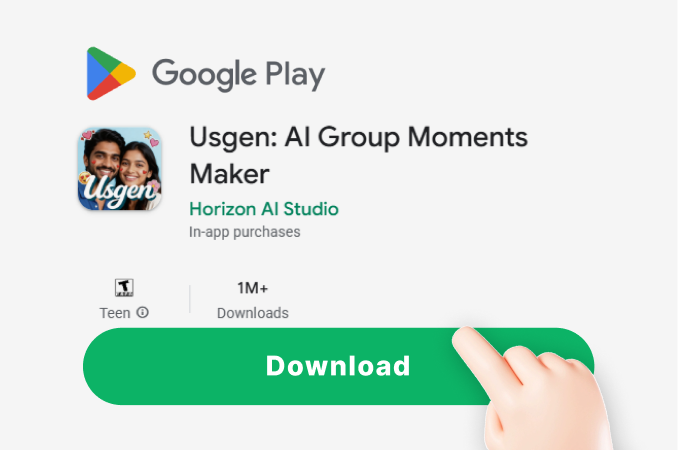
Step 01.
Download the usgen app from Google Play and open it on your phone.
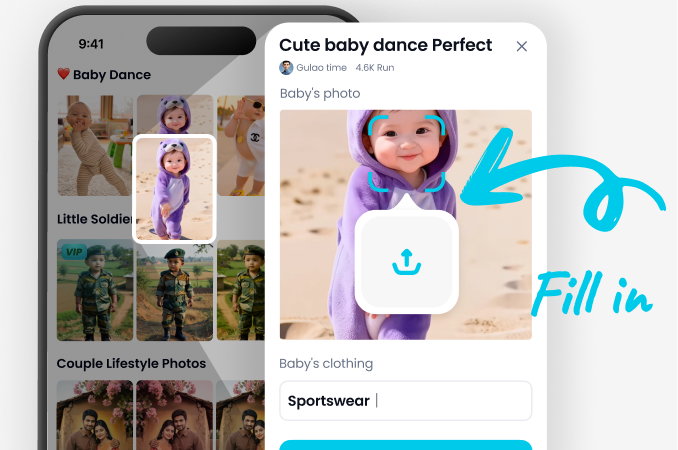
Step 02.
Pick an AI flat illustration filter from the style library or type a text prompt.
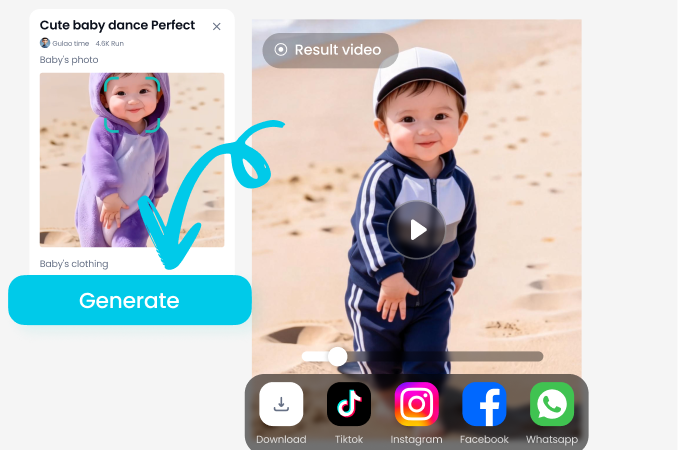
Step 03.
Generate your image, adjust if needed, then save and share your flat illustration.
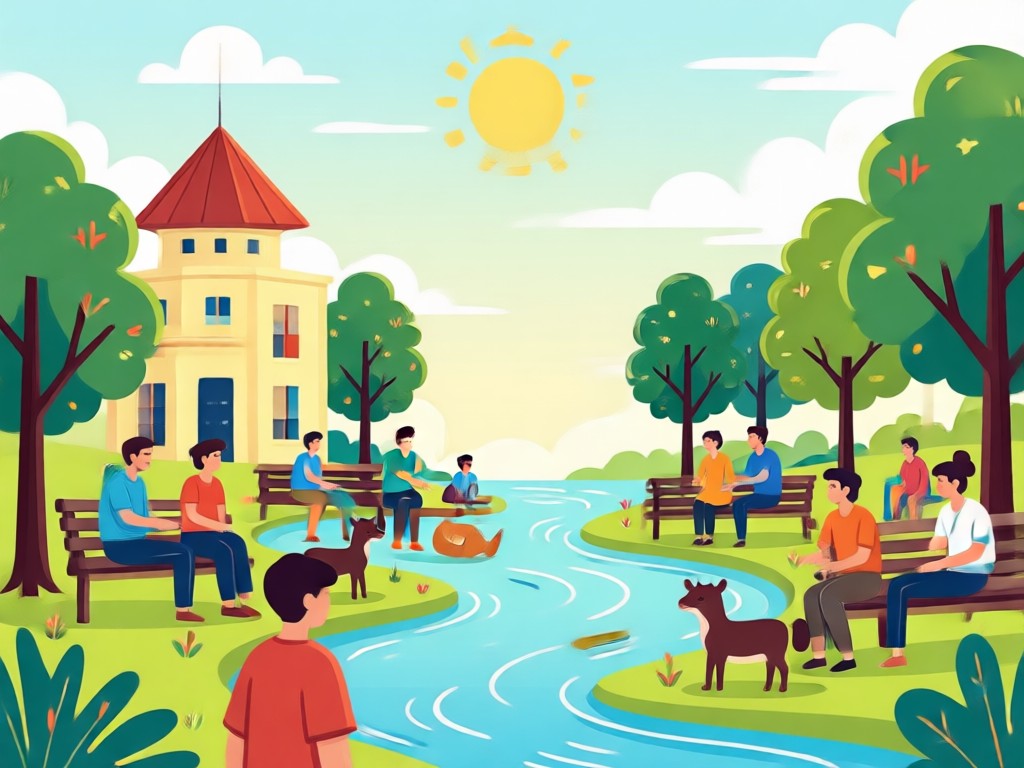
Why Use usgen for AI Flat Illustration
Get studio quality flat illustrations without hiring a designer. The app combines powerful AI with a simple interface so you can focus on your ideas.
Why Use usgen for AI Flat Illustration
Get studio quality flat illustrations without hiring a designer. The app combines powerful AI with a simple interface so you can focus on your ideas.
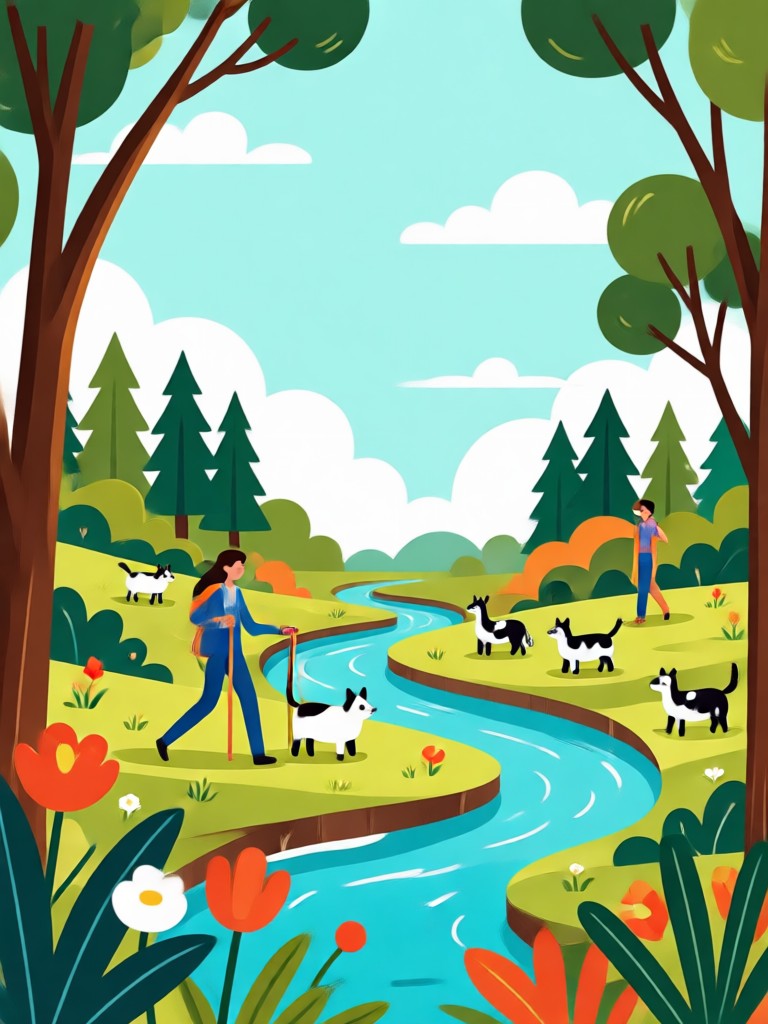
AI Flat Illustration App for Android
Create clean, modern flat illustrations on your phone. Download the app and access thousands of style filters instantly.

Frequently Asked Questions
Find clear answers to common questions about AI flat illustration creation and get the guidance you need to start generating faster.
More Topics You May Like
Explore more AI art styles and tutorials to spark your next creative project.

Make a Gemini AI Fathers Day Card in Minutes
Create a Gemini AI Fathers Day Card in seconds. Upload a photo, choose a vintage, cartoon, or watercolor style, and generate a personalized card. No design skills needed. Download the app to start.

Make Stunning Drink Ads with Gemini AI Poster
Create professional drink advertising posters in seconds. Upload a product photo, choose a style, and let AI generate stunning promotional visuals for social media and print.

Gemini AI Bauhaus Poster: Design Made Simple
Create stunning Gemini AI Bauhaus posters instantly. Transform your ideas into bold geometric art with our mobile app. No design skills needed. Download now and start generating unique posters in seconds.
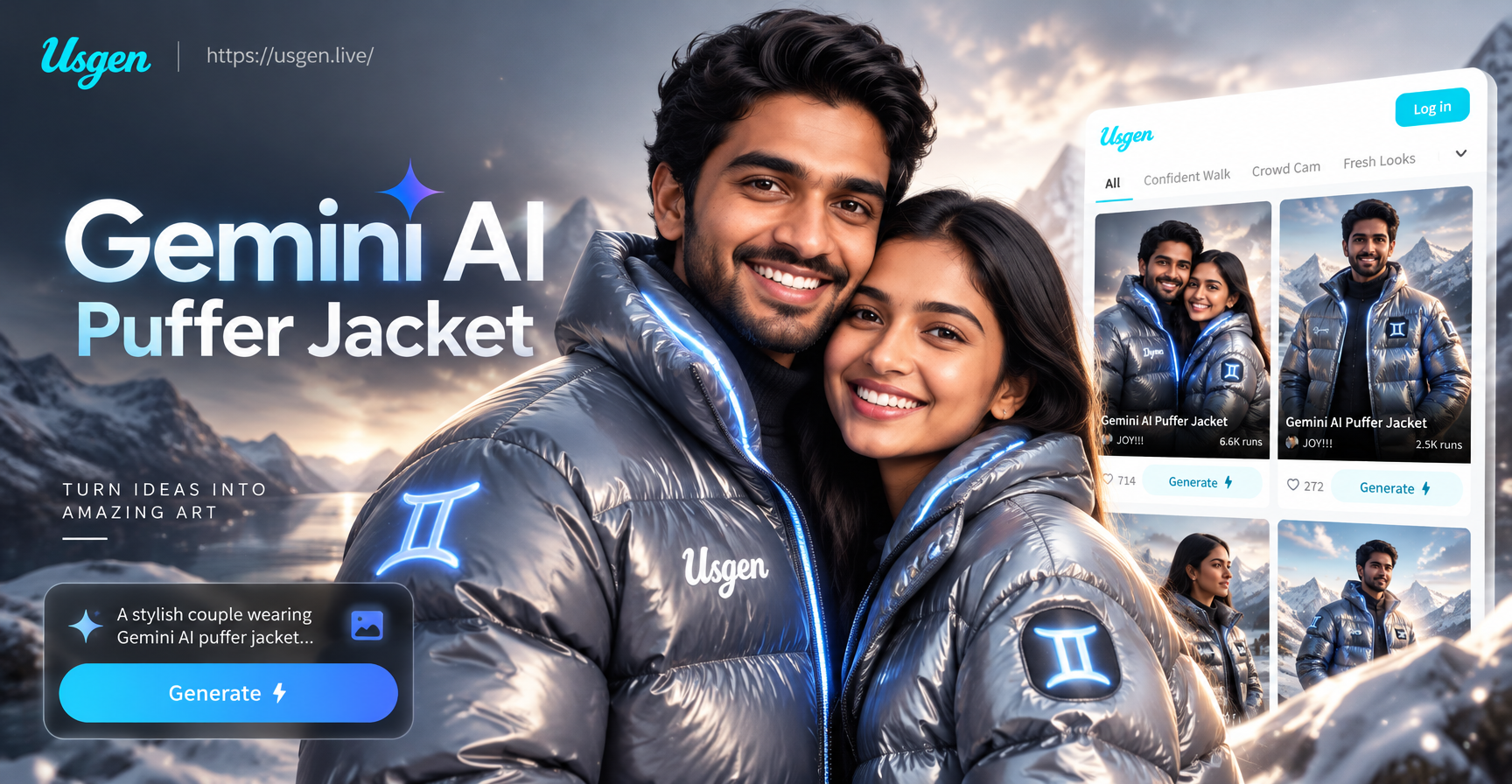
Try On Gemini Puffer Jackets Instantly
See yourself in any puffer jacket style with AI. Upload a photo, pick a color or material, and generate realistic outfit changes in seconds. No design skills needed.
Create AI Flat Illustrations in Seconds
Download usgen from Google Play and start turning your ideas into clean flat illustration art today.

Create AI Flat Illustrations in Seconds
Download usgen from Google Play and start turning your ideas into clean flat illustration art today.