Gemini AI Puffer Jacket
More AI Outfit Filters to Explore
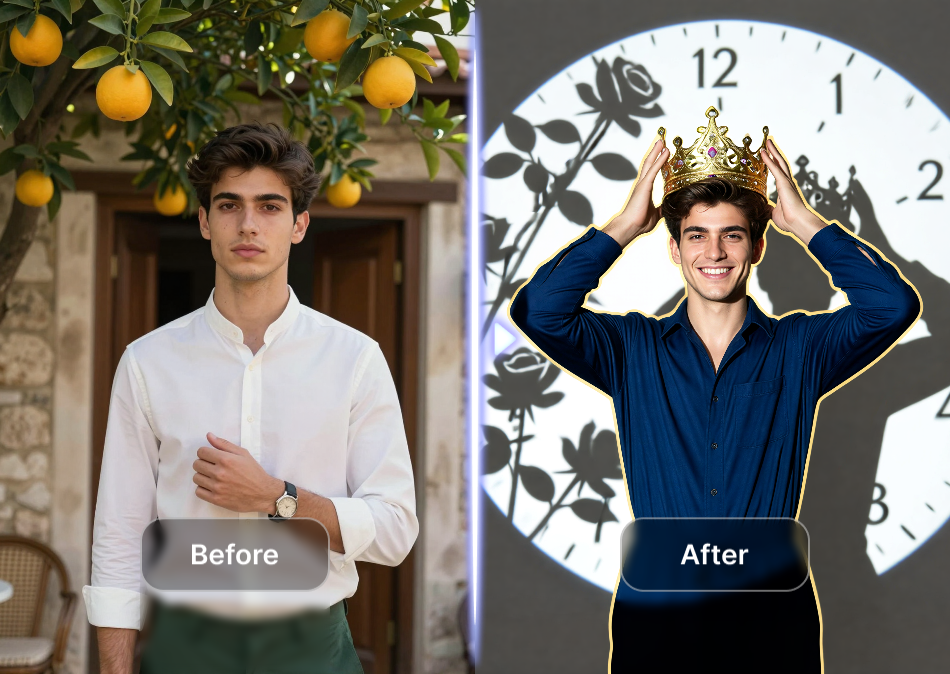
After trying the Gemini Puffer Jacket, mix up your wardrobe with other viral style filters. Generate streetwear, formal looks, or seasonal outfits with the same photo-based workflow.
Why Fashion Creators Use AI for Puffer Jacket Try Ons
Skip the changing room and generate dozens of outfit combinations in minutes. The puffer jacket filter works for personal styling, content creation, and e-commerce mockups.
Realistic Fabric, Perfect Fit, Instant Results
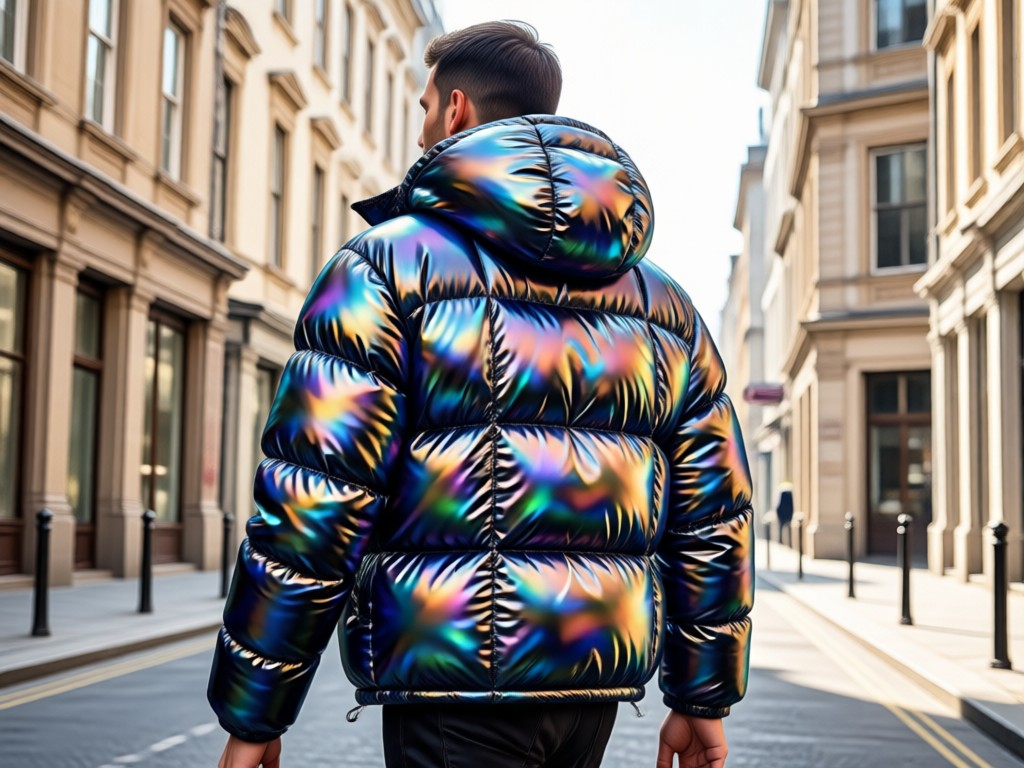
The AI does more than paste a jacket onto your photo. It understands body contours, lighting, and shadows. The result is a puffer jacket that looks naturally worn. You can test glossy nylon, matte cotton, puffy down fills, or cropped fits without buying anything. For content creators, this means unlimited outfit posts without a single purchase. For everyday users, it means knowing exactly how a style looks on you before you commit. The app handles the hard parts of image generation so you can focus on picking your look.
Realistic Fabric, Perfect Fit, Instant Results
The AI does more than paste a jacket onto your photo. It understands body contours, lighting, and shadows. The result is a puffer jacket that looks naturally worn. You can test glossy nylon, matte cotton, puffy down fills, or cropped fits without buying anything. For content creators, this means unlimited outfit posts without a single purchase. For everyday users, it means knowing exactly how a style looks on you before you commit. The app handles the hard parts of image generation so you can focus on picking your look.
How to Generate a Gemini AI Puffer Jacket Look
Create your AI puffer jacket outfit in three simple steps. No prompts, no editing skills, just a photo and a few taps.

Step 01.
Download the usgen app from Google Play. Open the app and tap the AI Image or Outfit Try On tool.
Step 02.
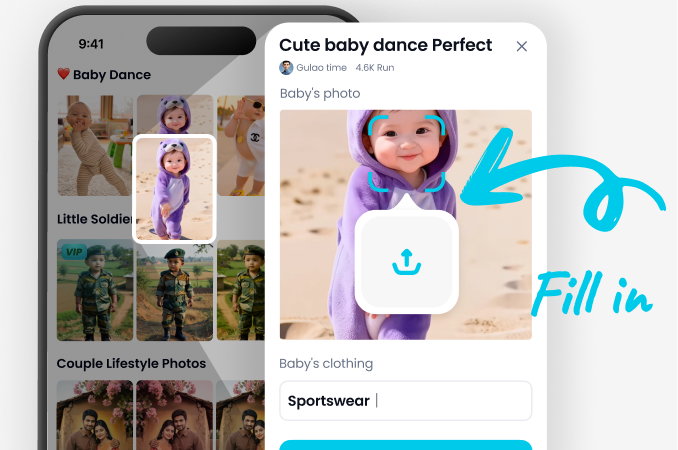
Upload a clear full body or half body photo. Then choose the Gemini AI Puffer Jacket filter or search for puffer jacket in the style library.
Step 03.
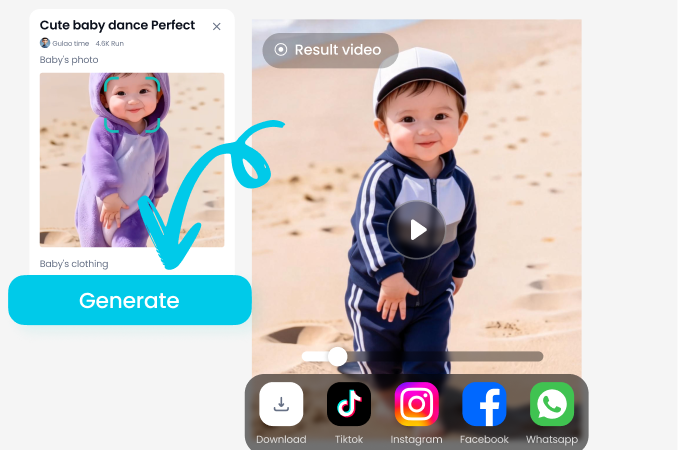
Customize the color or material if you want. Tap Generate to create your image, then save the HD result to your phone and share it.
Key Features of the AI Puffer Jacket Generator
Go beyond a basic color swap. The puffer jacket tool gives you control over materials, composition, and photography style so every output feels like a real photo.
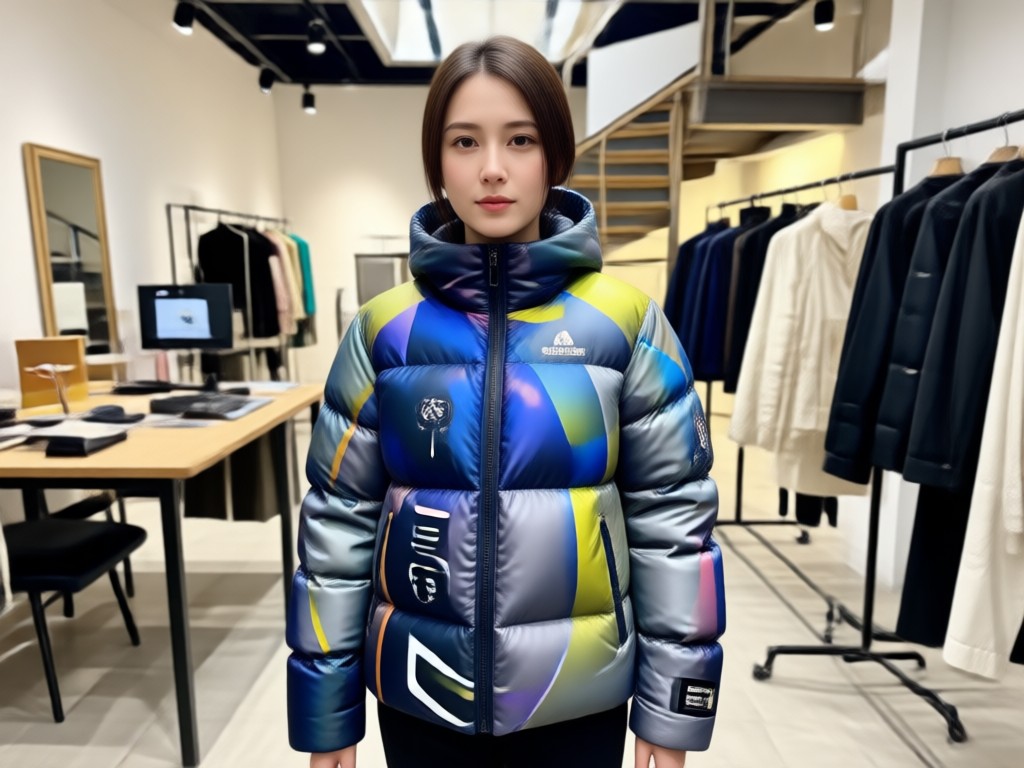
Material and Color Customization
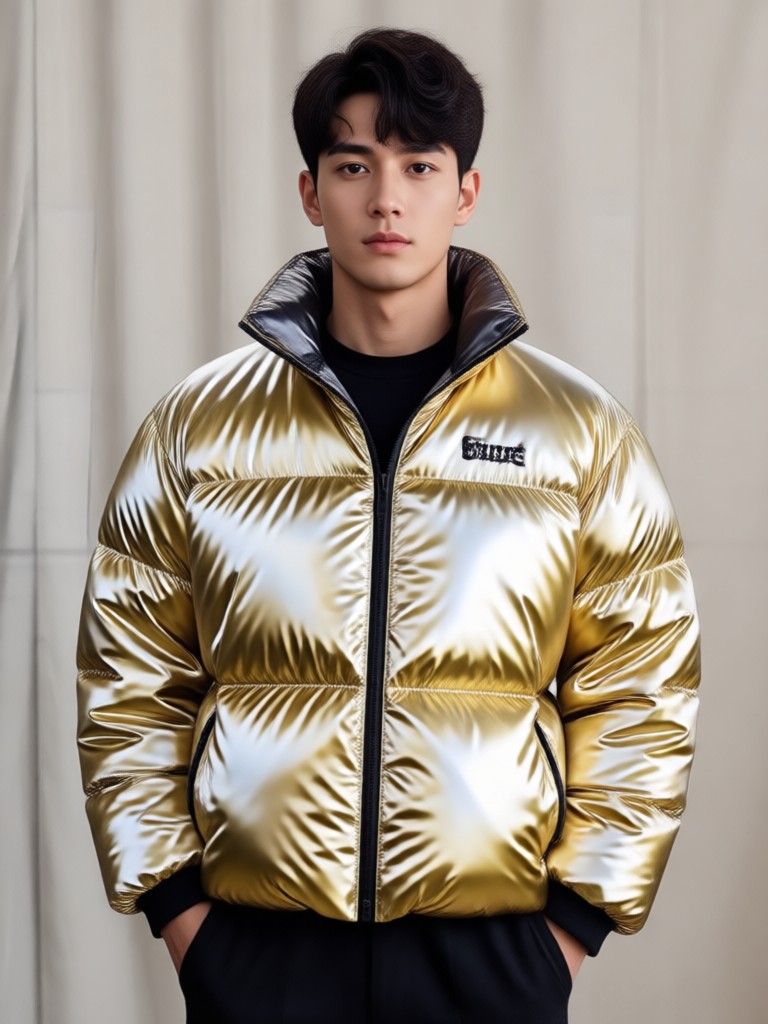
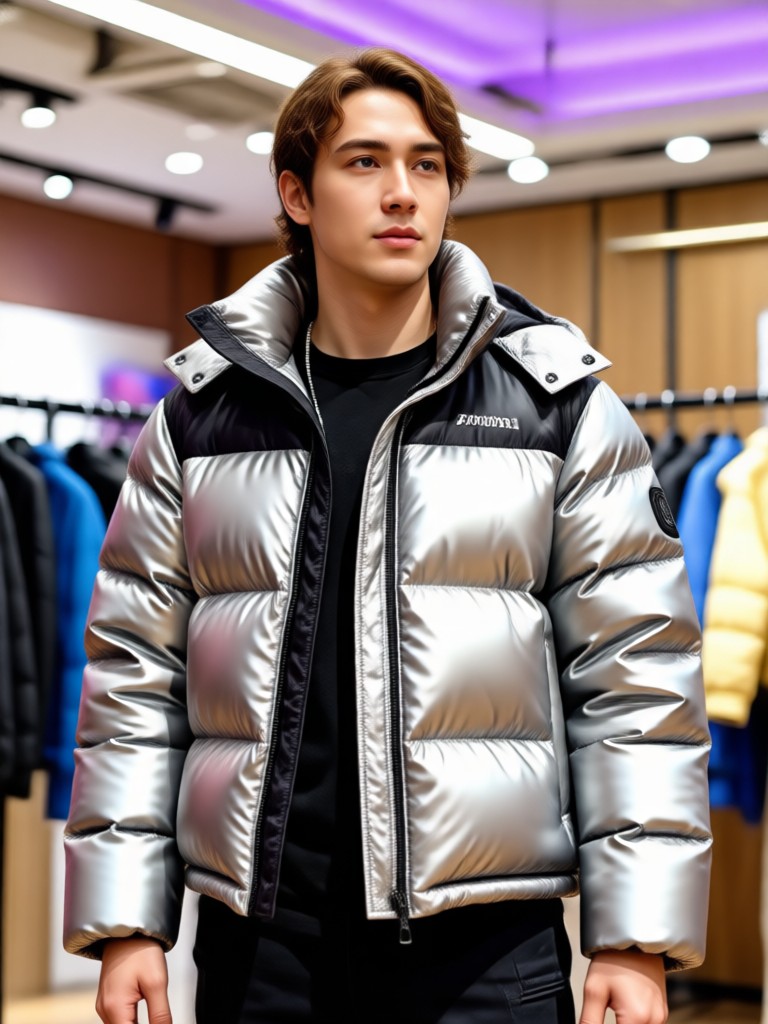
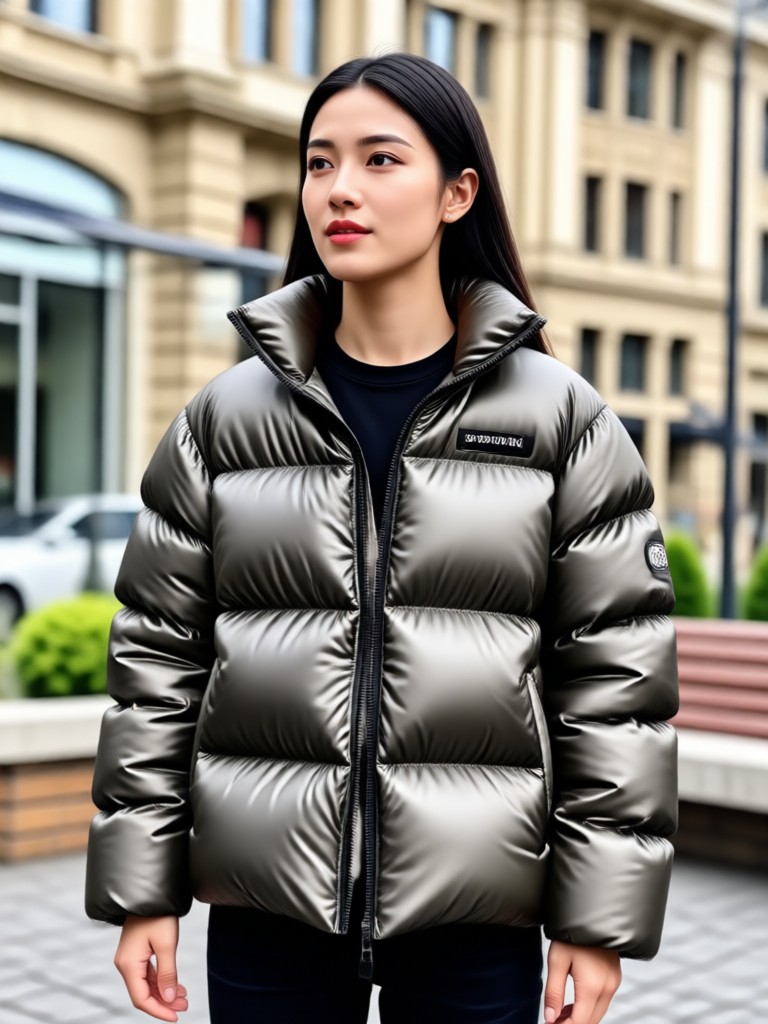
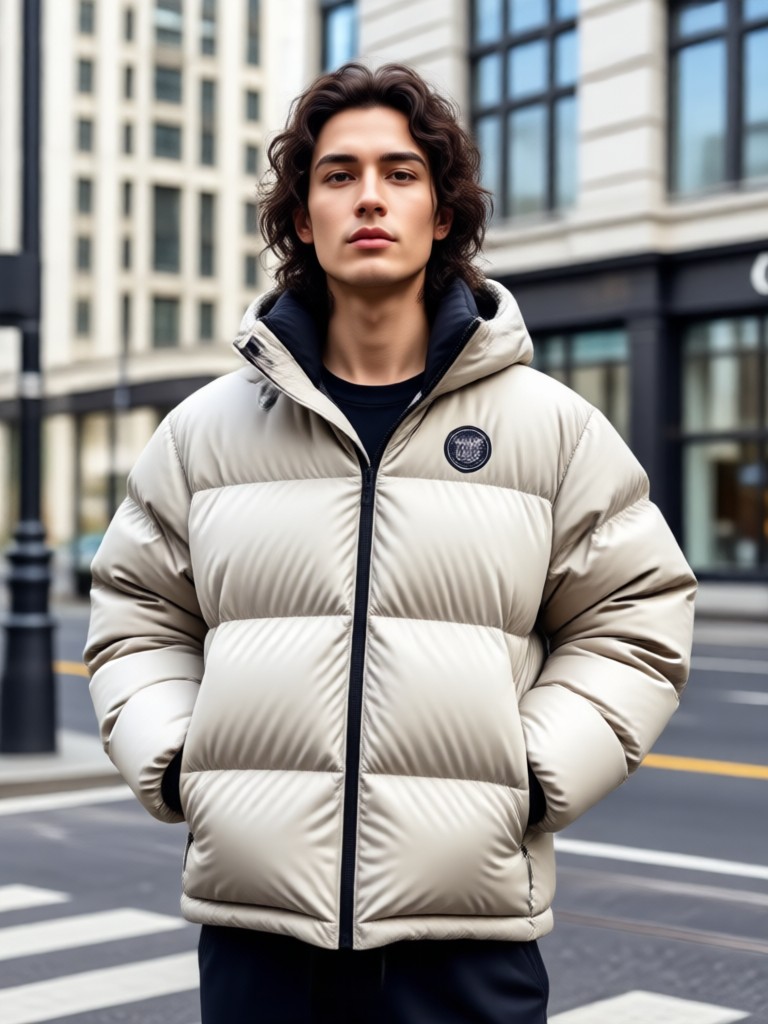
Choose from glossy metallic, matte nylon, quilted cotton, or high shine satin. The AI renders each fabric differently based on how light hits it. You are not limited to a single preset. Adjust the color palette to match your personal style or a specific brand aesthetic. See how a silver puffer looks against a night city background or how a pastel puffer fits a daytime street style shoot. The details make the result feel genuine.
Material and Color Customization
Choose from glossy metallic, matte nylon, quilted cotton, or high shine satin. The AI renders each fabric differently based on how light hits it. You are not limited to a single preset. Adjust the color palette to match your personal style or a specific brand aesthetic. See how a silver puffer looks against a night city background or how a pastel puffer fits a daytime street style shoot. The details make the result feel genuine.
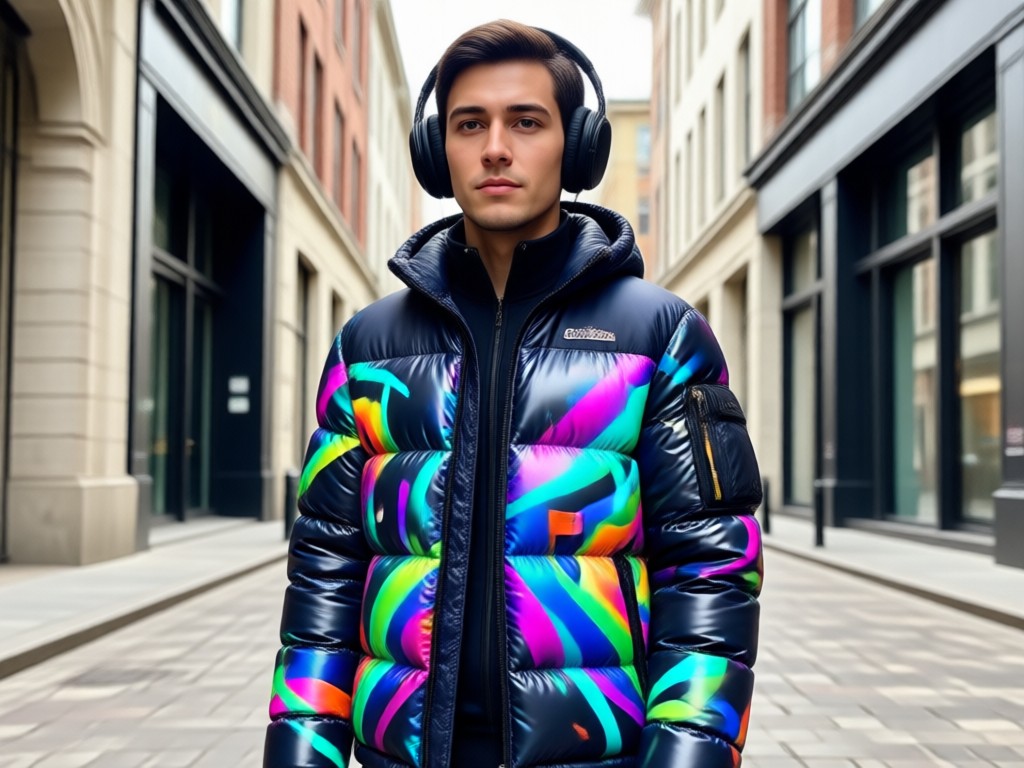
Natural Pose and Lighting Preservation
A common problem with AI outfit apps is that the body looks distorted or the lighting does not match. Our model prioritizes keeping your original stance, hand placement, and facial expression intact. The jacket is mapped onto your body shape, so it drapes naturally on shoulders and arms. Whether you upload a photo taken indoors or outside, the AI analyzes the light source and blends the new outfit with realistic shadows and highlights.
Natural Pose and Lighting Preservation
A common problem with AI outfit apps is that the body looks distorted or the lighting does not match. Our model prioritizes keeping your original stance, hand placement, and facial expression intact. The jacket is mapped onto your body shape, so it drapes naturally on shoulders and arms. Whether you upload a photo taken indoors or outside, the AI analyzes the light source and blends the new outfit with realistic shadows and highlights.
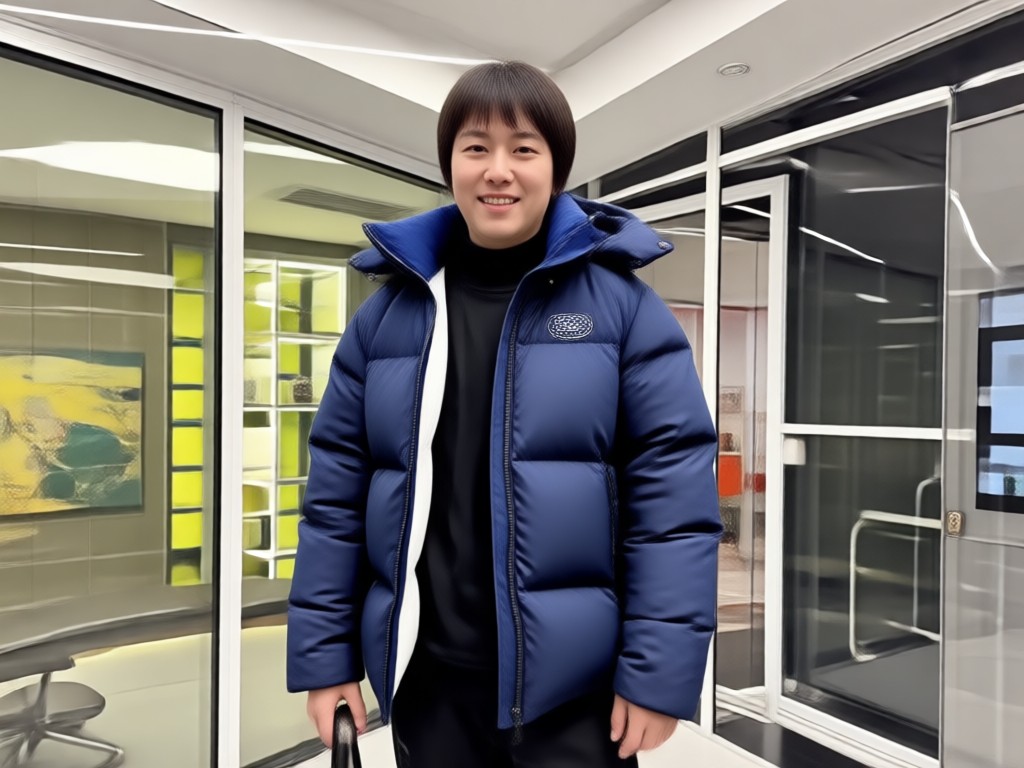
One Tap Social Media Export
Generate the image and save it in high resolution for Instagram, TikTok, or YouTube thumbnails. The app keeps the workflow mobile first, so you can create on the go. No need to transfer files to a desktop editor. Just download, share, and repeat. You can also use the same workflow to create images with friends by using the multi person photo processing feature for group outfit shots.
One Tap Social Media Export
Generate the image and save it in high resolution for Instagram, TikTok, or YouTube thumbnails. The app keeps the workflow mobile first, so you can create on the go. No need to transfer files to a desktop editor. Just download, share, and repeat. You can also use the same workflow to create images with friends by using the multi person photo processing feature for group outfit shots.
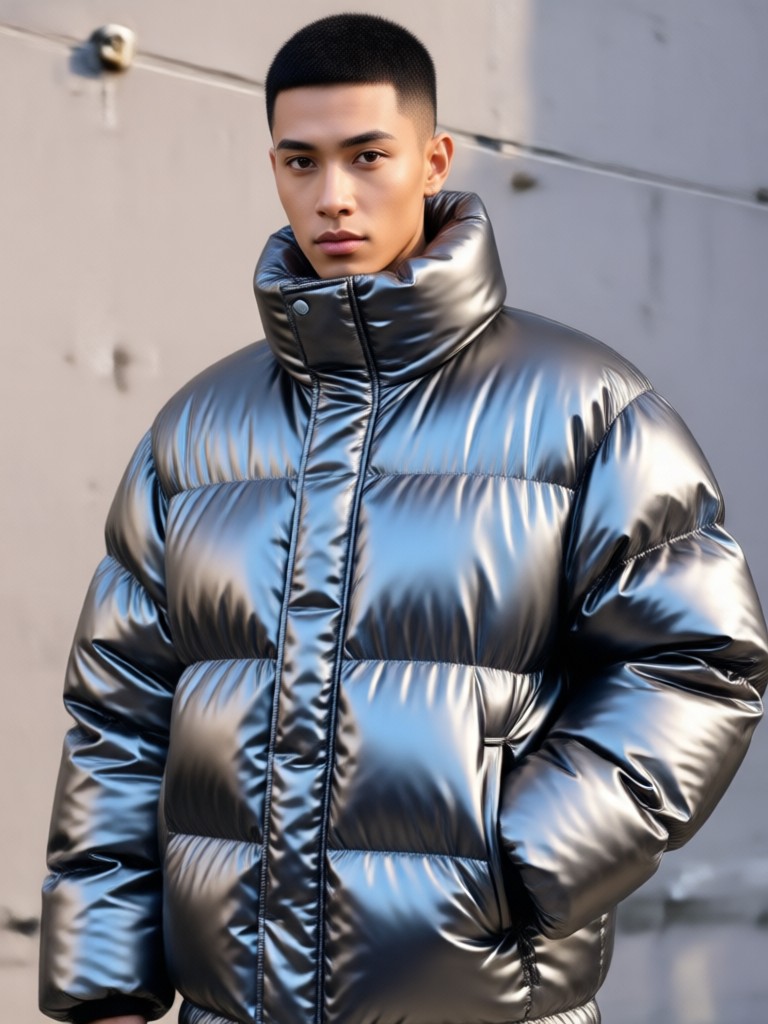
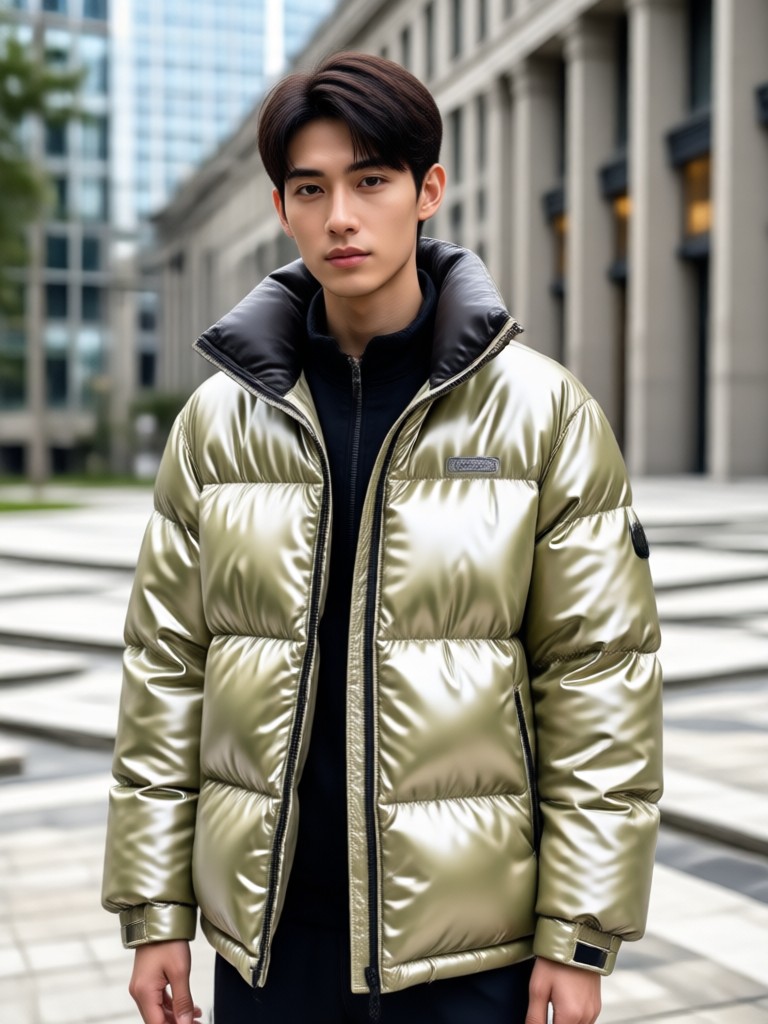
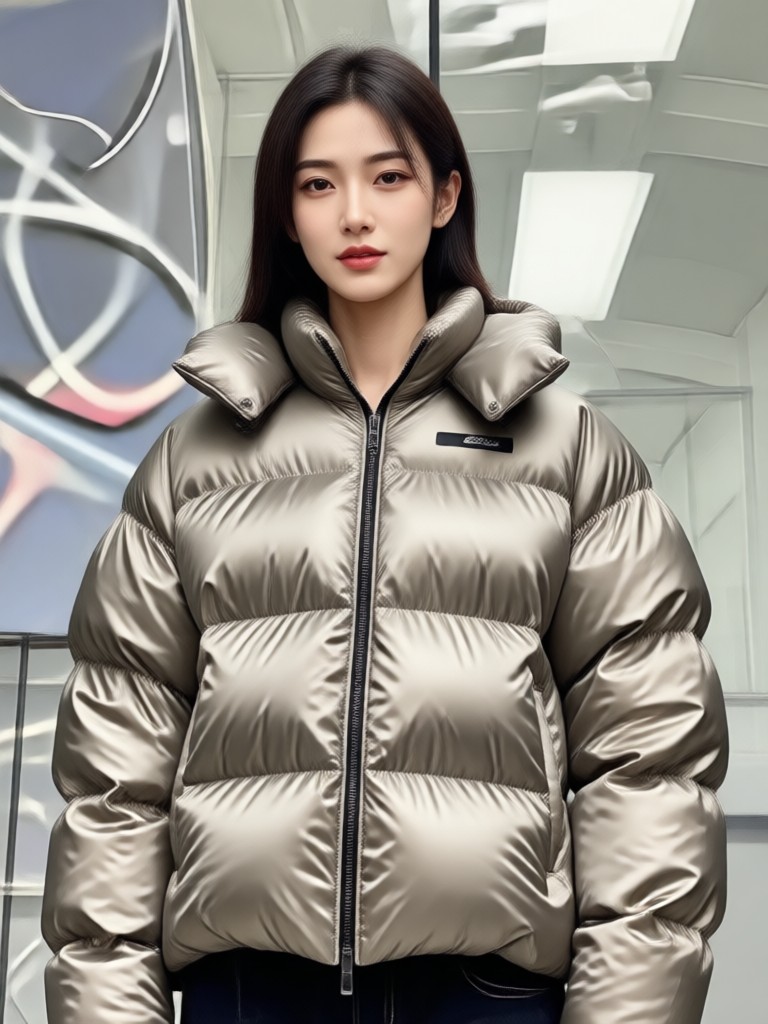
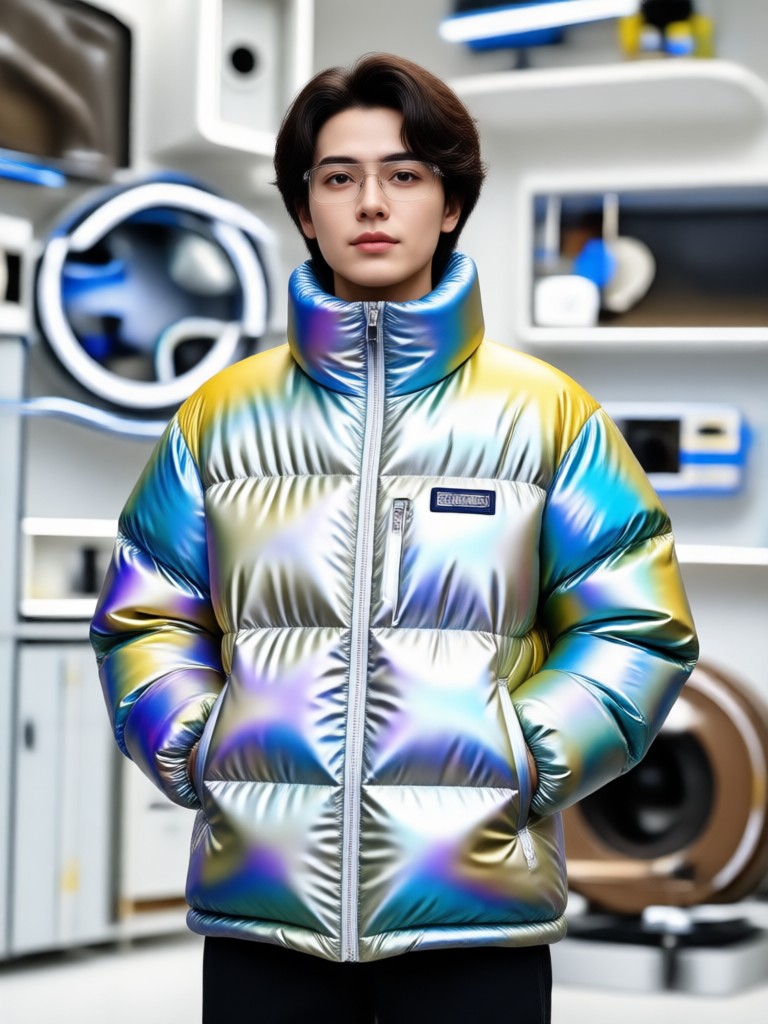
Gemini AI Puffer Jacket Inspiration Gallery
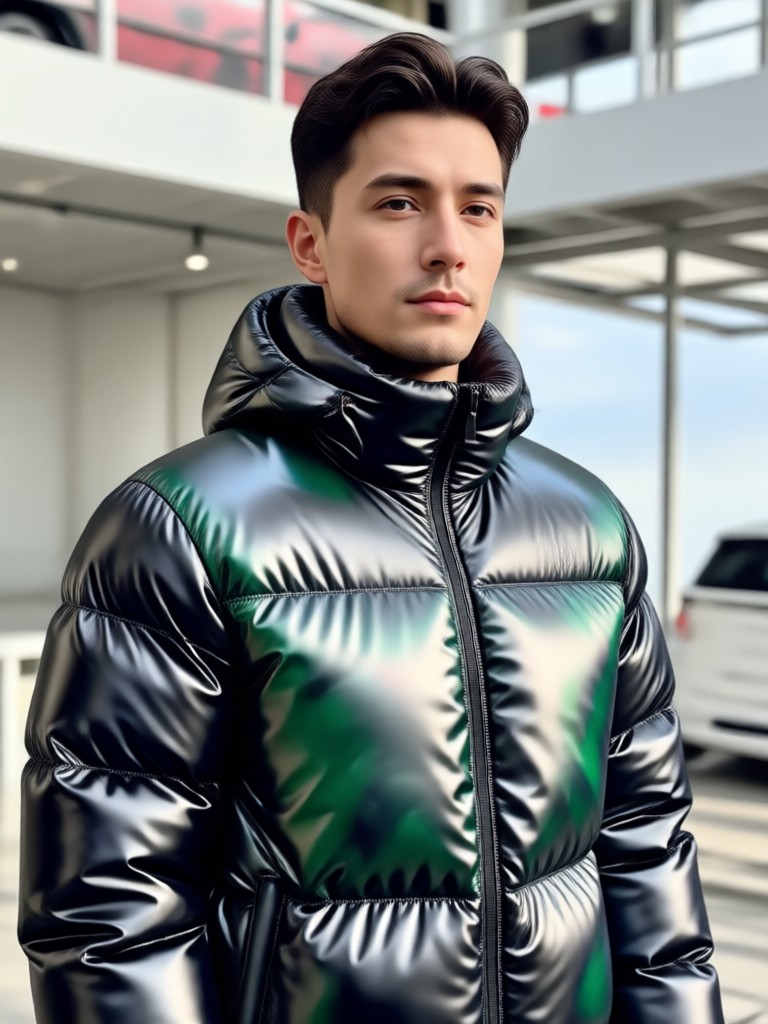
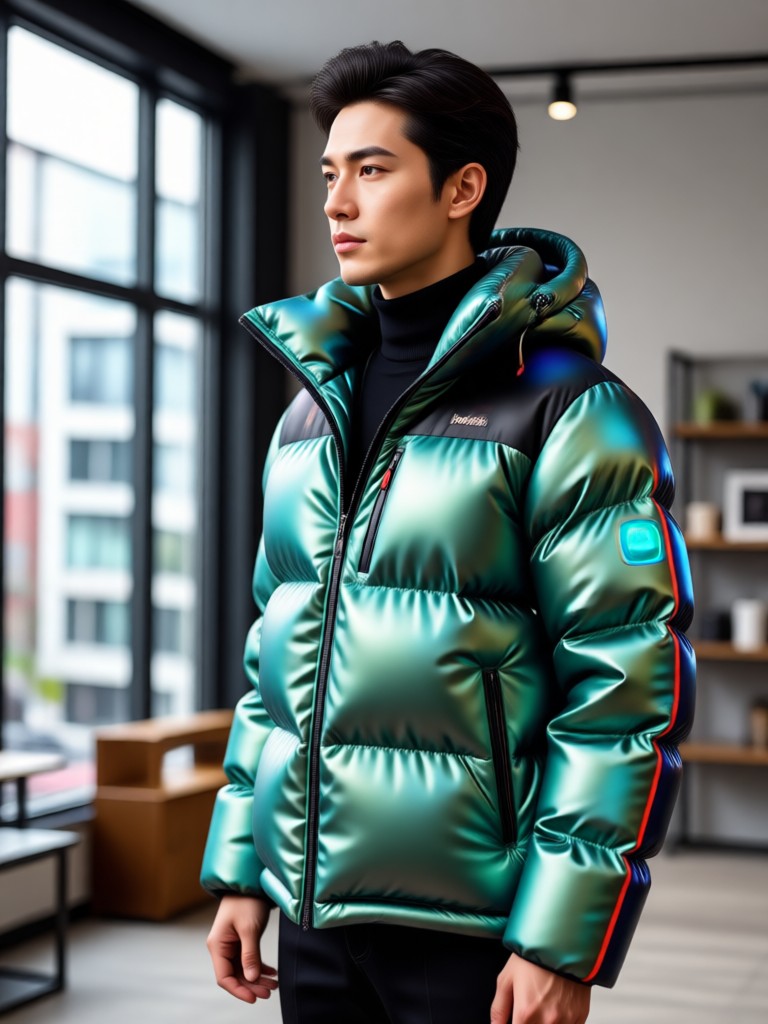
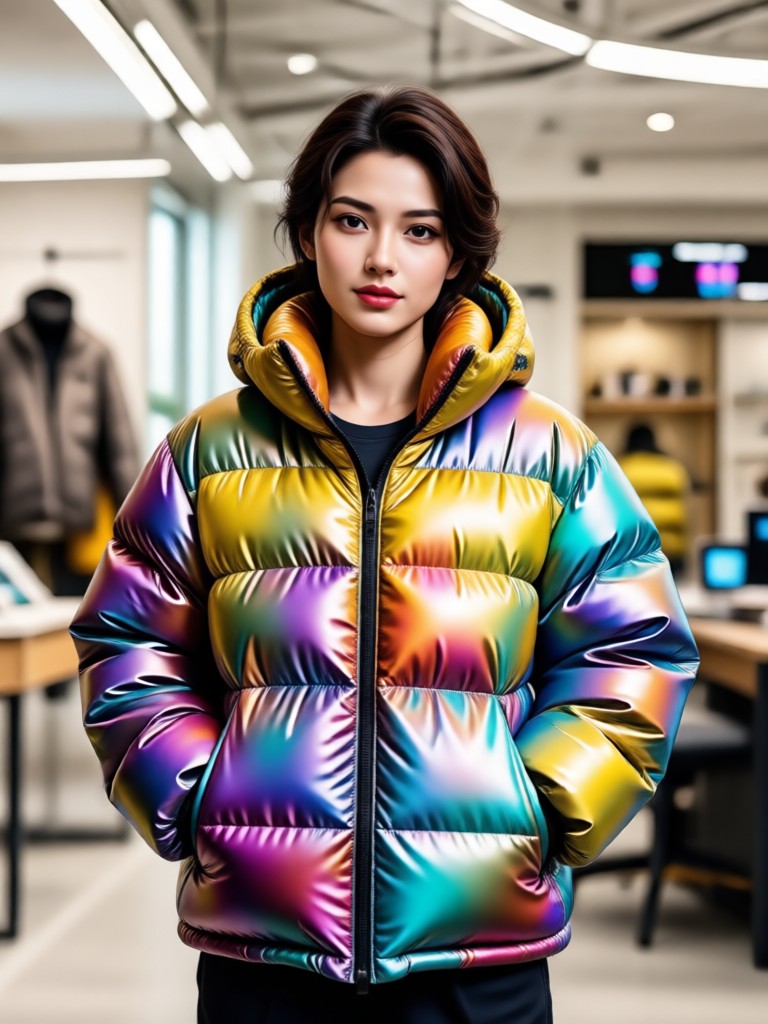
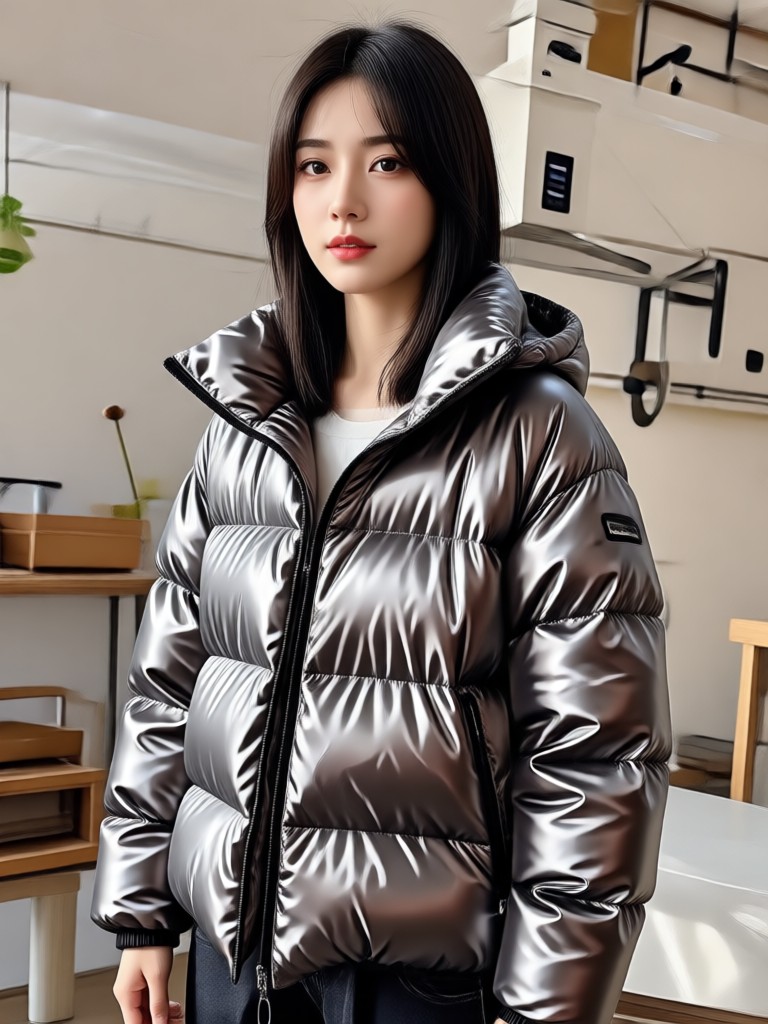
See what other users have created with the puffer jacket filter. Browse different colorways, photography angles, and editing styles to spark your next outfit idea.
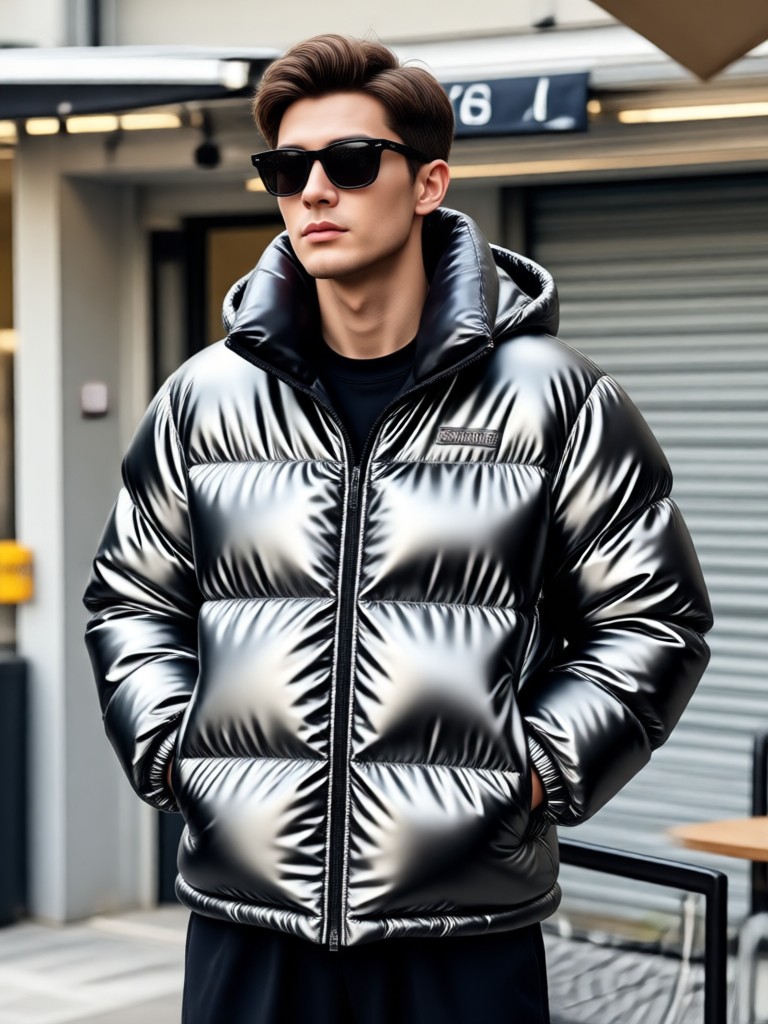
Ready to Redesign Your Winter Wardrobe?
Download the usgen app to access the Gemini AI Puffer Jacket filter and thousands of other style transformations. The app is free to download and works entirely on your phone.

Frequently Asked Questions About Gemini AI Puffer Jacket
Find quick answers about using the puffer jacket filter, what photos work best, and how to get the most realistic results.
Your Perfect AI Puffer Jacket Is One Tap Away
Stop guessing how a jacket looks and start seeing it on you. Download the usgen app now to generate your first AI outfit photo in seconds.
Your Perfect AI Puffer Jacket Is One Tap Away
Stop guessing how a jacket looks and start seeing it on you. Download the usgen app now to generate your first AI outfit photo in seconds.