AI 360 Rotation Video Generator
360 Rotation
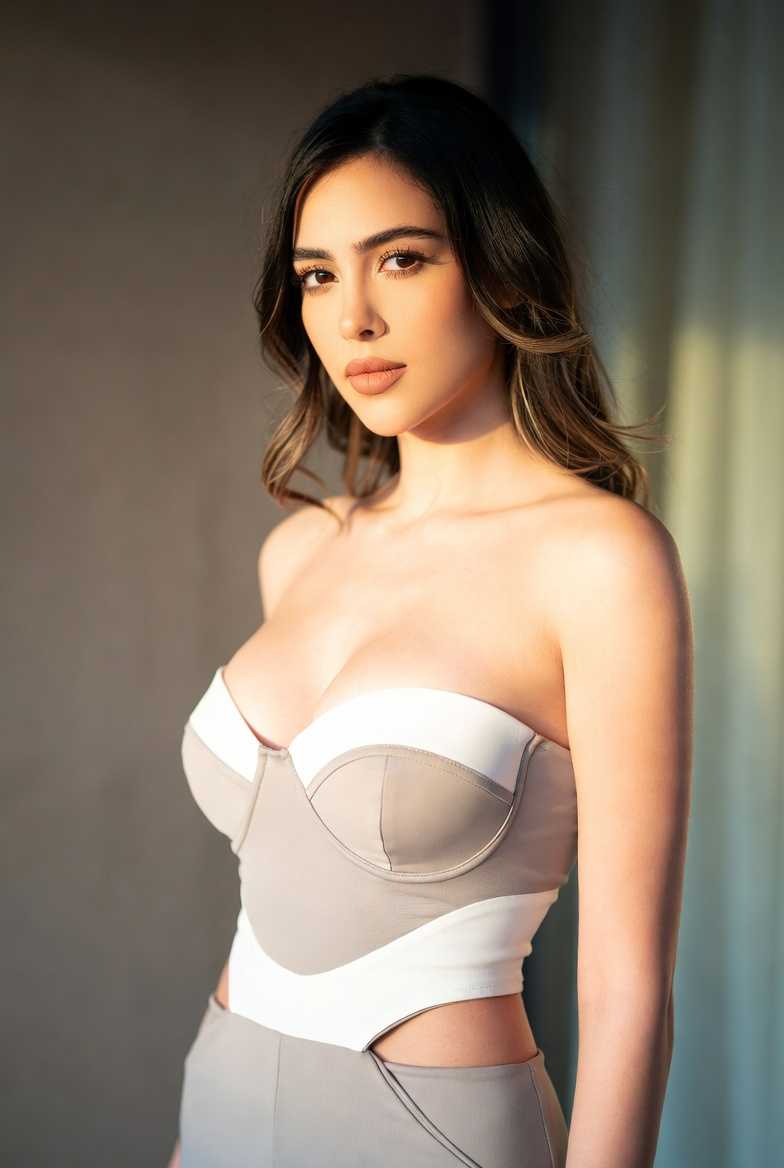
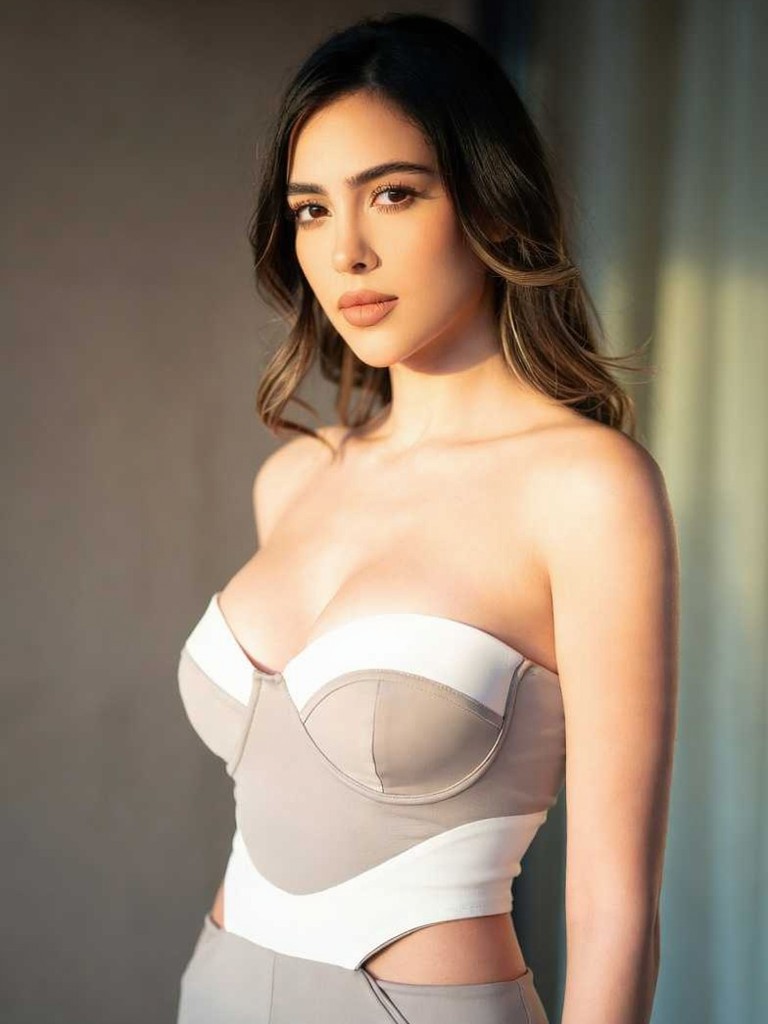

How to Create a Free AI 360 Rotation Video
Follow three simple steps to transform any photo into a mesmerizing spinning video right from your phone.

Step 01.
Download the free usgen app from Google Play. Open the app and navigate to the video generation section to find the 360 rotation tools.
Step 02.
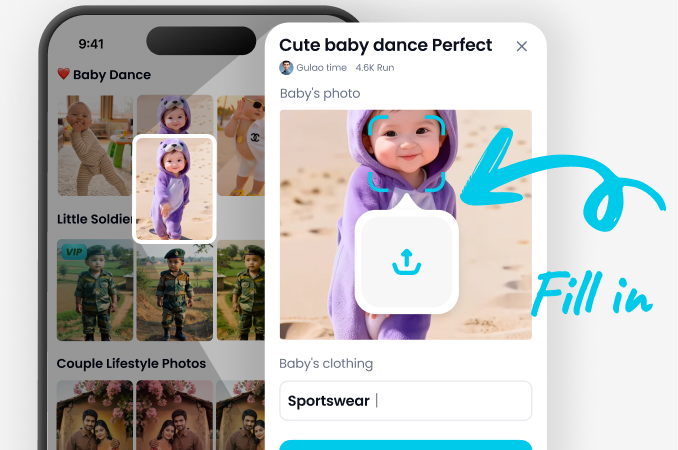
Upload a clear photo of your subject. The app supports portraits, products, and objects. Then, select the '360 Spin' or 'Rotation' filter from our extensive effects library.
Step 03.
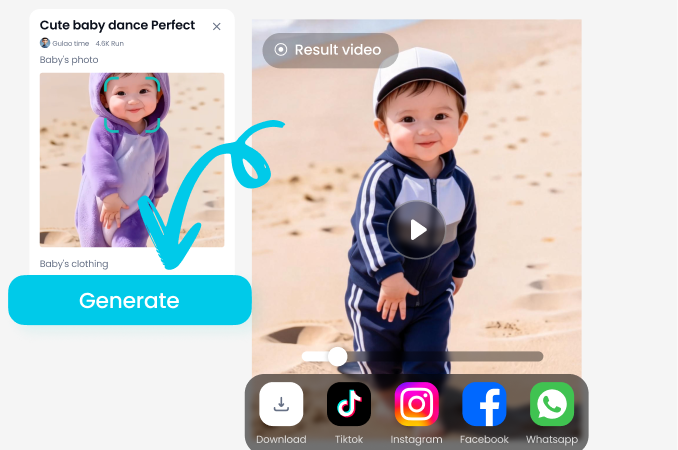
Generate your video instantly. Adjust rotation speed if desired, then download the HD video file or share it directly to your favorite social platforms.
Key Features of Usgen AI 360 Rotation Video Generator
Explore the main features that make Usgen a simple tool for 360 rotation videos.
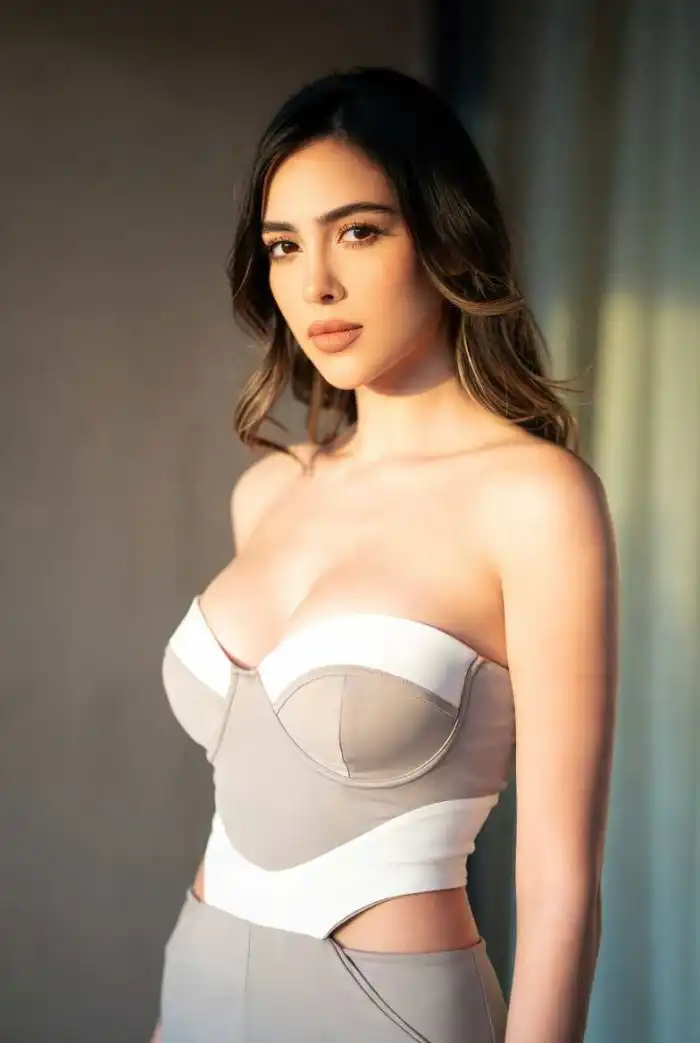 Before
Multi Angle Frame Creation
The AI takes your single photo and creates multiple frames from different angles. It analyzes the subject and generates views from the front, sides, and back. This produces a full rotation effect that looks like a video taken from a camera moving around the subject.
 Before
Smooth Transition Animation
Usgen creates smooth motion between each angle in the rotation. The frames flow together without jumps or pauses. This makes the rotation look natural and continuous. The video loops seamlessly to show the subject from every direction in one smooth clip.
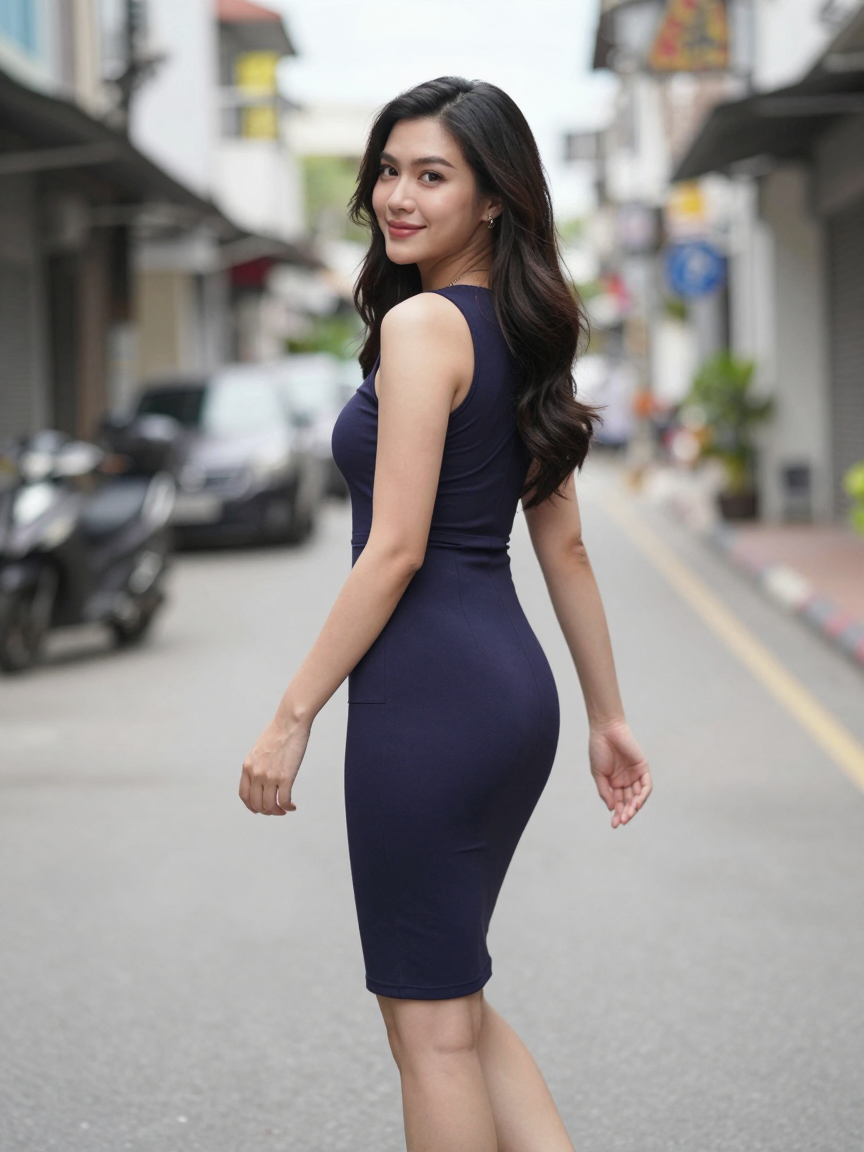 Before
Subject Background Separation
The AI separates the main subject from the background in your photo. It keeps the subject clear and sharp during rotation. The background may stay fixed or rotate with the subject. This depends on the template you choose. The subject remains the focus of the video.
AI 360 Rotation Video Generator for Android
Create stunning spinning videos on the go. Download the free app and turn your gallery photos into dynamic 360 rotation videos in seconds.

Creators Love Our AI 360 Video Tool
A Game-Changer for My Ecommerce Store
This free AI rotation video generator saved me hundreds on product photography. I can now create professional 360 spins of my jewelry for listings, which has significantly increased customer engagement and sales.
Perfect for Social Media Content
As a content creator, I'm always looking for eye-catching effects. This tool lets me make unique spinning portraits and object videos that perform incredibly well on TikTok and Reels. It's so simple and fast.
Incredible Tool for 3D Artists
I use this to create quick turntable videos of my 3D models for my portfolio and client presentations. The AI understands the form and creates a perfectly smooth rotation, saving me hours of rendering time.
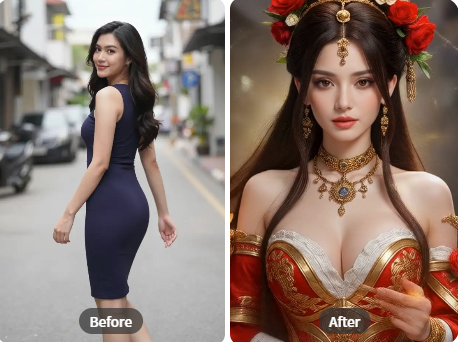
No Expensive Equipment Needed
Traditional 360 product videos require a specialized turntable, lighting, and camera setup. Our AI video generator replicates this professional effect using just a single photo from your phone, making high-end rotation videos accessible to everyone.
No Expensive Equipment Needed
Traditional 360 product videos require a specialized turntable, lighting, and camera setup. Our AI video generator replicates this professional effect using just a single photo from your phone, making high-end rotation videos accessible to everyone.
AI 360 Rotation Video Generator FAQs
Get quick answers to the most common questions about creating spinning videos with AI.
More Topics You May Like
Explore more topics you may like and discover fresh ideas tailored to your interests.
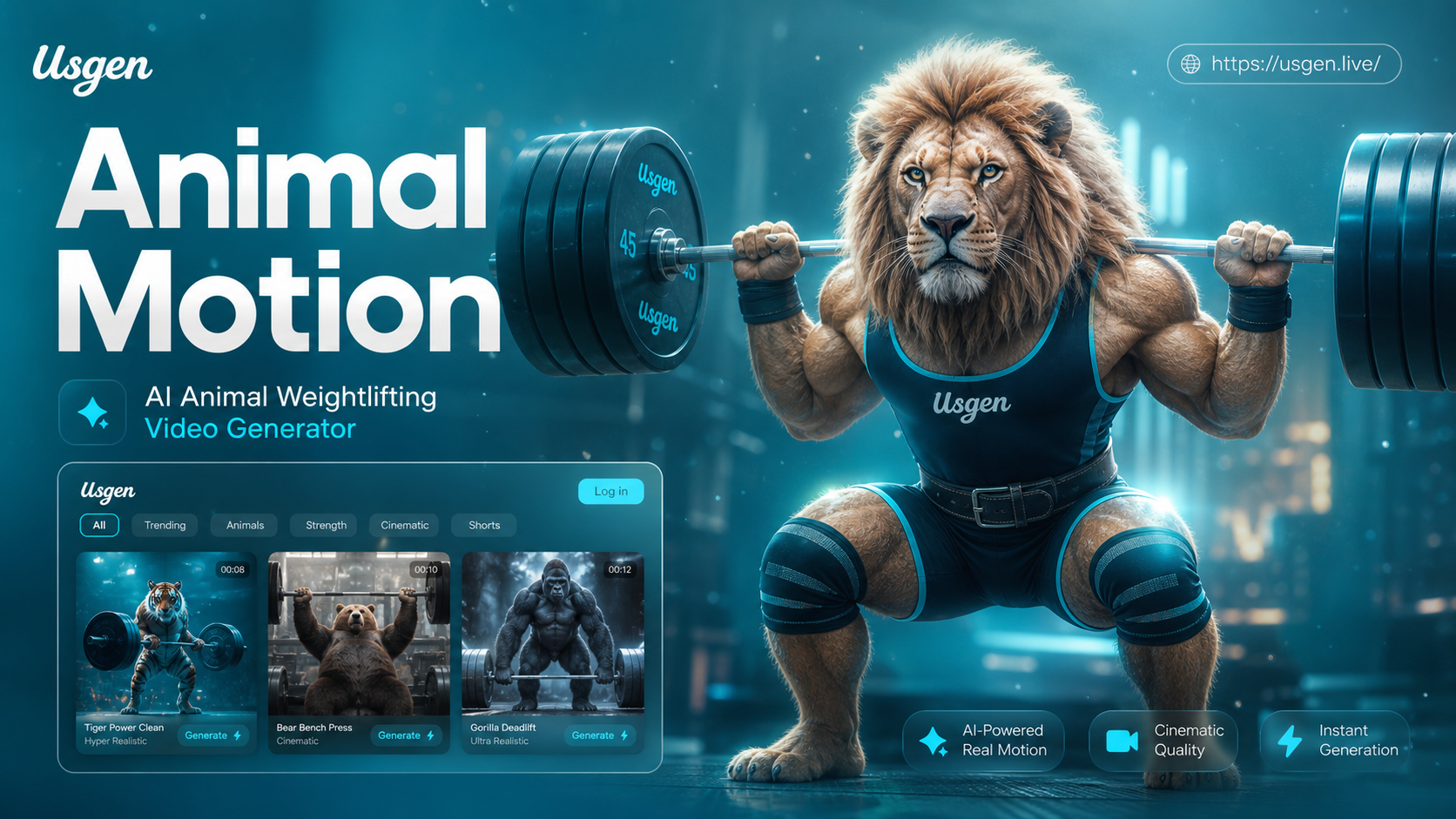
Ai Animal Weightlifting Video Generator
Create hilarious animal weightlifting videos with AI. Transform your pet into a gym buff instantly. Upload a photo, pick a style, and generate a viral pet workout video. No editing skills needed.
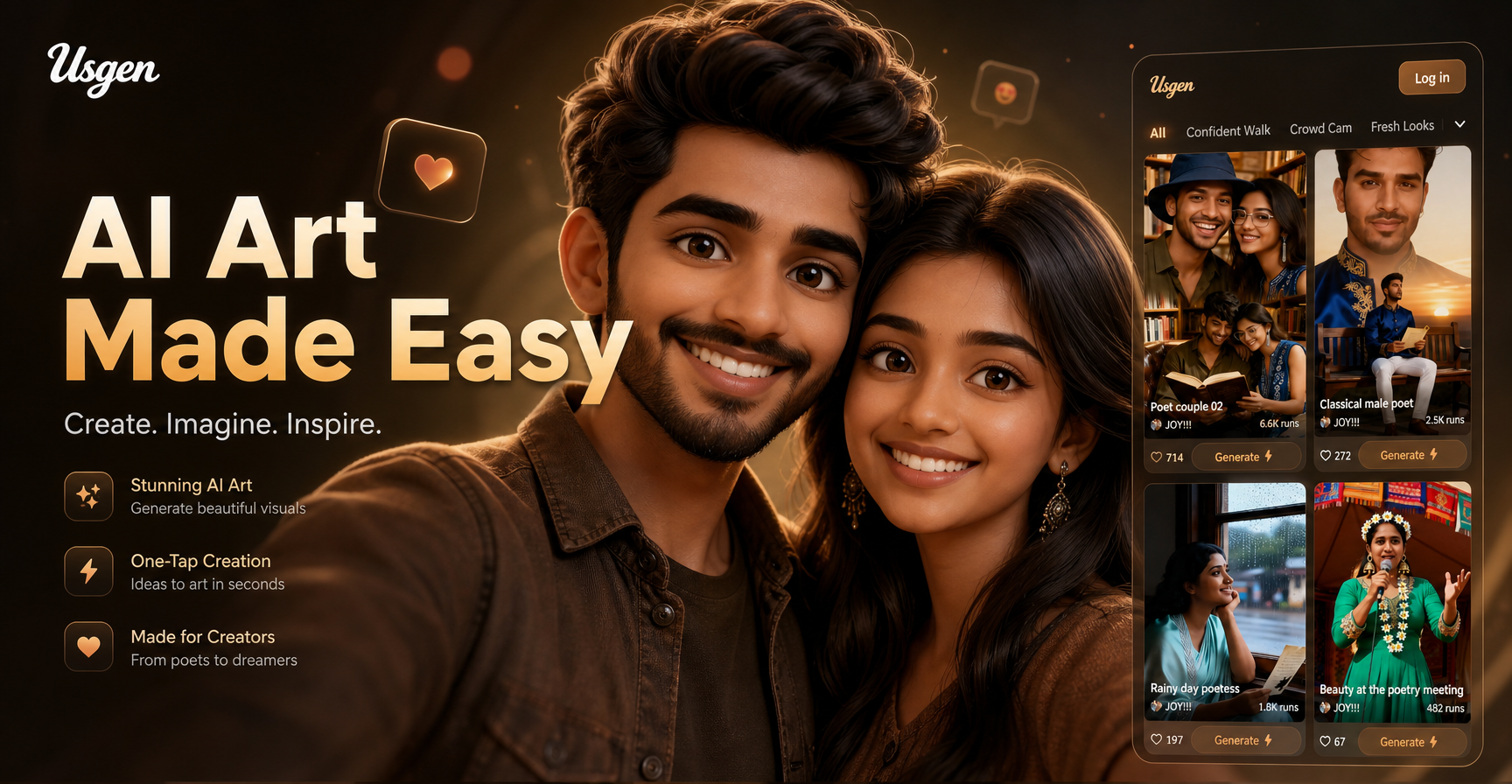
3d Buddy
Generate custom 3D Buddy characters, figurines, and keychain designs instantly. Use AI to create Bubble Buddy, Bow Buddy, or any Spongebob 3D print model. No 3D modeling skills required.
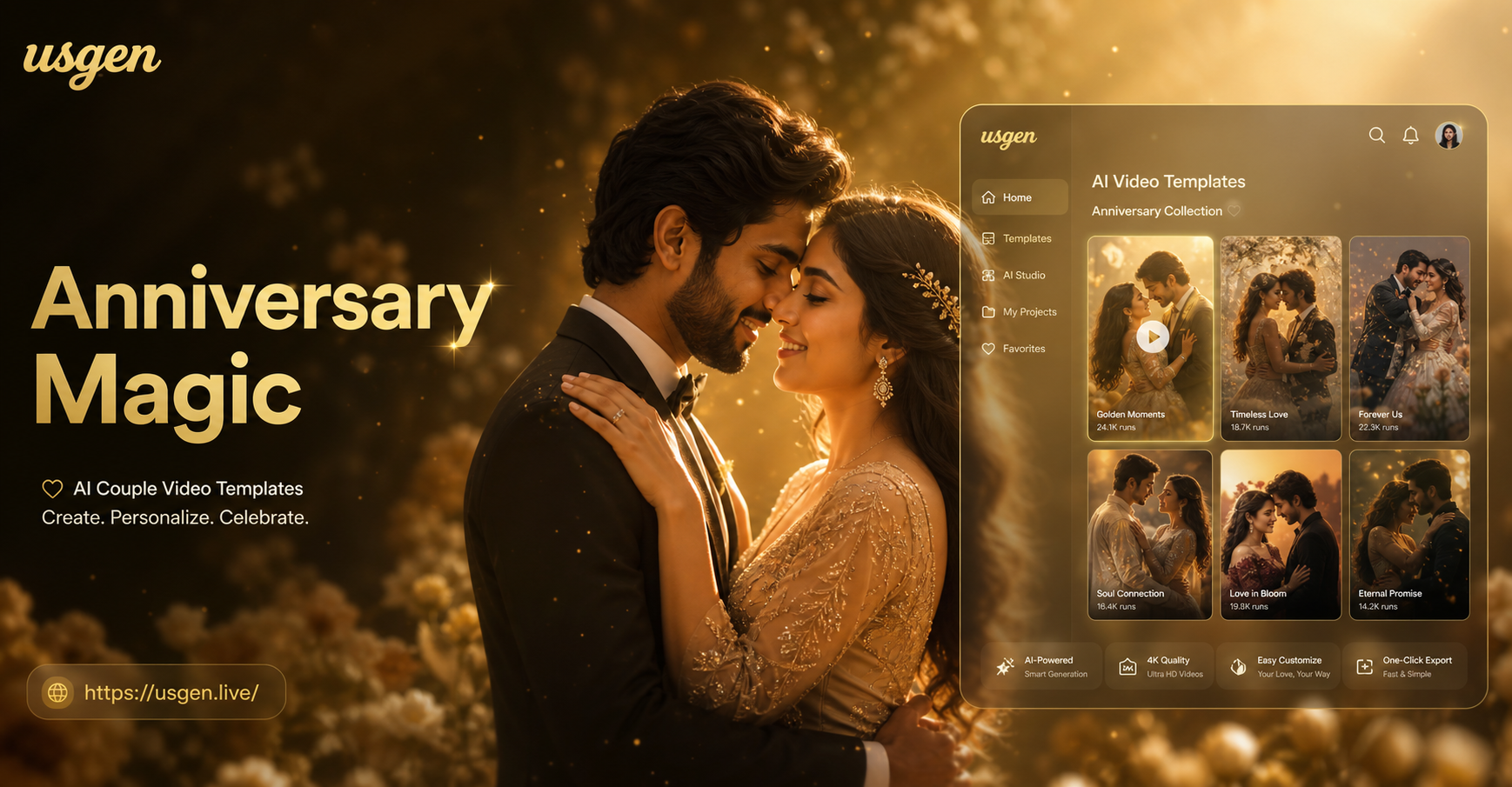
Anniversary Couple Video Template
Create stunning anniversary video memories with AI. Choose from hundreds of romantic couple templates, add your photos, and generate beautiful, shareable videos in minutes.
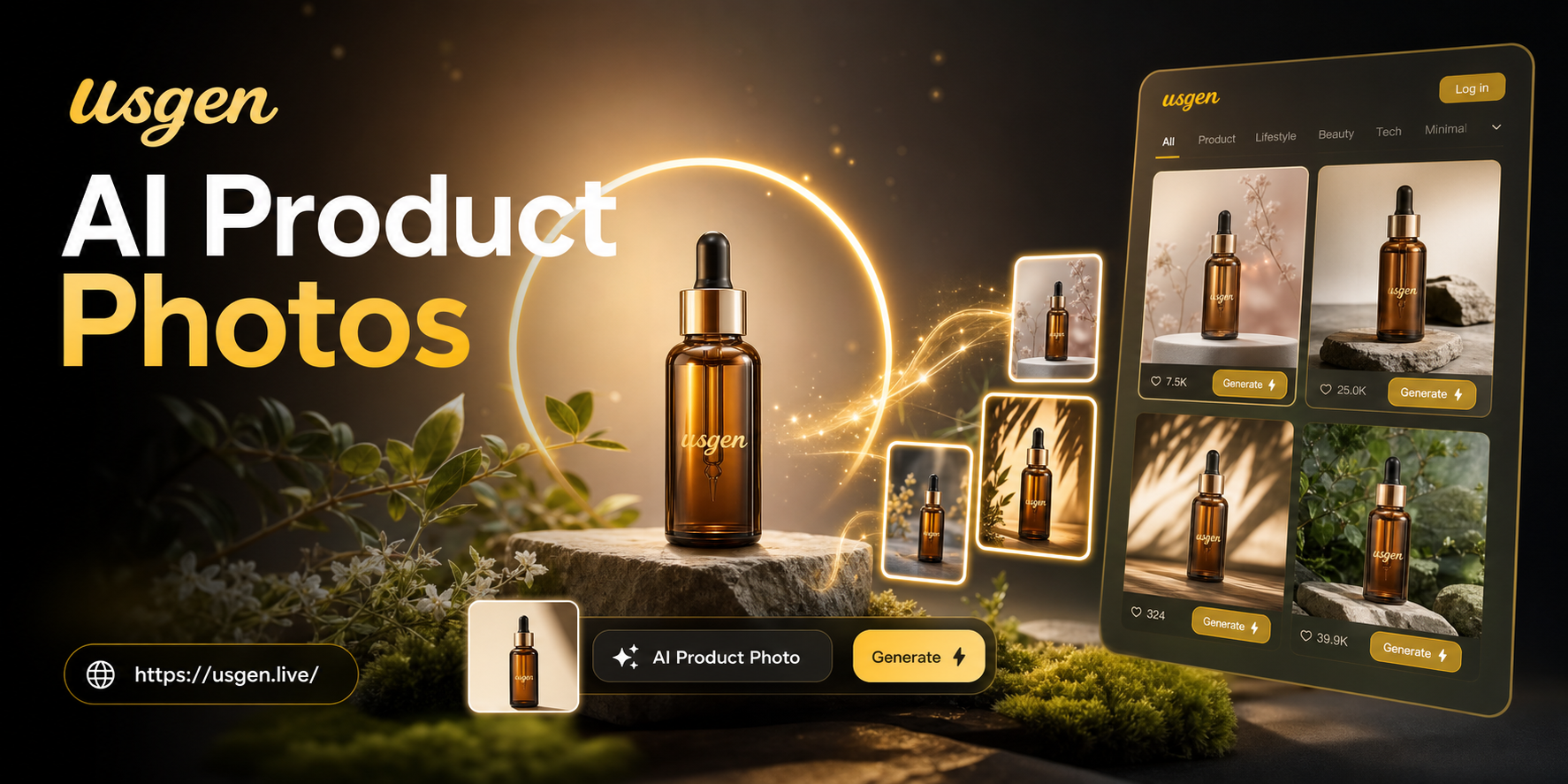
Ai Product Photo Generator
Transform ordinary product photos into high-end visuals with an AI product photo generator. Create studio-quality, brand-consistent images for e-commerce, ads, and catalogs instantly.
Spin Your World with AI Today
Stop scrolling through static images. Download the free app and instantly create captivating 360 rotation videos that grab attention and boost engagement.

Spin Your World with AI Today
Stop scrolling through static images. Download the free app and instantly create captivating 360 rotation videos that grab attention and boost engagement.