Create Your 3D Buddy
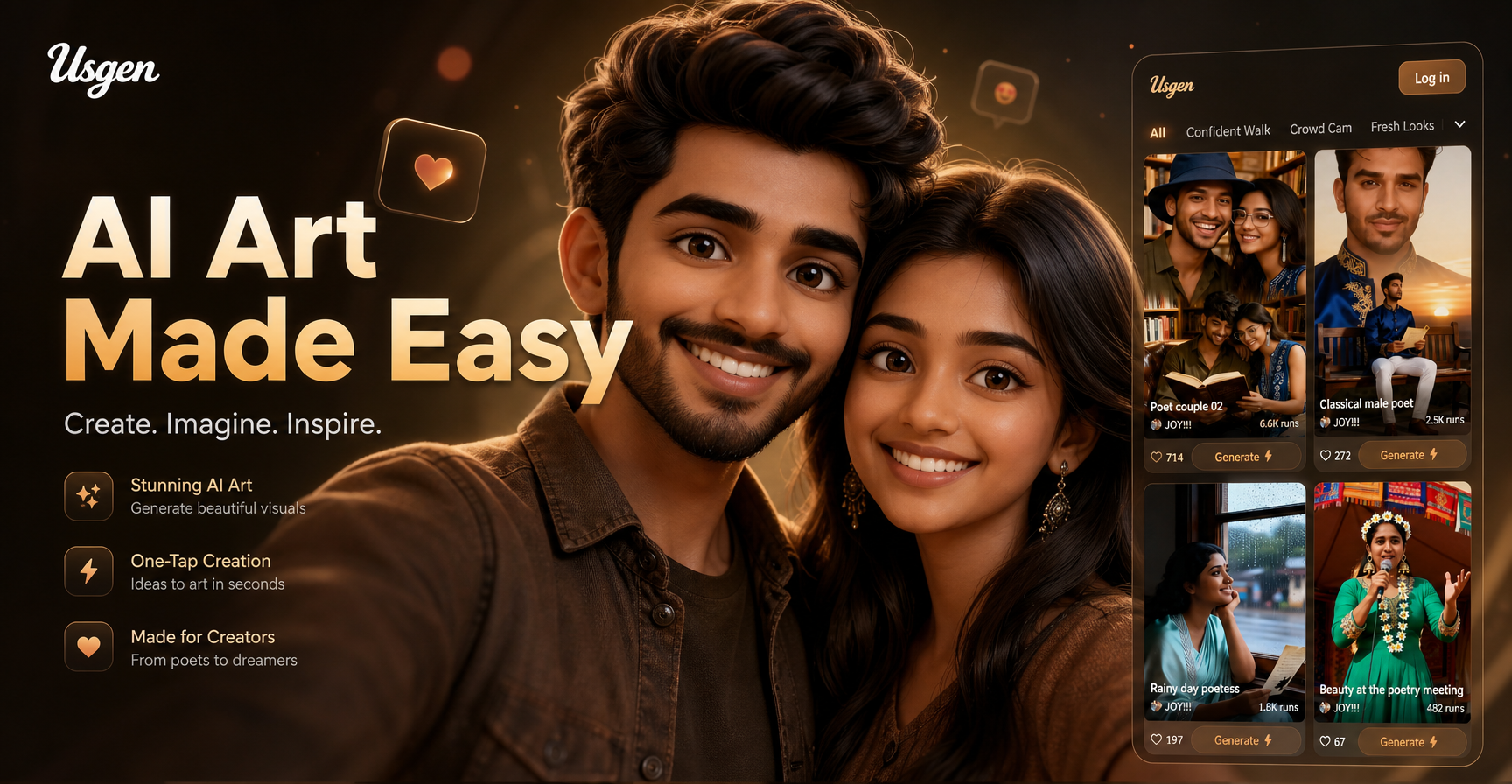
Discover Your Perfect 3D Style
Choose from a massive library of AI filters designed for creating 3D characters, figurines, and print-ready models. Find the perfect style for your 3D Buddy creation.
Explore the Use Cases of Usgen 3D Buddy
See how people use Usgen 3D Buddy in daily life for fun, work, and creative projects.
 Before
Social Media Profile Pictures
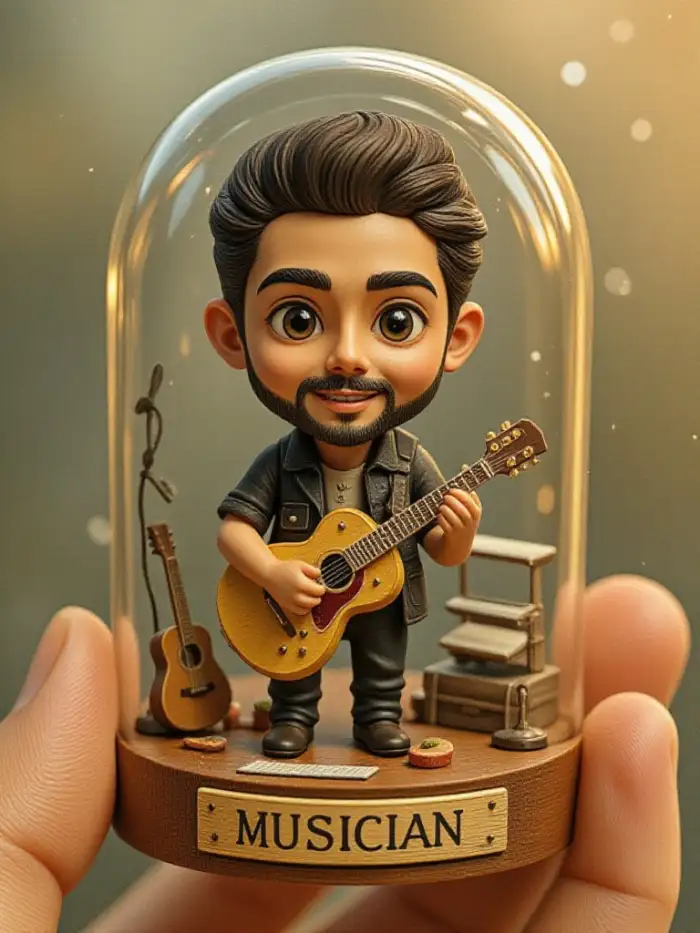
Your profile picture stands out with a 3D cartoon version of yourself. Usgen 3D Buddy changes your selfie into a playful 3D character that grabs attention on social platforms. It is a fresh way to show your personality online and get more engagement from friends and followers.
 Before
 After
AfterPersonalized Gifts for Friends
Turn your friend's photo into a 3D cartoon figure and send it as a digital gift. Usgen 3D Buddy makes personalized avatars that work for birthdays, holidays, or just to say thanks. It is a creative and thoughtful present that takes only seconds to make.
 Before
 After
AfterFamily or Group Cartoon Portraits
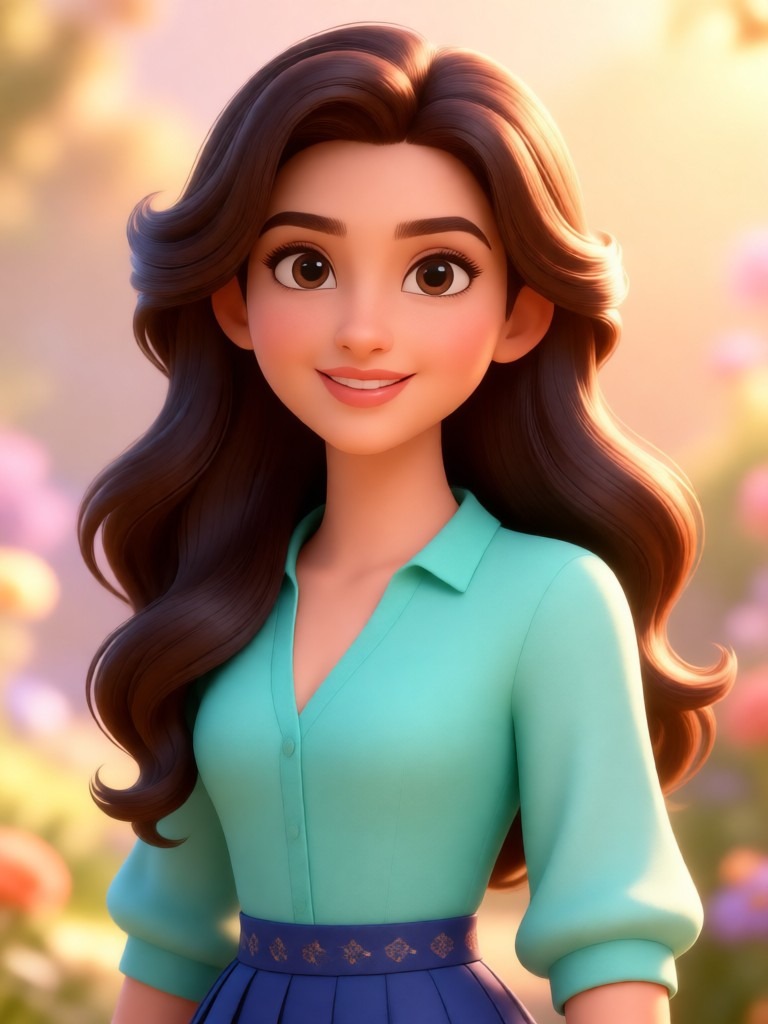
Upload a family photo and turn everyone into 3D cartoon characters. Usgen 3D Buddy keeps each person's face distinct while applying the same playful 3D style. It is great for office teams, sports groups, or any community that wants a fun group portrait to share.
 Before
 After
AfterPet to 3D Cartoon Character
Your pets can become 3D cartoon figures too. Upload a clear photo of your dog or cat, and Usgen 3D Buddy applies the same 3D clay style to their fur, eyes, and face. It makes a cute and shareable avatar that pet lovers will enjoy posting on their social feeds.
 Before
 After
AfterDigital Art and Fan Creations
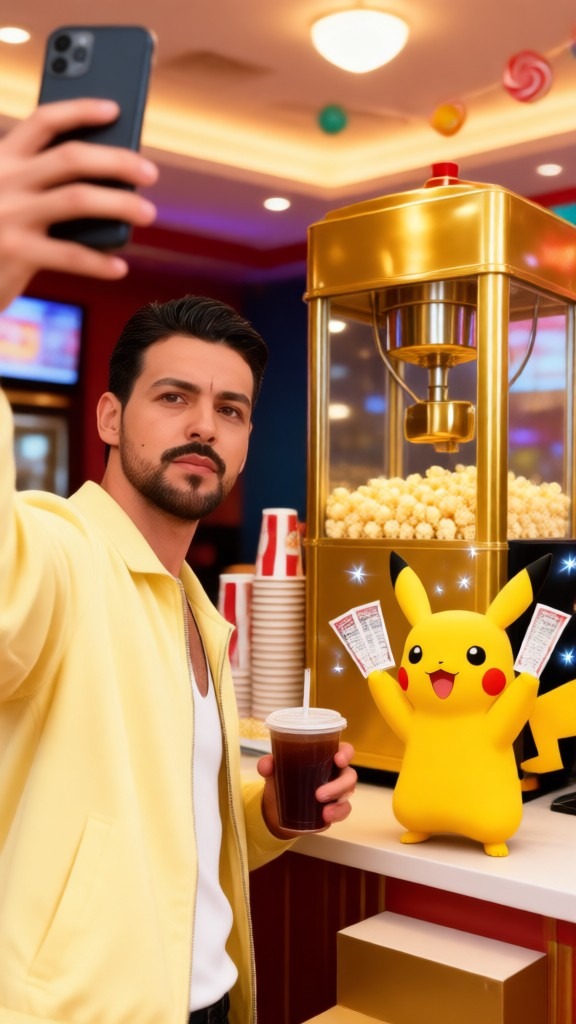
Artists and fans use Usgen 3D Buddy to reimagine characters in a 3D cartoon style. Upload reference images and see them transformed into soft clay like figures. It is an easy way to produce consistent 3D art without learning complex 3D modeling software or writing any prompts.
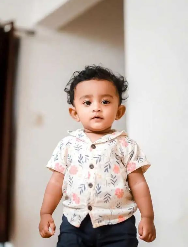 Before
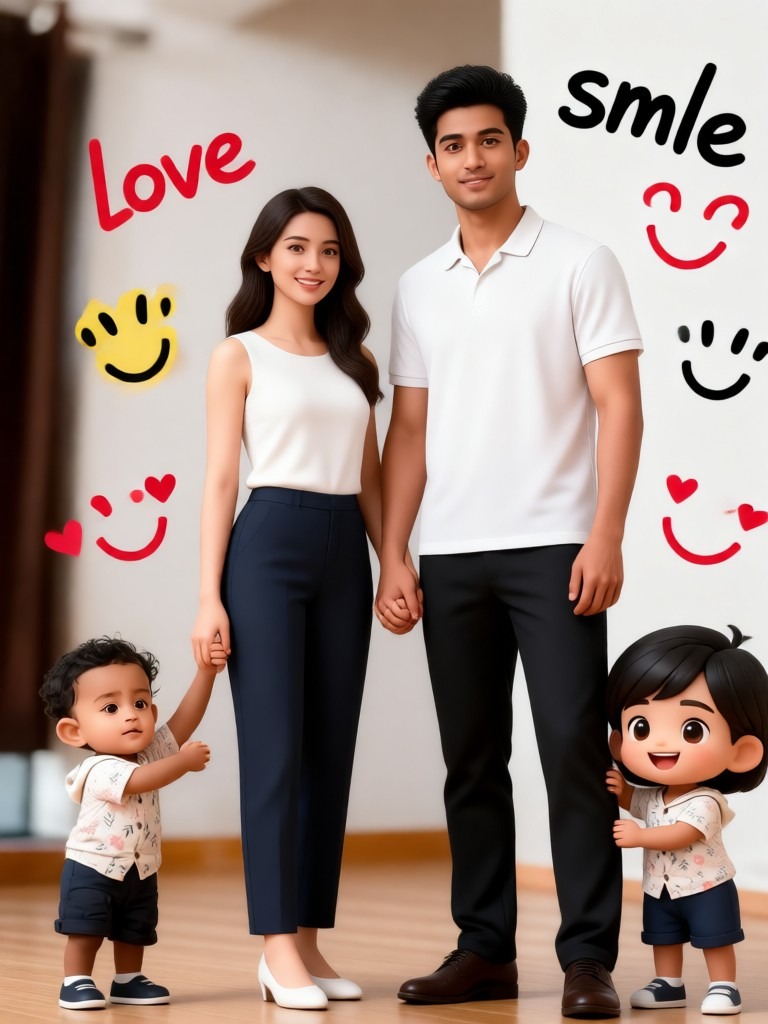 After
AfterStorytelling with Consistent Characters
Create a series of 3D cartoon images featuring the same person. Usgen 3D Buddy keeps facial features and style consistent across multiple generations. You can build a short visual story or a themed post collection where every image looks like it belongs to the same 3D world.
How to Create a 3D Buddy?
Design your own custom 3D Buddy character, figurine, or keychain in just three simple steps using the mobile app.
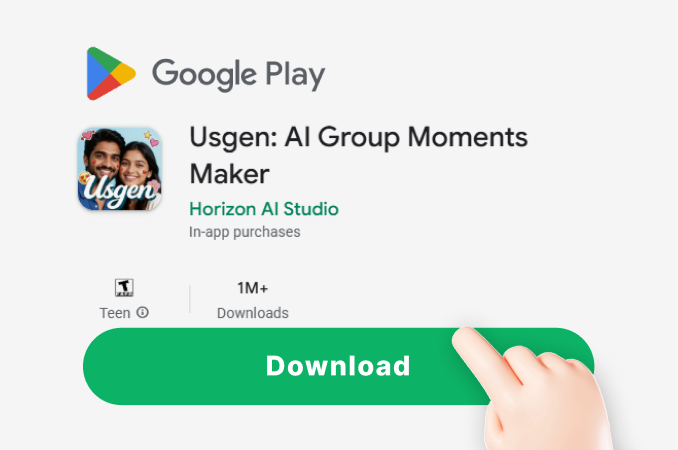
Step 01.
Download the usgen AI app from Google Play. It's your all in one mobile studio for creating 3D characters and models.
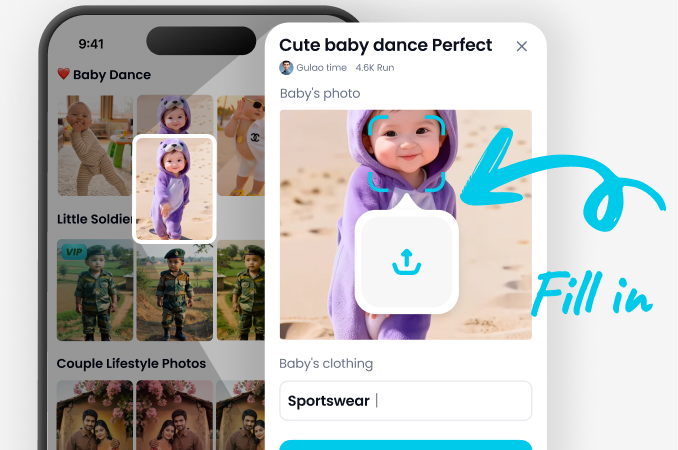
Step 02.
Choose the 'Text to Image' or 'Image to Image' tool. Select a 3D style filter like 'Clay 3D', 'Anime Figure', or 'Realistic Render' from our massive library.
Step 03.
Generate your 3D Buddy. Refine the design, download the high quality render, and use it as a reference for 3D printing or share your creation online.
What Creators Say About 3D Buddy Design
Revolutionized my 3D printing hobby
I used to struggle with 3D modeling software. Now I design custom Bubble Buddy and Bow Buddy keychains for my Etsy shop in minutes. The AI gets the proportions and cute style perfect every time.
Perfect for concept art and figurine design
As a character artist, I use this to rapidly prototype 3D Buddy concepts for clients. The variety of styles, from chibi to realistic CGI, helps me present multiple visions quickly. It's an invaluable brainstorming tool.
My kids love creating their own buddies
We have family nights designing Spongebob 3D print characters and silly figurines. The app is so simple the kids can use it. We've printed a few of their creations as real toys. Endless creative fun.
3D Buddy AI Generator FAQs
Find answers to common questions about creating 3D Buddy characters, figurines, and models with our AI design tool.
Your 3D Design Studio, On the Go
Turn any idea into a 3D Buddy character. Design figurines, keychains, and custom models directly from your phone. Download the app and start creating in seconds.

More Topics You May Like
Explore more topics you may like and discover fresh ideas tailored to your interests.

Anniversary Couple Video Template
Ai Product Photo Generator

Ai Gentle Kiss Video Generator
Ai First Kiss Video Generator
Anniversary Couple Video Template
Ai Product Photo Generator
Ai Gentle Kiss Video Generator
Ai First Kiss Video Generator
Start Designing Your 3D Buddy Now
Unlock limitless creativity. Generate custom figurines, Bubble Buddy art, Bow Buddy models, and Spongebob keychain designs instantly with AI. No skills required.

Start Designing Your 3D Buddy Now
Unlock limitless creativity. Generate custom figurines, Bubble Buddy art, Bow Buddy models, and Spongebob keychain designs instantly with AI. No skills required.