What is GoEnhance AI and How Does It Work?
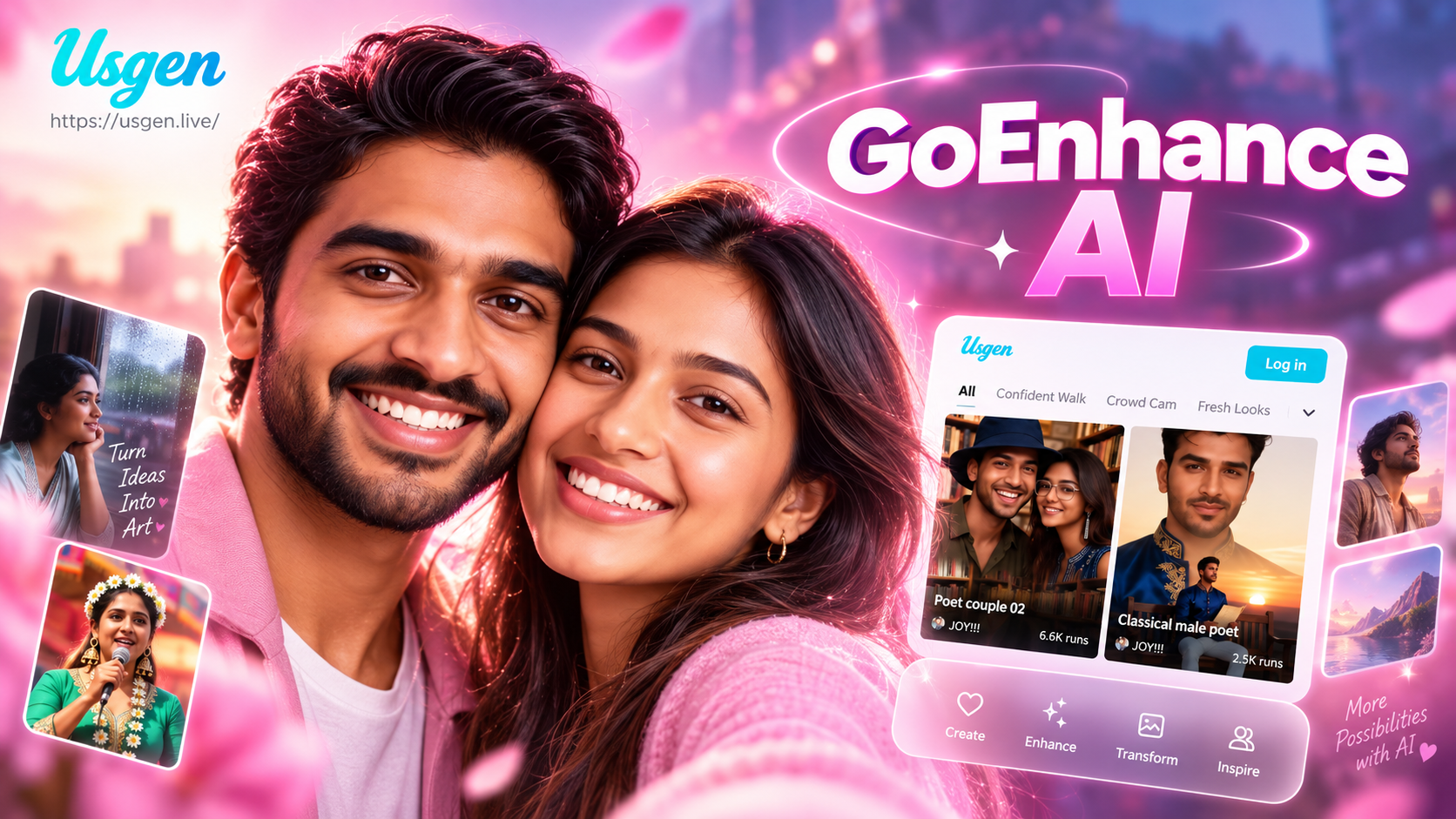
GoEnhance AI is an advanced artificial intelligence platform focused on enhancing and restoring visual media. At its core, it's not a single tool but a collection of specialized AI models trained to perform distinct creative and corrective tasks. Whether you have a grainy old home video, a low-resolution image, or a photo with a cluttered background, GoEnhance AI provides an automated solution. It operates by analyzing the pixels and patterns within your uploaded media, applying complex neural network algorithms to predict and generate improved versions. For example, its video upscaler doesn't just enlarge pixels, it intelligently adds new detail to create a sharper, more defined result that looks naturally high-quality. The platform is designed to be accessible, requiring no prior expertise in video editing or graphic design to achieve professional-level outcomes. Simply upload your file, select the desired enhancement, and let the AI process your media in minutes.
Core Features of GoEnhance AI
GoEnhance AI offers a robust set of features tailored for modern content needs. Each tool is designed to solve a specific problem with high efficiency.
AI Video Upscaling and Enhancement
This is arguably the platform's flagship feature. It can transform low-resolution, blurry videos into crisp, high-definition footage. The AI analyzes motion, textures, and edges frame-by-frame, reconstructing details that were lost during compression or in the original recording. It's perfect for revitalizing old digital archives, improving footage from early smartphones, or preparing content for modern 4K displays. The enhancement goes beyond resolution, often improving color grading and reducing visual noise.
AI Image Restoration and Repair
Damaged photographs find a second life with this tool. GoEnhance AI can automatically remove scratches, dust spots, and tears from scanned old photos. It can also colorize black-and-white images with startling accuracy, filling in plausible colors based on the content of the image. For photos suffering from heavy JPEG compression artifacts or noise, the AI can smooth out these imperfections while preserving important details like facial features and text.
Background Removal and Replacement
With advanced segmentation AI, GoEnhance AI can cleanly separate subjects from their backgrounds. This is invaluable for creating product photos, professional headshots, or social media content. The tool handles complex edges like hair and fur with high precision. Once removed, users can opt for a transparent background, a solid color, or even replace it entirely with a new scene, all with realistic blending.
AI-Powered Denoising and Stabilization
Shaky, grainy video can ruin an otherwise great shot. GoEnhance AI's stabilization feature smooths out camera wobble and jitter, creating a steady, professional-looking clip. Simultaneously, its denoising algorithms work to clean up digital grain and low-light video noise without smearing important details, resulting in a cleaner, more viewable final product.
Who Can Benefit from Using GoEnhance AI?
The applications for GoEnhance AI are vast, spanning professional and personal use cases.
Content Creators and Social Media Managers
For YouTubers, TikTokers, and Instagram influencers, visual quality is paramount. GoEnhance AI allows them to upscale older content to match newer, higher-quality production standards, maintaining a consistent brand image. Quick background removal facilitates creating engaging thumbnails and promotional graphics without needing complex software like Photoshop.
Marketers and E-commerce Professionals
Online stores can use the tool to uniformly enhance product photos, remove distracting backgrounds for clean white-background listings, and create higher-quality video ads from existing footage. Restoring and colorizing historical images can also be powerful for branding and storytelling campaigns.
Archivists, Historians, and Families
Individuals looking to preserve family memories will find the restoration and upscaling tools invaluable. Converting old VHS tapes, film reels, or faded photographs into clear, digital formats ensures these memories last for future generations. The AI does the heavy lifting of repair that would be painstaking or impossible to do manually.
General Users
Anyone with a phone full of imperfect photos or videos can benefit. Improving a cherished but blurry vacation photo, making a shaky video watchable for family, or creating a clean profile picture are all simple tasks with GoEnhance AI.
How to Access and Use GoEnhance AI
Accessing GoEnhance AI's powerful features is a straightforward process designed for user convenience.
First, visit the official GoEnhance AI website or access it through its dedicated mobile application platform. The service typically operates on a cloud-based model, meaning the heavy AI processing happens on remote servers, not your local device. This allows for powerful enhancements without requiring a high-end computer.
To use it, you start by creating an account or logging in. The intuitive dashboard will present you with the various tools: Video Upscale, Image Restore, Background Remover, etc. Select the tool that matches your goal. Next, upload your file. The platform supports common formats like MP4, MOV, JPG, and PNG. Some tools may have file size or resolution limits for free users.
After upload, you may have access to basic settings. For a video upscaler, you might choose the target resolution (e.g., 1080p or 4K). For a background remover, you might simply click "Process." Initiate the enhancement, and the AI will begin its work. Processing time depends on file length, resolution, and server load, but it generally takes from a few seconds for images to several minutes for long videos. Once complete, you can preview the result, download the enhanced file to your device, and often share it directly to social platforms. Many services offer a limited number of free credits or a watermark-free trial, with subscription plans for unlimited, high-quality processing.
Frequently Asked Questions About GoEnhance AI
Is GoEnhance AI free to use?
GoEnhance AI typically operates on a freemium model. This means you can access basic features or process a limited number of files with a watermark for free. For unlimited, high-resolution, watermark-free enhancements, a paid subscription plan is usually required. It's best to check their official website for the latest pricing and free trial offers.
What video and image formats does it support?
The platform generally supports all major formats. For videos, common inputs include MP4, MOV, AVI, and WEBM. For images, JPG, PNG, and WEBP are widely accepted. The output format is often a high-quality MP4 for video and PNG/JPG for images.
How long does the AI processing take?
Processing time is not instant but is relatively fast. It depends on three main factors: the length and resolution of your source file, the specific enhancement you selected, and current server demand. A standard-definition one-minute video might upscale in 2-5 minutes, while a high-resolution image could be processed in under 30 seconds.
Is my data safe when using GoEnhance AI?
Reputable AI enhancement services like GoEnhance AI prioritize user privacy. They should have a clear privacy policy stating that uploaded files are used solely for processing and are not stored long-term or used to train their AI models without explicit consent. Always review the privacy terms on their official website before uploading sensitive content.
Can it enhance any low-quality video or image?
While GoEnhance AI is powerful, it has limitations. It works best on content that has some discernible detail to work with. An extremely pixelated, tiny thumbnail or a video that is mostly static noise may not produce a perfect result. The AI needs patterns and information to reconstruct. For moderately degraded media, the improvements are often dramatic.
Does it work on mobile devices?
Yes, accessibility is a key feature. GoEnhance AI is often available as a web app that works in your mobile browser or as a dedicated downloadable app from platforms like the Google Play Store. This allows you to enhance photos and videos directly from your smartphone, which is ideal for social media creators on the go.
Conclusion: Is GoEnhance AI Worth It?
GoEnhance AI represents a significant leap in making professional-grade media enhancement accessible to everyone. It democratizes tools that were once exclusive to expensive software suites and skilled editors. For content creators, marketers, archivists, and casual users alike, it offers a tangible solution to common visual quality problems. The time saved in manual editing, the ability to rescue otherwise unusable footage, and the ease of creating polished content are its primary value propositions. While the output may not always match the perfection of a human expert with unlimited time, the speed, convenience, and consistently high-quality results make GoEnhance AI a compelling tool in the modern digital toolkit. If you regularly work with visual media, its capabilities are certainly worth exploring through a free trial to see firsthand how it can transform your content workflow.