Cinematic Noir Portrait
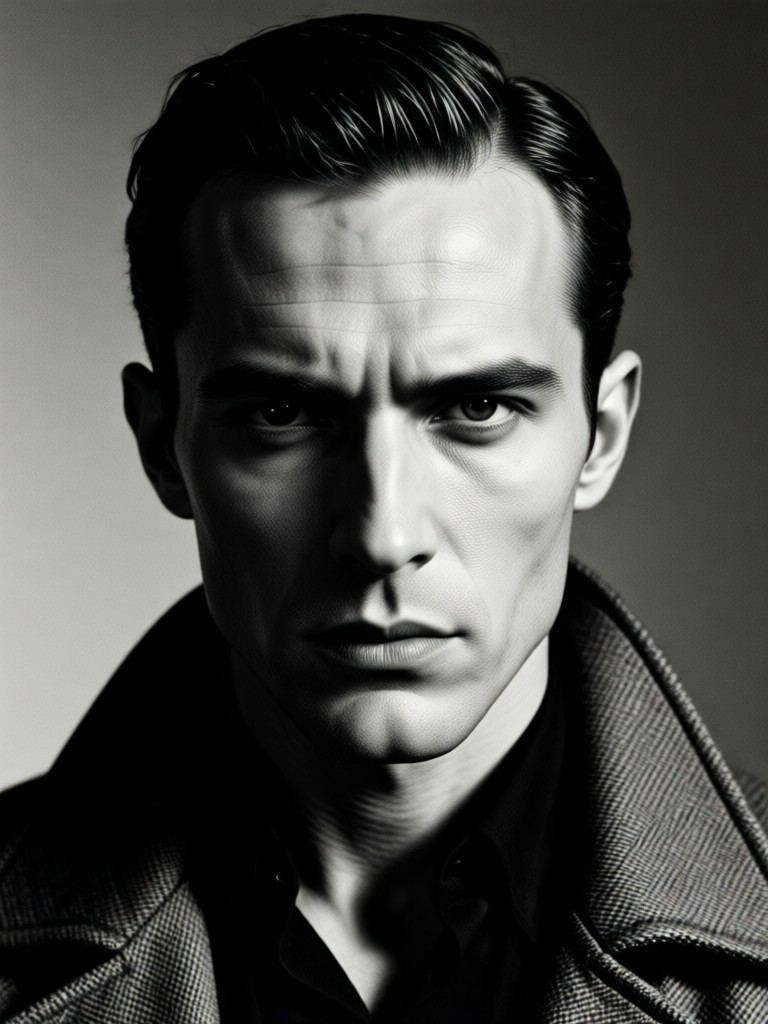
Explore The Noir Aesthetic
From hardboiled detective to mysterious femme fatale, choose the perfect filter to match your cinematic vision.
Craft Your Noir Masterpiece
Our AI is your personal cinematographer, meticulously applying the visual language of classic film noir to your portrait.
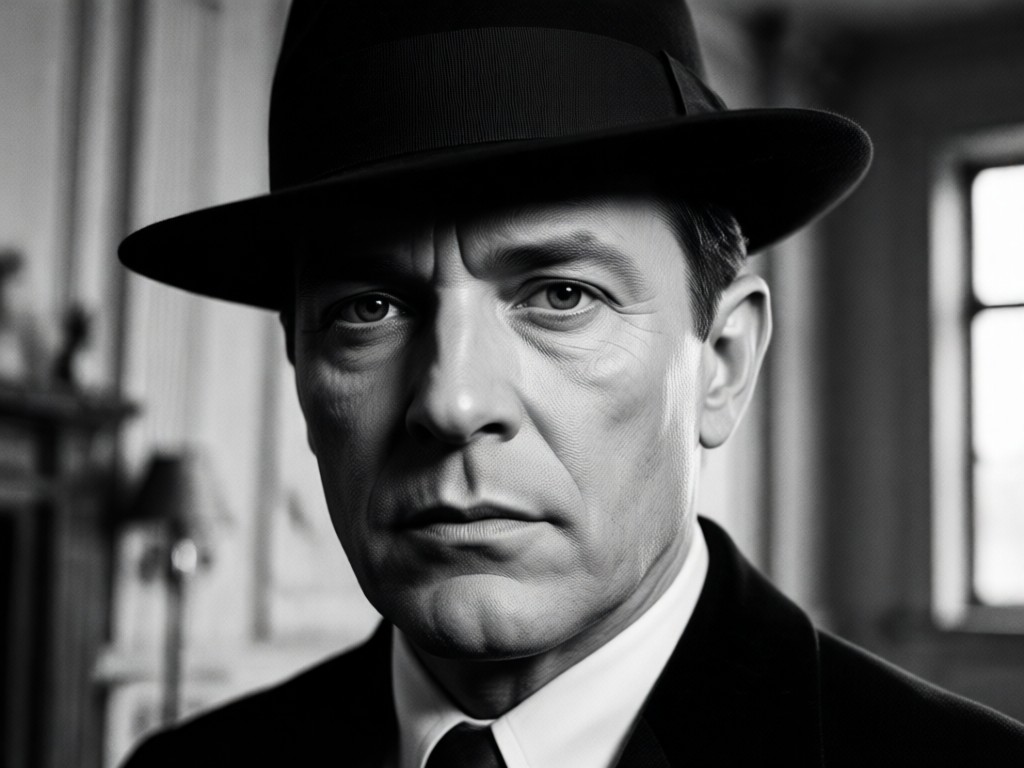
Dramatic Shadow & Light
Our AI intelligently analyzes your photo to sculpt light and shadow. It creates the iconic high-contrast, chiaroscuro lighting that defines the film noir genre, turning a simple portrait into a story of mystery.
Dramatic Shadow & Light
Our AI intelligently analyzes your photo to sculpt light and shadow. It creates the iconic high-contrast, chiaroscuro lighting that defines the film noir genre, turning a simple portrait into a story of mystery.
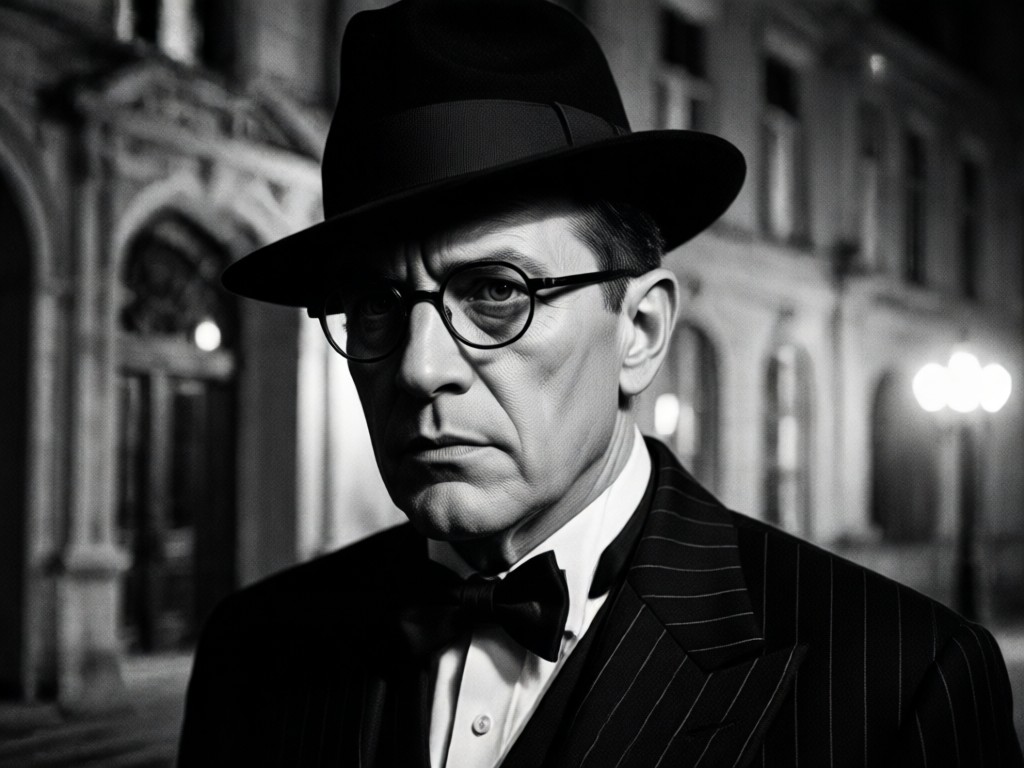
Authentic Grain & Texture
Capture the gritty, atmospheric feel of classic cinema. The AI adds a subtle, authentic film grain texture, enhancing the vintage aesthetic and giving your portrait the look of a frame from a 1940s detective thriller.
Authentic Grain & Texture
Capture the gritty, atmospheric feel of classic cinema. The AI adds a subtle, authentic film grain texture, enhancing the vintage aesthetic and giving your portrait the look of a frame from a 1940s detective thriller.
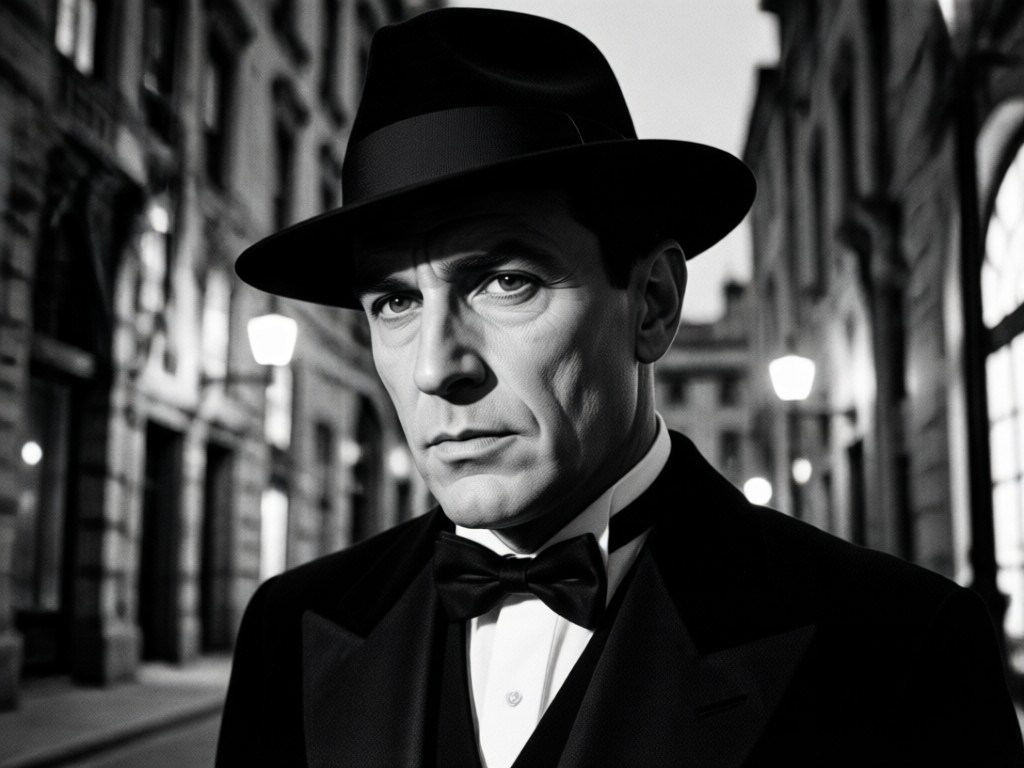
Moody Tone Grading
Beyond simple black and white. The AI applies complex, moody tone grading—deep blacks, silvery highlights, and nuanced midtones—to evoke the specific emotional atmosphere of film noir, from suspenseful to melancholic.
Moody Tone Grading
Beyond simple black and white. The AI applies complex, moody tone grading—deep blacks, silvery highlights, and nuanced midtones—to evoke the specific emotional atmosphere of film noir, from suspenseful to melancholic.
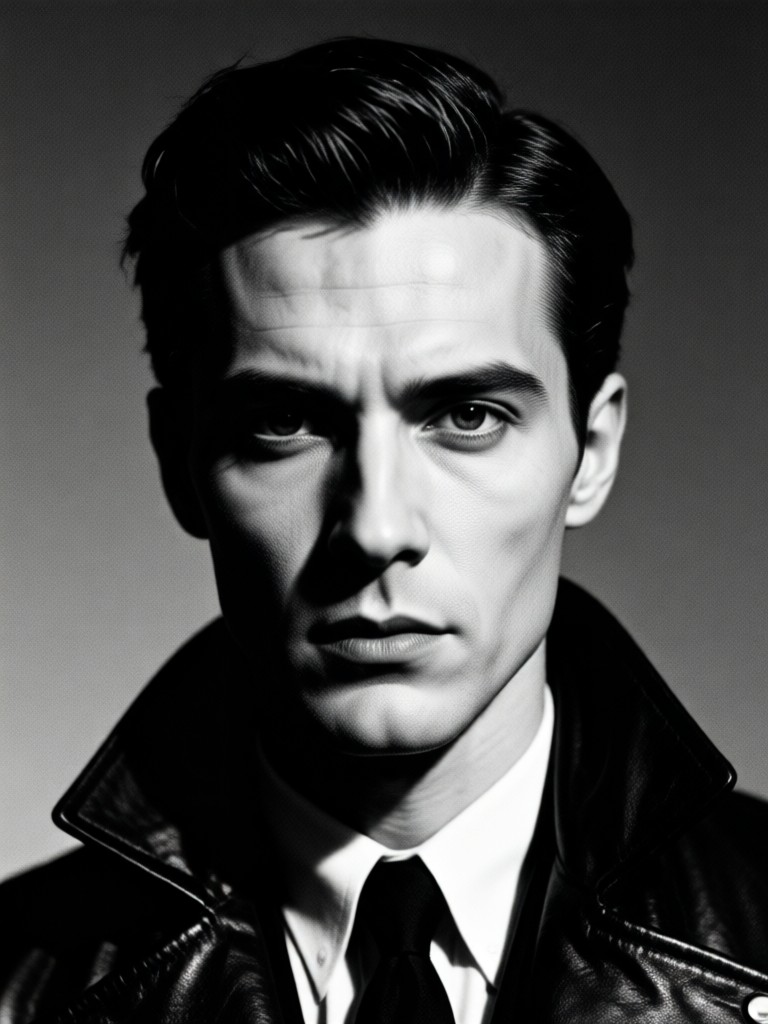
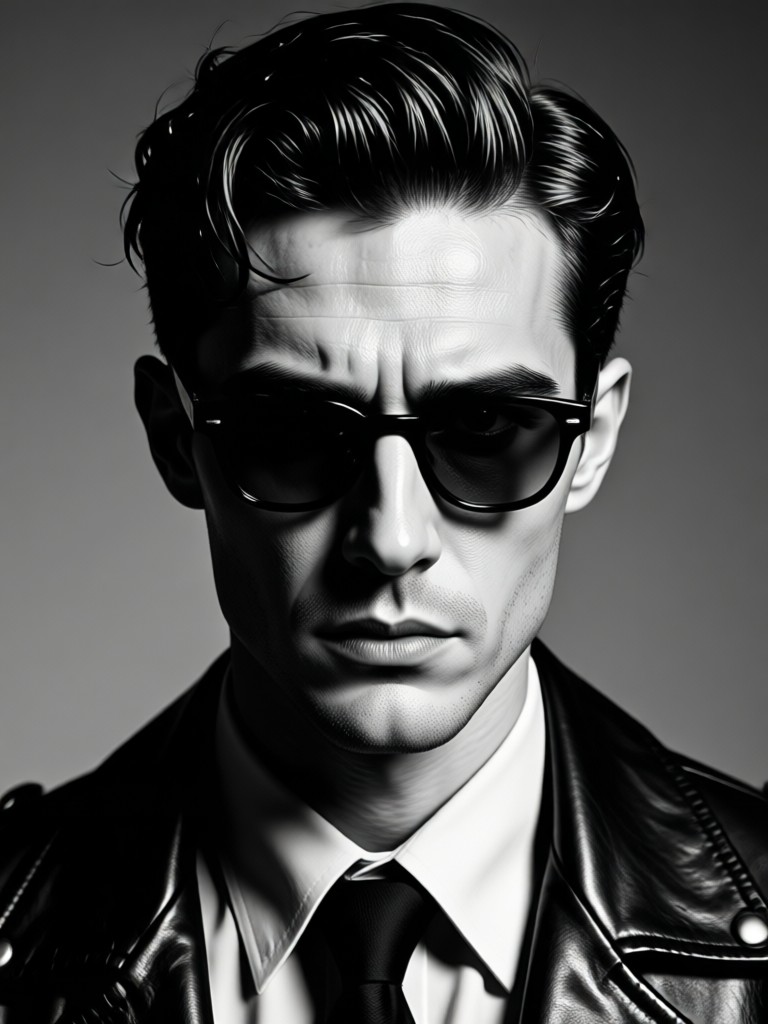
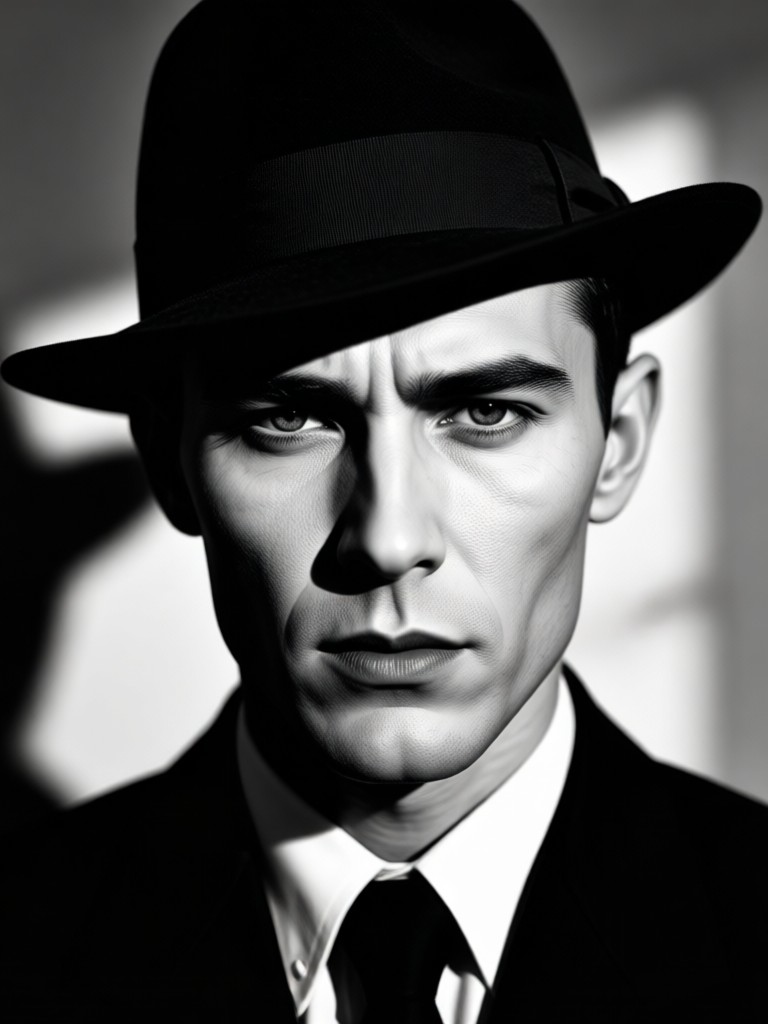
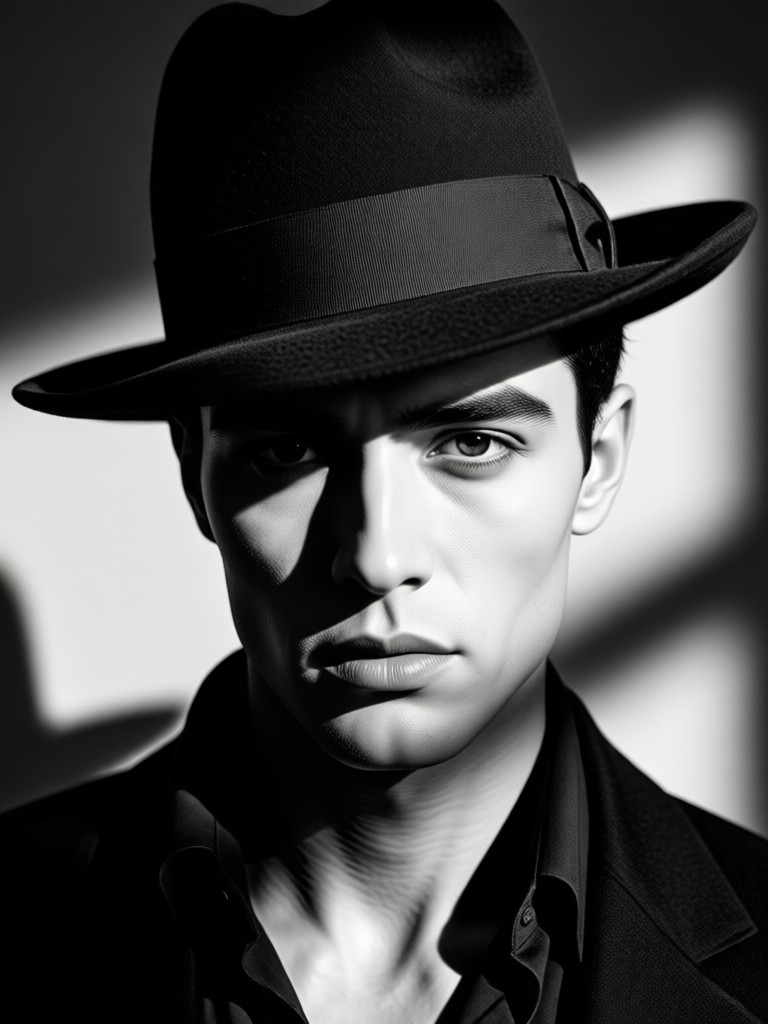
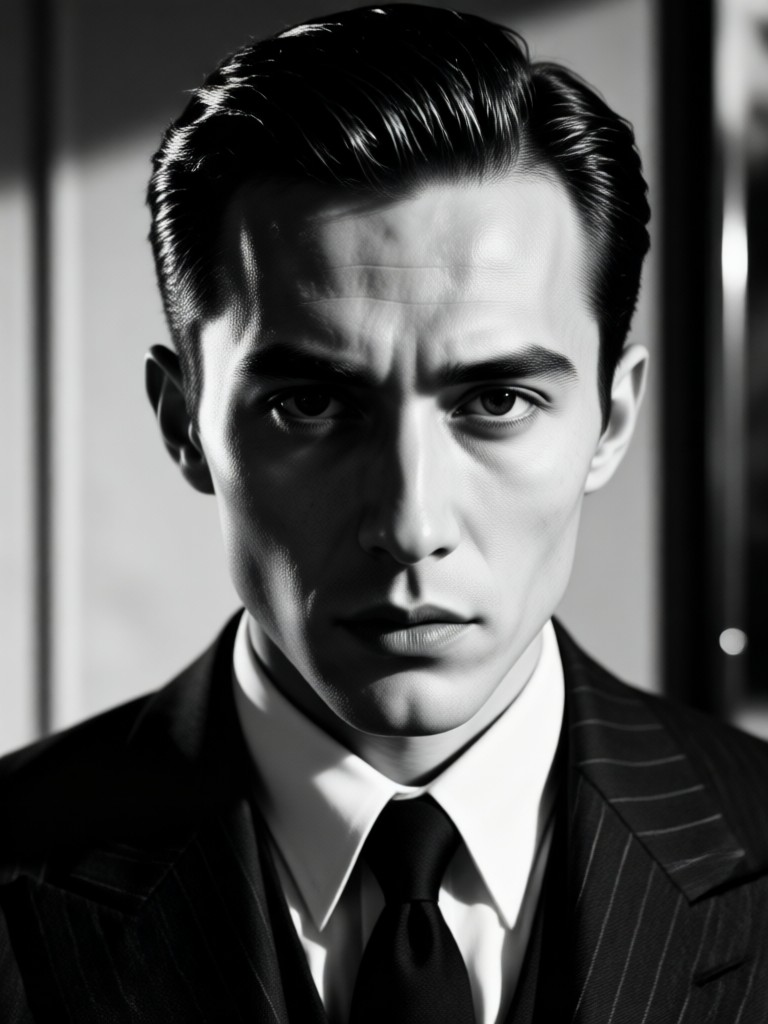
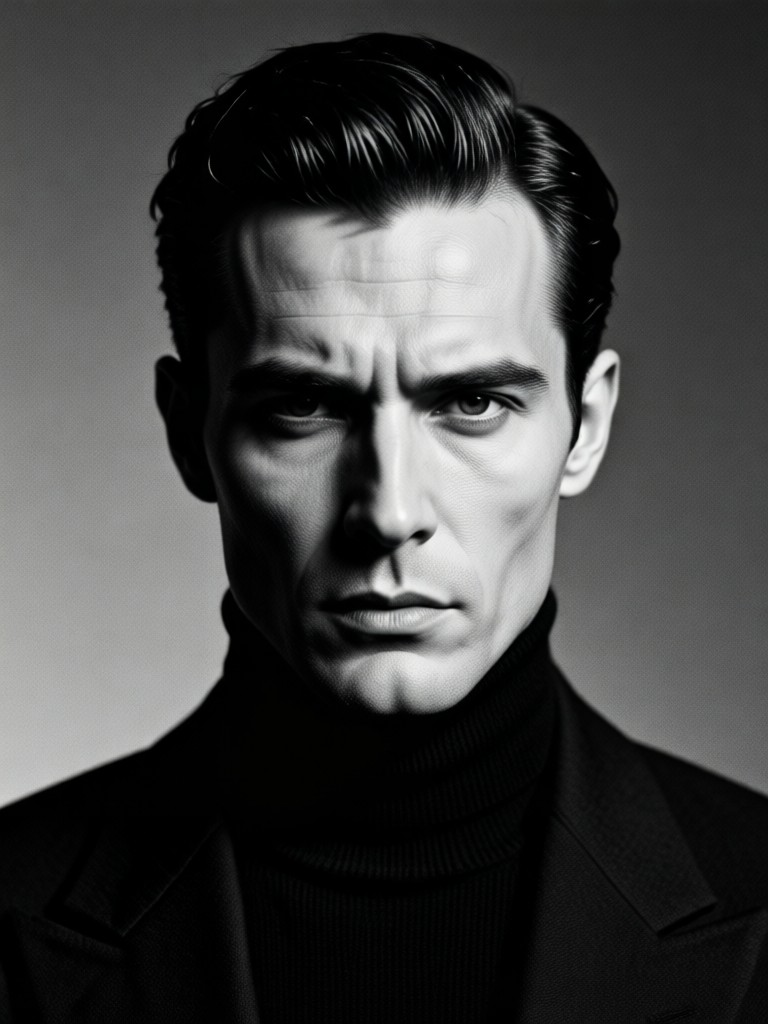
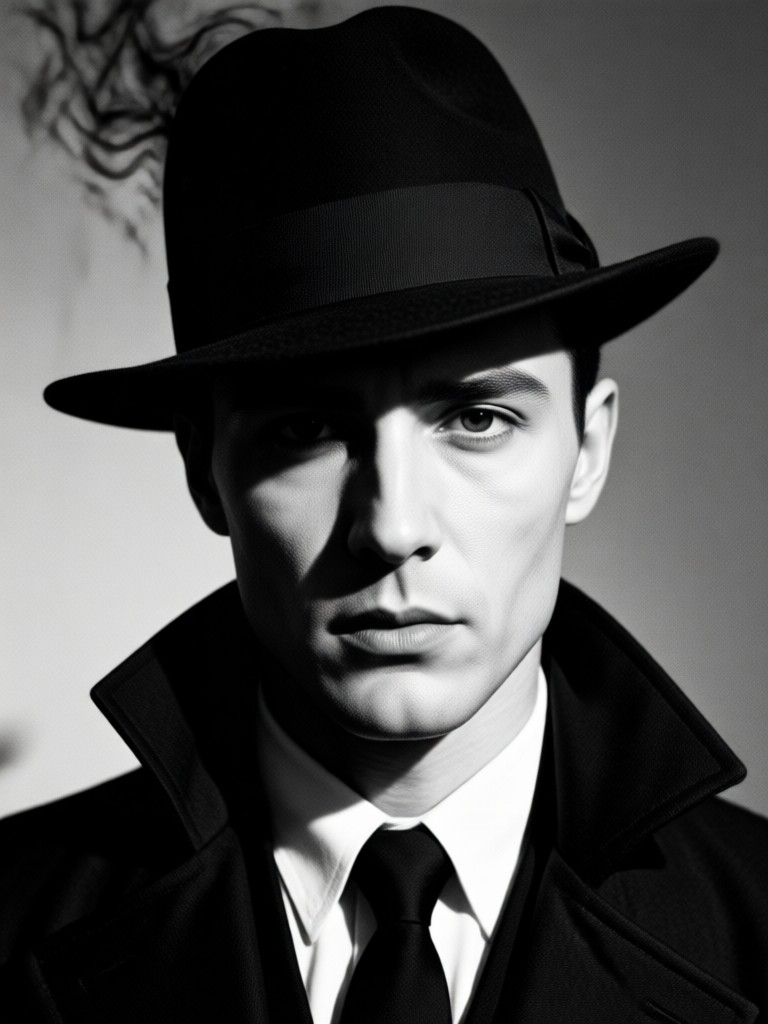
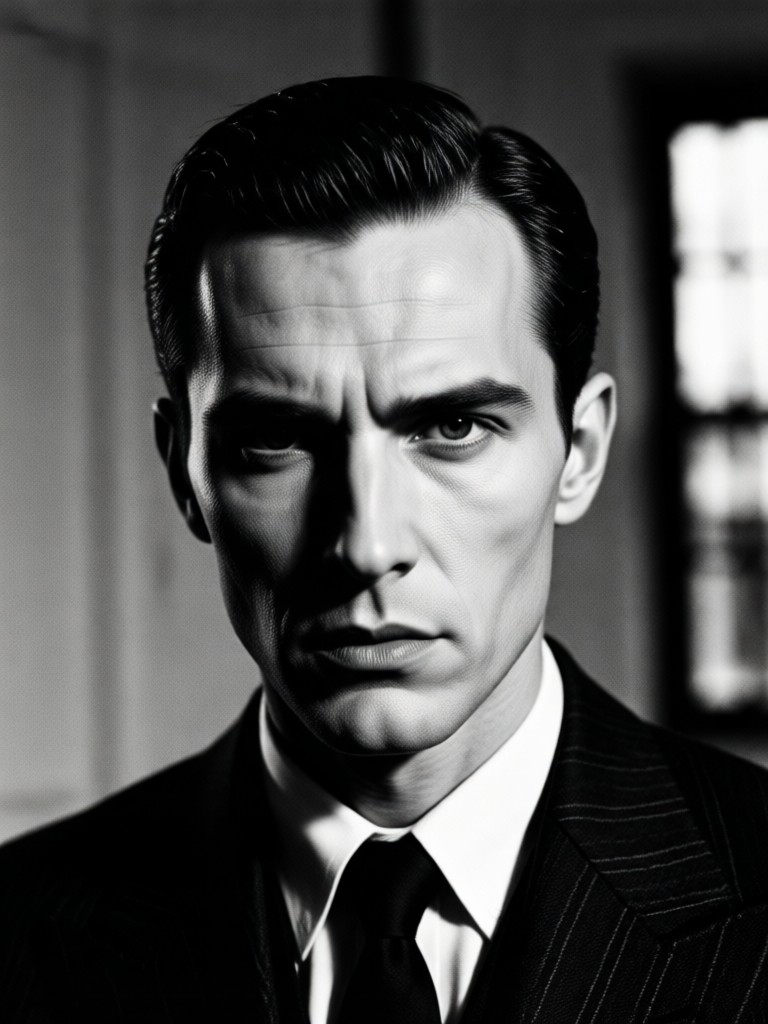
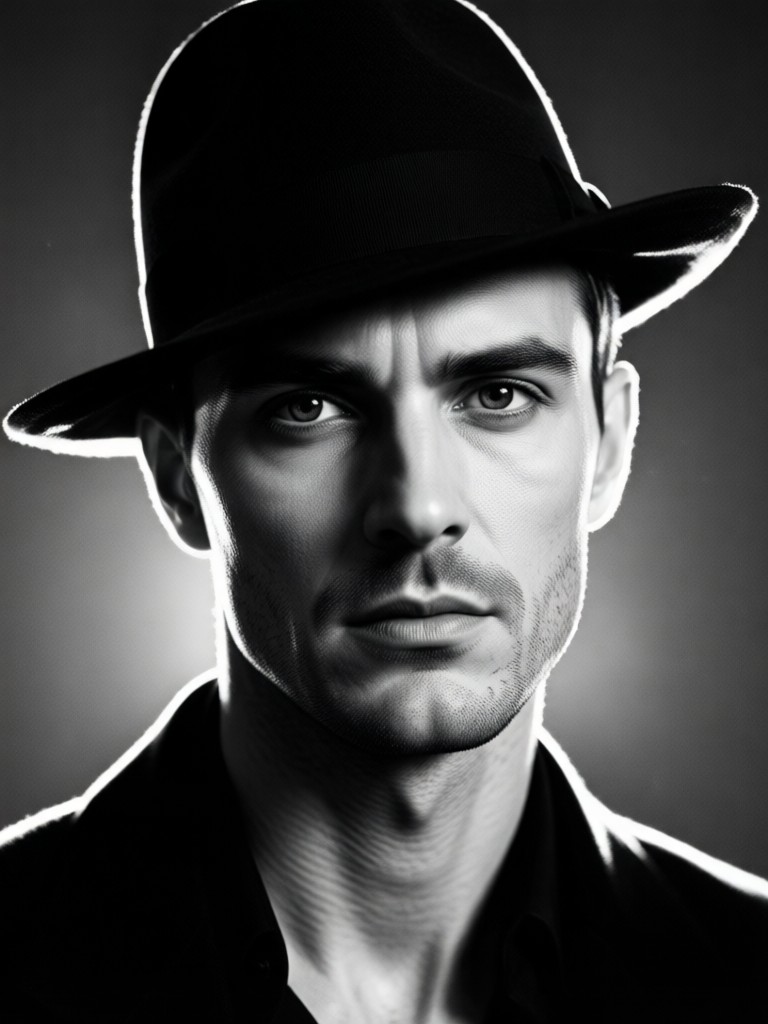
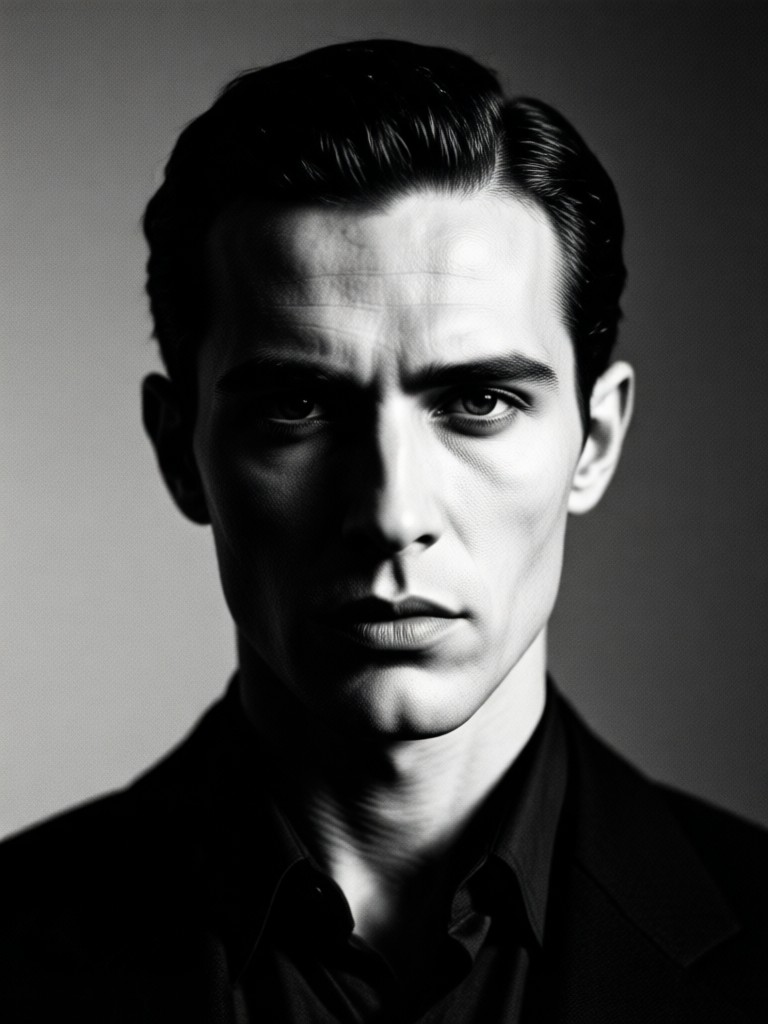
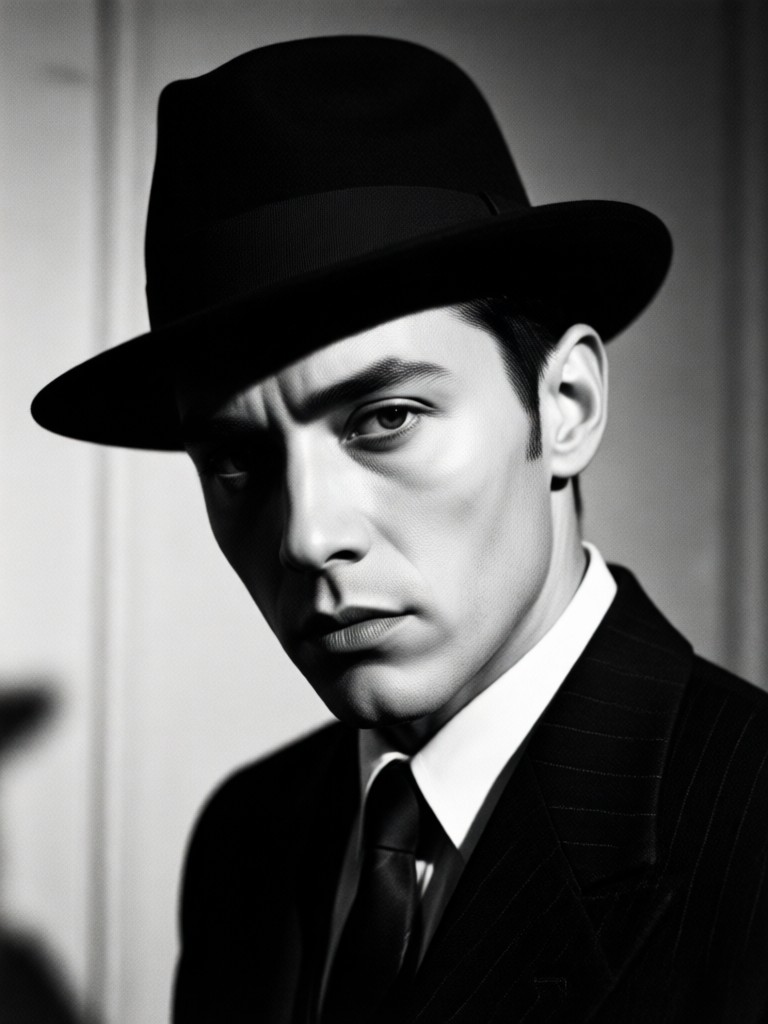
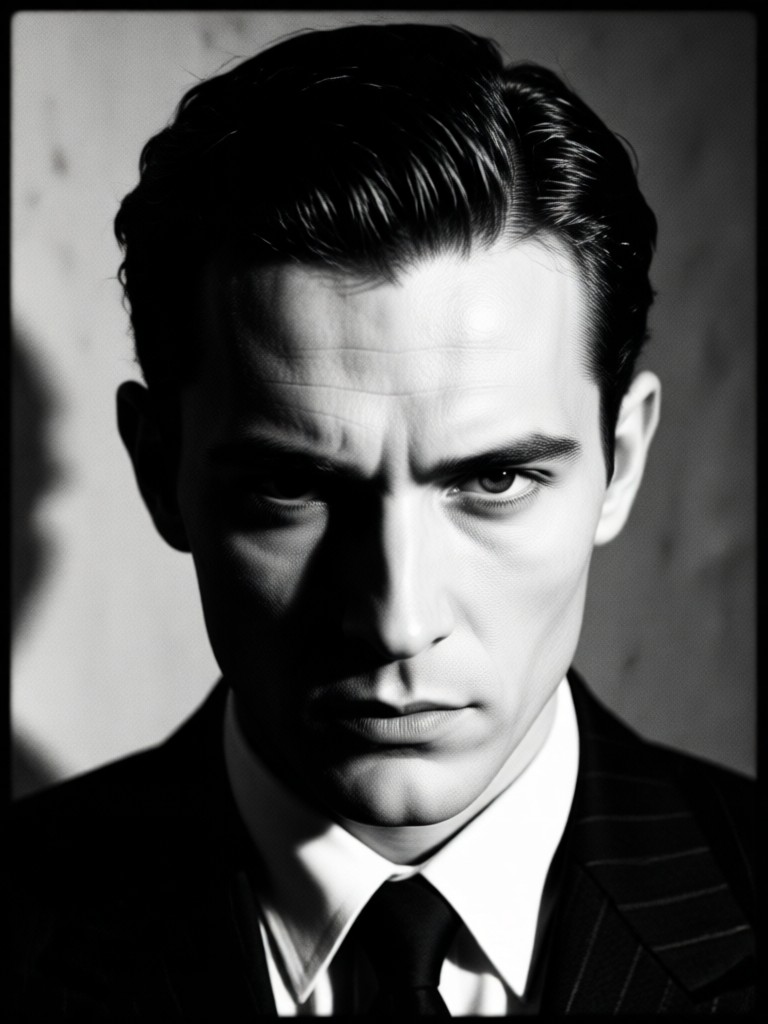
Gallery of Shadows
Witness the transformation. Browse our collection of stunning AI-generated cinematic noir portraits and discover the dramatic potential within your own photos.
How to Create a Film Noir Portrait?
Transform into a cinematic icon in just three simple steps with our powerful AI.

Step 01.
Download the usgen app to access the Noir Portrait filter and all our cinematic AI tools directly on your mobile device.

Step 02.
Select the 'Cinematic Noir' filter category and choose your preferred style template, from classic detective to moody atmospheric.

Step 03.
Upload your photo, generate your dramatic noir portrait, then instantly download and share your cinematic creation on social media.
Voices from the Shadows
Perfect for my short film character posters
As an indie filmmaker, creating authentic noir aesthetic on a budget was impossible. This tool gave my actors perfect, dramatic character portraits that sold the mood of our film instantly. The lighting effects are shockingly professional.
Transformed my photography portfolio
I used this to create a themed 'Neo-Noir' series for my website. The AI's understanding of contrast and mood is incredible. Clients now specifically ask for the 'noir look' because of these samples. It's a unique selling point.
Unmatched for creating atmospheric social content
My bookstagram needed a visual theme for my mystery novel reviews. The noir portraits I create here get triple the engagement. Followers love the dramatic, story driven aesthetic. It's the best tool for building a cohesive, intriguing brand look.
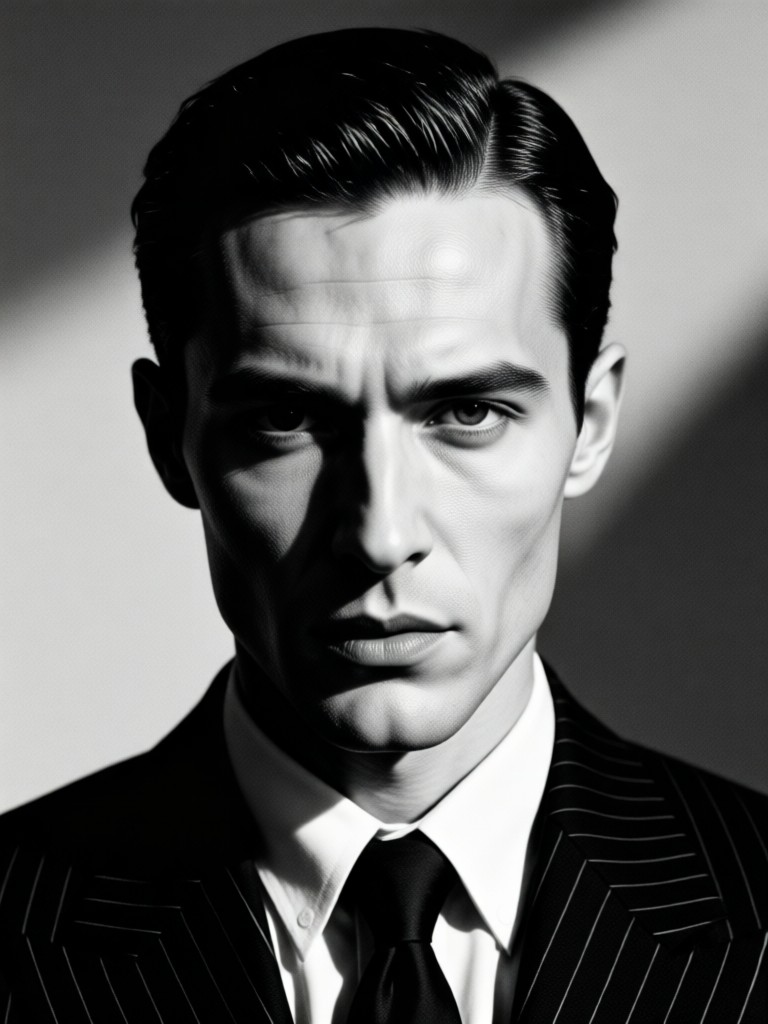
Your Noir Studio, In Your Pocket
Why rent a studio with vintage lighting? Bring the classic cinematic drama of film noir wherever you go. Download the app and transform any photo into a timeless portrait.

Noir Portrait FAQ
Get answers to common questions about creating your own cinematic film noir portraits with AI.
More Topics You May Like
Explore more topics you may like and discover fresh ideas tailored to your interests.
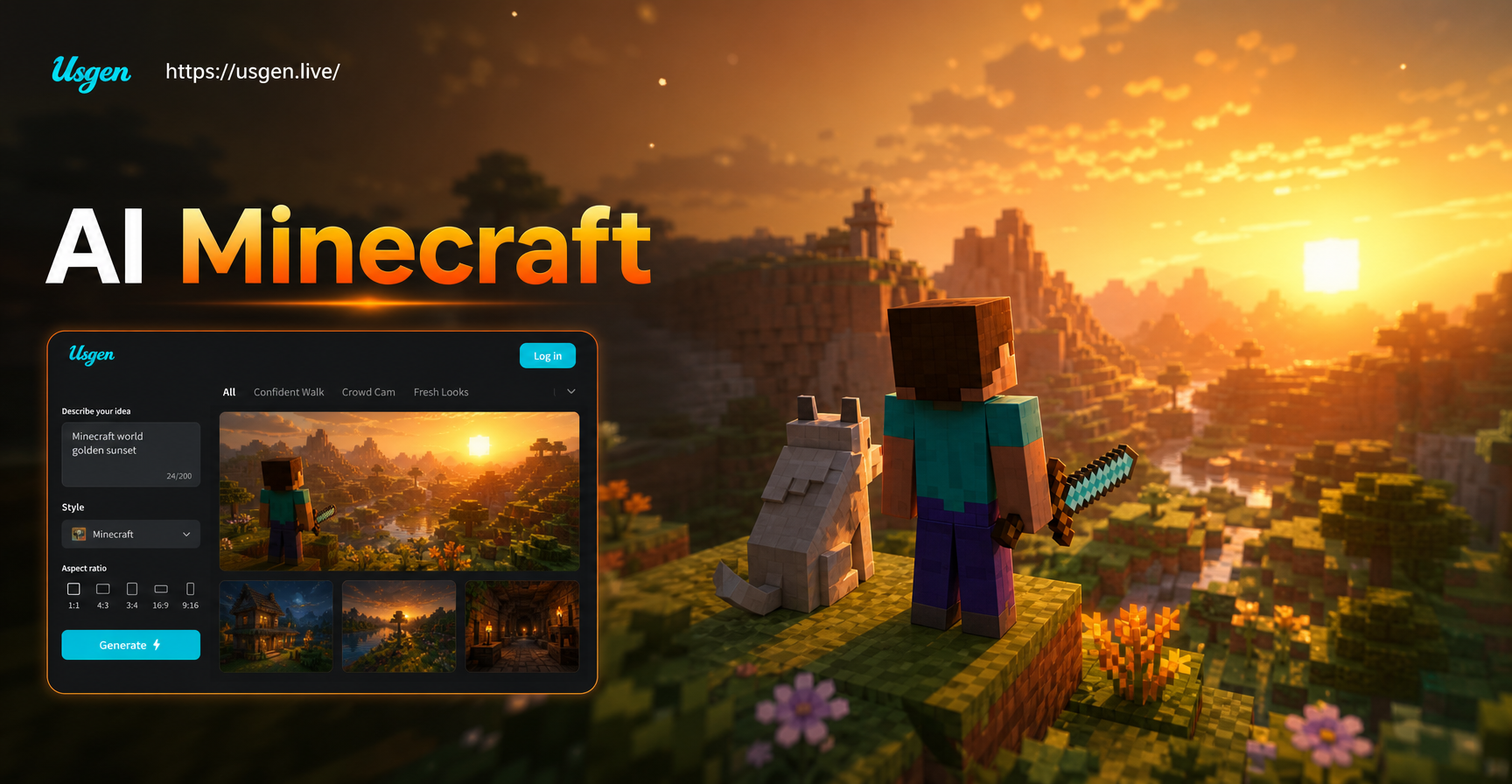
Create Stunning Minecraft Art with AI
Use our AI Minecraft Style Generator to turn any image or idea into blocky, pixel-perfect art. Generate unique skins, builds, and landscapes instantly with AI—no manual design required. Download the app and create now.
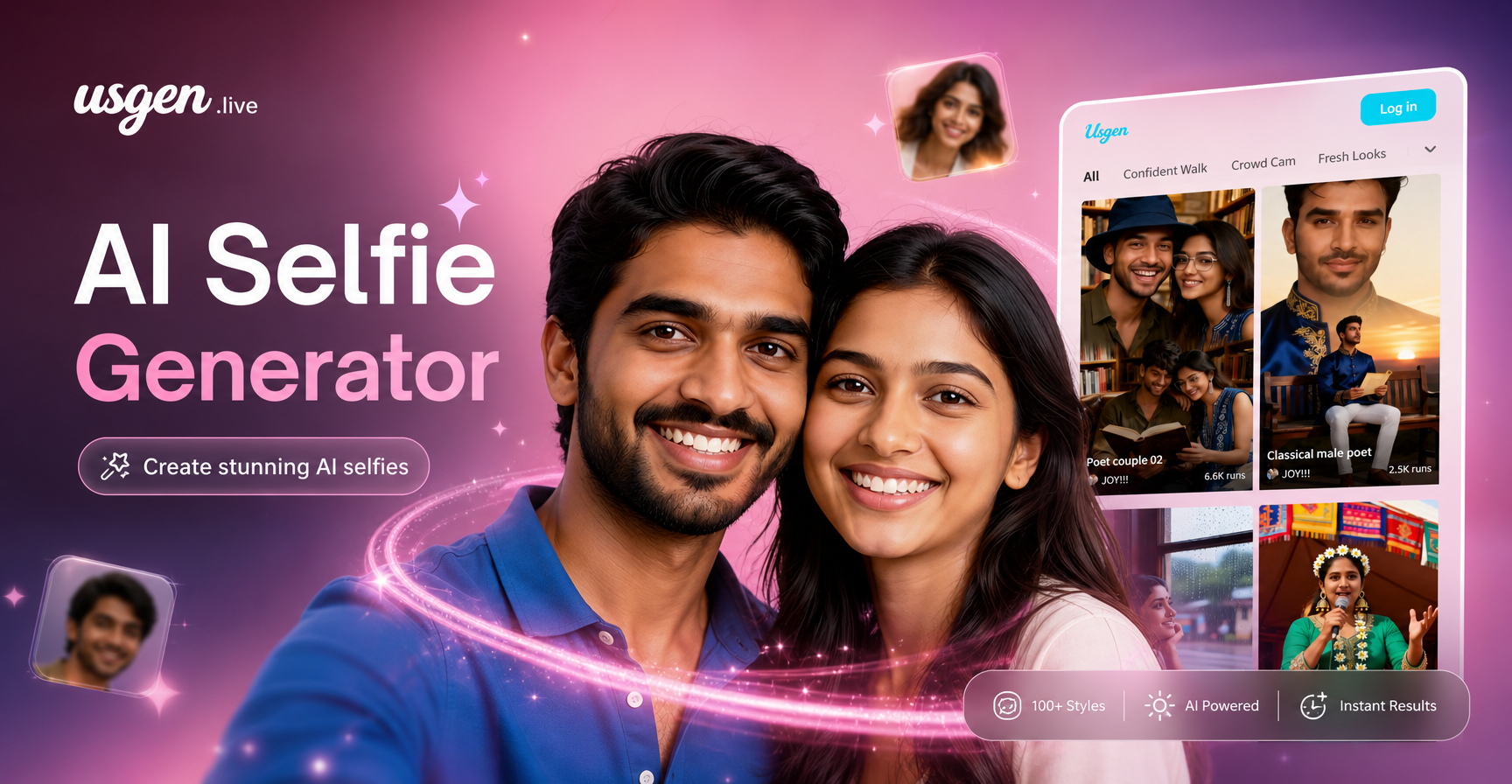
AI Selfie Generator: Create Stunning Portraits with AI
The AI Selfie Generator crafts your perfect portrait. Upload any photo, select from thousands of AI filters, and watch your selfie transform into anime, painting, or any art style you imagine.
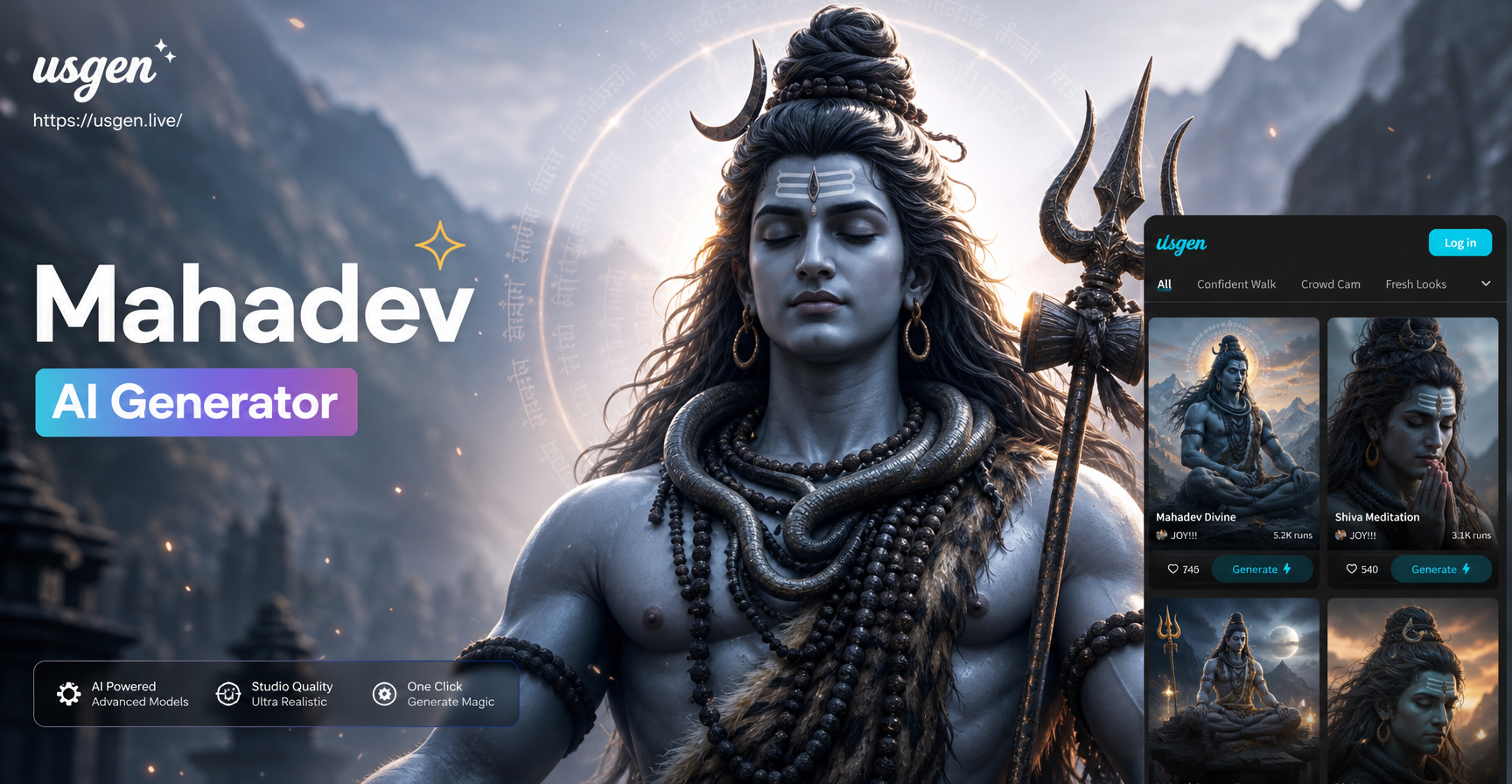
Mahadev Lord Shiva AI Generator: Craft Sacred Images
Create stunning AI images of Lord Shiva with Mahadev AI Generator. Generate unique artwork of Mahadev, from meditating to Nataraja form, with ancient temple backgrounds.
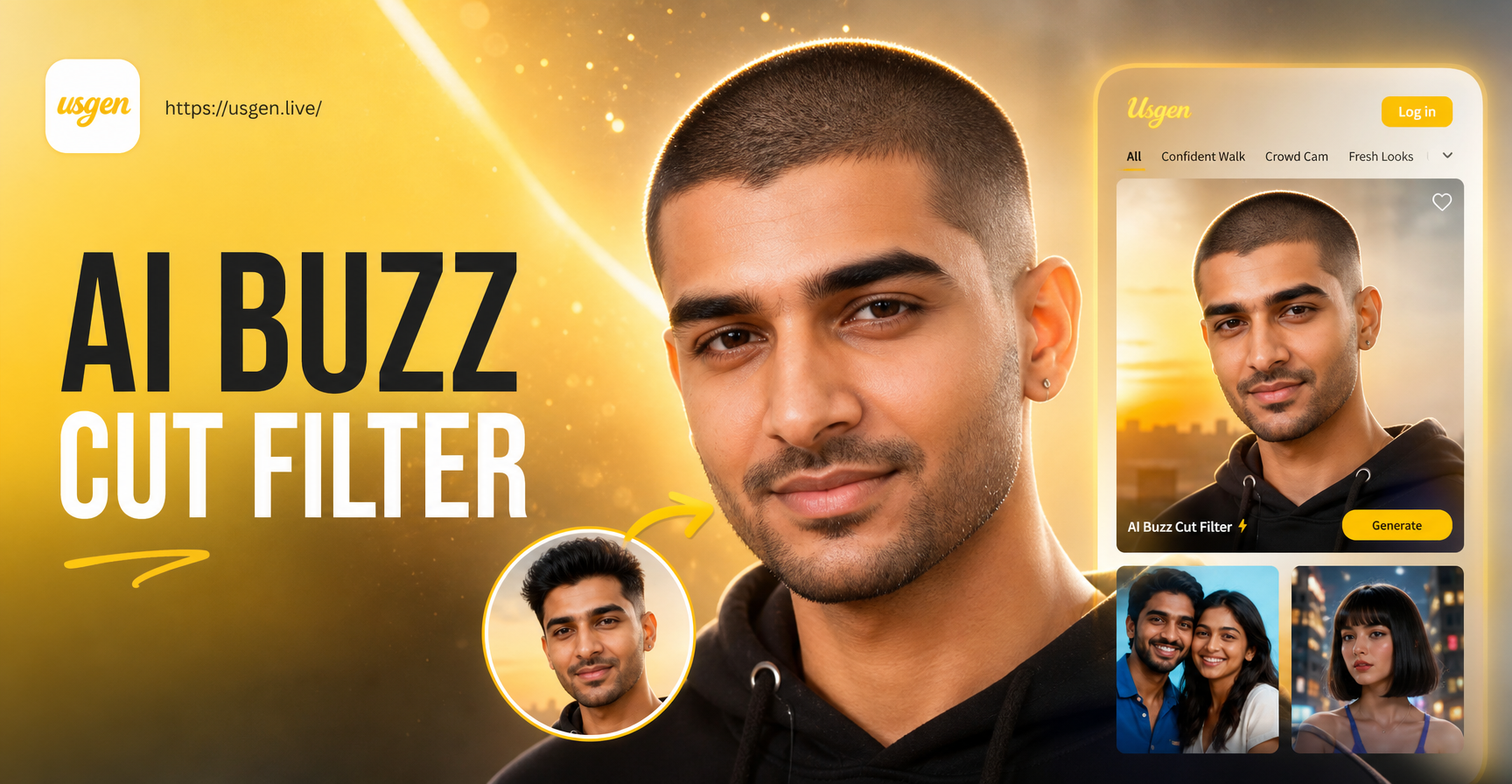
AI Buzz Cut Filter: See Your Buzz Cut Look Instantly
Free AI Buzz Cut Filter lets you try on a buzz cut hairstyle in seconds. Upload your photo, choose from various buzz cut styles, and preview a realistic transformation. No haircut required.
Ready for Your Close Up?
Stop scrolling and start starring. Download the app now and create your iconic cinematic noir portrait in seconds. Mystery awaits.
Ready for Your Close Up?
Stop scrolling and start starring. Download the app now and create your iconic cinematic noir portrait in seconds. Mystery awaits.