Cinematic 3 Layer AI Photo Editing
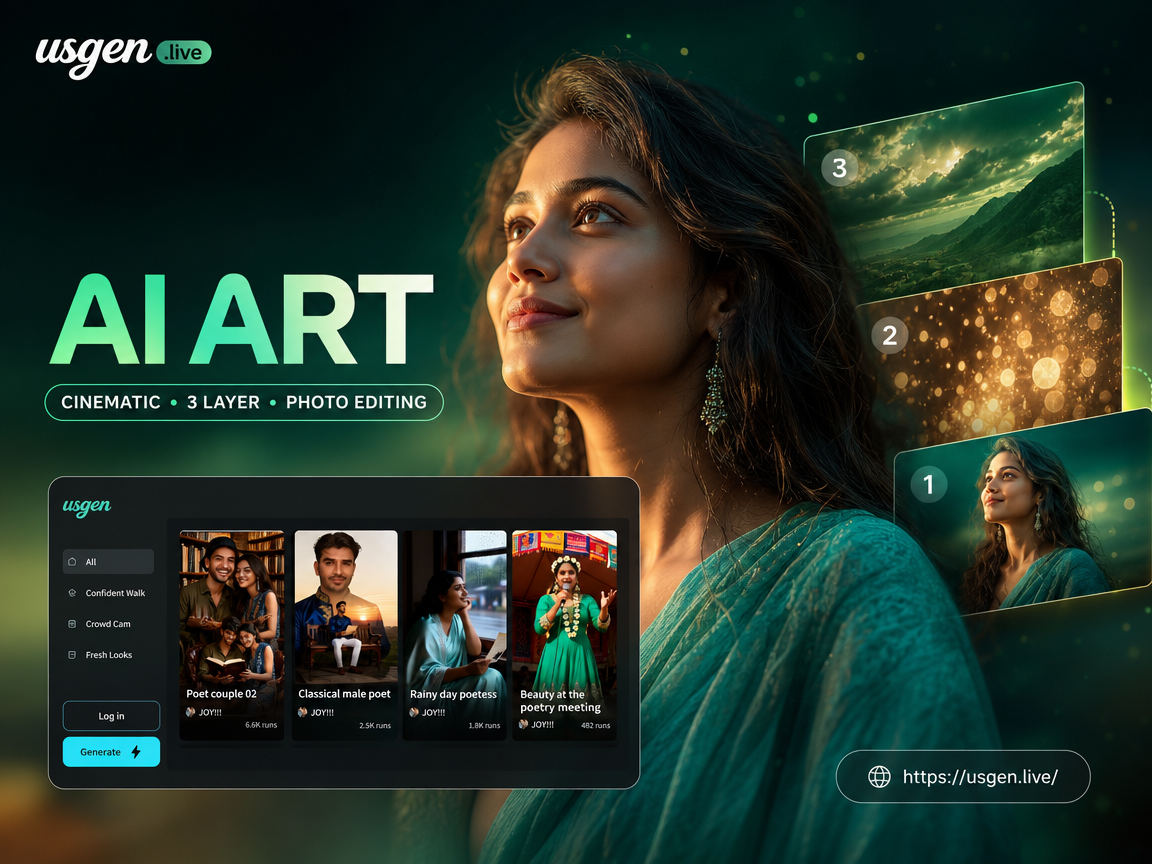
Popular Cinematic Filters and Styles
Explore our library of cinematic filters, each designed to apply distinct 3-layer effects, from noir and blockbuster to sci-fi and fantasy.
How 3-Layer AI Editing Works
Our technology deconstructs your image into separate layers, allowing for independent, intelligent enhancement of each element for a cohesive, deep cinematic look.
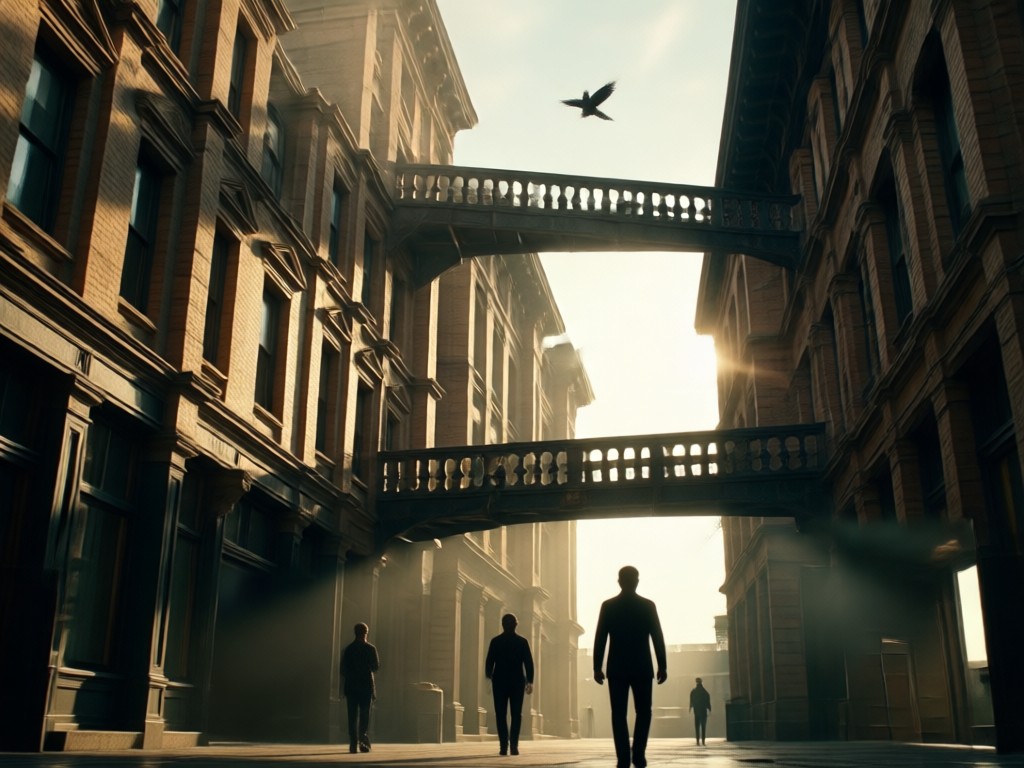
Intelligent Layer Separation
AI automatically identifies and isolates the foreground, main subject, and background into three distinct, editable layers while preserving original details.
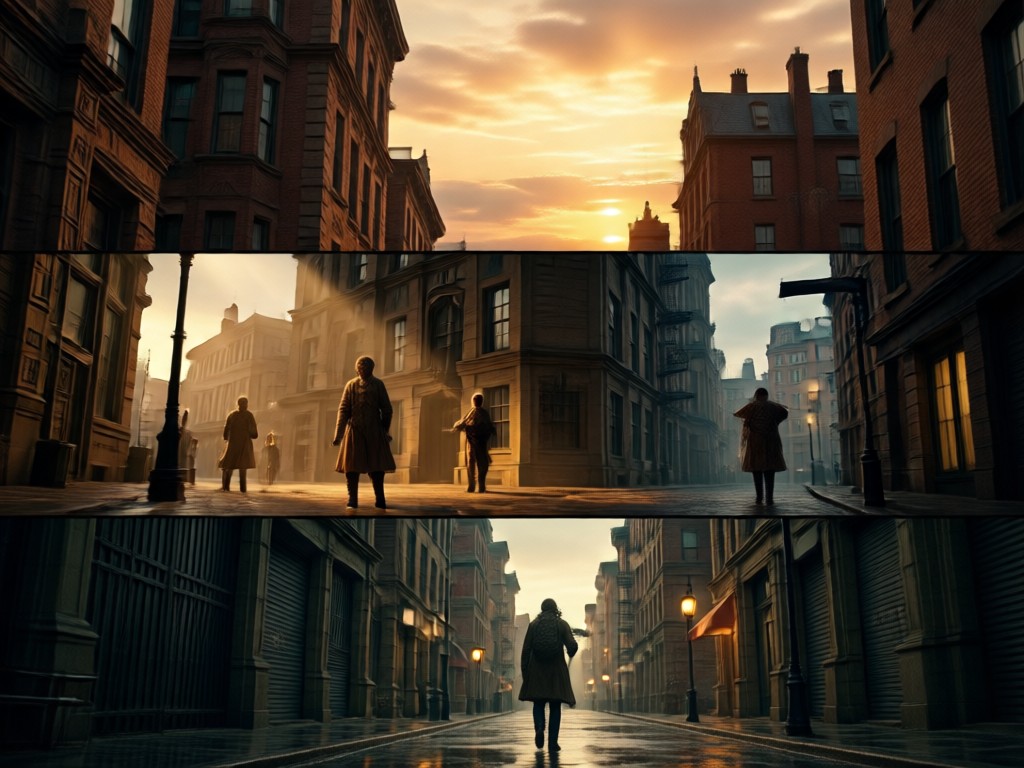
Independent Layer Enhancement
Apply different styles, lighting, and effects to each layer. Blur backgrounds, highlight subjects, and add atmospheric foreground elements independently.
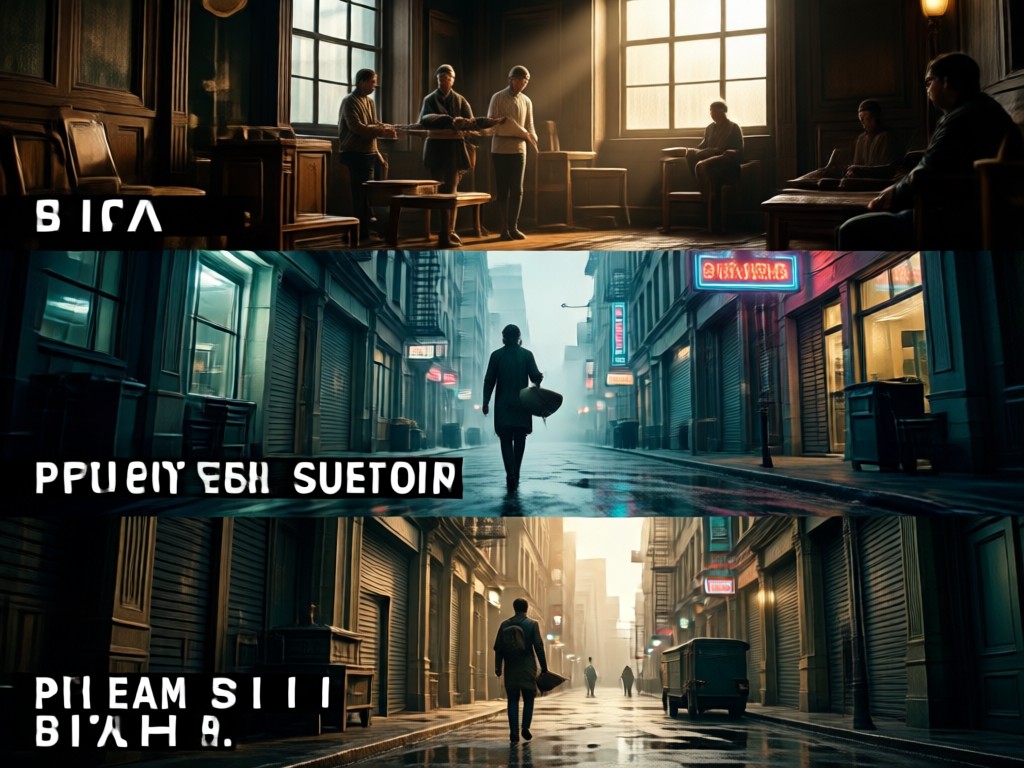
Seamless Composition & Depth
The AI recomposes all enhanced layers into a single, hyper-realistic image with convincing depth, shadows, and lighting for a true cinematic feel.
Cinematic 3 Layer AI Art Gallery
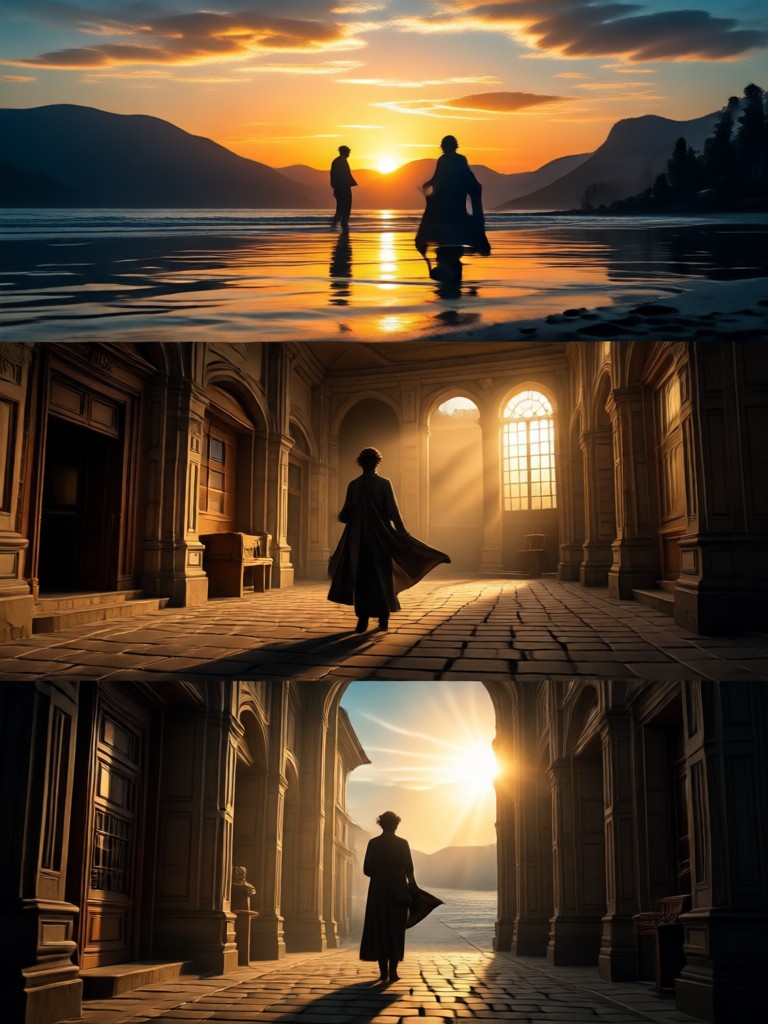
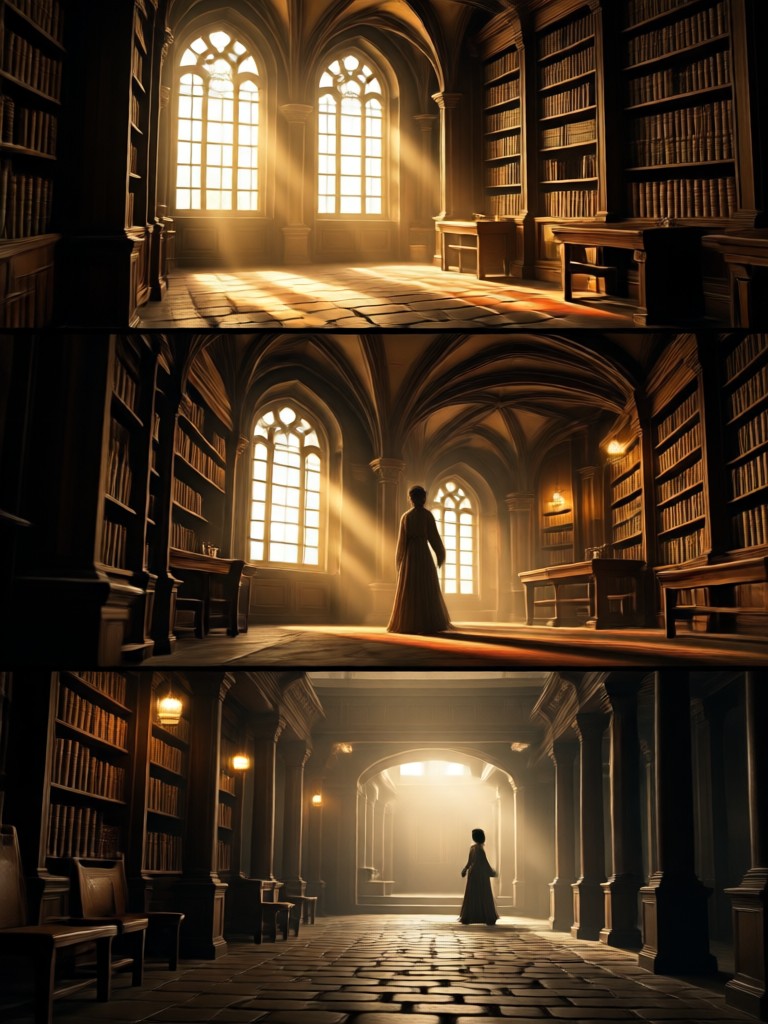
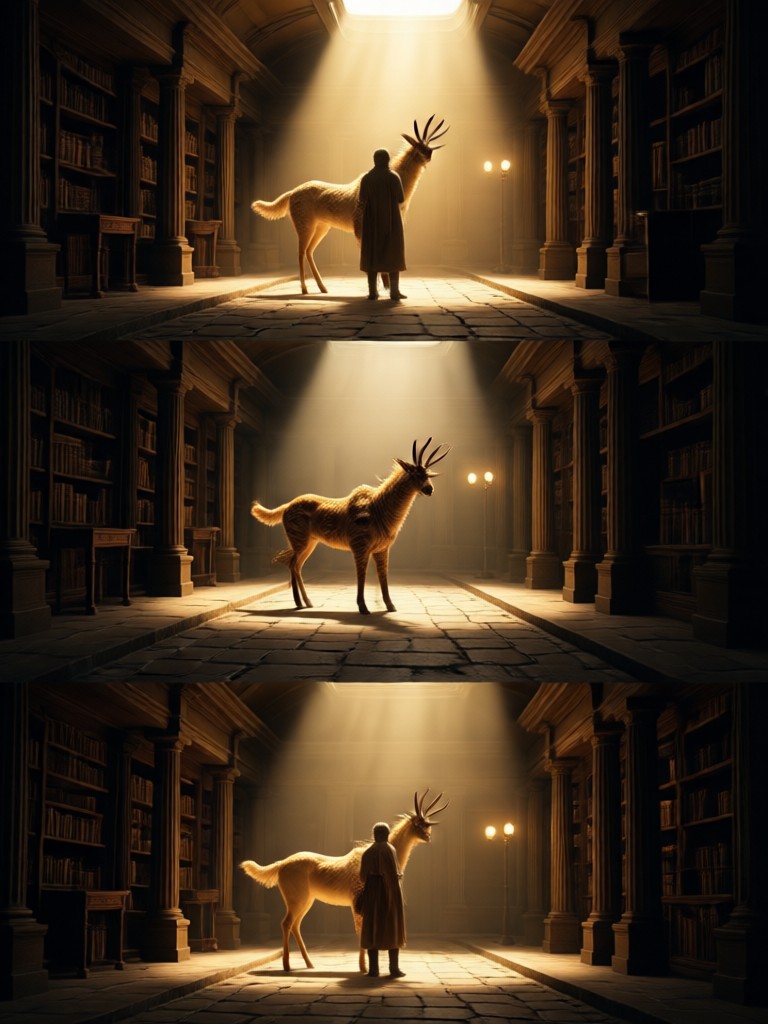
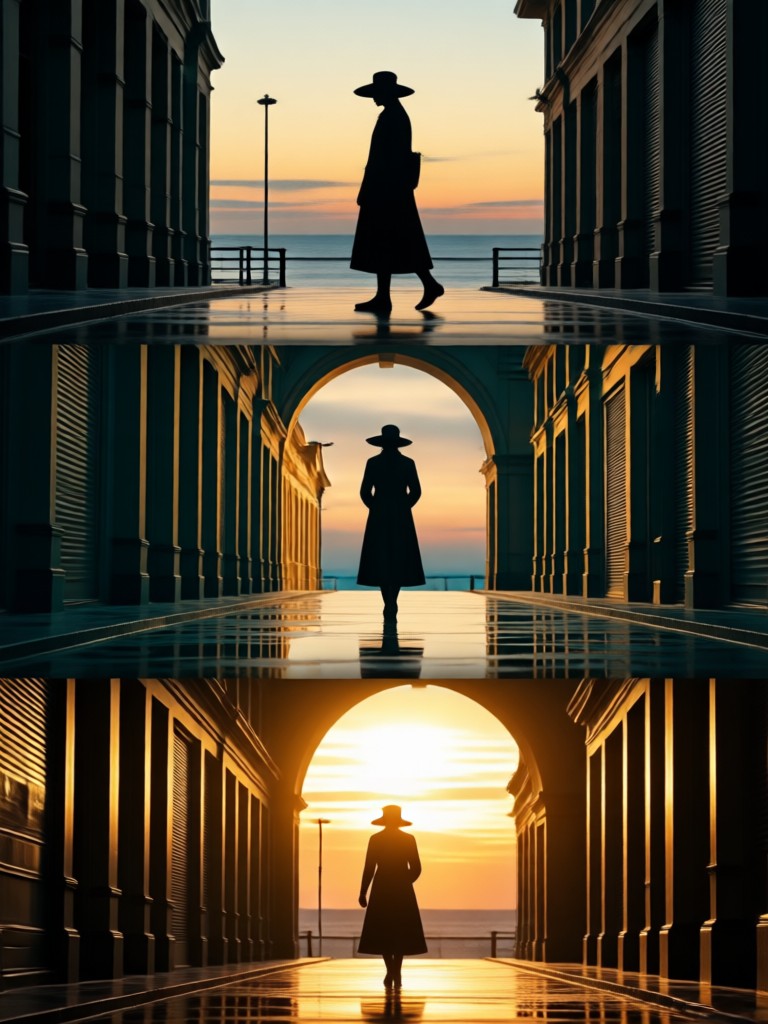
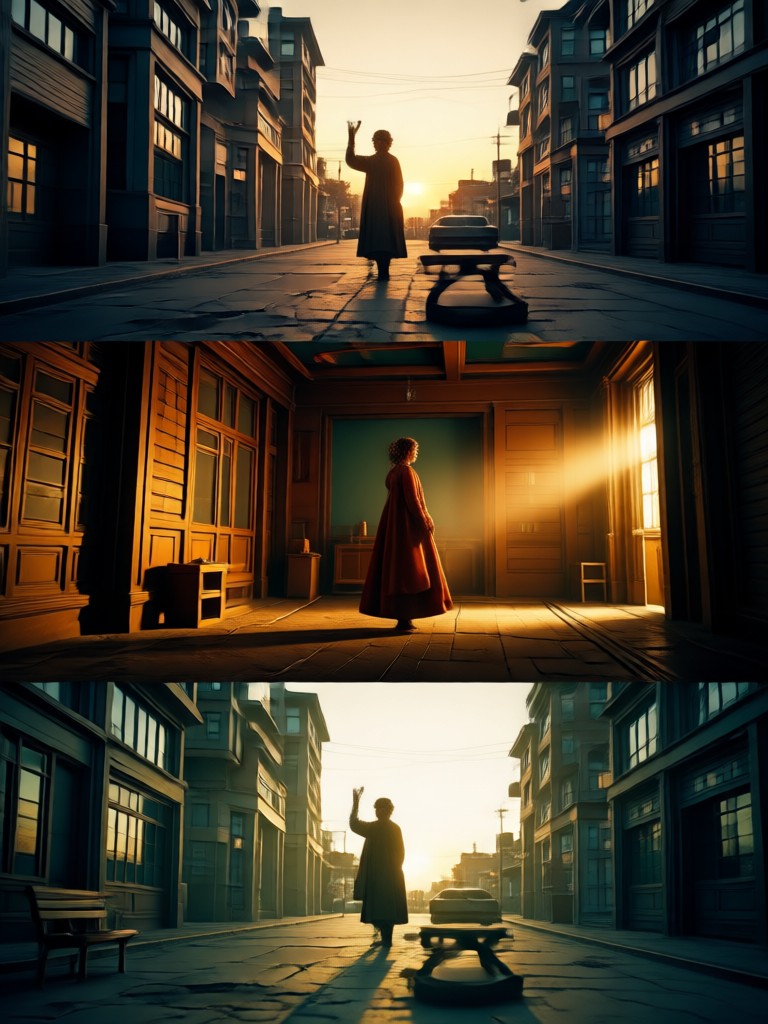
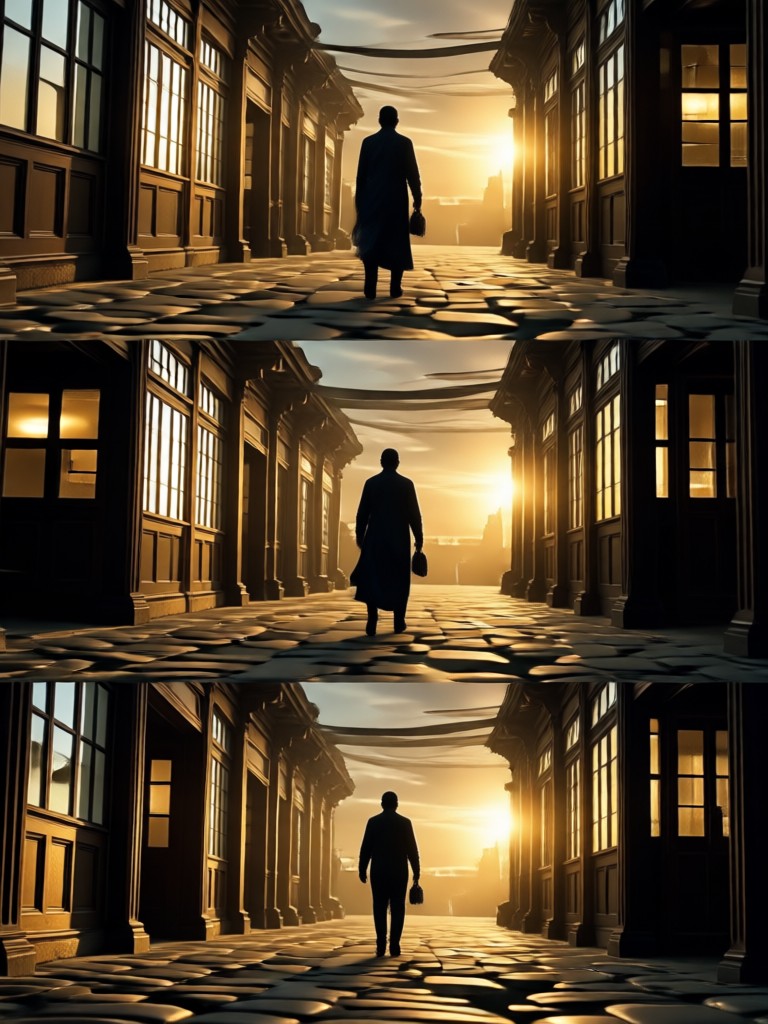
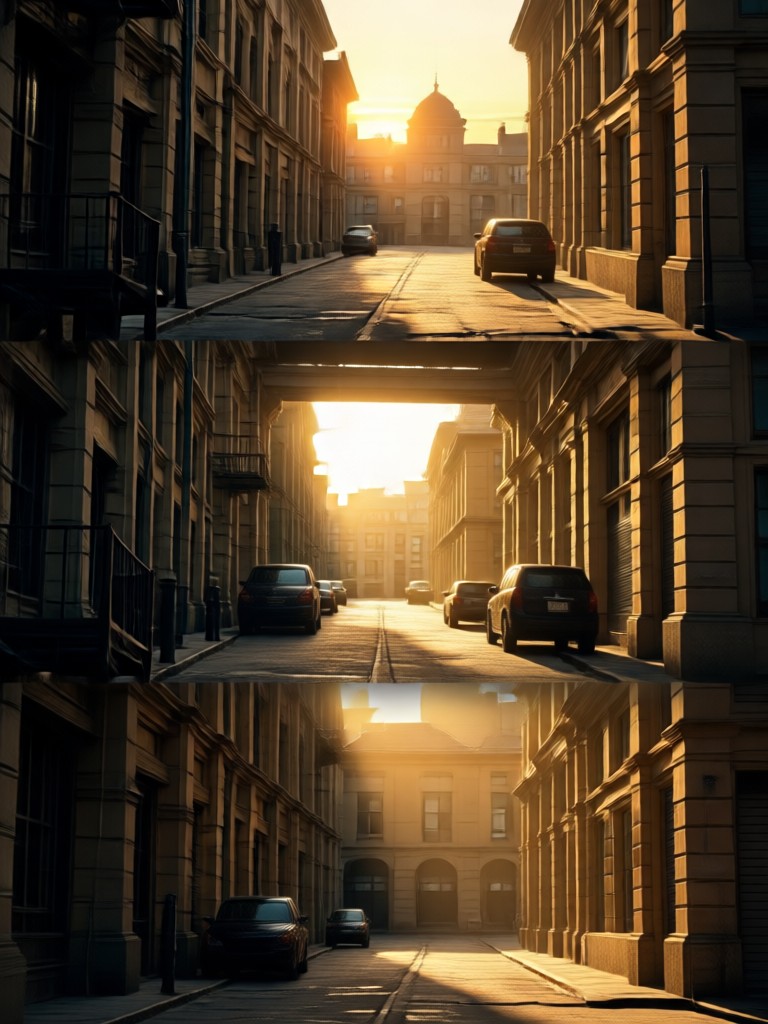
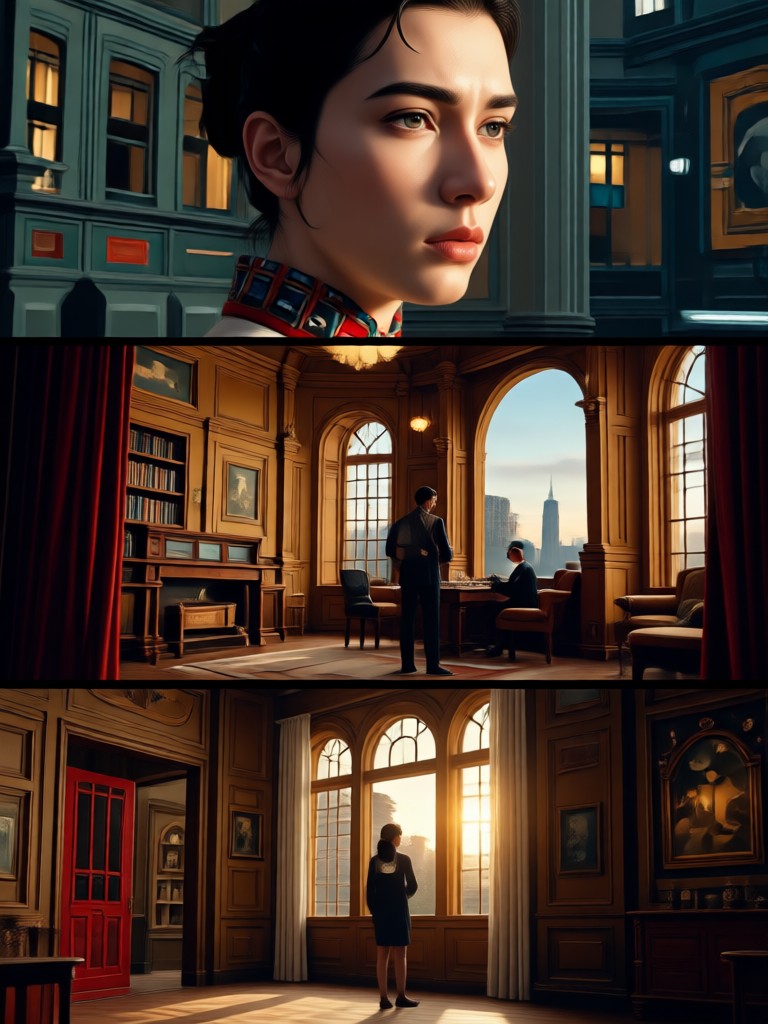
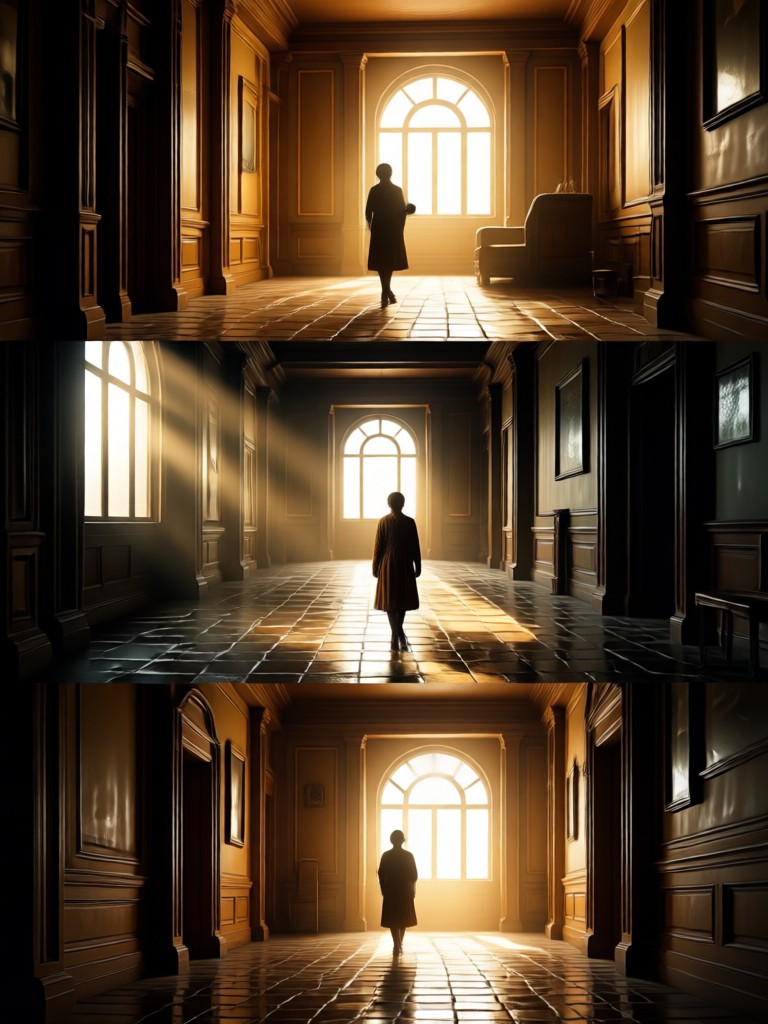
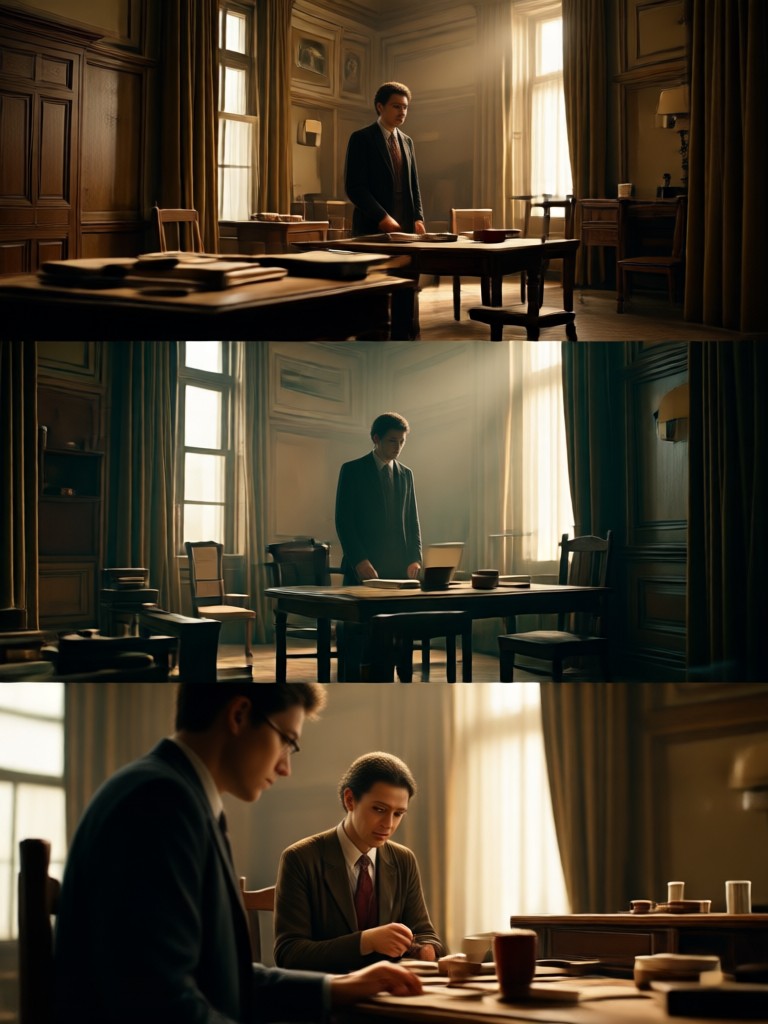
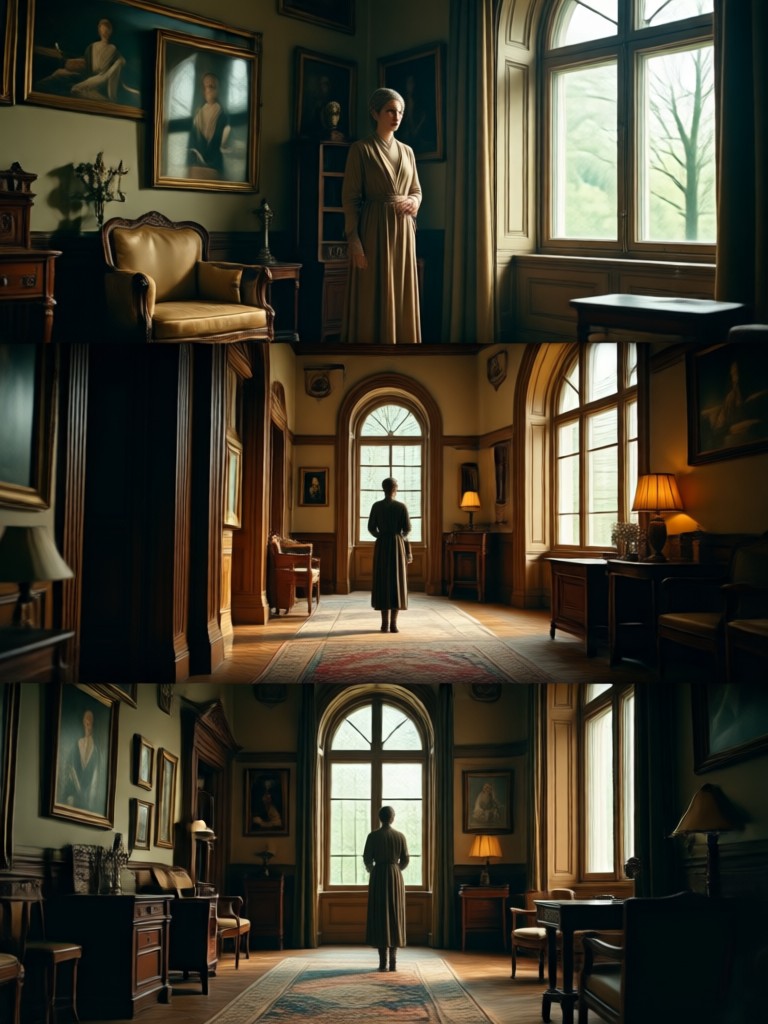
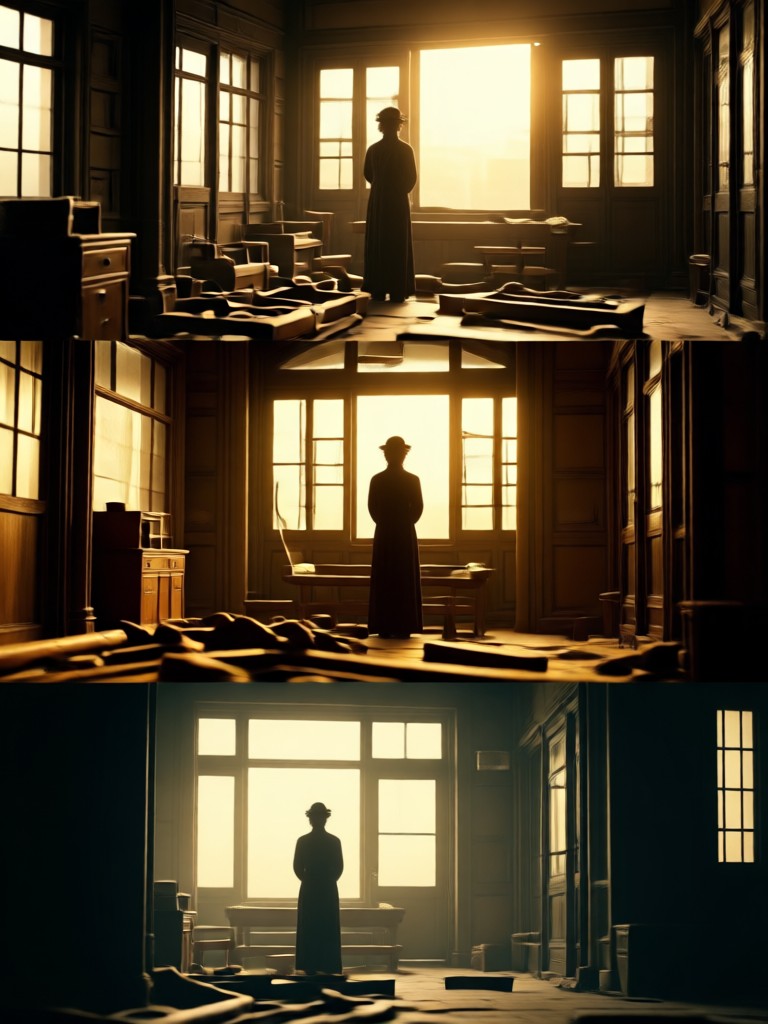
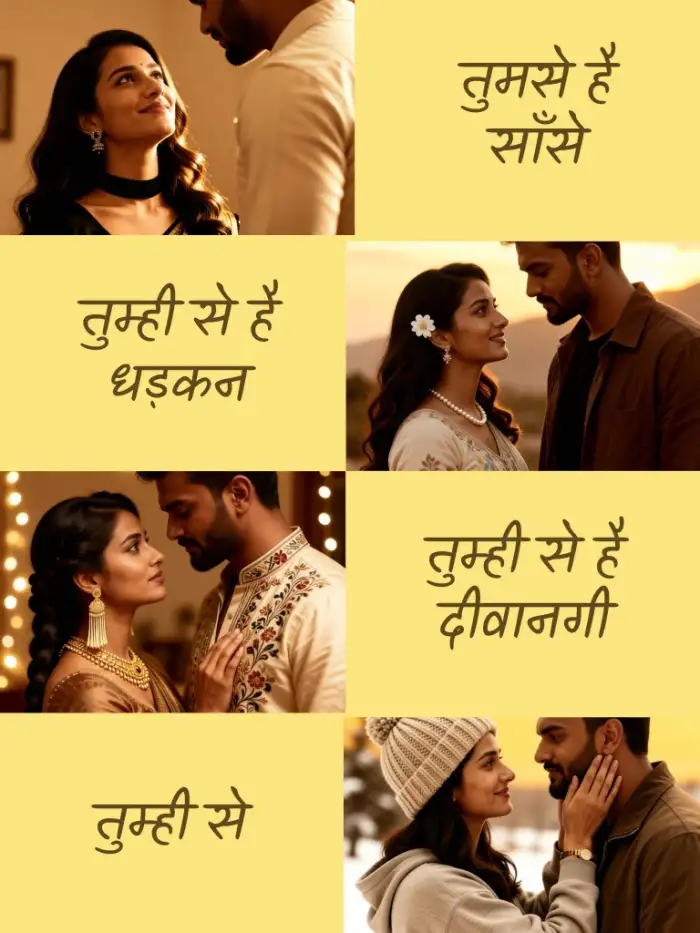
See how ordinary photos are transformed into epic cinematic scenes. Each image showcases the power of independent foreground, subject, and background editing.
Why Choose AI for Cinematic Edits?
Manual layered editing requires advanced skills and hours of work. Our AI delivers professional-grade cinematic depth in seconds, making complex art accessible to everyone.
From Snapshot to Scene
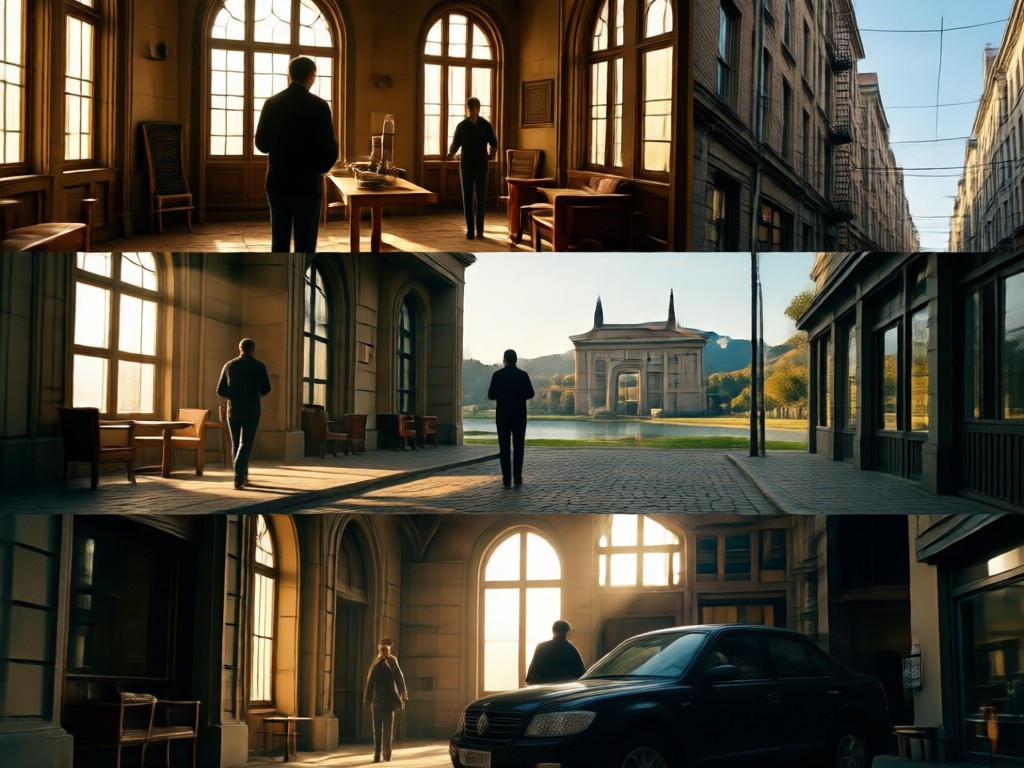
Traditional photo editors struggle with realistic depth creation. Our cinematic 3 layer AI doesn't just apply filters, it understands scene composition. It intelligently places atmospheric haze in the background, adds sharp detail to your subject, and introduces believable foreground elements like lens flare or particles. This creates an immersive, three-dimensional quality that feels pulled from a movie still, not a simple filter overlay. The result is unique art that tells a story, crafted automatically from your original vision.
From Snapshot to Scene
Traditional photo editors struggle with realistic depth creation. Our cinematic 3 layer AI doesn't just apply filters, it understands scene composition. It intelligently places atmospheric haze in the background, adds sharp detail to your subject, and introduces believable foreground elements like lens flare or particles. This creates an immersive, three-dimensional quality that feels pulled from a movie still, not a simple filter overlay. The result is unique art that tells a story, crafted automatically from your original vision.
How to Create Cinematic 3 Layer AI Photos
Turn any photo into a layered cinematic masterpiece in three simple steps, directly from your mobile device.

Step 01.
Download the usgen app from Google Play to access all cinematic AI editing tools on your phone.
Step 02.
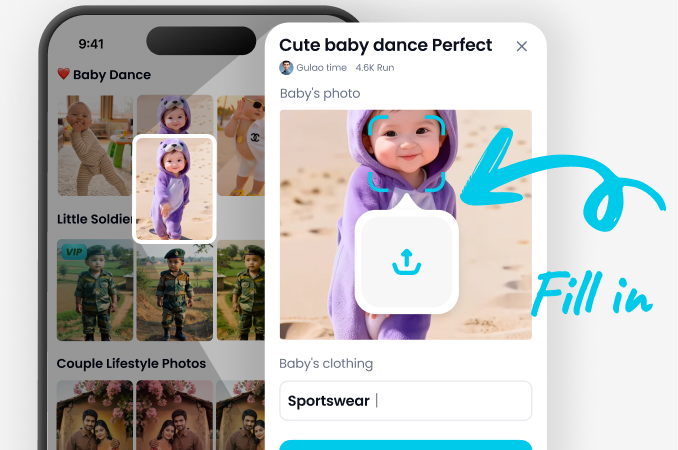
Upload your photo and browse the 'Cinematic' category. Select a 3-layer style template that matches your vision, like 'Blockbuster' or 'Noir'.
Step 03.
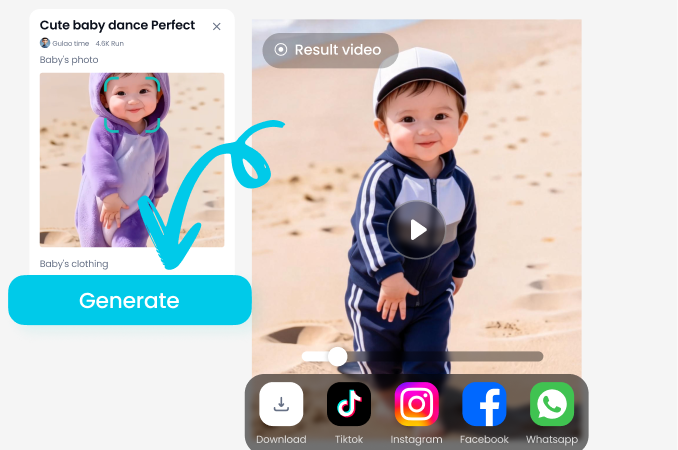
Generate your edit. The AI processes all three layers instantly. Download your cinematic artwork or share it directly to social media.
Creators Using Cinematic AI Editing
Marcus Chen
This tool is a game-changer for mood boards and concept art. I can snap a location photo and instantly visualize it with the perfect cinematic layers, saving days in pre-production.
Sofia Rivera
The 3-layer control lets me add intricate foreground details like falling petals or floating dust that blend perfectly. It gives my digital portraits an unparalleled sense of depth and life.
Jake Peterson
My Instagram feed looks like a movie gallery now. The cinematic AI edits make my travel and portrait photos stand out massively, driving higher engagement and follower growth.
Elena Volkov
As a hobbyist, I could never achieve this level of layered editing in Photoshop. This app democratizes professional cinematic art. The results are consistently stunning and realistic.
Marcus Chen
This tool is a game-changer for mood boards and concept art. I can snap a location photo and instantly visualize it with the perfect cinematic layers, saving days in pre-production.
Sofia Rivera
The 3-layer control lets me add intricate foreground details like falling petals or floating dust that blend perfectly. It gives my digital portraits an unparalleled sense of depth and life.
Jake Peterson
My Instagram feed looks like a movie gallery now. The cinematic AI edits make my travel and portrait photos stand out massively, driving higher engagement and follower growth.
Elena Volkov
As a hobbyist, I could never achieve this level of layered editing in Photoshop. This app democratizes professional cinematic art. The results are consistently stunning and realistic.
Marcus Chen
This tool is a game-changer for mood boards and concept art. I can snap a location photo and instantly visualize it with the perfect cinematic layers, saving days in pre-production.
Sofia Rivera
The 3-layer control lets me add intricate foreground details like falling petals or floating dust that blend perfectly. It gives my digital portraits an unparalleled sense of depth and life.
Jake Peterson
My Instagram feed looks like a movie gallery now. The cinematic AI edits make my travel and portrait photos stand out massively, driving higher engagement and follower growth.
Elena Volkov
As a hobbyist, I could never achieve this level of layered editing in Photoshop. This app democratizes professional cinematic art. The results are consistently stunning and realistic.
Ready to See Your Photo on the Big Screen?
Don't just edit. Direct. Upload your photo and let our AI serve as your cinematographer, director of photography, and VFX artist, all in one tap. Craft a visual story with professional layered depth.
Cinematic AI Editing FAQs
Get answers to common questions about creating 3-layer cinematic photos with AI, from technical details to creative applications.
More Topics You May Like
Explore more topics you may like and discover fresh ideas tailored to your interests.
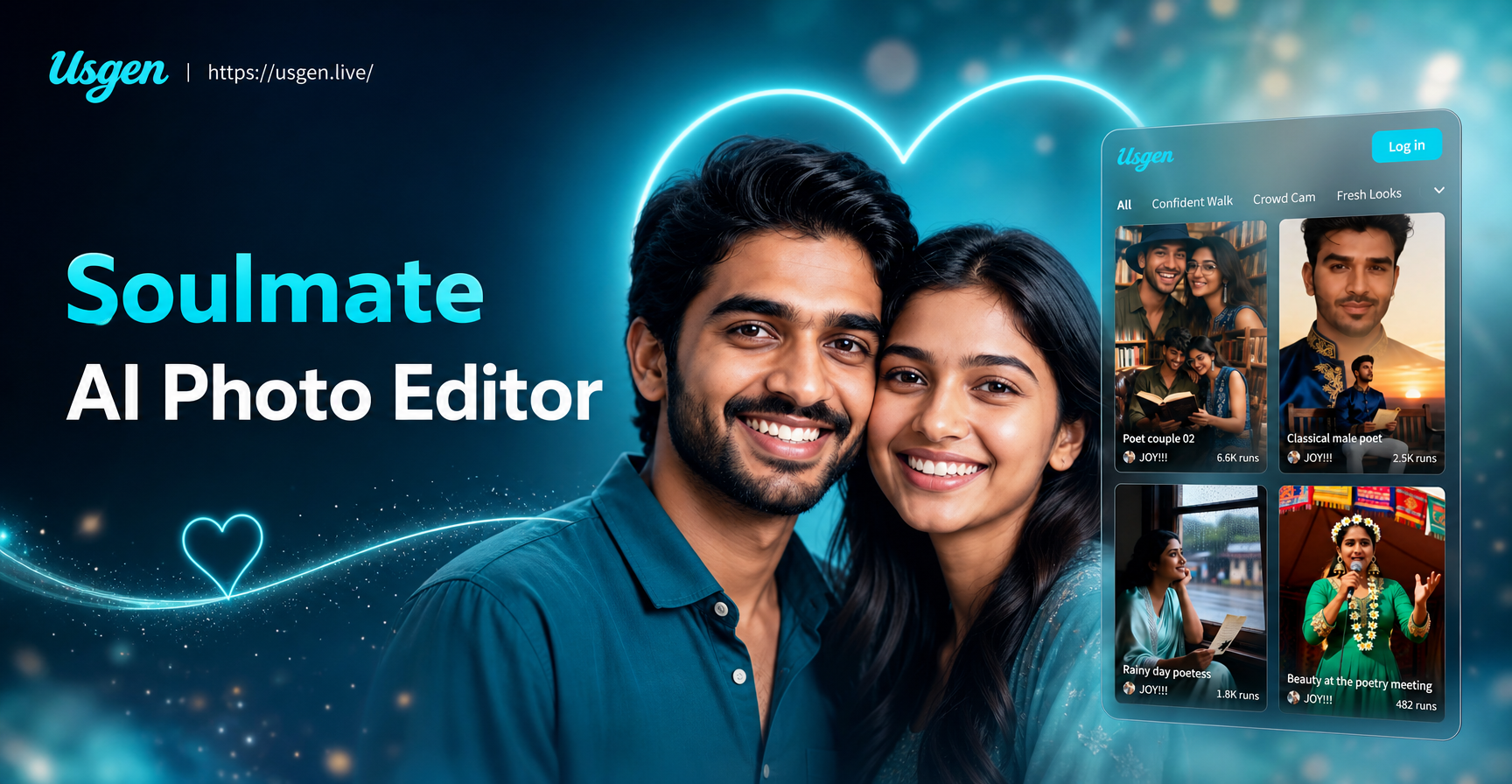
Create Your Perfect Pair with Soulmate AI Photo Editor
Generate stunning soulmate AI photos in seconds. Our free editor creates glowing, realistic, or fantasy couple portraits from a single selfie. Find your perfect match with AI.
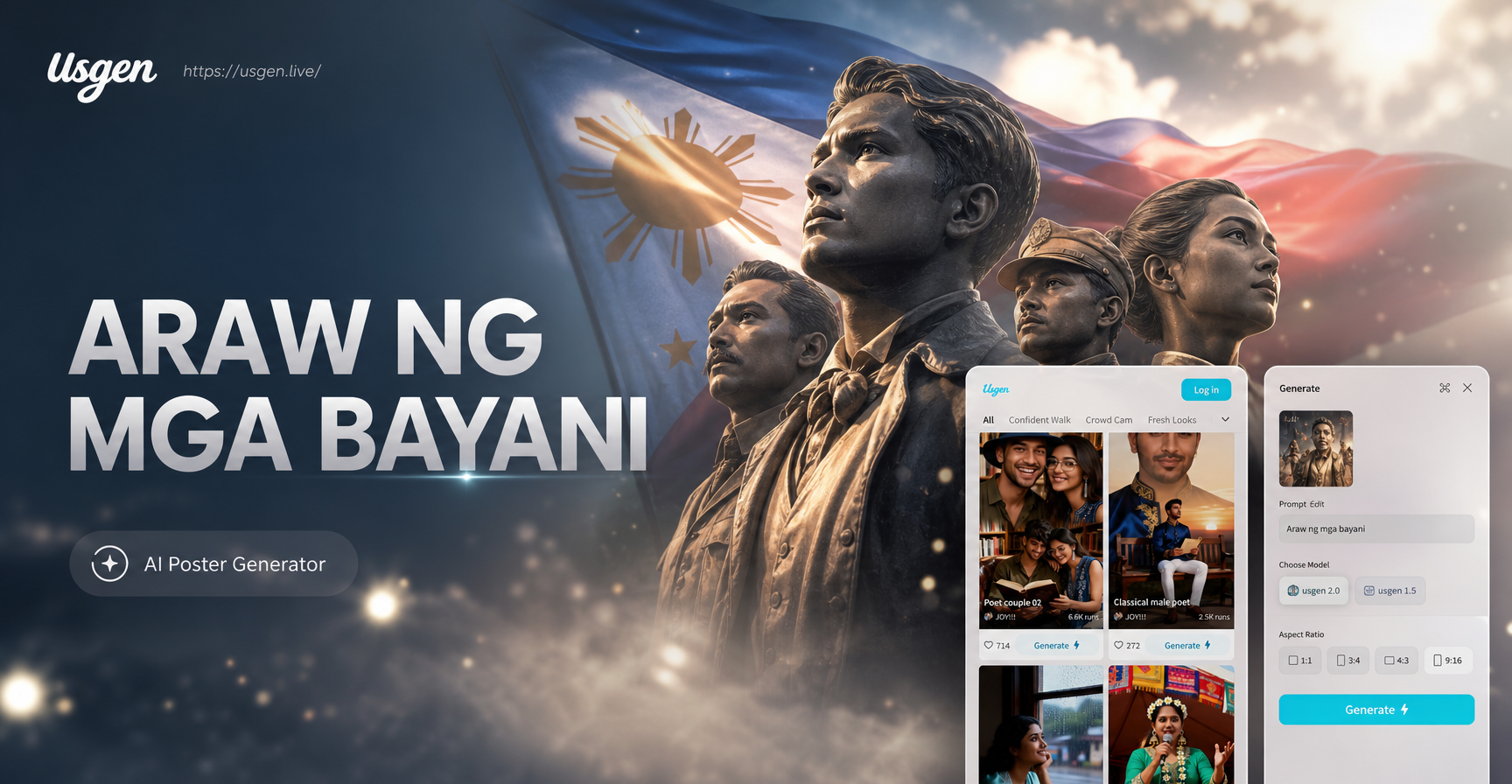
Create AI Heroes Day Posters: Honor & Design with Technology
Design stunning Araw ng mga Bayani AI posters. Generate tribute art, historical visuals, and patriotic designs instantly with AI. No design skills needed. Download the app now.
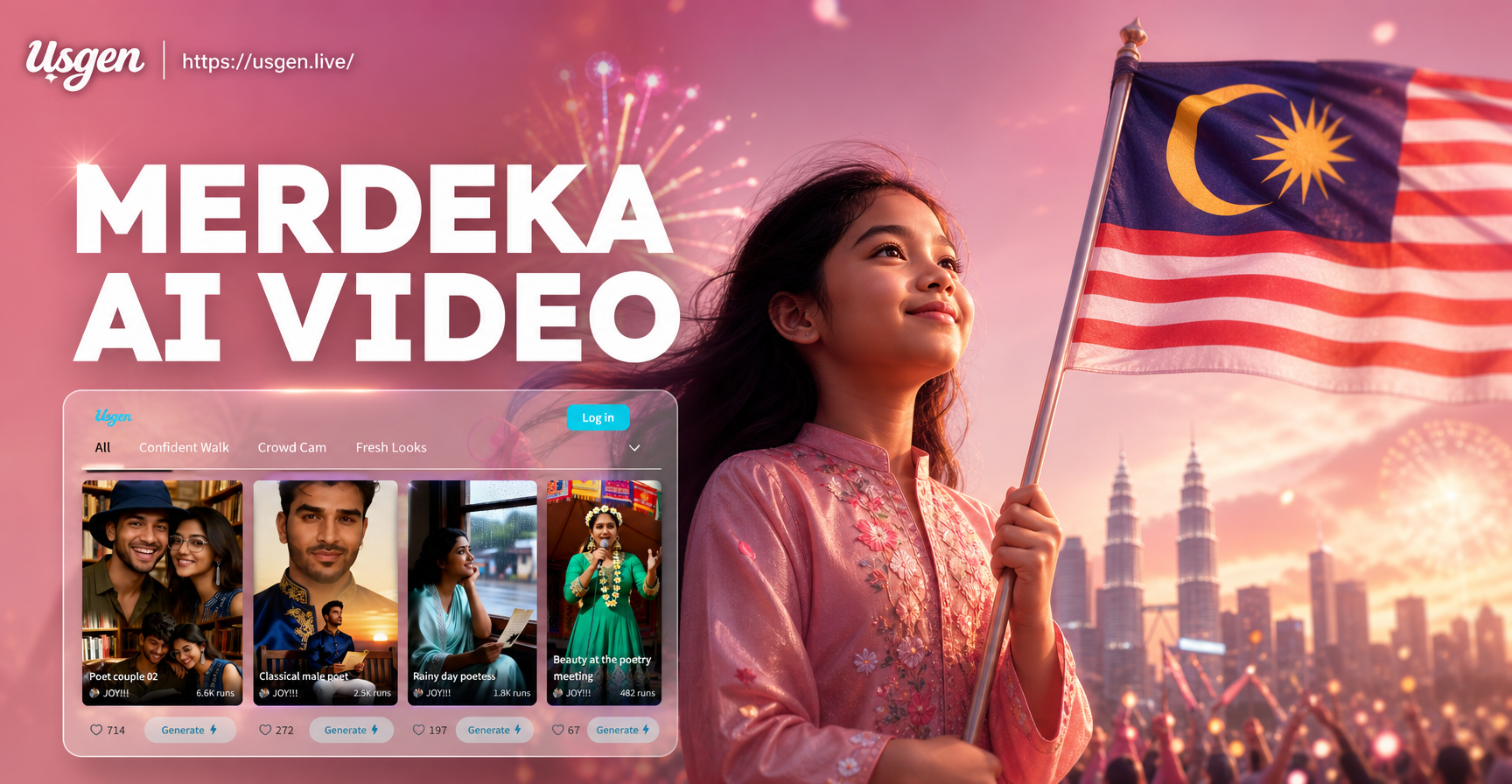
AI Video Generator for Indonesian Independence Day | Merdeka AI Video
Create stunning AI videos for Indonesian Independence Day. Use text prompts or your own photos to generate celebratory videos in seconds. Add flags, dancers, and patriotic effects. No editing skills needed. Download the app now.
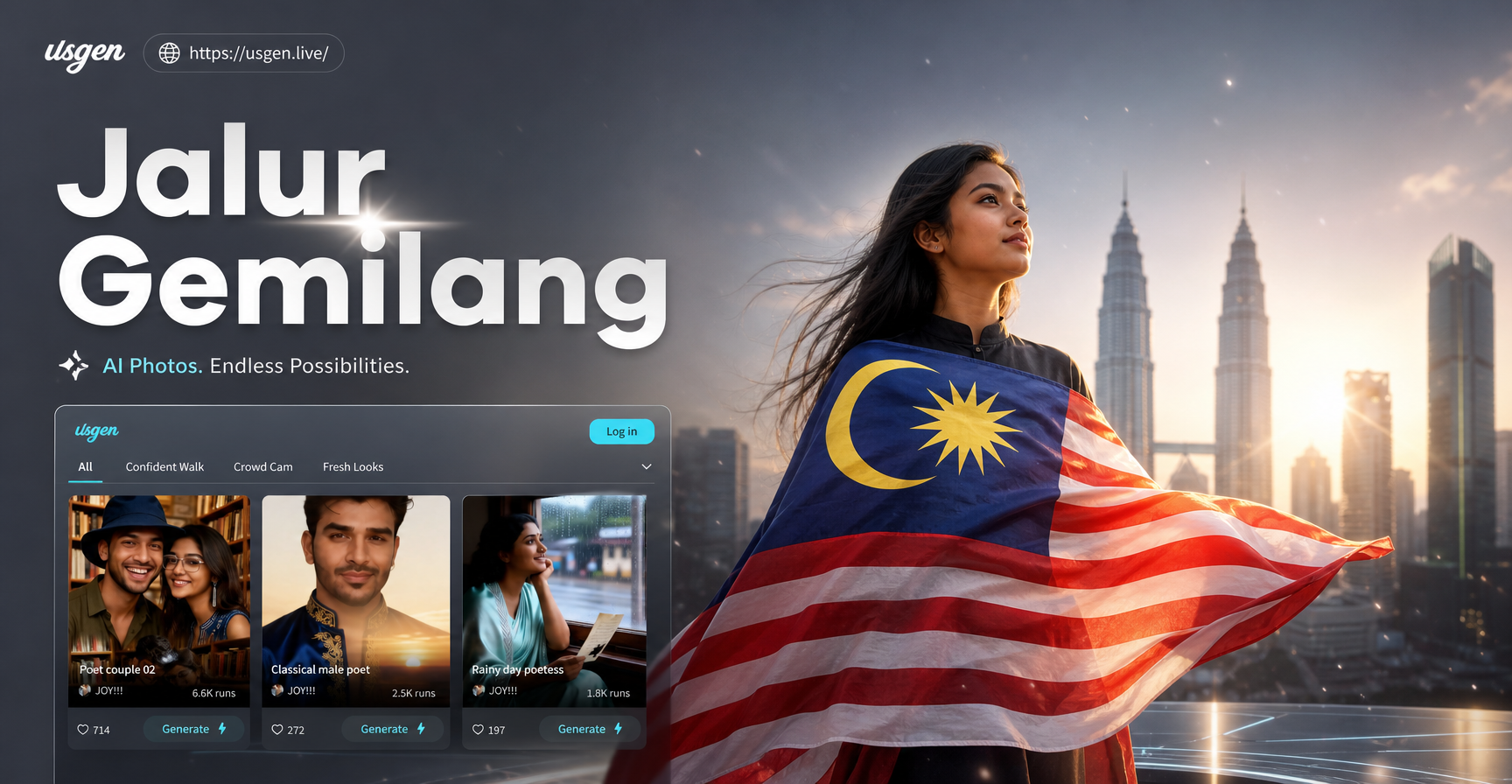
Create AI Malaysia Flag Photos: Jalur Gemilang Styles
Transform photos with the Jalur Gemilang flag using AI. Create patriotic art, festive portraits, and themed designs for Merdeka and Malaysia Day. Simple, fast, mobile app.
Direct Your Next Cinematic Masterpiece
Stop scrolling and start creating. Download usgen now and transform your photos into layered, story-driven cinematic art in under a minute.

Direct Your Next Cinematic Masterpiece
Stop scrolling and start creating. Download usgen now and transform your photos into layered, story-driven cinematic art in under a minute.