Bulin 47 AI Freestyle
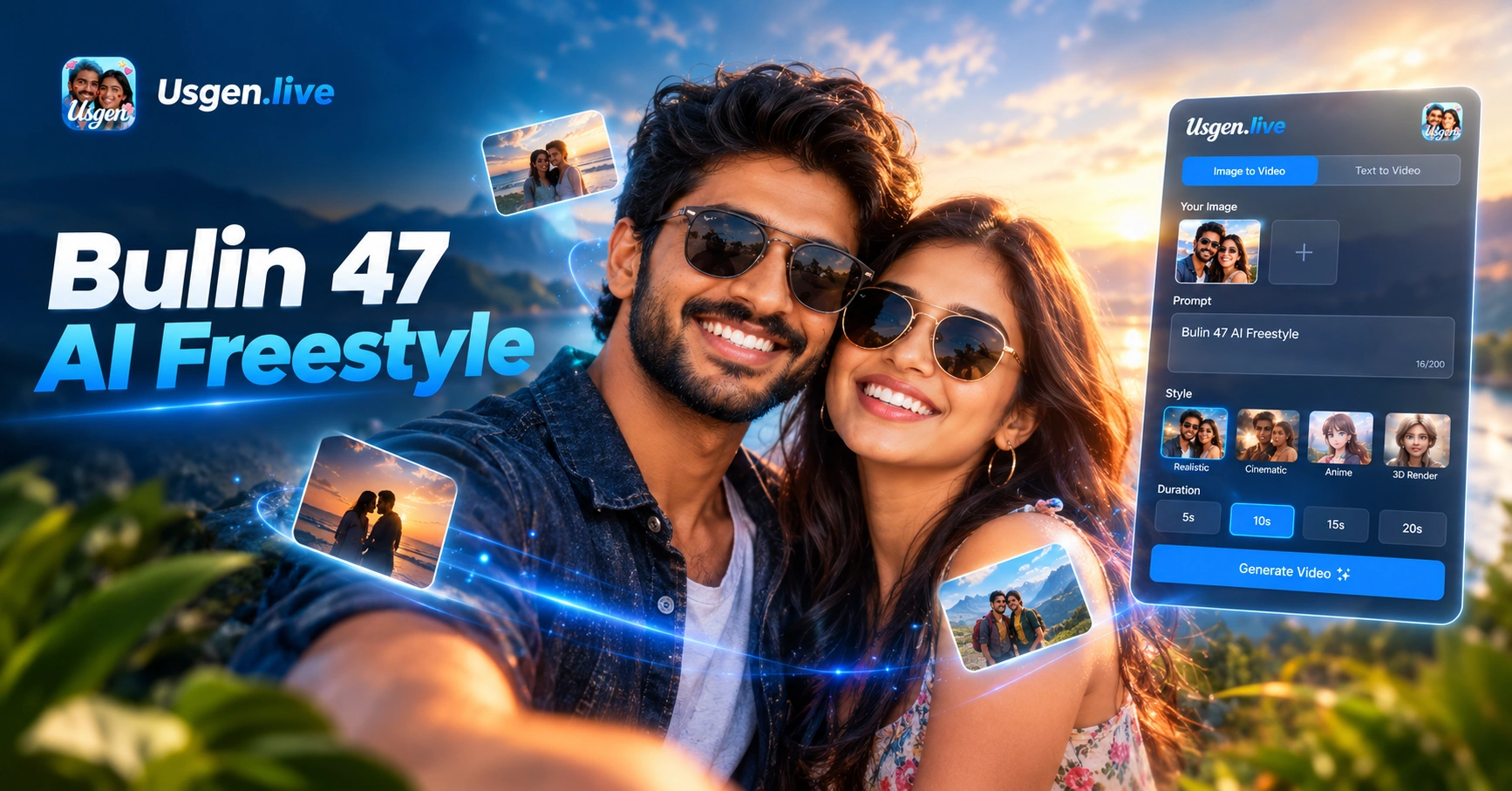
Pick a Rap Filter for Your Bulin 47 AI Freestyle
These rap filter samples show the look before you make it. Open each sample page, then build your clip in Usgen.
Key Features of Bulin 47 AI Freestyle
Usgen handles the whole Bulin 47 AI freestyle job on a phone. It separates faces, locks identity, holds the scene steady, and hands you a clip you can post.
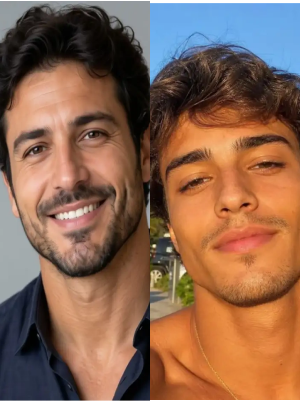 Before
Two Faces Never Get Mixed
In a Bulin 47 AI freestyle clip, Usgen reads each face on its own. When two people share a frame, their features and outfits stay apart. Nobody ends up with the same face twice.
BeforeTwo Faces Never Get Mixed
In a Bulin 47 AI freestyle clip, Usgen reads each face on its own. When two people share a frame, their features and outfits stay apart. Nobody ends up with the same face twice.
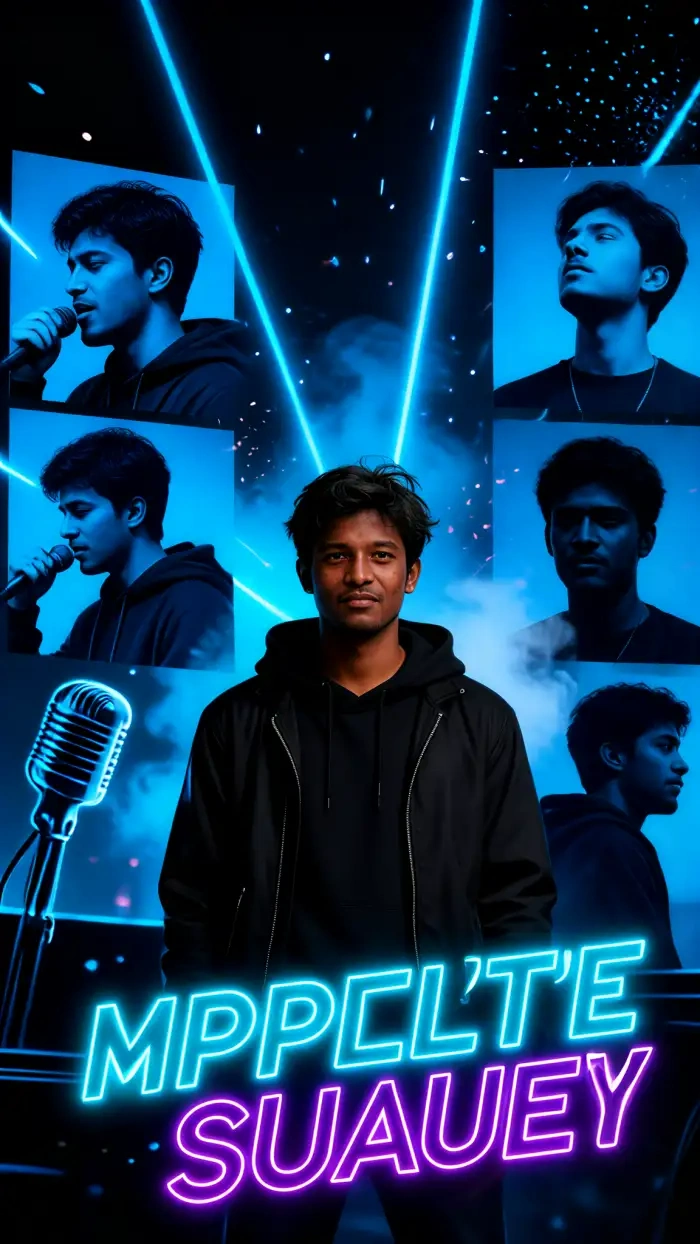
One Tap Filters and No Prompt Writing
You pick the look, not the wording. Usgen ships 25,000 style templates and adds new ones every day. You find a rap filter by name. No paragraph about lighting and lens and mood.
One Tap Filters and No Prompt Writing
You pick the look, not the wording. Usgen ships 25,000 style templates and adds new ones every day. You find a rap filter by name. No paragraph about lighting and lens and mood.
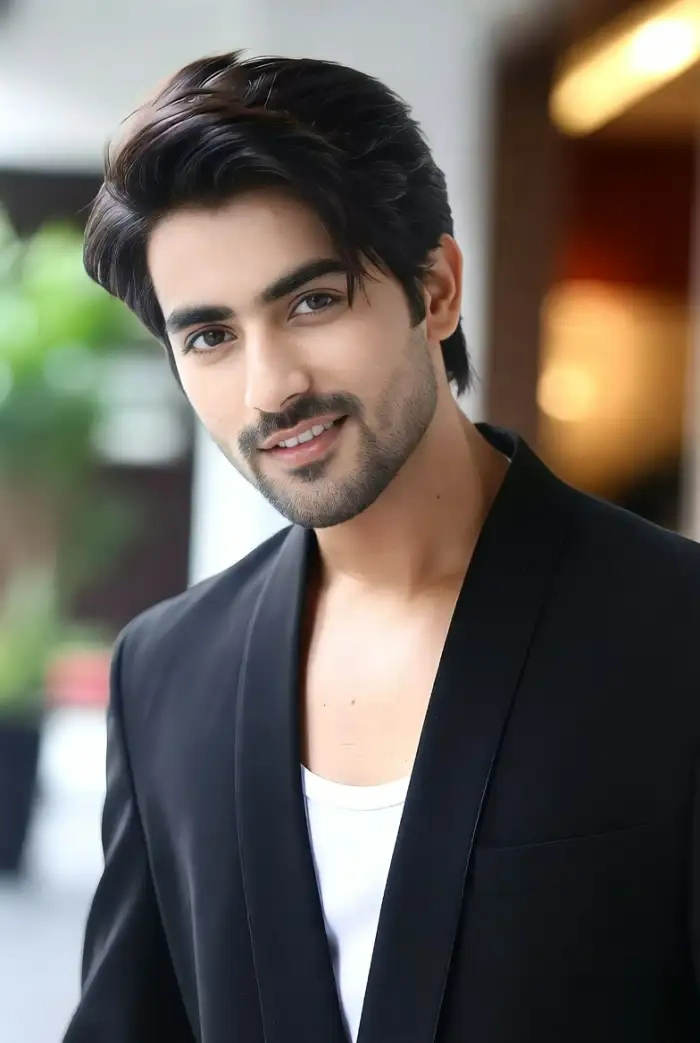 Before
 After
Freestyle Renderings in Seconds
Browser tools for this trend can leave you waiting on one render. Usgen builds your Bulin 47 AI freestyle clip on your phone in ten to twenty seconds. Then you post it to TikTok in a tap.
BeforeAfterFreestyle Renderings in Seconds
Browser tools for this trend can leave you waiting on one render. Usgen builds your Bulin 47 AI freestyle clip on your phone in ten to twenty seconds. Then you post it to TikTok in a tap.
How to Create a Bulin 47 AI Freestyle?
Three steps inside the Usgen app. No prompt box, no desktop, and no editing timeline between you and the clip.

Step 01.
Open the Google Play listing for Usgen and install it. Sign in once. You do not need a desktop or a prompt template to start a Bulin 47 AI freestyle clip.
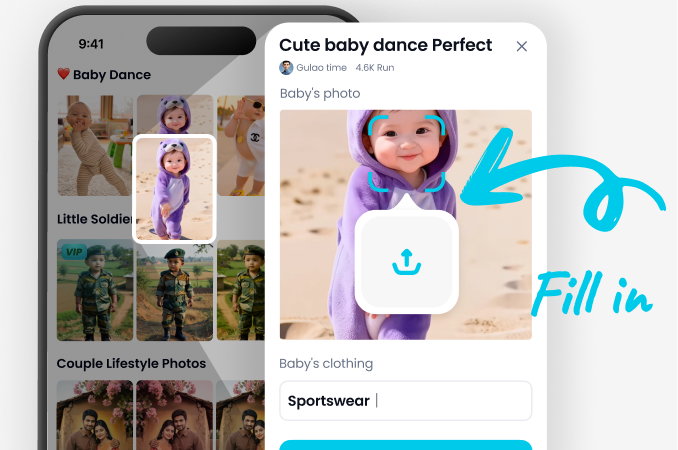
Step 02.
Go to the filter section and choose a rap filter. Add one photo for a solo clip, or two photos for a duet. Some filters ask you to describe the scene in one line.
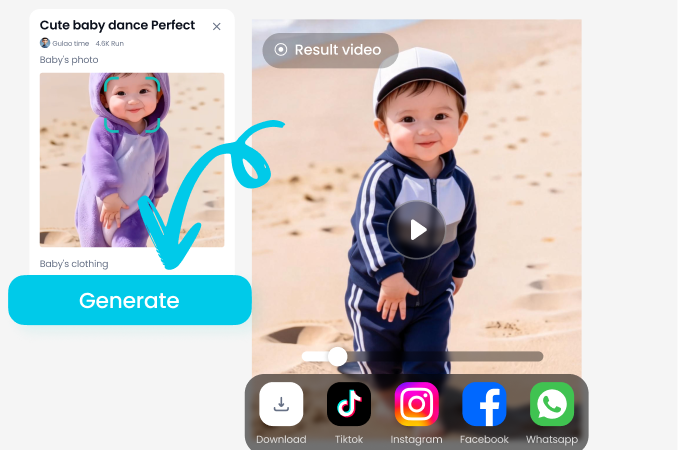
Step 03.
Tap generate and wait about fifteen seconds. The clip saves to your phone, and the share sheet sends it to TikTok, Instagram, or WhatsApp.


Use Usgen for Bulin 47 AI Freestyle
Usgen does this trend on a phone. You keep your face, your outfit, and your friend in the frame. The clip is ready in seconds. You can build a series with the same character, and you post it from your page. No desktop and no long render queue.
Watch a Bulin 47 AI Freestyle Walkthrough
Two short clips on the Usgen app. One covers the download and the filter, the other covers the post to TikTok.
What Usgen Users Say about Bulin 47 AI Freestyle
Get Usgen on your phone and post the clip before the night is over.
Night club DJ here. I tried four browser tools for this trend and every one left me waiting. Usgen gave me my Bulin 47 AI freestyle clip in seconds, on my phone.
Try the duo filter in Usgen with your best friend this week.
College student here. The duo filter is why I stayed. Usgen kept two faces apart in the same rap clip, which no other tool did. My duet looks like two people, not one face twice.
Usgen turns one photo into a whole character series for a brand.
Freelance photographer here. Usgen keeps the same face across a whole series, so a client sees one character, not five different people. Speed matters when a post is due that night.
Frequently Asked Questions
Straight answers about the trend, the filter, and the Usgen app, plus how your photos are handled on your phone.
More Topics You May Like
More Bulin 47 AI freestyle ideas and sibling trends that run on the same filters. Keep posting while the trend is still hot.

Preview Bald Hair Style for Men with Gemini AI

Create Realistic AI Medium Shot Photos in Seconds

Create Stunning Gemini AI Astrophotography Art
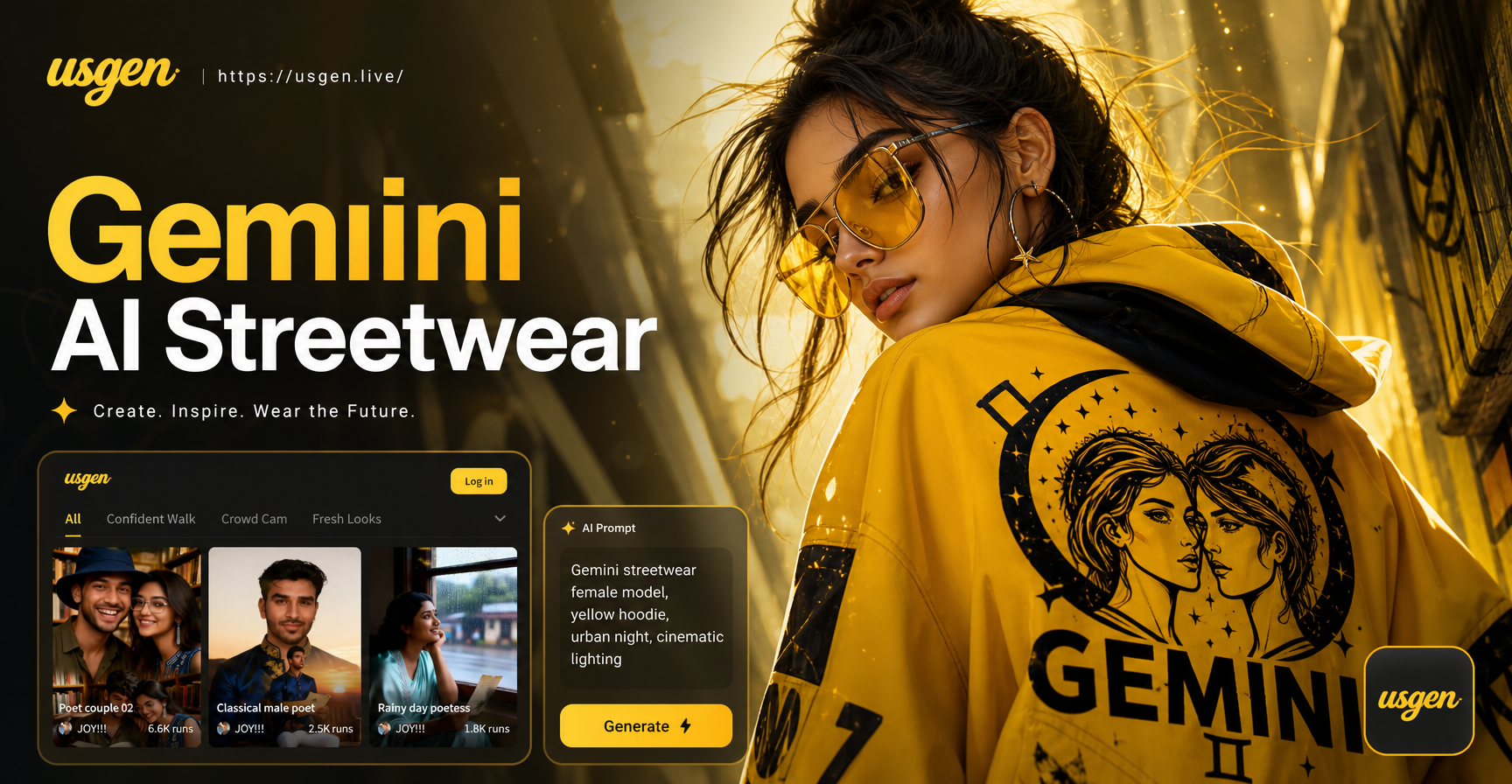
Try Gemini AI Streetwear for Women Today
Preview Bald Hair Style for Men with Gemini AI
Create Realistic AI Medium Shot Photos in Seconds
Create Stunning Gemini AI Astrophotography Art
Try Gemini AI Streetwear for Women Today
Make Your Bulin 47 AI Freestyle Clip
Install Usgen from Google Play today. Choose a rap filter, make your clip, and post it before the trend cools off.
Make Your Bulin 47 AI Freestyle Clip
Install Usgen from Google Play today. Choose a rap filter, make your clip, and post it before the trend cools off.