Blur The Background Of A Photo
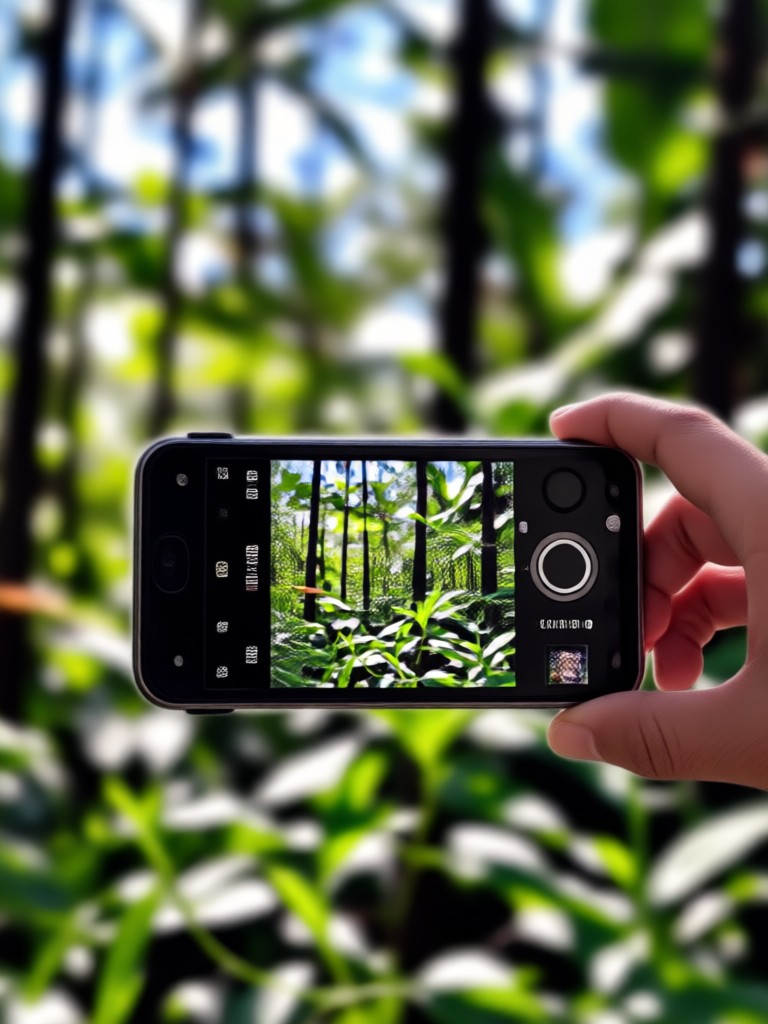
Perfect Your Portraits with These AI Effects
Beyond basic background blur, explore filters designed to enhance portraits, correct lighting, and add artistic flair.
Why Our AI Background Blur Stands Out
Go beyond simple filters. Our technology delivers precision and control for truly professional results, all from your mobile device.
Smart Subject Detection
AI intelligently identifies and separates the main subject from the background, ensuring a clean, natural blur edge without cutting off hair or delicate details.
Smart Subject Detection
AI intelligently identifies and separates the main subject from the background, ensuring a clean, natural blur edge without cutting off hair or delicate details.
Adjustable Blur Intensity
Full control over your aesthetic. Slide from a subtle depth-of-field effect to a dramatic, creamy bokeh background to match your creative vision.
Adjustable Blur Intensity
Full control over your aesthetic. Slide from a subtle depth-of-field effect to a dramatic, creamy bokeh background to match your creative vision.
One-Click Studio Quality
Achieve the look of expensive camera lenses and professional editing software in seconds. No complex layers, masks, or manual brushing required.
One-Click Studio Quality
Achieve the look of expensive camera lenses and professional editing software in seconds. No complex layers, masks, or manual brushing required.
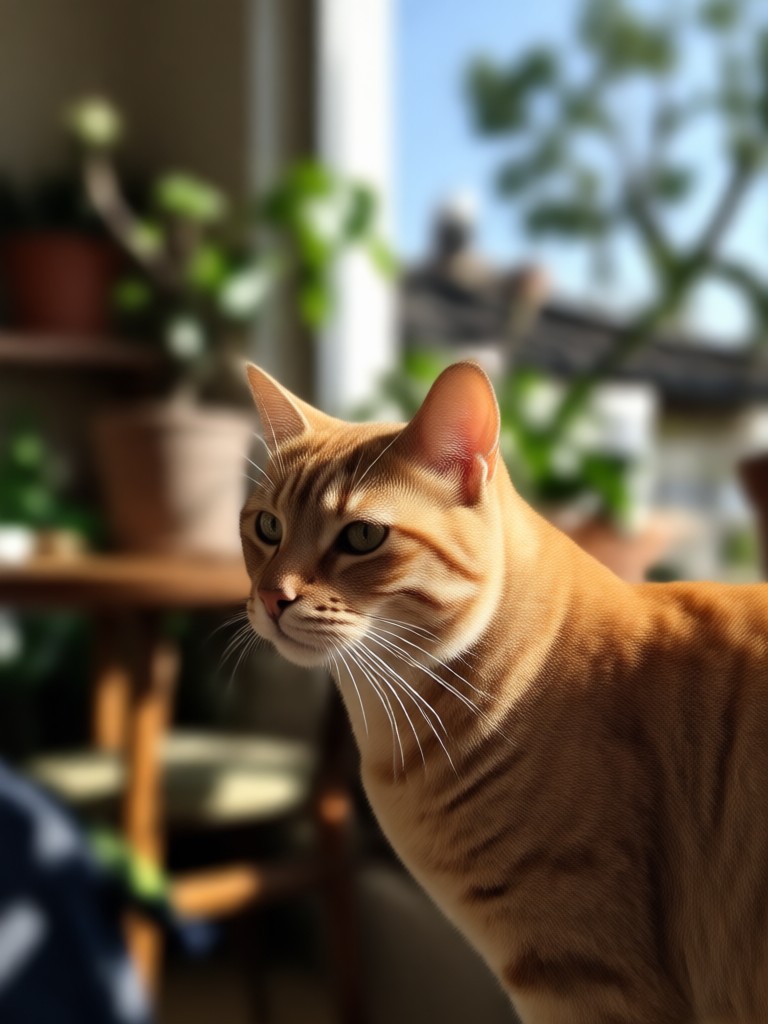
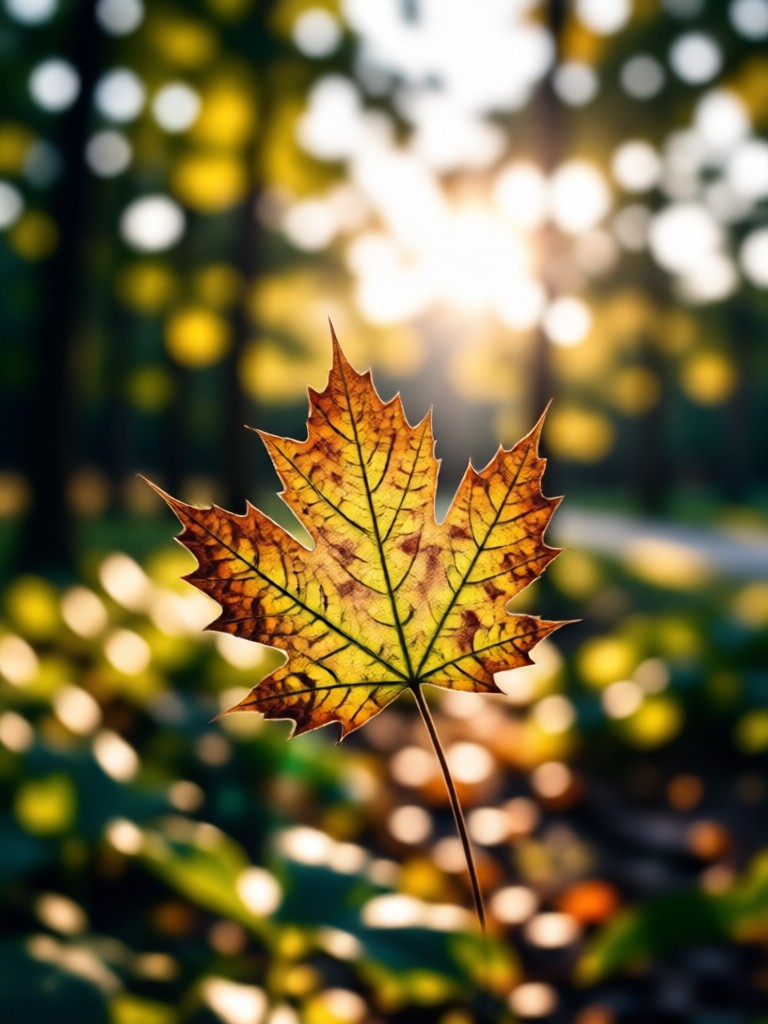
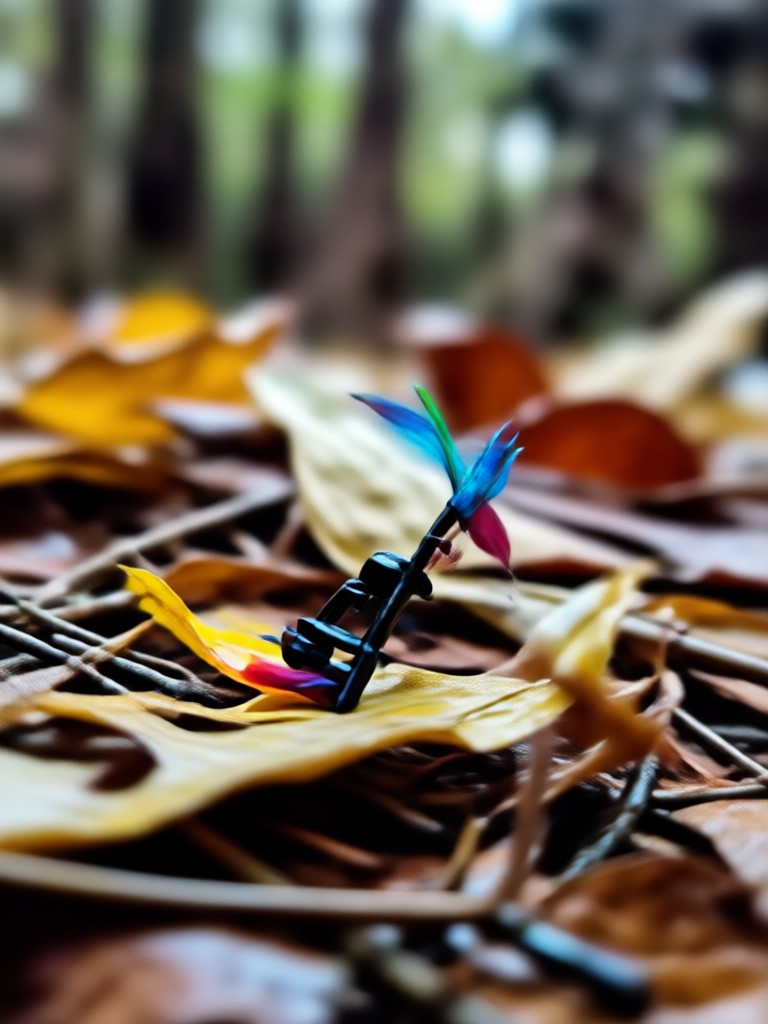
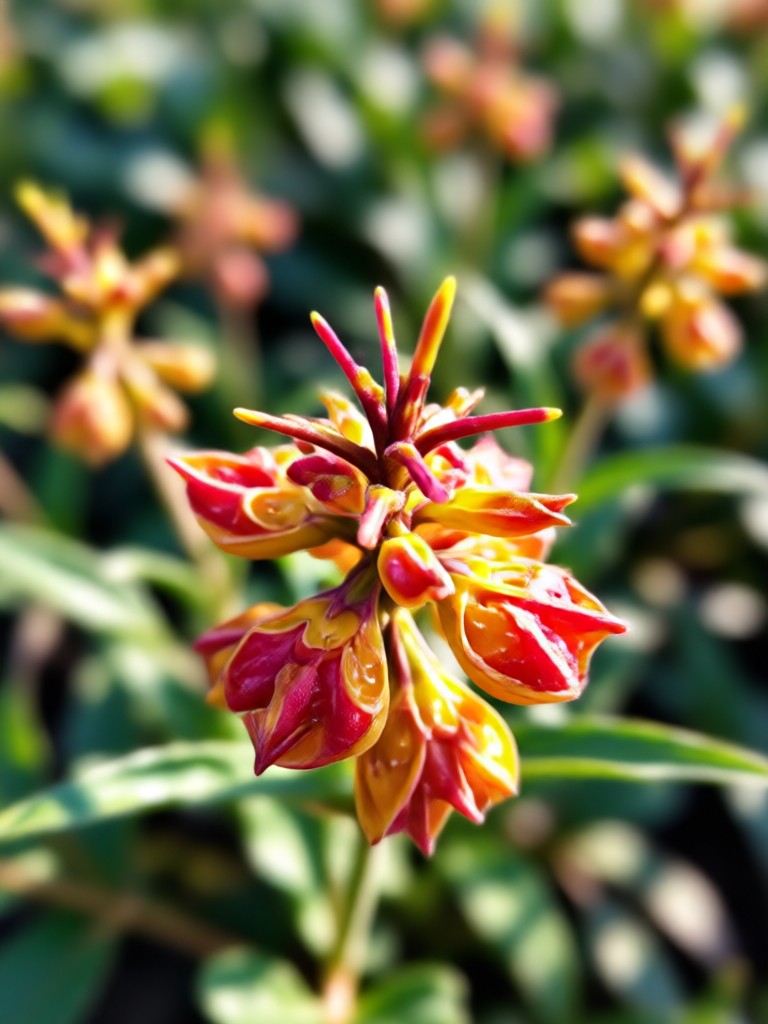
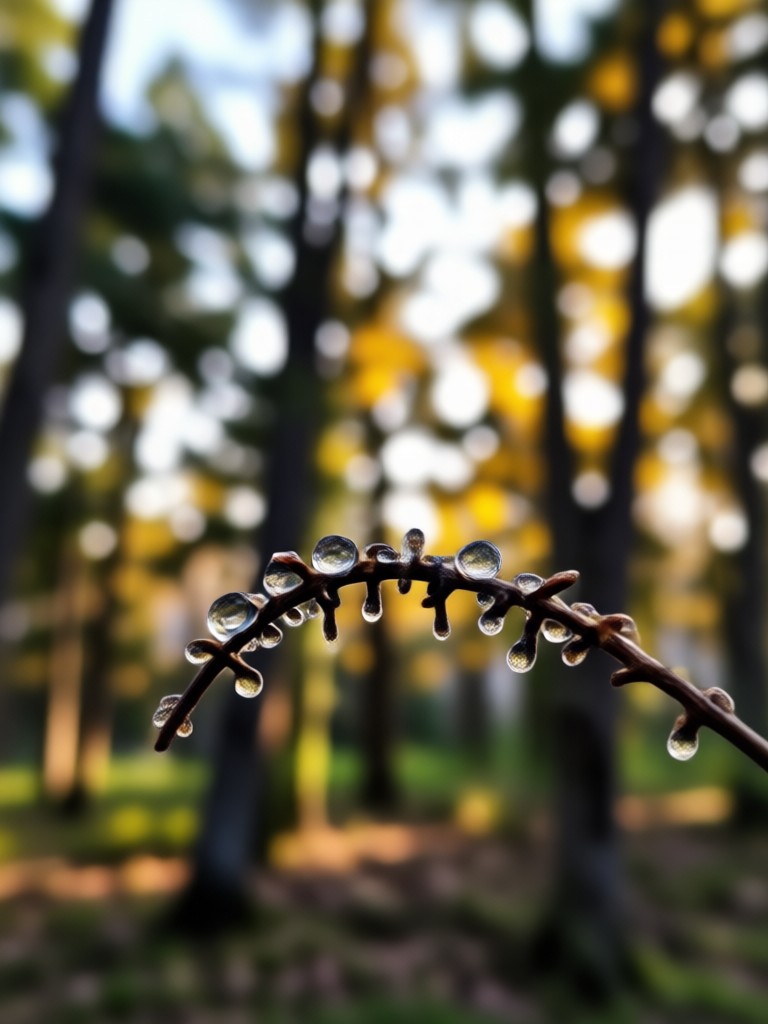
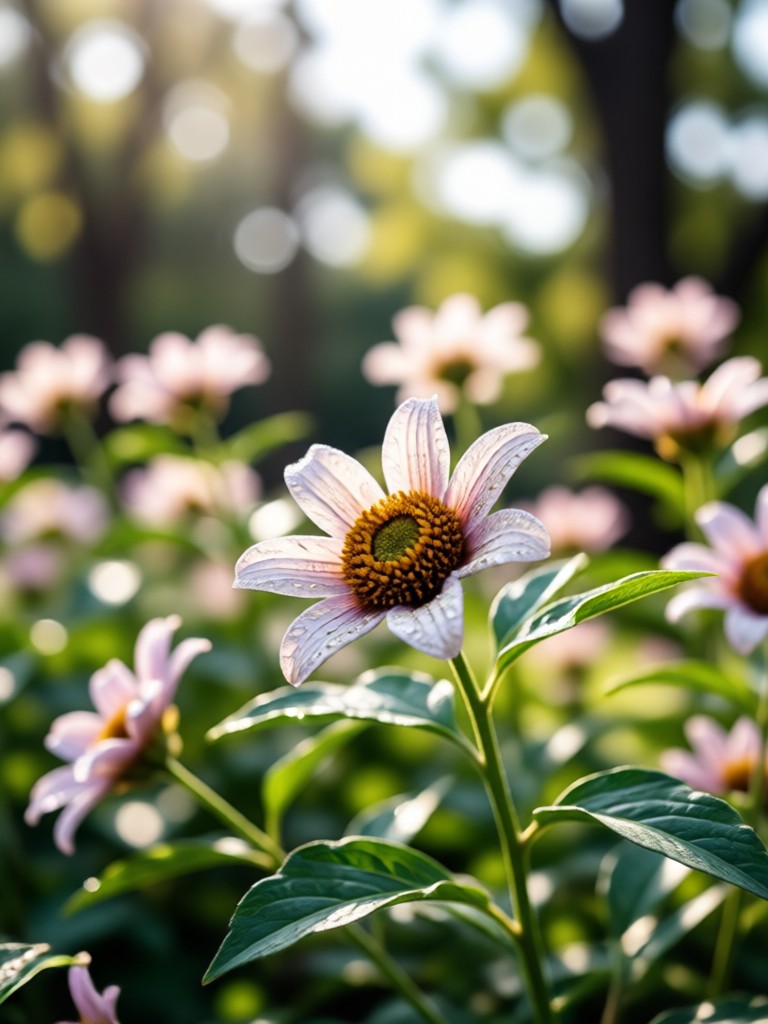
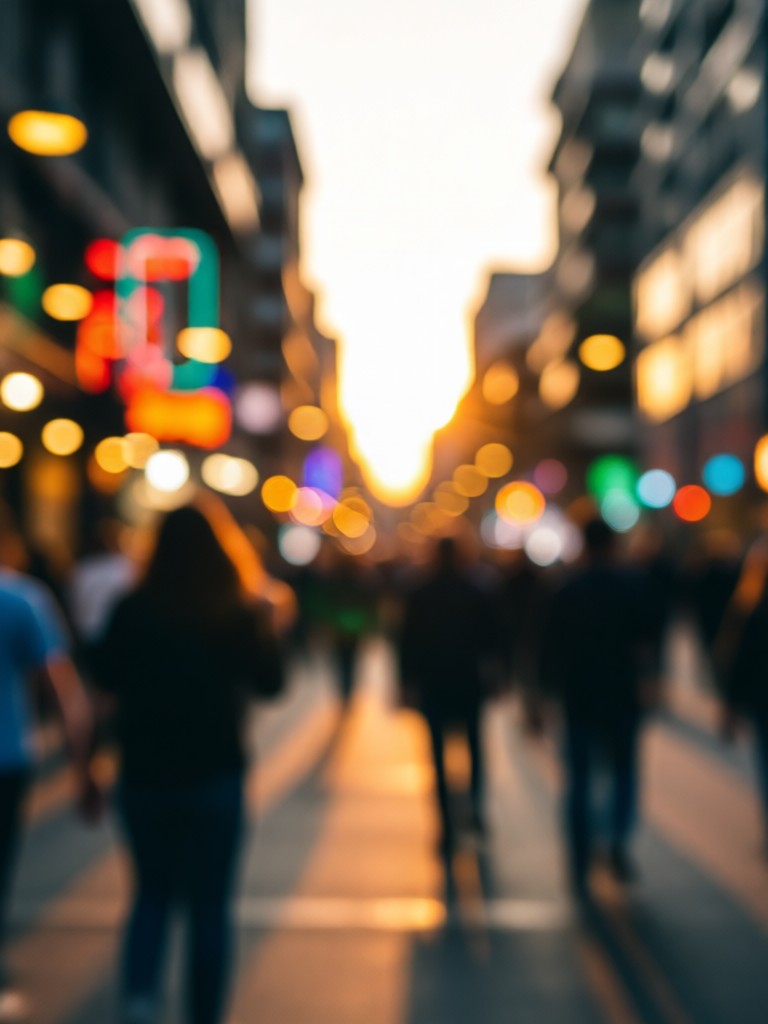
Transformations with Background Blur
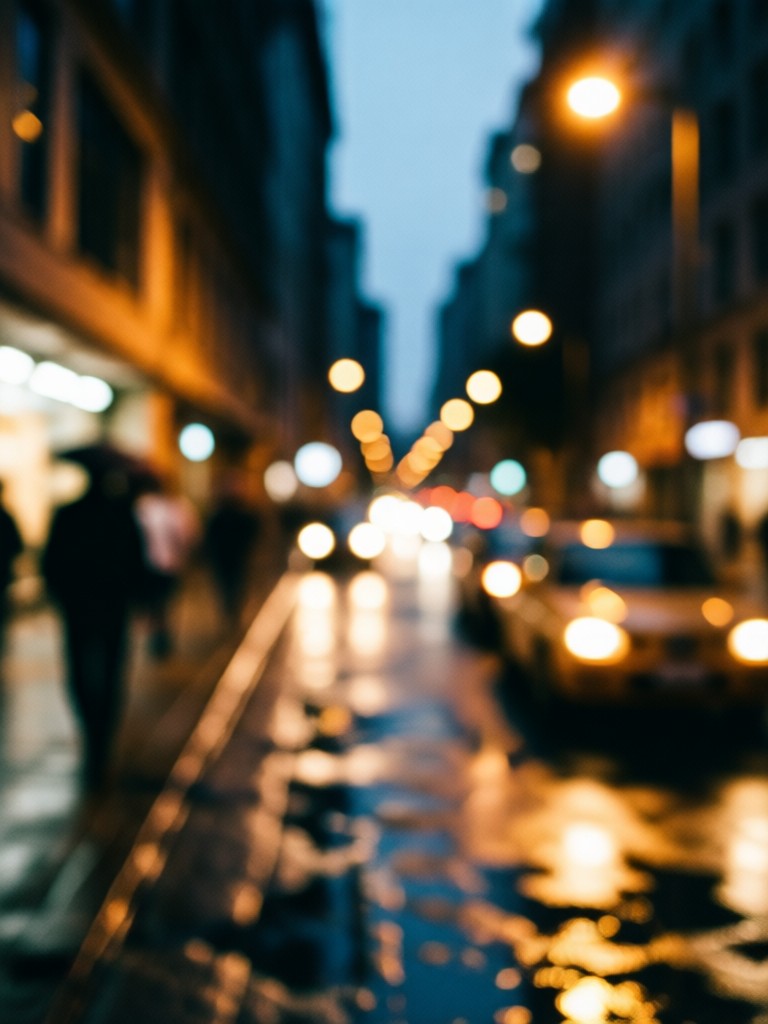
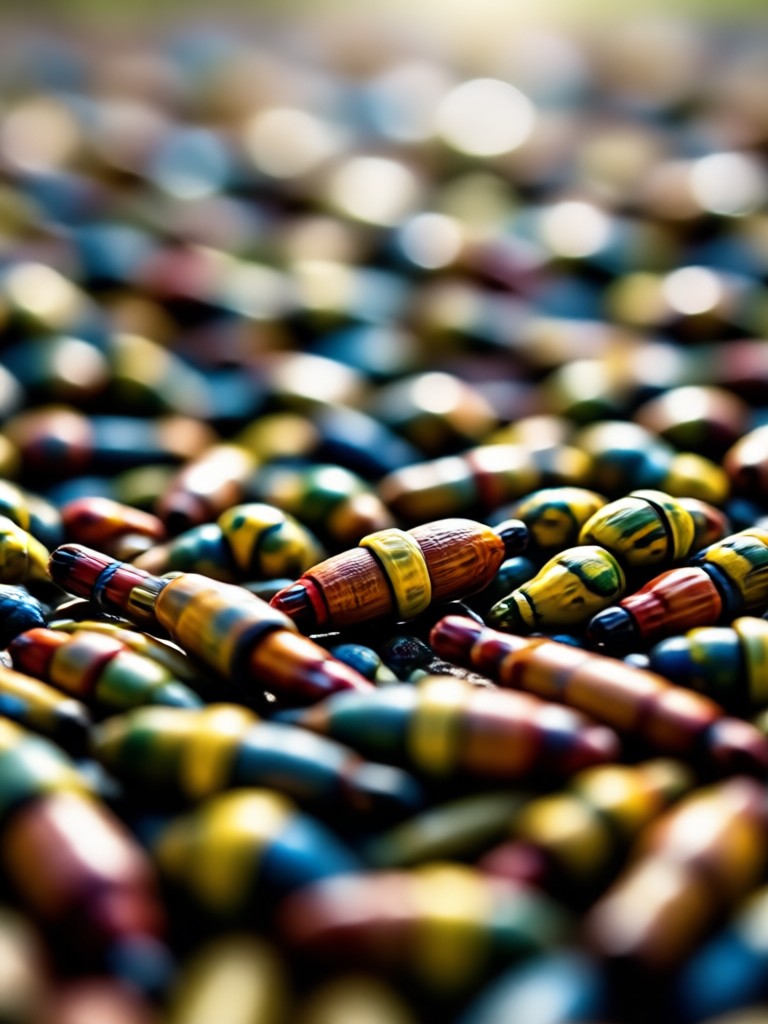
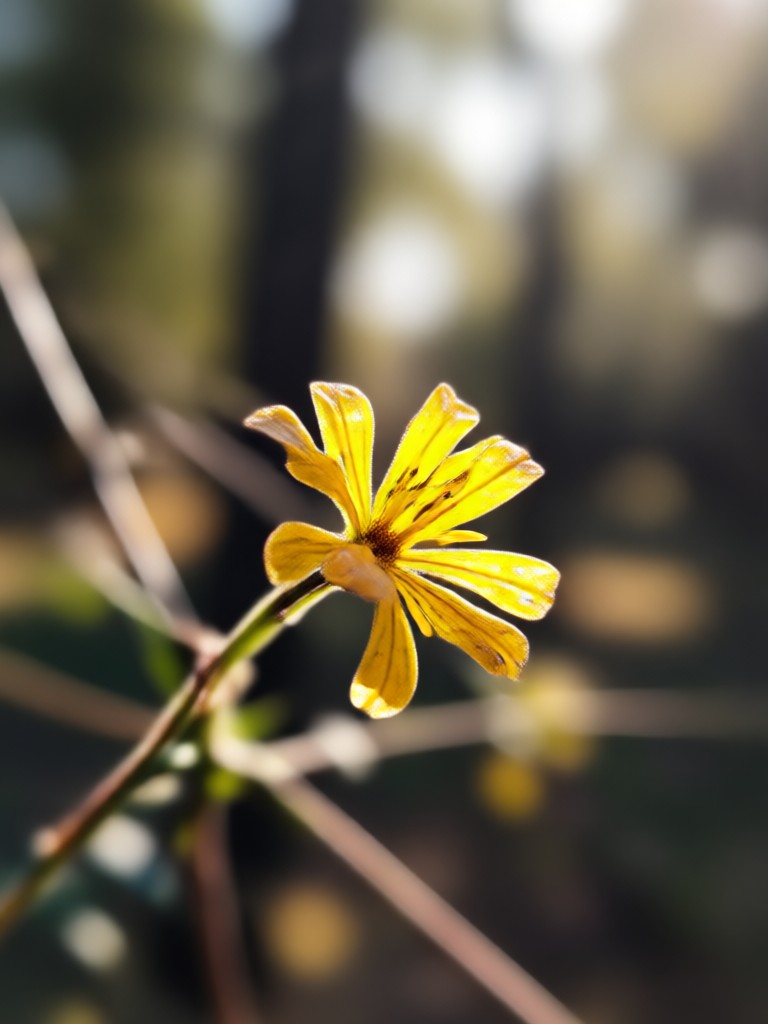
See how AI background blur can elevate portraits, product shots, and everyday photos by directing focus to the subject.

How to Blur a Photo Background with AI?
Create professional blurred background effects in just three simple steps, directly from your phone.

Step 01.
Download the free usgen app from Google Play to access all AI photo editing tools, including background blur.
Step 02.
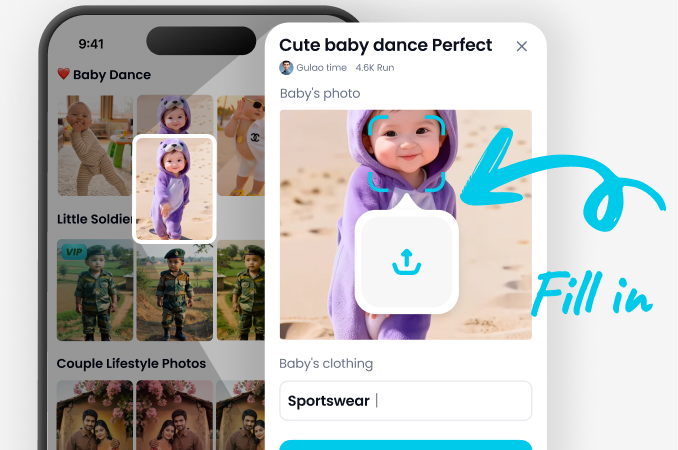
Upload your photo and select the 'Background Blur' or 'Portrait Focus' filter from the extensive effects library.
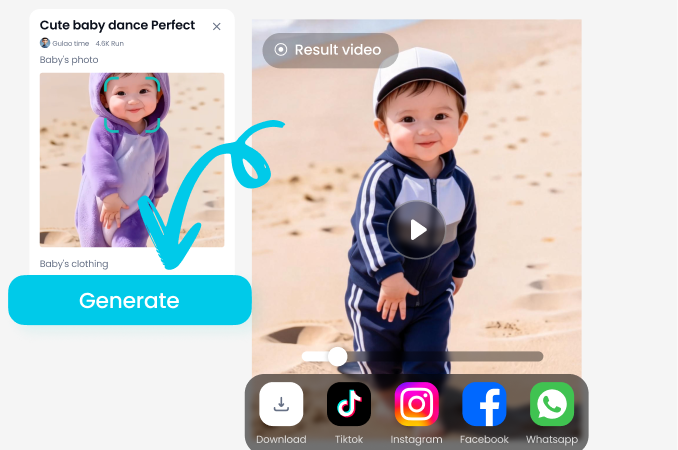
Step 03.
Adjust the blur strength to your liking, then save and share your professionally edited photo instantly.
What Users Say About AI Background Blur
A lifesaver for my small business photos
I sell handmade jewelry and used to struggle with busy backgrounds in my product shots. This blur tool makes my items pop like they were shot in a professional studio. It's cut my editing time in half.
Makes every portrait look intentional
As a parenting blogger, I take tons of candid kid photos. The background blur feature instantly turns chaotic playground shots into beautiful, focused portraits. It's my secret weapon for social media.
Unbelievably accurate edge detection
I've tried many apps to blur photo backgrounds, and most struggle with wispy hair. This AI nails it every time. The blur looks natural, not like a cheap filter. Highly recommended for portrait photographers on the go.
Blur Backgrounds On The Go
Turn your phone into a portable portrait studio. Download the app now and transform any photo with a beautiful, blurred background in seconds.

Background Blur FAQ
Find quick answers to common questions about blurring photo backgrounds with our AI tool.
More Topics You May Like
Explore more topics you may like and discover fresh ideas tailored to your interests.
AI Anime Character Maker: Create Your Male Anime Persona
Create AI Ganesh Aarti Photos with Sacred AI Art
AI Baby Son Generator: Create Your Future Child Photo
Create Coloring Pages with AI: Endless Printable Designs
AI Anime Character Maker: Create Your Male Anime Persona
Create AI Ganesh Aarti Photos with Sacred AI Art
AI Baby Son Generator: Create Your Future Child Photo
Create Coloring Pages with AI: Endless Printable Designs
Focus on What Matters
Stop letting messy backgrounds distract from your best moments. Download the app now and give every photo a professional, focused finish with AI-powered background blur.
Focus on What Matters
Stop letting messy backgrounds distract from your best moments. Download the app now and give every photo a professional, focused finish with AI-powered background blur.