AI Thanksgiving Photo Generator
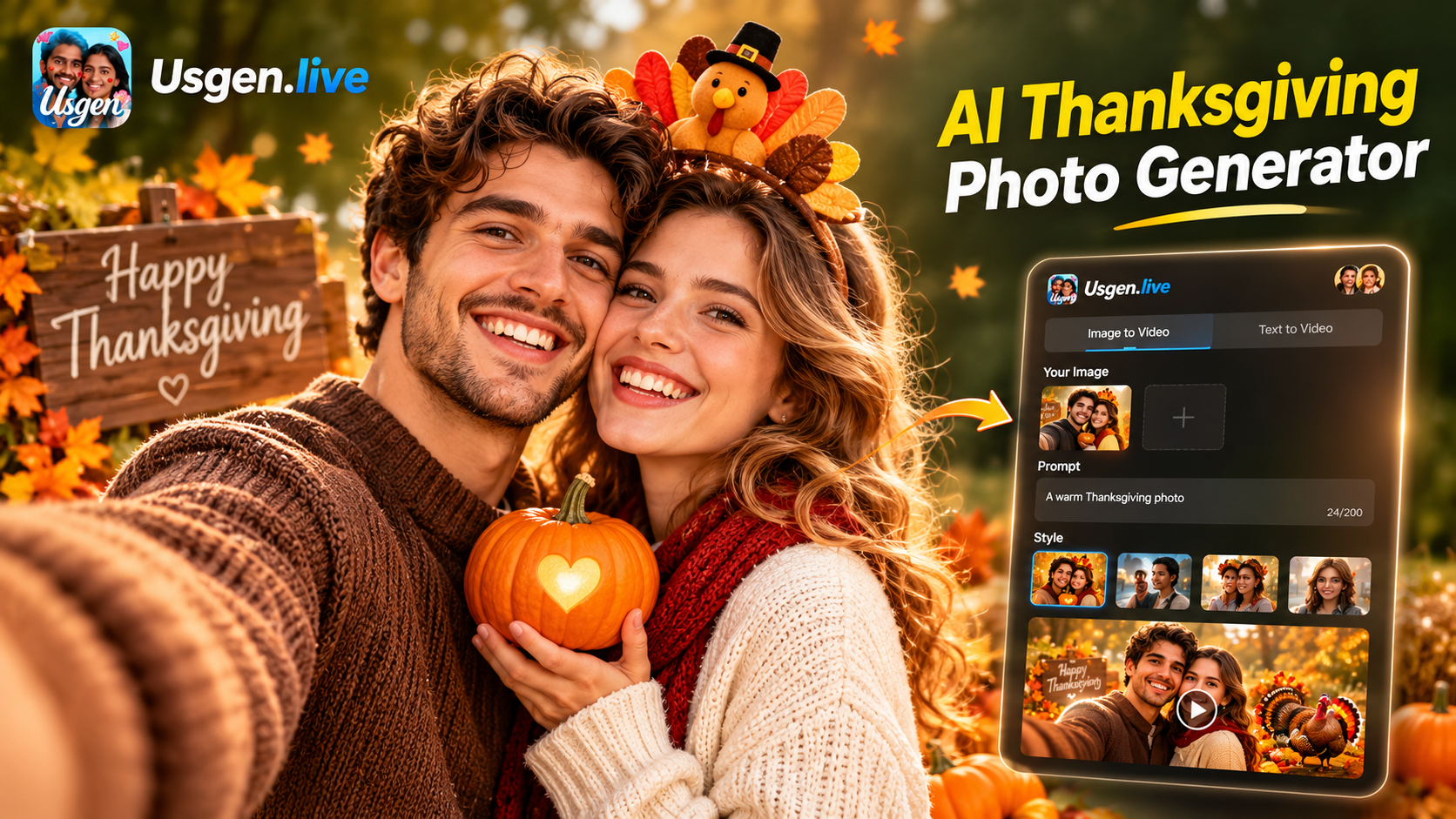
Thanksgiving Filter Samples
Thanksgiving sample pages and what each one needs from you. Compare the looks before you build your own AI Thanksgiving family photo.
Key Features of AI Thanksgiving Photo Generator
Here are the three things this AI Thanksgiving photo generator does that browser tools usually cannot.
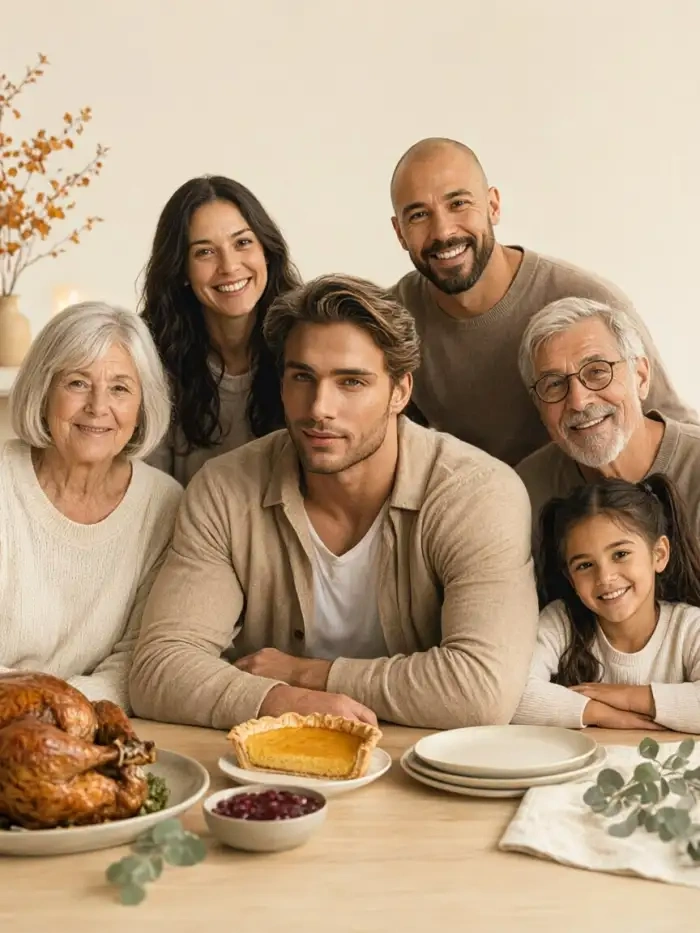
Every Face Stays with the Right Person
Usgen app finds each face in the photo you upload and separates them. Skin tone, hair, and facial features stay with the right person while the Thanksgiving festival scene gets built around them.
Every Face Stays with the Right Person
Usgen app finds each face in the photo you upload and separates them. Skin tone, hair, and facial features stay with the right person while the Thanksgiving festival scene gets built around them.
 Before
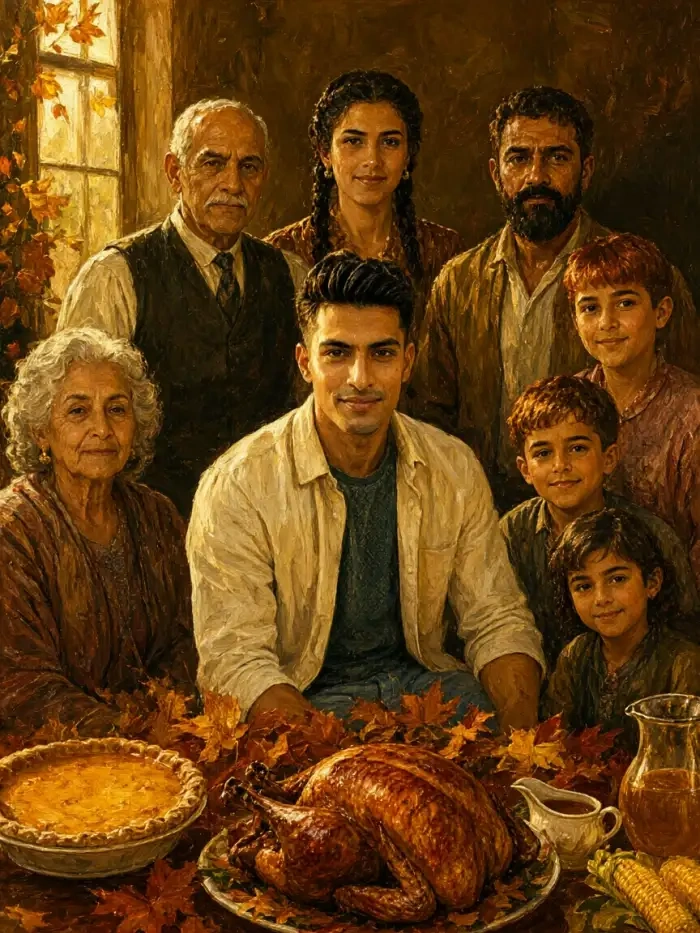 After
Group Scenes without Merged Faces
One upload covers a couple, a family, or a whole table. Usgen identifies and separates each subject on its own, then builds a shared scene where people hug, stand shoulder to shoulder, or line up together.
BeforeAfterGroup Scenes without Merged Faces
One upload covers a couple, a family, or a whole table. Usgen identifies and separates each subject on its own, then builds a shared scene where people hug, stand shoulder to shoulder, or line up together.
Moving Thanksgiving Card Version
Make the photo first, then tap again for the clip. Character consistency holds the same face, hairstyle, and outfit steady across every Thanksgiving image and video you make from that photo.
Moving Thanksgiving Card Version
Make the photo first, then tap again for the clip. Character consistency holds the same face, hairstyle, and outfit steady across every Thanksgiving image and video you make from that photo.
How to Create an AI Thanksgiving Photo in Usgen?
Three steps to make an AI Thanksgiving photo on your phone, from picking a filter to sending it to the family group chat.

Step 01.
Install the Usgen app on your phone from Google Play, open it, and tap the filter you want. You pick a template, drop in your photo, and tap generate.
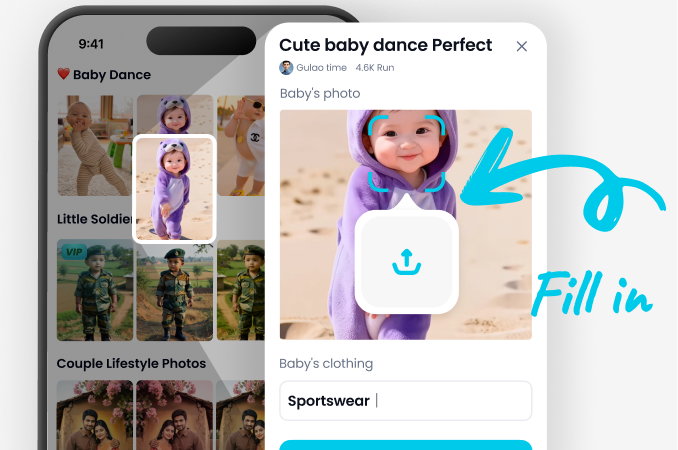
Step 02.
Add your picture, a group shot or a single portrait, then tap generate. Usgen builds the Thanksgiving scene around them, so every person comes back on the right face.
Step 03.
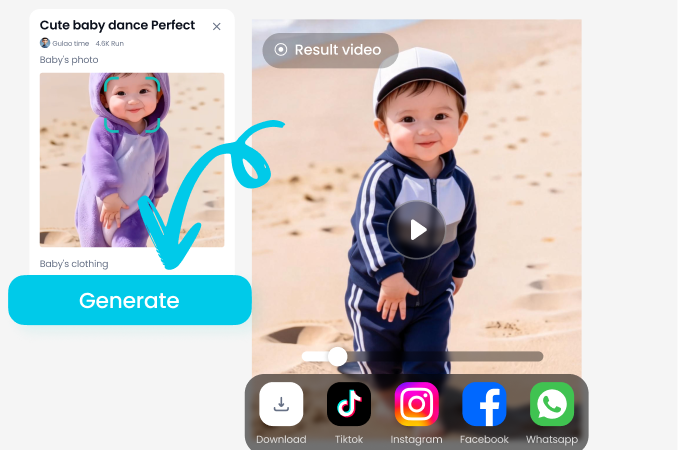
Tap again to turn the photo into a short clip, save it, and send it to Instagram, TikTok, WhatsApp, or your family group chat.
Thanksgiving Photos and Clips Made in Usgen
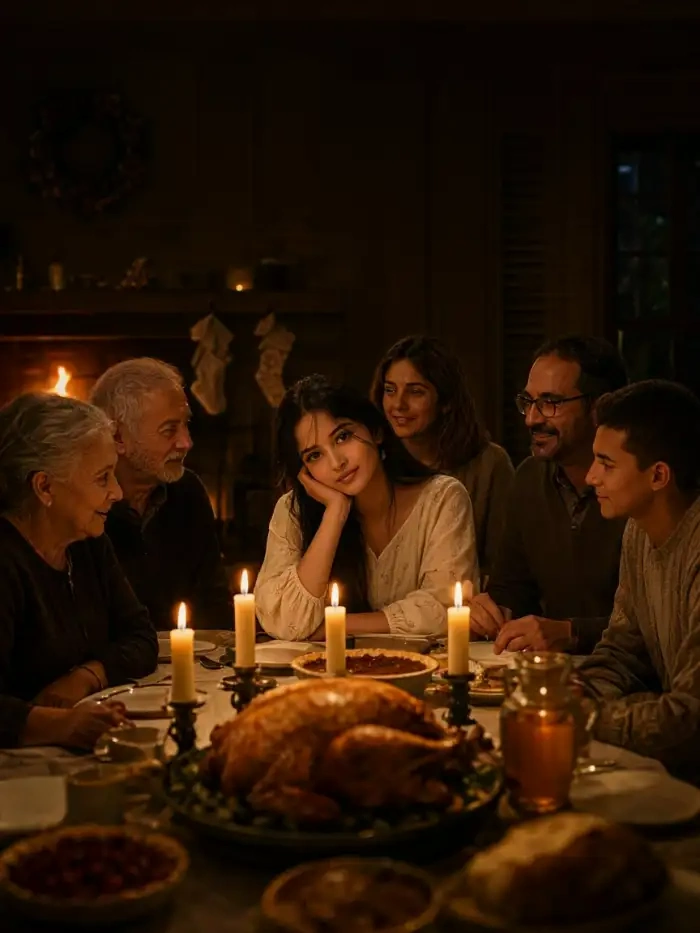
Browse the AI Thanksgiving photo generator results that other creators made in Usgen, from polaroid couples to whole family tables. A family, one faded print, a corner you can hold. The look comes straight from the polaroid style templates inside Usgen.

Usgen App Walkthroughs from Download to Share
Two short walkthroughs of the Usgen app, covering how to pick a filter, generate an AI Thanksgiving photo or video, and share it.
Use Usgen for AI Thanksgiving Photos
The Thanksgiving generators sitting in the top search results ask you to describe the scene in words and open on a laptop. This AI Thanksgiving photo generator runs on your phone instead. Usgen separates faces before it styles them. It also keeps the same character across a series, so one app covers both.
Frequently Asked Questions
Straight answers about the AI Thanksgiving photo generator, faces, group sizes, clips, and what happens to the photo you upload.
More Topics You May Like
Other reads that pair well with an AI Thanksgiving photo generator, from greeting wording to keeping one face across a series.

Preview Bald Hair Style for Men with Gemini AI

Create Realistic AI Medium Shot Photos in Seconds

Create Stunning Gemini AI Astrophotography Art

Try Gemini AI Streetwear for Women Today
Preview Bald Hair Style for Men with Gemini AI
Create Realistic AI Medium Shot Photos in Seconds
Create Stunning Gemini AI Astrophotography Art
Try Gemini AI Streetwear for Women Today
Put Your Whole Family at the Thanksgiving Table
Get the Usgen app, open it on your phone, and make the AI Thanksgiving photo your family group chat wants this year.
Put Your Whole Family at the Thanksgiving Table
Get the Usgen app, open it on your phone, and make the AI Thanksgiving photo your family group chat wants this year.