AI Texture
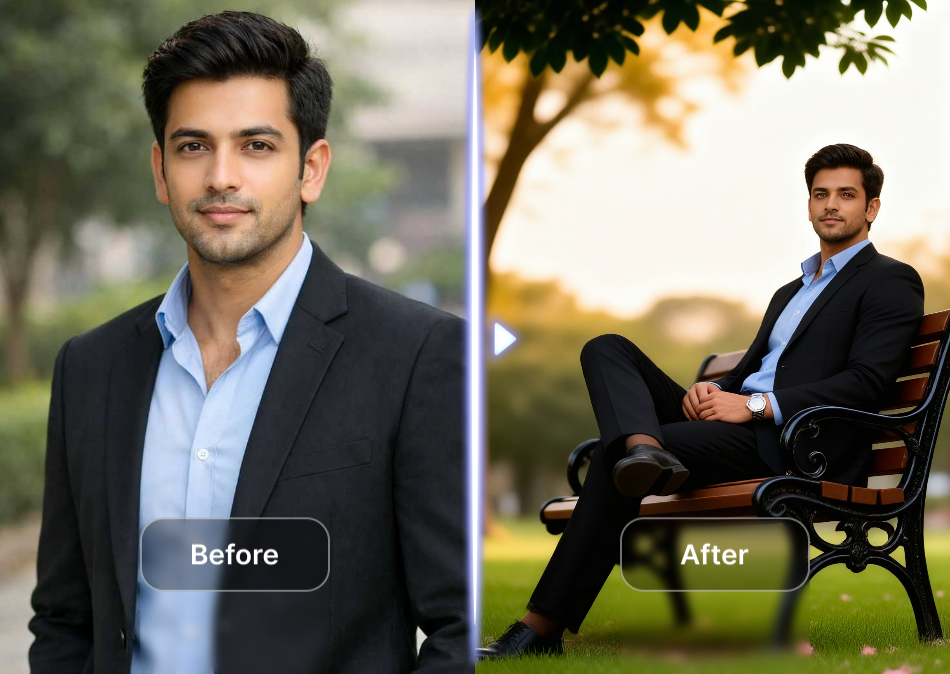
Choose Your Texture Style
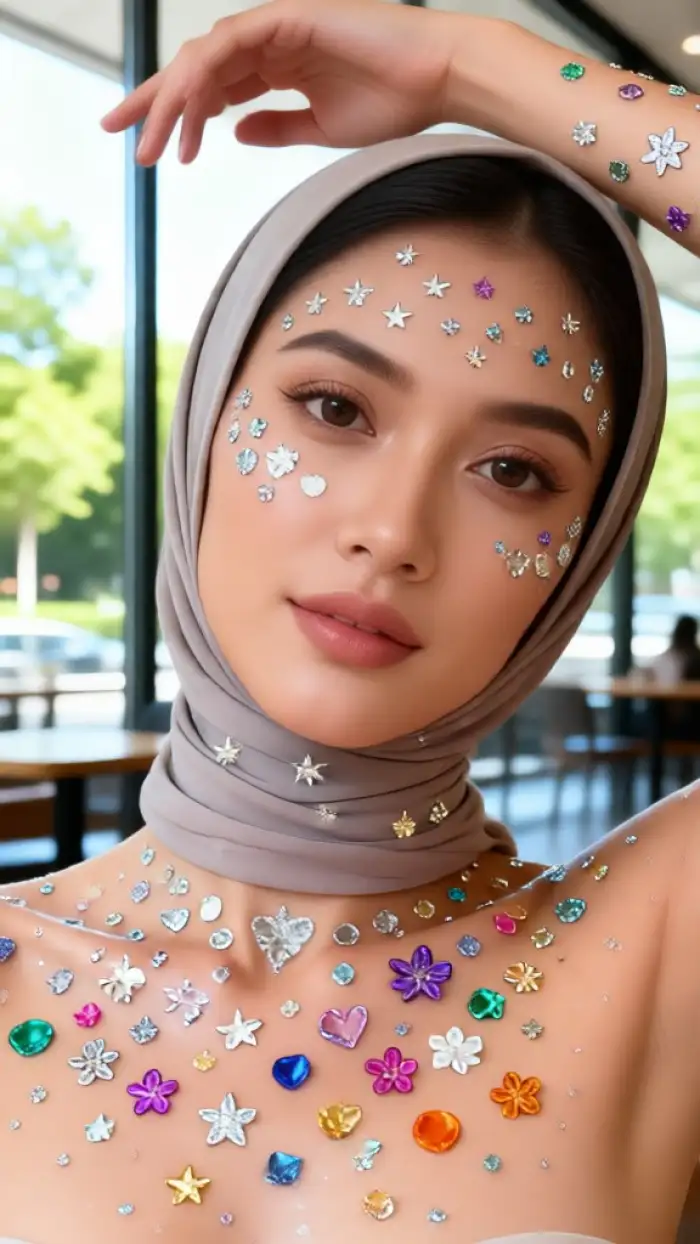
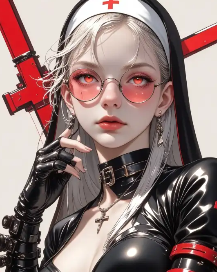
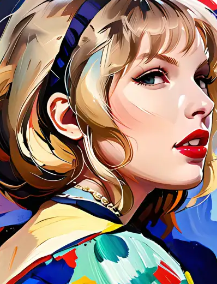
Explore a variety of texture filters, from classic oil painting and watercolor to modern 3D clay and cyberpunk. Every style is one tap away inside the app.
Key Features of AI Texture
Create rich, detailed surface textures and artistic style transformations with a few simple taps. Here is what makes AI Texture stand out for creators, designers, and everyday users.
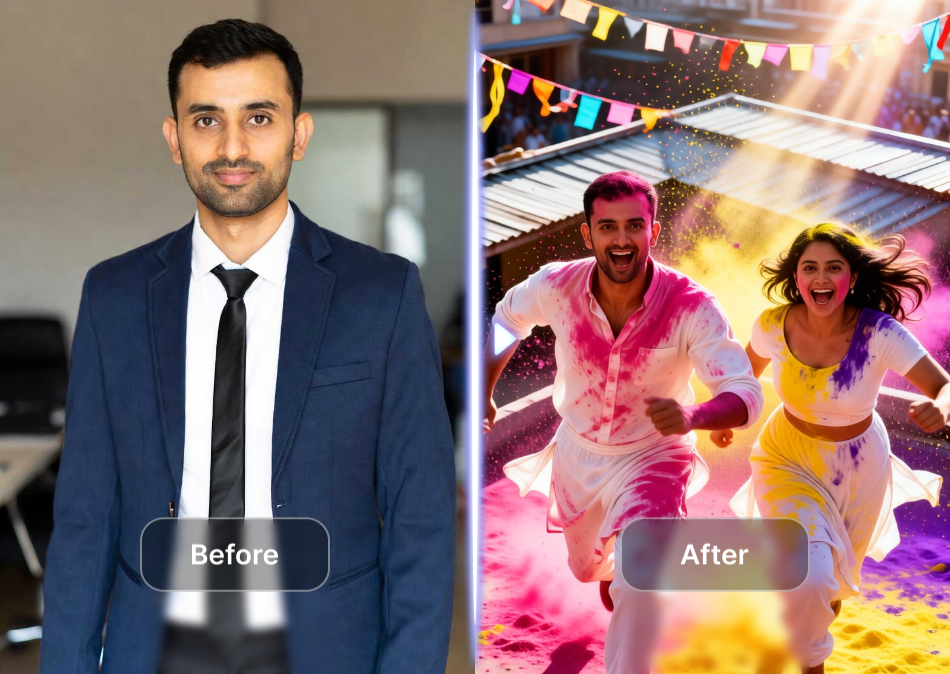
Text to Texture Generation
Describe any texture you imagine, from rough concrete to silky fabric or golden brushstrokes. The AI interprets your words and renders a rich, detailed result in seconds without complex prompt engineering.
Text to Texture Generation
Describe any texture you imagine, from rough concrete to silky fabric or golden brushstrokes. The AI interprets your words and renders a rich, detailed result in seconds without complex prompt engineering.
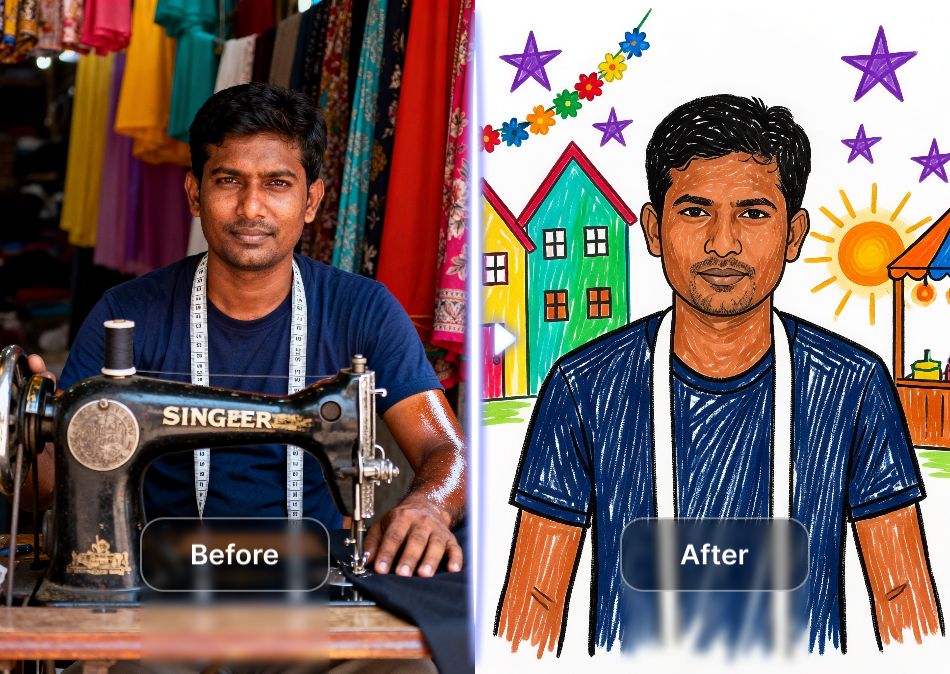
Image to Texture Transfer
Upload a photo and let AI apply texture styles while preserving your subject's identity. Turn portraits into oil paintings, scenes into 3D clay worlds, or photos into watercolor art.
Image to Texture Transfer
Upload a photo and let AI apply texture styles while preserving your subject's identity. Turn portraits into oil paintings, scenes into 3D clay worlds, or photos into watercolor art.
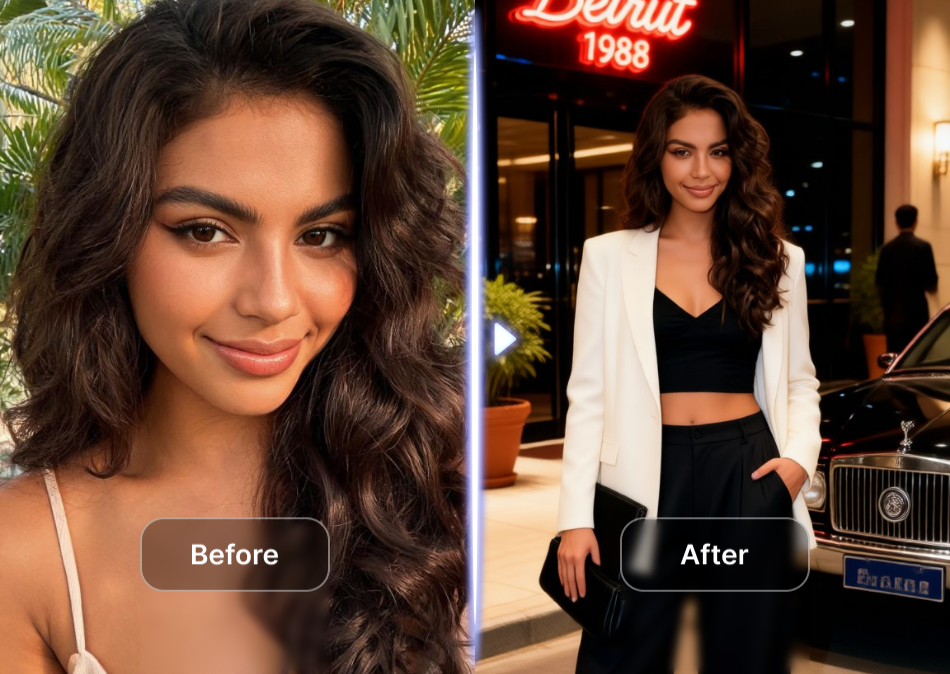
Massive Texture Library
Browse over one million style templates covering realistic photography, anime, watercolor, oil painting, cyberpunk, Ghibli, 3D clay, and cinematic quality finishes for endless creative options.
Massive Texture Library
Browse over one million style templates covering realistic photography, anime, watercolor, oil painting, cyberpunk, Ghibli, 3D clay, and cinematic quality finishes for endless creative options.
Explore AI Texture Creations
Browse stunning AI-generated textures and artistic transformations made by real users. Discover what is possible with the texture generator and start creating your own today.


How to Create AI Textures?
Create rich, artistic texture effects in just a few simple steps using our powerful app. No design experience is needed to get started.

Step 01.
Get started by downloading the usgen app from Google Play to access AI texture generation anywhere, anytime.
Step 02.
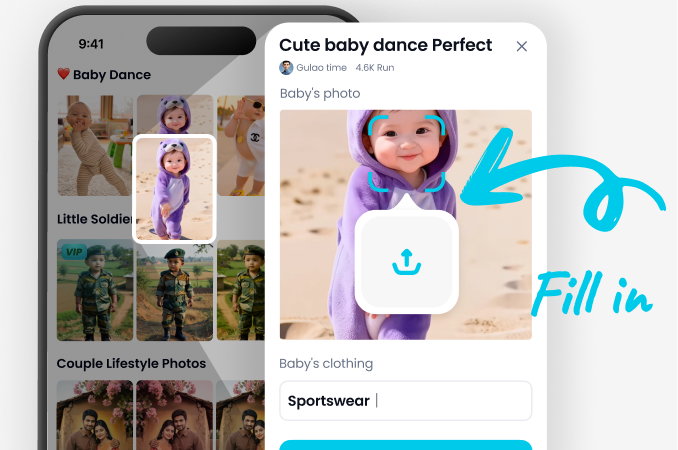
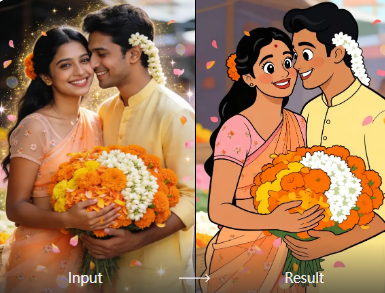
Choose from over one million texture filters, including watercolor, oil painting, 3D clay, cyberpunk, and more to customize your images.
Step 03.
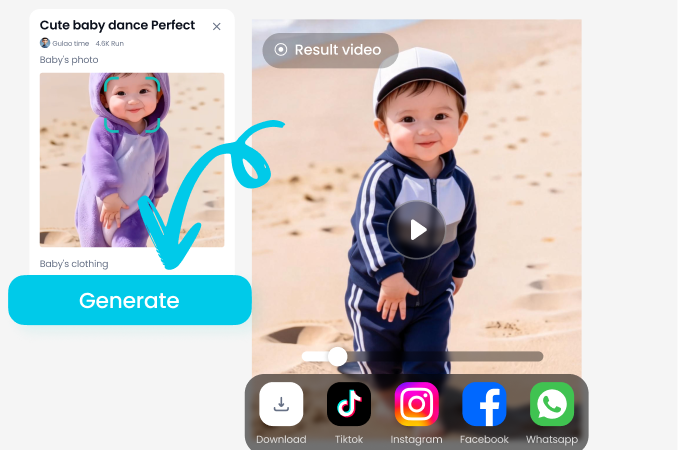
Generate your AI textured images or videos, then download and share them with friends or on social media in seconds.
Why Use AI Texture?
Traditional texture creation takes hours of manual painting or complex 3D software. AI Texture removes the learning curve entirely. Describe a look, upload a reference, or pick a style template and get professional grade texture results in seconds. Perfect for digital artists, designers, content creators, and anyone who wants their visuals to stand out.
Why Use AI Texture?
Traditional texture creation takes hours of manual painting or complex 3D software. AI Texture removes the learning curve entirely. Describe a look, upload a reference, or pick a style template and get professional grade texture results in seconds. Perfect for digital artists, designers, content creators, and anyone who wants their visuals to stand out.
Frequently Asked Questions
Find clear answers to common questions about AI texture generation and get the guidance you need to make the most of our platform.
Who Uses AI Texture?

Maya Chen
As a digital artist, AI Texture saves me hours on background work. I describe the surface I want and get beautiful textured results instantly.

Jordan Miles
I use the oil painting filter on my travel photos. The texture detail is incredible and my Instagram engagement has doubled.

Priya Sharma
Perfect for my small business product shots. The textured backgrounds and 3D clay styles make my items stand out without hiring a designer.

Diego Torres
The watercolor and Ghibli textures are my favorite. One tap and my sketches become finished pieces with beautiful surface detail.
Maya Chen
As a digital artist, AI Texture saves me hours on background work. I describe the surface I want and get beautiful textured results instantly.
Jordan Miles
I use the oil painting filter on my travel photos. The texture detail is incredible and my Instagram engagement has doubled.
Priya Sharma
Perfect for my small business product shots. The textured backgrounds and 3D clay styles make my items stand out without hiring a designer.
Diego Torres
The watercolor and Ghibli textures are my favorite. One tap and my sketches become finished pieces with beautiful surface detail.
Maya Chen
As a digital artist, AI Texture saves me hours on background work. I describe the surface I want and get beautiful textured results instantly.
Jordan Miles
I use the oil painting filter on my travel photos. The texture detail is incredible and my Instagram engagement has doubled.
Priya Sharma
Perfect for my small business product shots. The textured backgrounds and 3D clay styles make my items stand out without hiring a designer.
Diego Torres
The watercolor and Ghibli textures are my favorite. One tap and my sketches become finished pieces with beautiful surface detail.
More Topics You May Like
Explore more topics you may like and discover fresh ideas tailored to your interests.

Gemini AI Bridal Look: Try Wedding Styles Instantly
See your dream bridal look with Gemini AI Bridal Look. Upload a selfie and explore stunning wedding makeup and hairstyles in seconds. Download the app now.

Create Magical AI Butterfly Images in Seconds
Generate breathtaking AI butterfly images with usgen. Upload a photo, pick a style template, and create magical winged art with vibrant colors in seconds.

AI Orange Juice Ad: Create Fresh, Juicy Visuals in Seconds
Make stunning AI orange juice ads instantly. Upload a photo or enter a prompt, choose from juicy style filters, and generate professional ad visuals for social media in seconds.

Gemini AI For Bikini: Create Stunning Swimwear Looks
Gemini AI For Bikini turns photos into realistic swimwear style transformations. Upload a picture, pick a bikini design, and get instant AI fashion results. No editing skills required.
Create Stunning AI Textures Today
Download the usgen app and start generating rich, beautiful textures in seconds. One million styles, zero design skills needed, and endless creative possibilities at your fingertips.
Create Stunning AI Textures Today
Download the usgen app and start generating rich, beautiful textures in seconds. One million styles, zero design skills needed, and endless creative possibilities at your fingertips.