AI Hotel Lobby Duet

Pick the Filter That Matches Your Duet
Search the hotel lobby set inside Usgen, pick from 25,000 templates, and tap the duet look that fits your two people.
Key Features of AI Hotel Lobby Duet Clips
Every filter in Usgen runs on one tap. Pick the look, add your photos, and the app handles the rest of the hotel lobby duet clip.
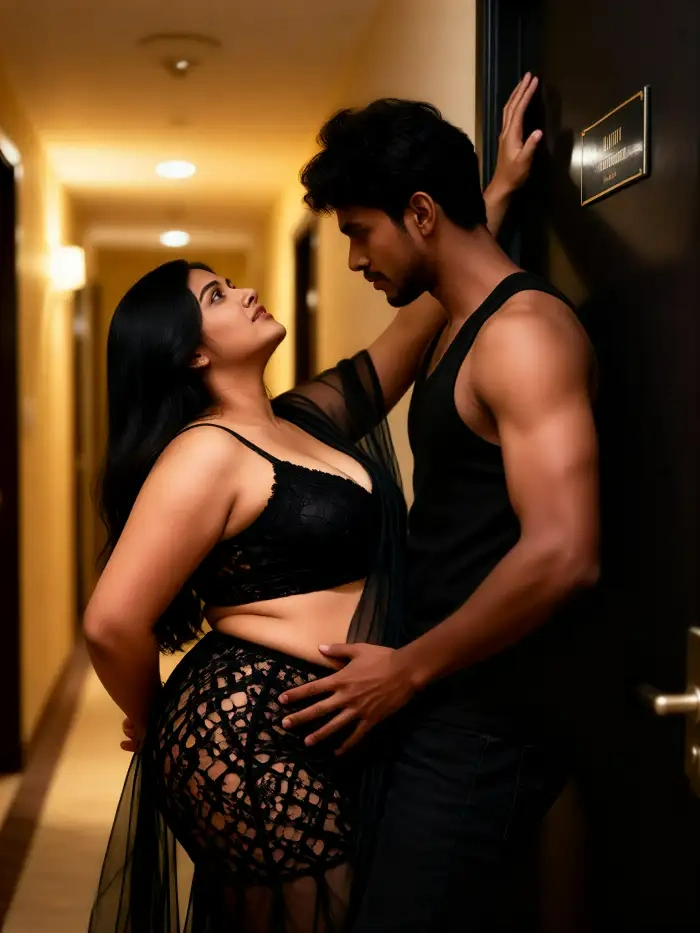
Two Real Faces Intact
Usgen separates each face before it styles the scene. Your first photo stays on the left and your second on the right. No melted cheeks and no third face showing up out of nowhere.
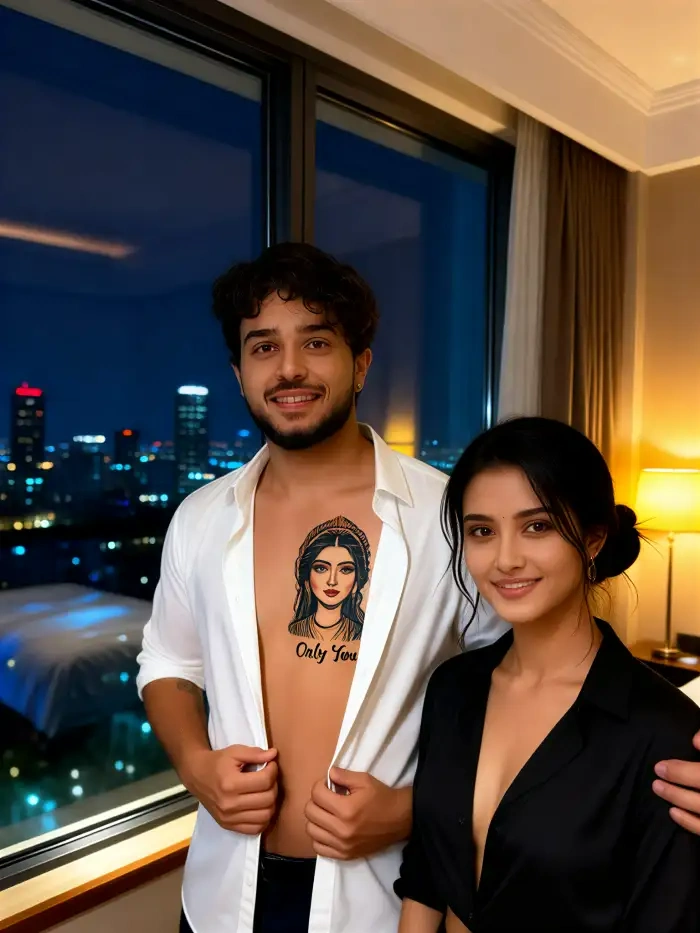
No Prompt Box to Fight
Pick a filter and tap generate. The filter already sets the scene, the framing and the camera angle, so you cannot break the shot by accident. Want one change? Type one short line.
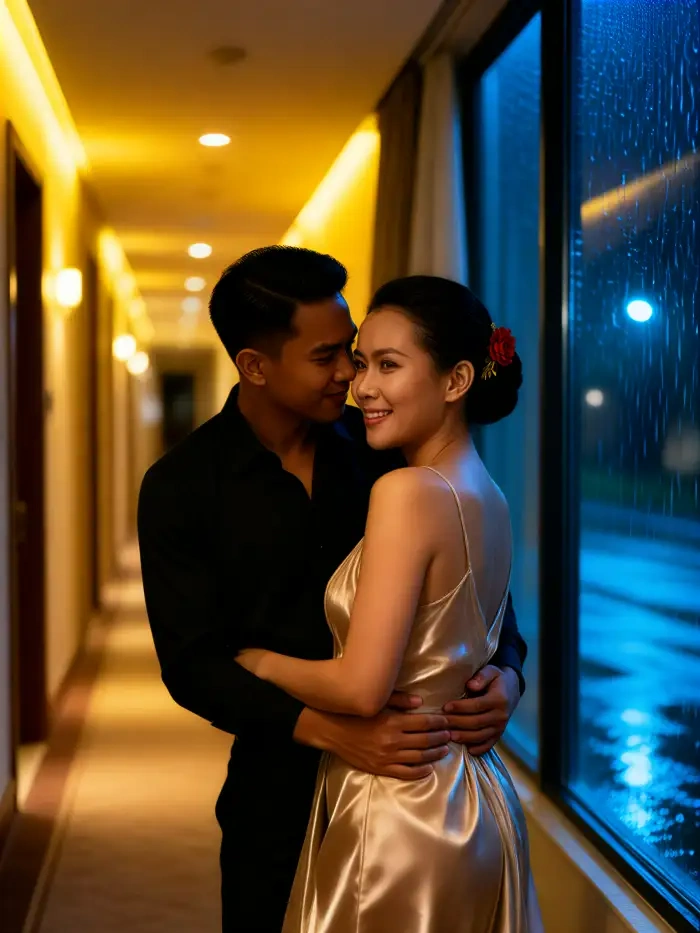
Various Hotel Scenes for You
Your two performers keep the same face, hair and clothes across a series of duets. Set a smile, a blink or a head turn, then publish to your own Usgen page where creators run the same template.
How to Create an AI Hotel Lobby Duet?
Three steps in the Usgen app, from two photos on your camera roll to a duet clip posted on your page.
Step 01.
Download the Usgen app from Google Play, open it, and search the filter tab for hotel lobby or duet. Tap the duet look you want and add your photos.
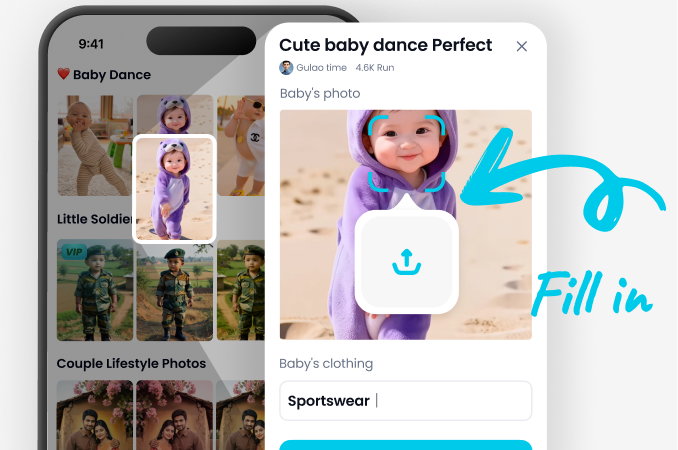
Step 02.
Add your photos. Two separate photos give the cleanest result, and one group shot works too since Usgen separates both faces. Tap generate and wait for the render to finish.
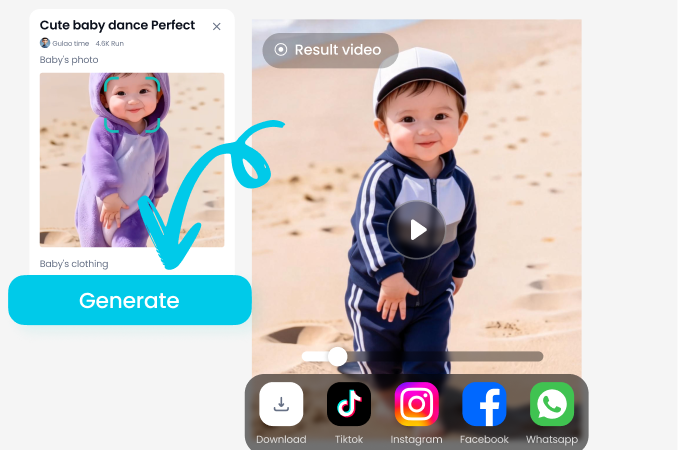
Step 03.
Save the clip to your phone. Then add the Hotel Lobby sound from the sound library on the app where you post. Hit share and the duet goes straight to your feed.
Watch a Hotel Lobby Duet Walkthrough
Two short walkthroughs, from installing Usgen on Google Play to picking a filter, generating the clip, and posting it.
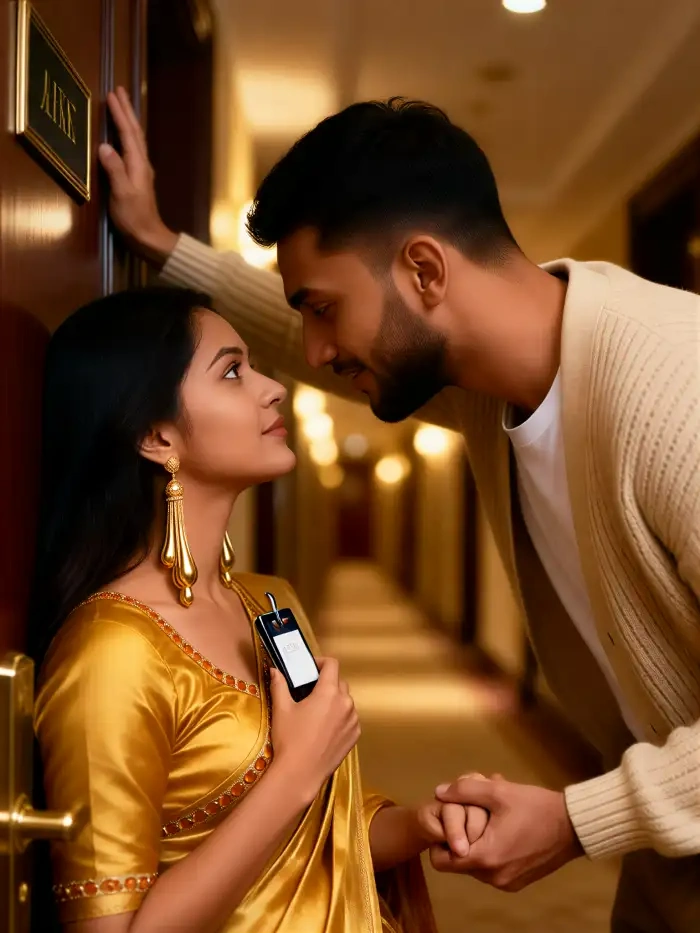
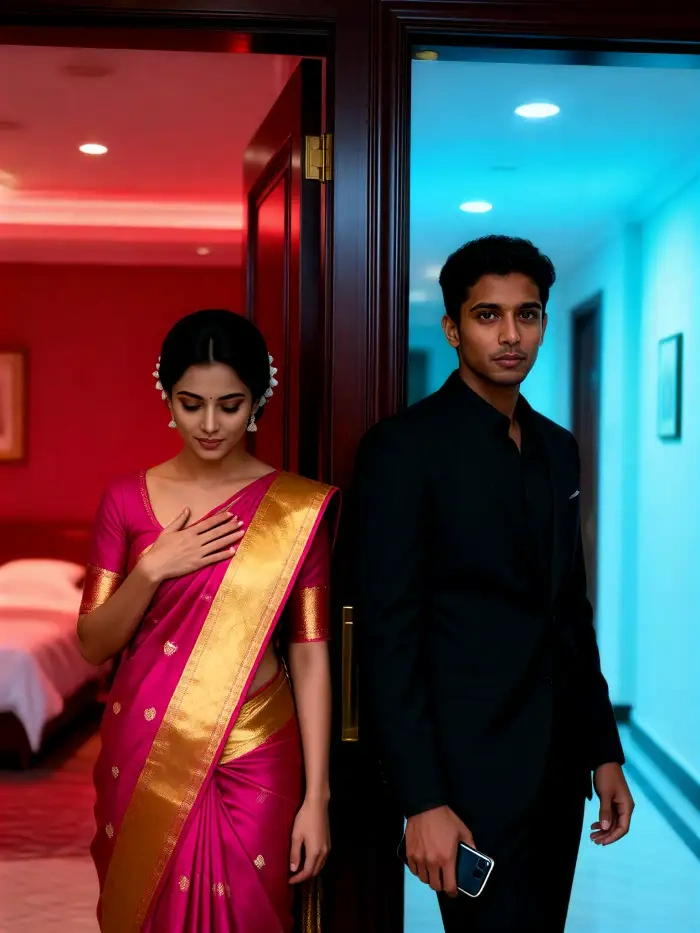
Use Usgen for an AI Hotel Lobby Duet
Every browser tool for this trend makes you write a prompt, upload from a desktop, and wait minutes for a render. Usgen skips all of that. You install it once and tap a filter. Your two faces come back on the same phone in seconds, not in another browser tab.
What Creators Say about Usgen Duet Clips
I tell every couple to grab Usgen and make their own duet clip.
As a wedding photographer, I made the hotel lobby duet for a couple between two shoots. Both faces still looked like them and the clip was ready before the bouquet arrived. No desktop, no editing.
I use Usgen with every student who wants a duet clip for their feed.
As a dance instructor, my students keep asking for a duet clip. I make it with Usgen now. Two photos in, the duet looks real, and I post it before class starts.
I tell people to try Usgen with a pet photo and see the difference.
As a short form creator, I posted a hotel lobby duet with my cat and it beat my studio setup. Usgen keeps the cat looking like my cat, same face and same whiskers. Nobody else gets that right.
Frequently Asked Questions
Straight answers about the AI hotel lobby duet, two photo uploads, sound, privacy, and what the Usgen app actually does.
More Topics You May Like
Other trends worth a try, all waiting inside the same Usgen filter library next to the hotel lobby duet looks.

Preview Bald Hair Style for Men with Gemini AI

Create Realistic AI Medium Shot Photos in Seconds
Create Stunning Gemini AI Astrophotography Art

Try Gemini AI Streetwear for Women Today
Preview Bald Hair Style for Men with Gemini AI
Create Realistic AI Medium Shot Photos in Seconds
Create Stunning Gemini AI Astrophotography Art
Try Gemini AI Streetwear for Women Today
Make an AI Hotel Lobby Duet
Download the Usgen app on Google Play, pick a filter, and put two real faces in a hotel lobby duet clip tonight.
Make an AI Hotel Lobby Duet
Download the Usgen app on Google Play, pick a filter, and put two real faces in a hotel lobby duet clip tonight.