AI Fat Filter

Explore Body Transformation Filters
Beyond just adding weight, discover a suite of AI filters to modify your appearance in various ways. From subtle adjustments to dramatic changes, find the perfect effect for your creative vision.
Why Choose Our AI Fat Filter?
Our tool offers more than just a simple effect. It uses sophisticated AI to ensure realistic weight distribution, natural lighting, and seamless integration with your original photo for believable results.

Realistic Weight Simulation
The AI doesn't just stretch your image. It intelligently simulates how weight distributes naturally on the human body, creating a convincing and authentic-looking transformation.

Instant, One-Click Results
No complex sliders or manual editing. Upload your photo, select the fat filter, and get your transformed image in seconds. It's designed for effortless experimentation.

Safe & Private Exploration
Experiment with body image changes in a completely private, judgment-free space. All processing happens on your device, and your photos are not stored on our servers.
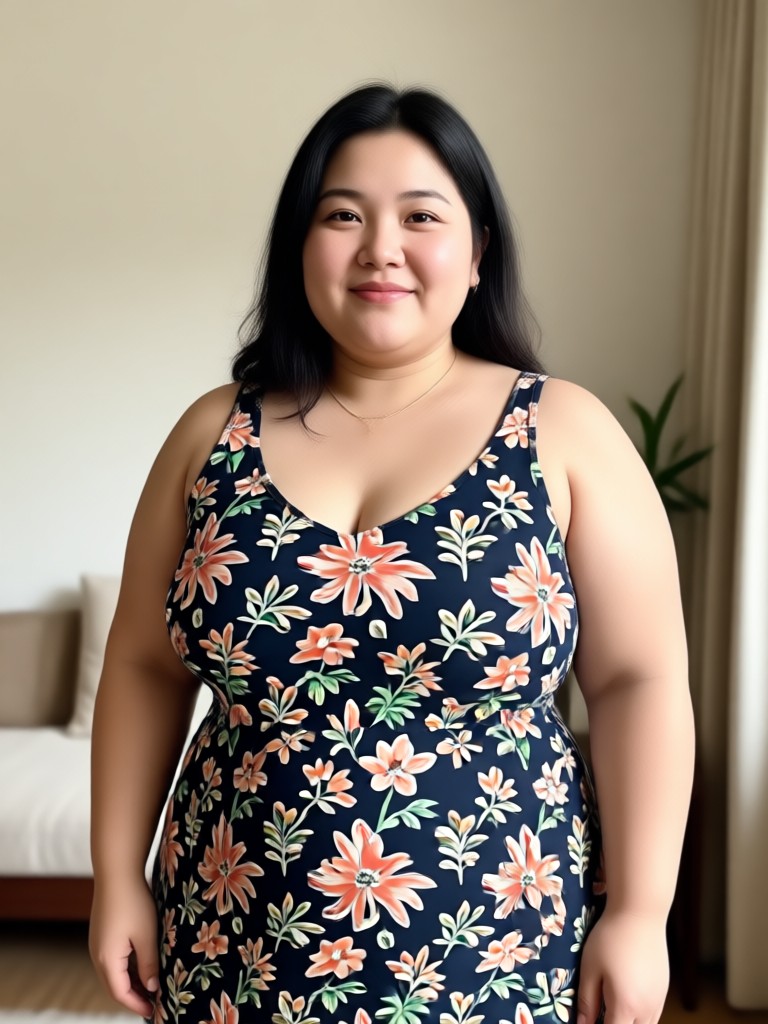
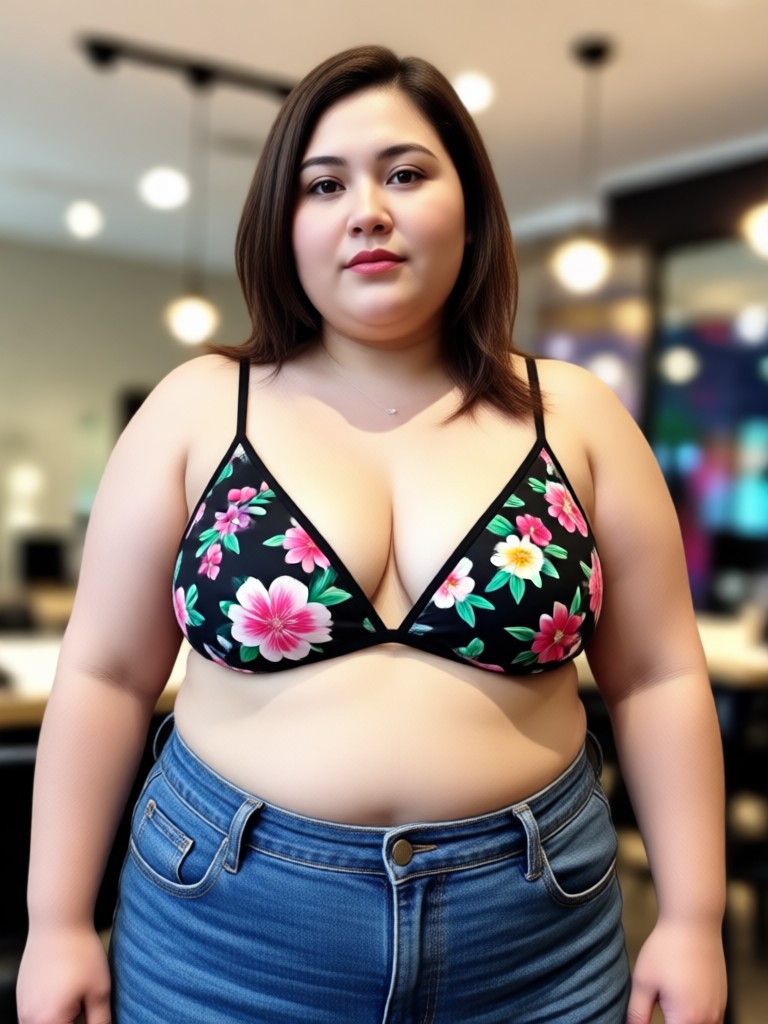
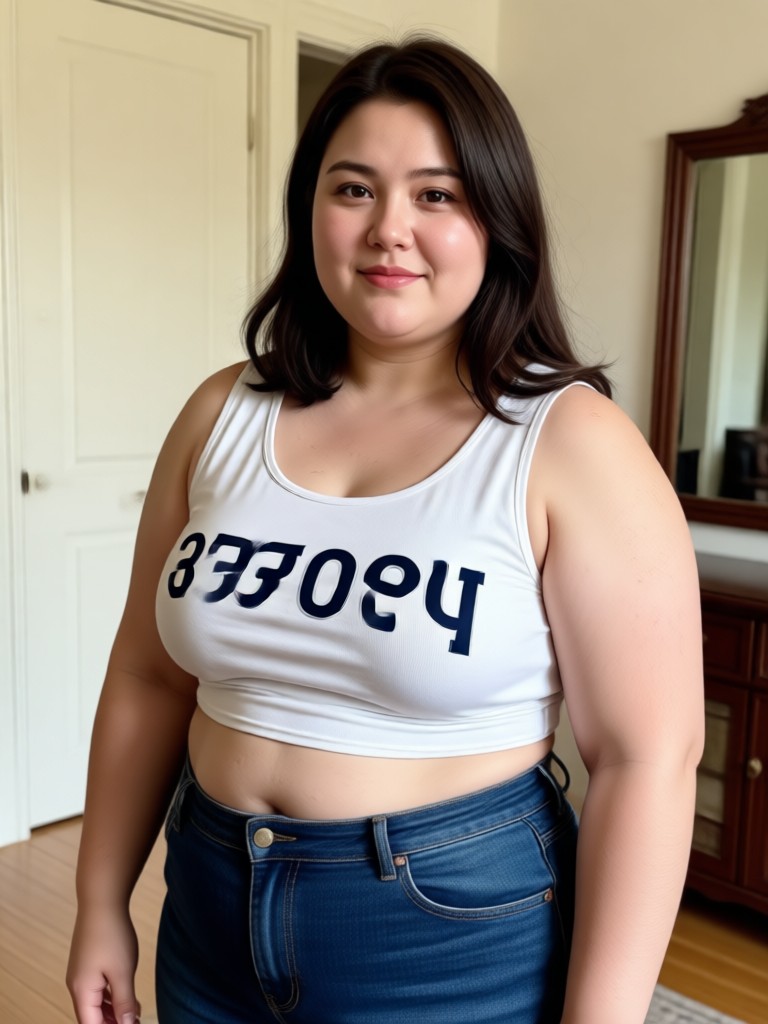
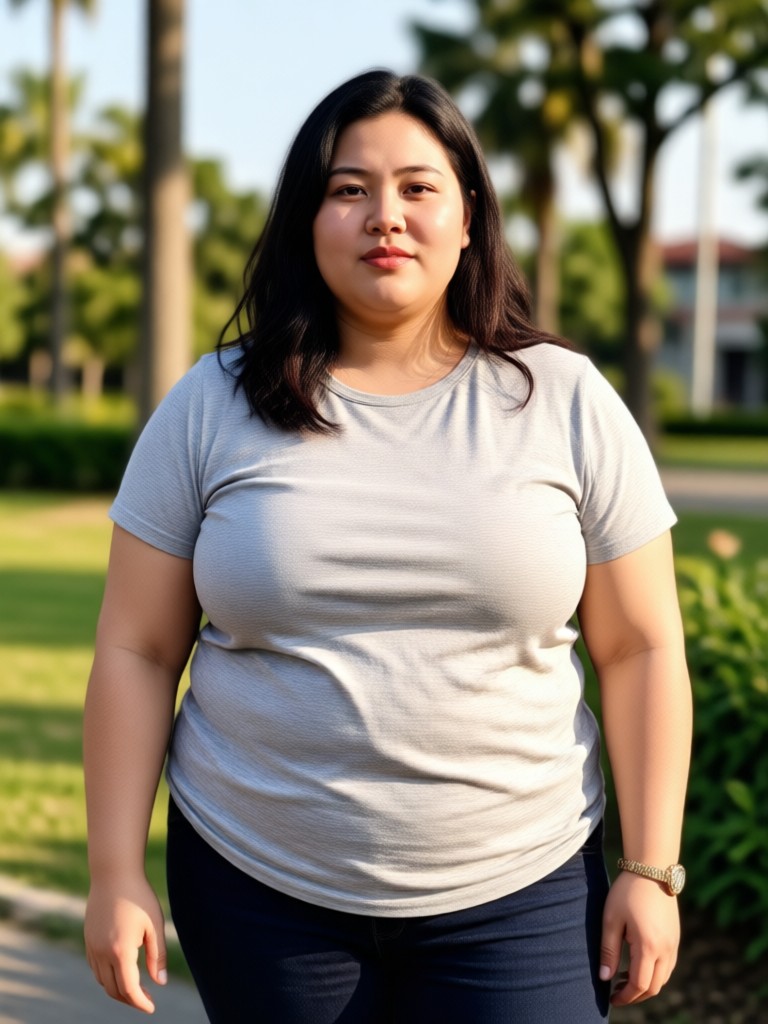
AI Fat Filter Transformations
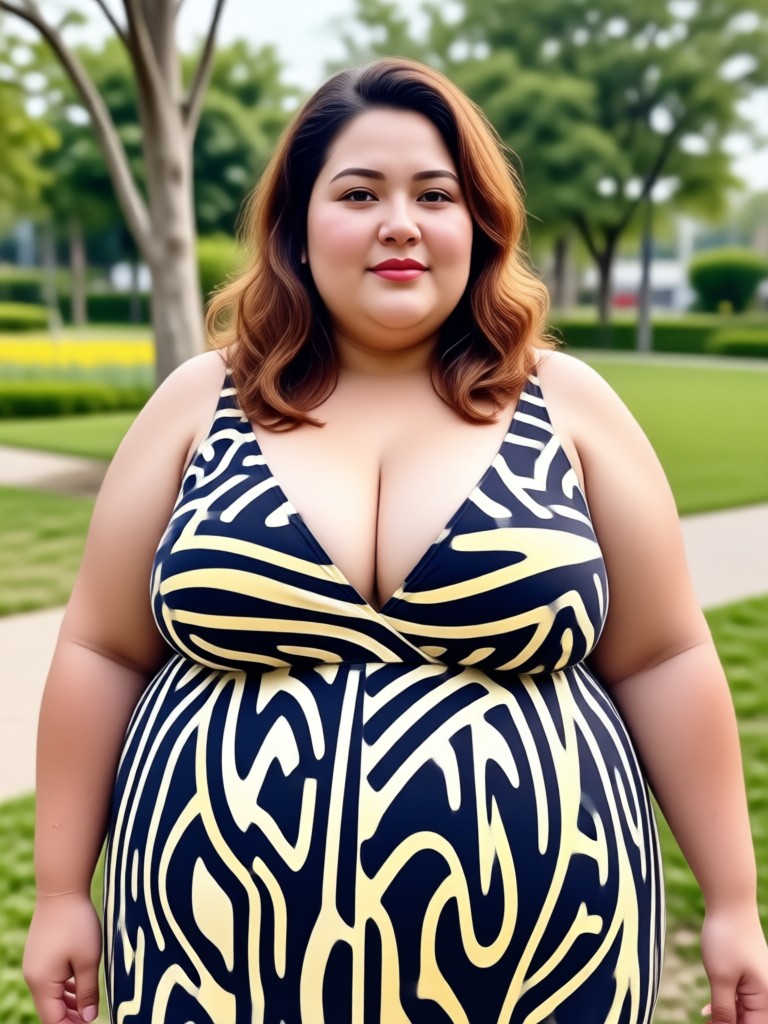
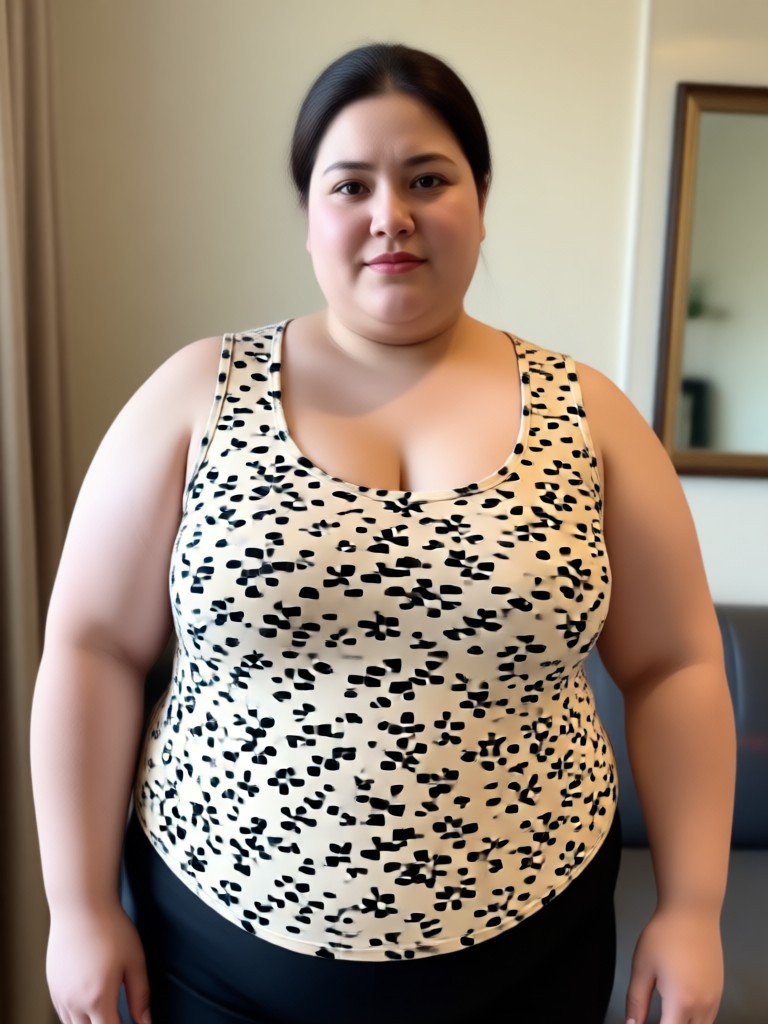
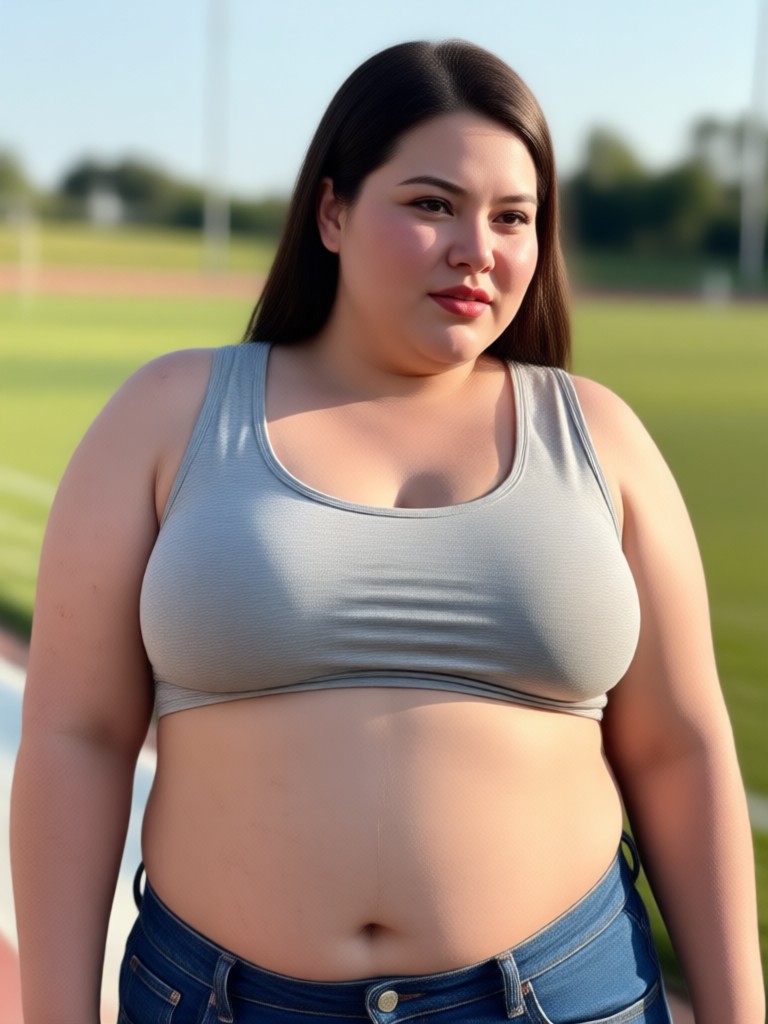
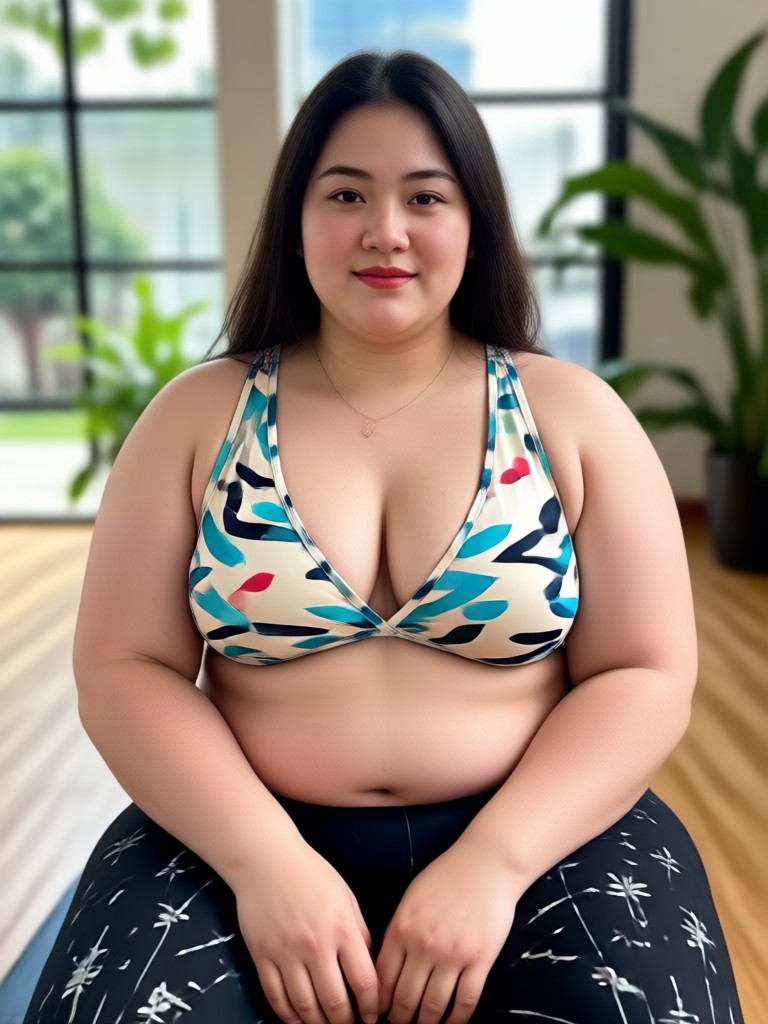
See the power of the AI fat filter in action. Browse through a variety of before-and-after examples showcasing realistic weight addition across different body types and poses.









How to Use the AI Fat Filter?
See yourself with added weight in just three simple steps. Our intuitive app makes body transformation exploration easy and instant.

Step 01.
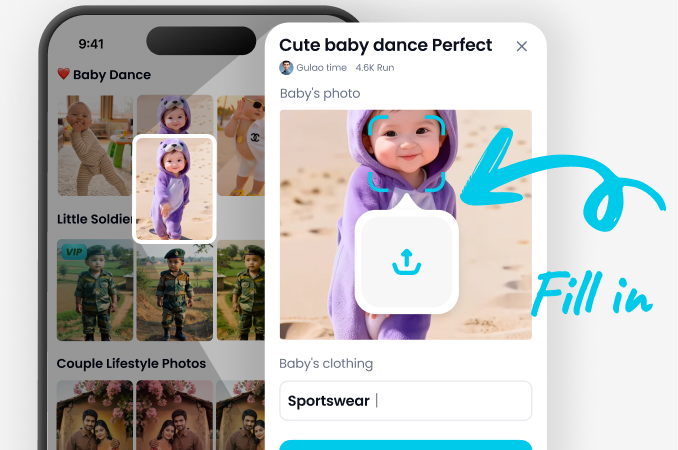
Download the usgen app from the Google Play Store. It's your all-in-one mobile studio for AI photo and video transformations.
Step 02.
Open the app and upload a clear photo of yourself. Navigate to the style filters and select the 'Fat' or 'Weight Gain' AI filter from the library.
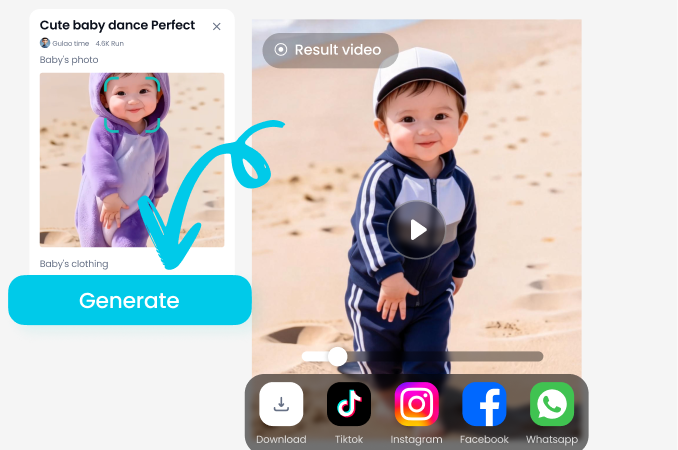
Step 03.
Tap generate. In seconds, the AI will create a realistic version of you with added weight. Save your new image or try other body transformation filters.

Beyond a Simple Filter: Advanced AI for Realistic Results
Unlike basic face-morphing apps, our AI fat filter analyzes bone structure, pose, and lighting to add weight in a way that looks natural. It considers how body fat distributes, ensuring a believable transformation rather than a distorted stretch.
Beyond a Simple Filter: Advanced AI for Realistic Results
Unlike basic face-morphing apps, our AI fat filter analyzes bone structure, pose, and lighting to add weight in a way that looks natural. It considers how body fat distributes, ensuring a believable transformation rather than a distorted stretch.
What Users Are Saying About the AI Fat Filter
Surprisingly realistic for character design!
I'm a digital artist and used this filter to visualize how a character would look with a heavier build. The AI did a fantastic job adjusting proportions realistically, not just bloating the image. It saved me hours of sketching.
A fun and safe way to explore 'what if' scenarios
I was curious about gaining weight for a role. This filter gave me a surprisingly accurate preview. It's much more sophisticated than I expected. The privacy aspect made me feel comfortable using my own photos.
Easy to use and instantly gratifying
I downloaded the app for the anime filters but got hooked on the body change ones. The fat filter is incredibly easy. You just pick a photo and tap. The results are instant and actually look real, which is hilarious to share with close friends.
AI Fat Filter FAQs
Get answers to the most common questions about how the AI fat filter works, its uses, and privacy.
Transform Your Look in Seconds
Download the usgen app now. Access the AI fat filter and over a million other style templates for photos and videos, all in one powerful, free mobile studio.

More AI Tools You May Like
Explore more topics you may like and discover fresh ideas tailored to your interests.

Ai Fashion Model Generator

Ai 180 Turn Video Generator

Ai Black And White Portrait

Ai Boyfriend Generator
Ai Fashion Model Generator
Ai 180 Turn Video Generator
Ai Black And White Portrait
Ai Boyfriend Generator
Ready to See a New You?
Stop wondering and start visualizing. Download the free usgen app now and experiment with the AI fat filter and countless other creative transformations instantly.

Ready to See a New You?
Stop wondering and start visualizing. Download the free usgen app now and experiment with the AI fat filter and countless other creative transformations instantly.