AI Christmas Photo Trend

Pick a Christmas Filter for the AI Christmas Photo Trend
Each of these sample filters takes one photo and gives back a still picture. They come from a separate browser site.
How to Create an AI Christmas Photo Trend Picture?
Three steps from an ordinary phone photo to an AI Christmas photo look, a clip and a post. All of it inside the Usgen app.

Step 01.
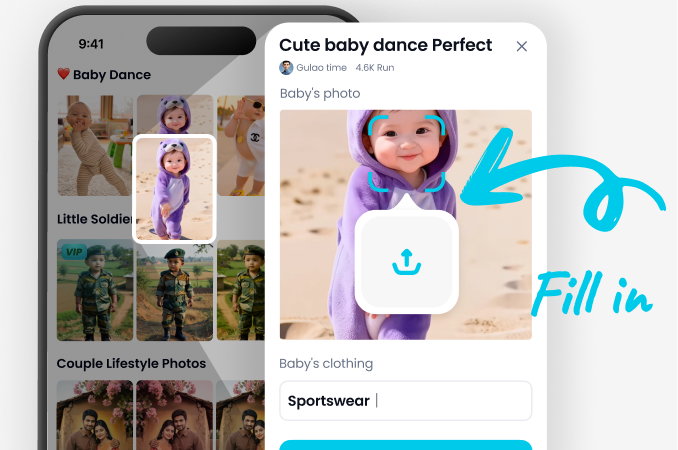
Download Usgen from Google Play. The filter library opens on your phone, no desktop and no browser needed.
Step 02.
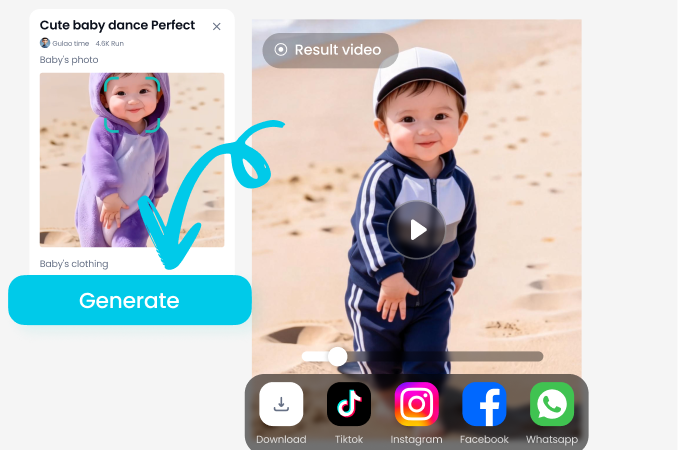
Pick a Christmas filter, add your photo, and for a group add one photo per person. Tap generate and let the still land.
Step 03.
Save the picture to your phone if you want a copy. Tap publish to put it on your Usgen page, public or only me. Then share it to Instagram, TikTok or WhatsApp.
Browse the AI Christmas Photo Trend Looks
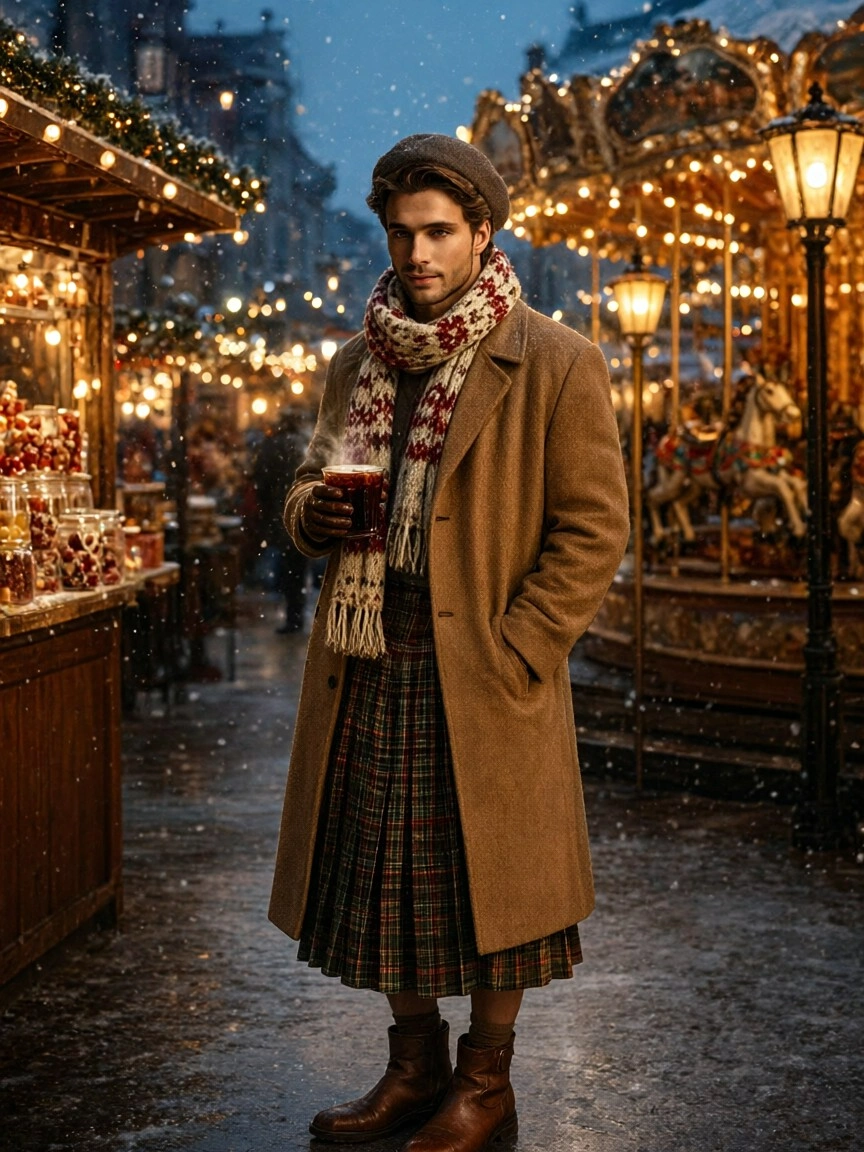
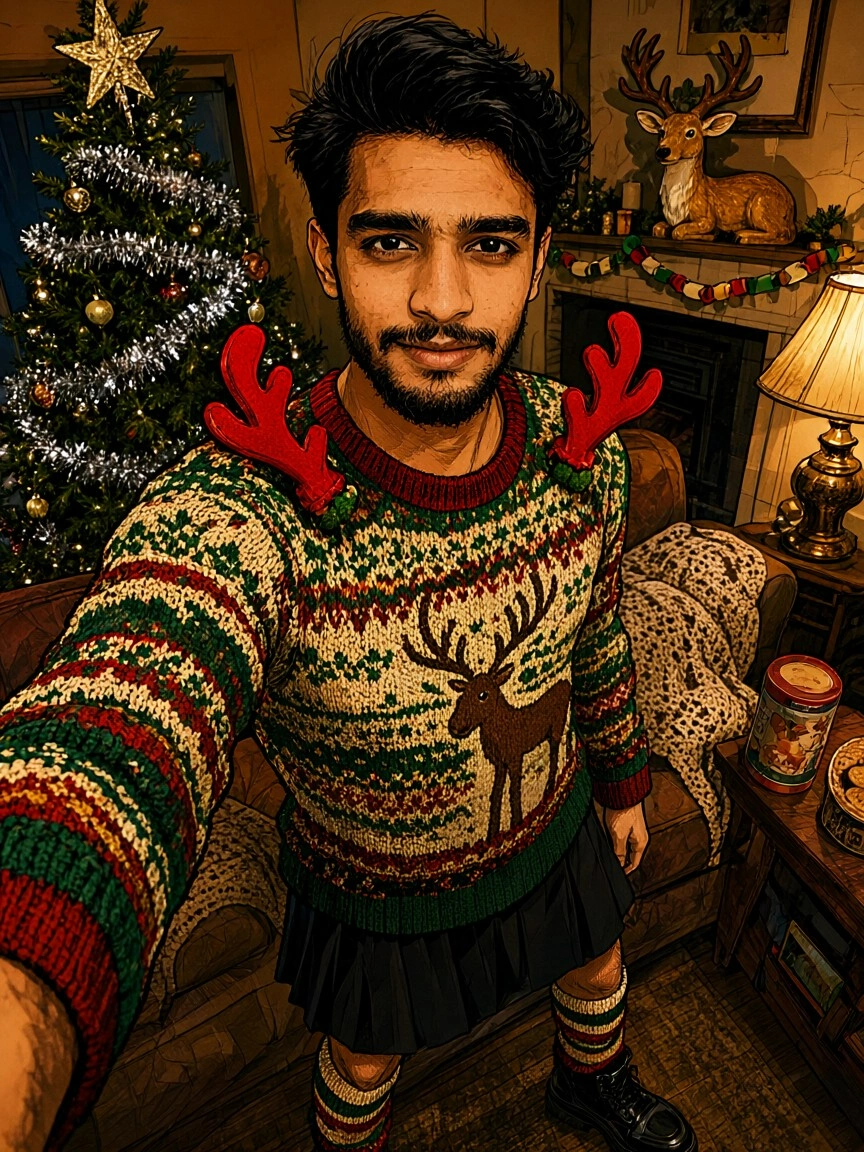
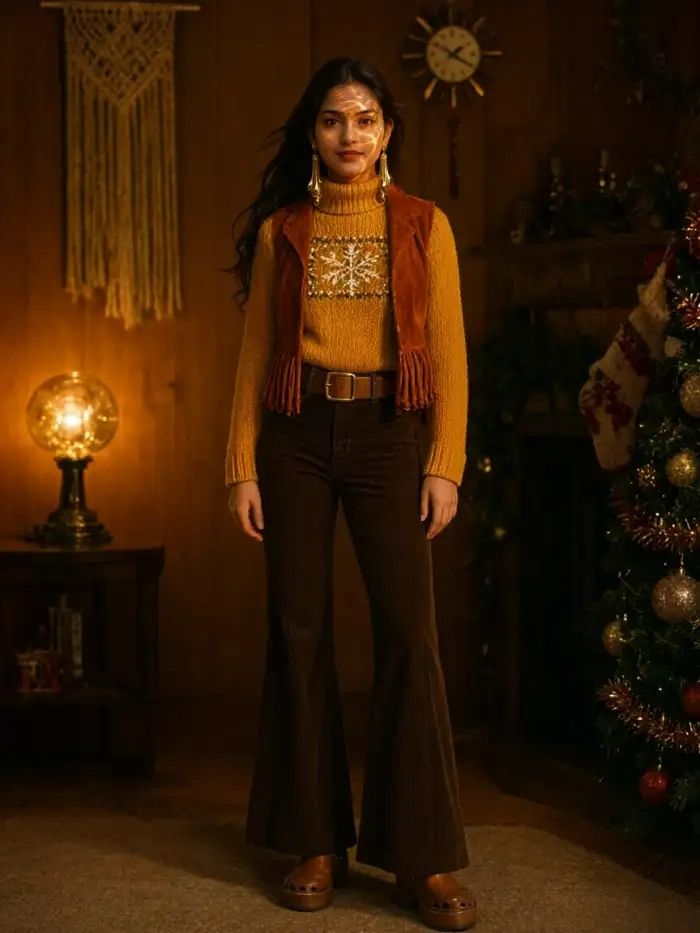
These are the holiday scenes the AI Christmas photo trend runs on. Each one starts from your own phone shots, with candy canes, fairy lights and snow.
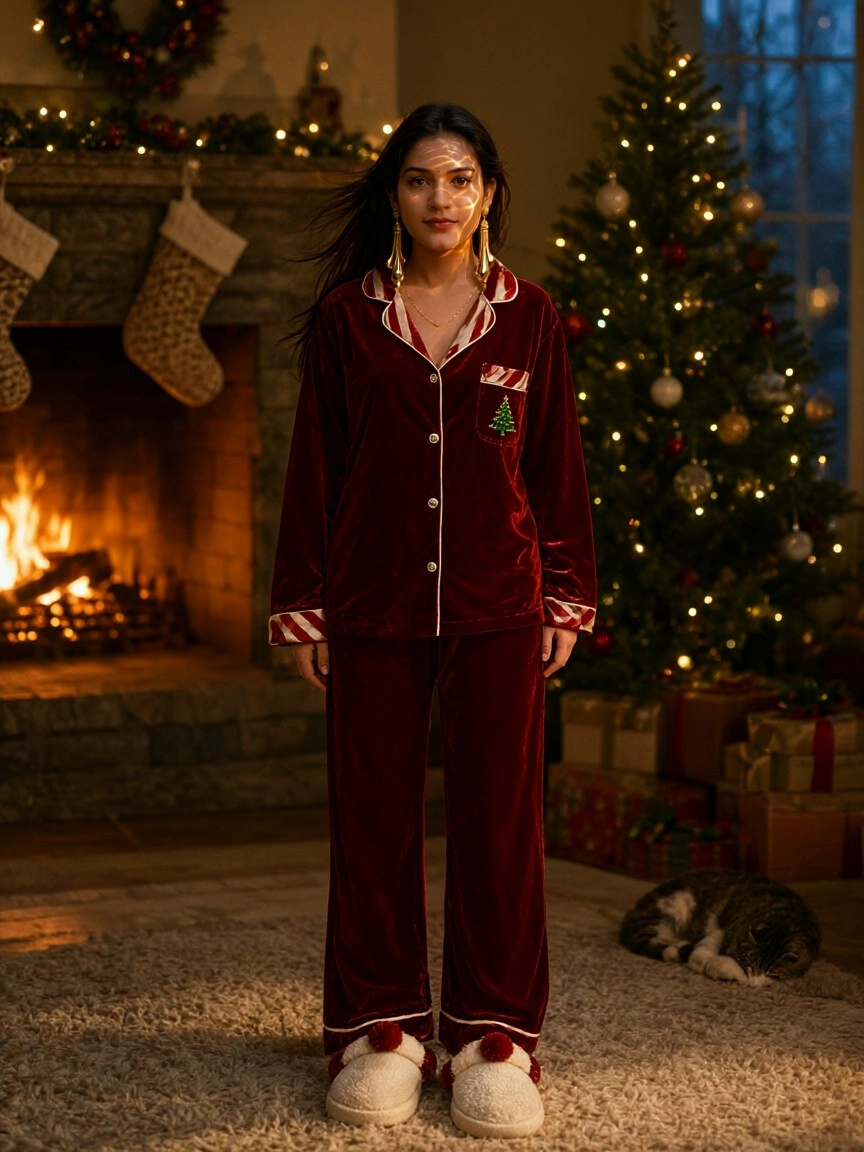
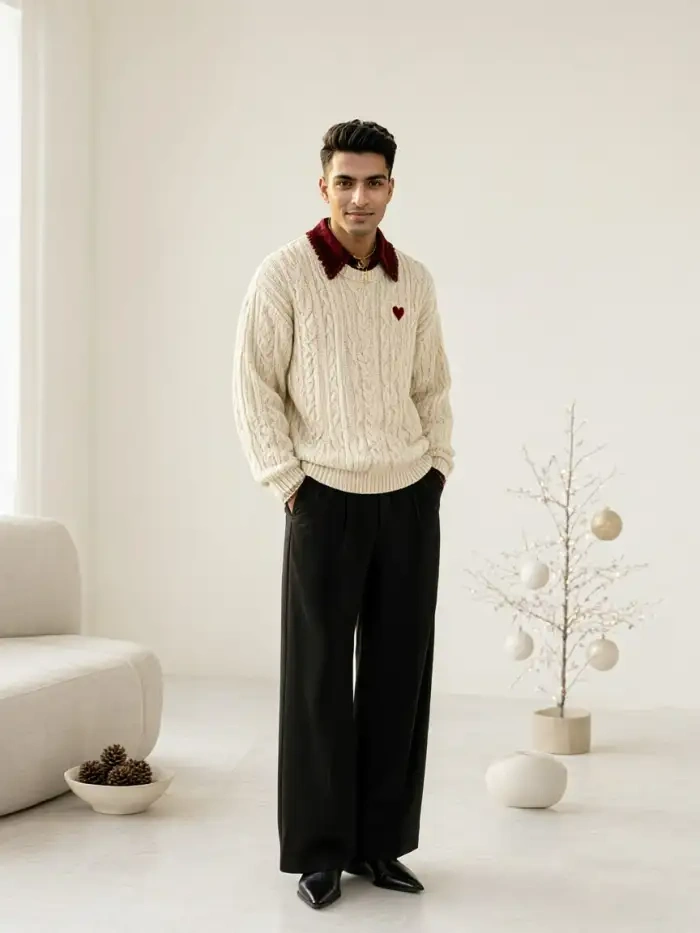
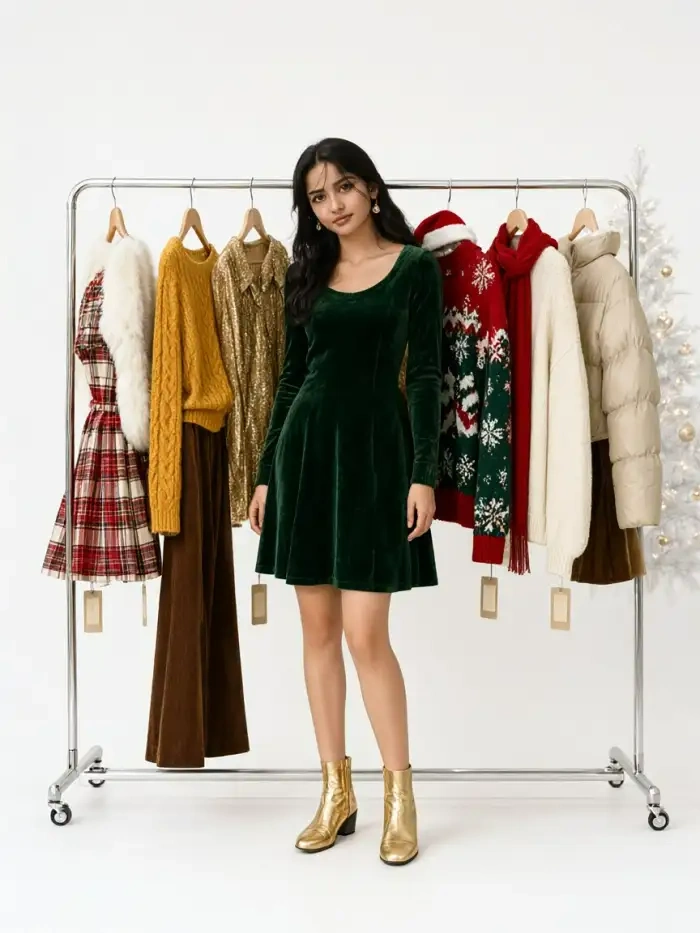
Key Features of the AI Christmas Photo Trend
Three things Usgen does for the AI Christmas photo trend. Post your card before the holidays without writing a prompt or fighting with a browser tab.
Keep Every Face in the Christmas Vibe
The trend gets better with more people. Usgen separates each face before it builds the set. A group photo or one shot per person both work. No melted cheeks, no lost subjects.
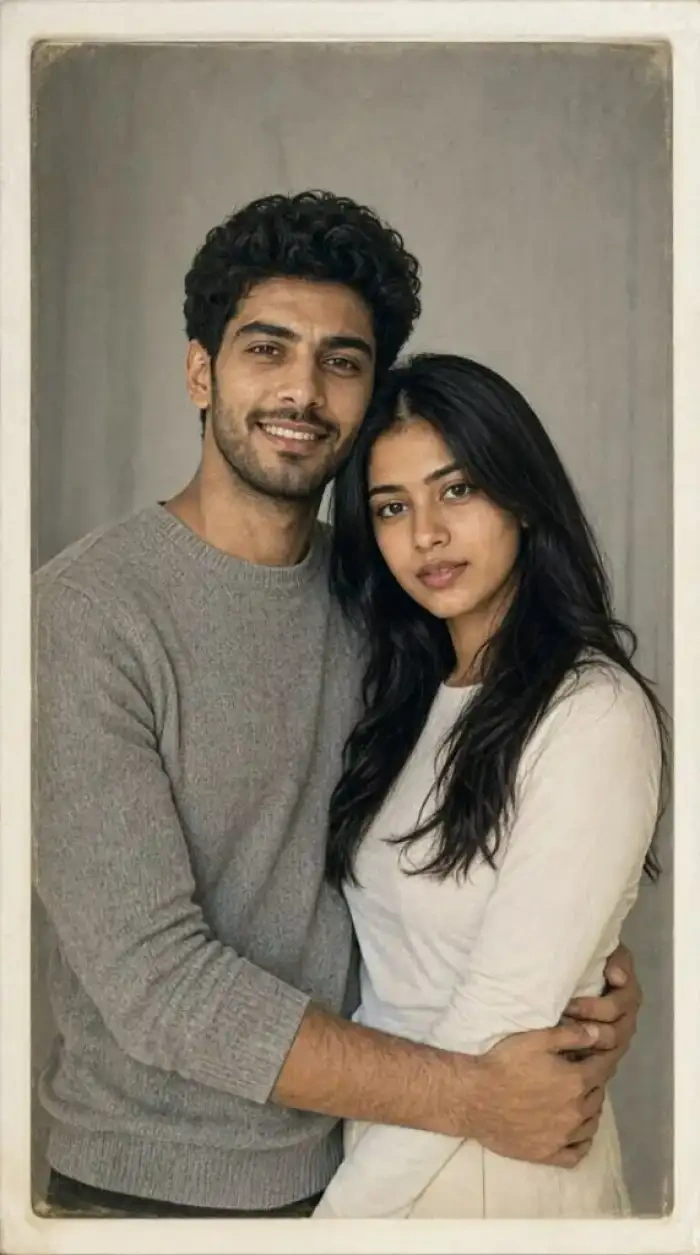 Before
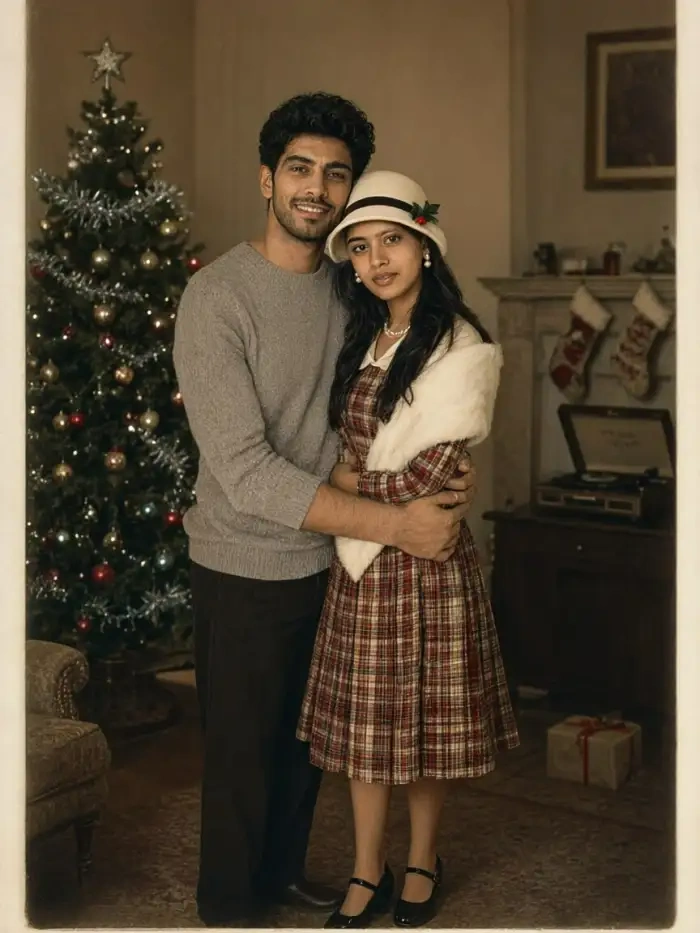 After
Pick a Look Instead of Typing One
Each filter carries its own wardrobe, lighting and background, so you pick a look instead of writing one. Search the Usgen library for the holiday you want, then tap generate and wait for the still.
Moving Christmas Clip of You
Once the picture looks right, one more tap adds a small move. A blink, a smile, a turn of the head. The clip comes out of the same app. The small town street look, with glowing shopfronts and gentle snowfall.
Watch a Usgen Walkthrough for Christmas Photos
Two walkthroughs for the AI Christmas photo trend, one for the still and one for the clip.
Use Usgen for the AI Christmas Photo Trend
Usgen has passed one million downloads on Google Play. The group engine takes your photos apart first, so no two faces blend and nobody drops out. Some trend tools tell you to crop to one person first. The AI Christmas photo trend lands as one card for the whole family.

Frequently Asked Questions
Straight answers on the AI Christmas photo trend and the filters behind it. Also what happens to your photos before you post them.
More Topics You May Like
More corners of the AI Christmas photo trend worth a scroll. New write ups land as the season runs on.

Preview Bald Hair Style for Men with Gemini AI
Create Realistic AI Medium Shot Photos in Seconds

Create Stunning Gemini AI Astrophotography Art
Try Gemini AI Streetwear for Women Today
Preview Bald Hair Style for Men with Gemini AI
Create Realistic AI Medium Shot Photos in Seconds
Create Stunning Gemini AI Astrophotography Art
Try Gemini AI Streetwear for Women Today
Follow AI Christmas Photo Trend
Turn your family's Christmas outfit change photos into an AI Christmas photo trend card and post it to your own page.
Follow AI Christmas Photo Trend
Turn your family's Christmas outfit change photos into an AI Christmas photo trend card and post it to your own page.