AI Bloom Effect
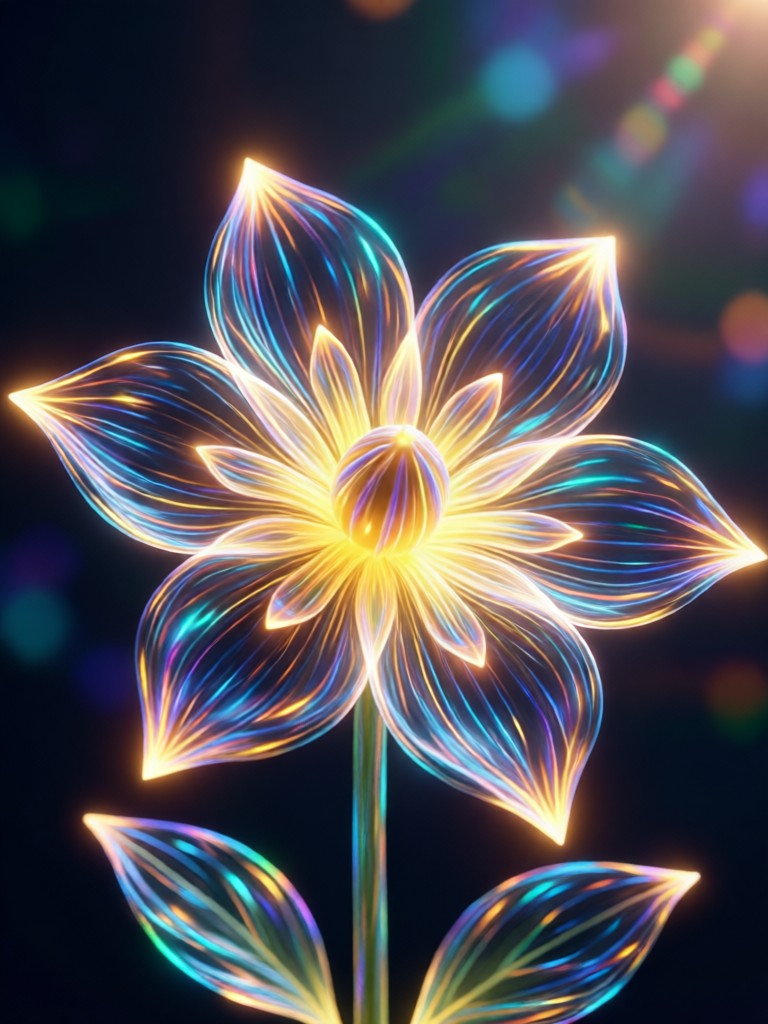
Create Your Dreamy Aesthetic
Explore our collection of ethereal and glowing filters to find the perfect AI Bloom Effect for your style.
Why Choose Our AI Bloom Effect
Our AI Bloom Effect goes beyond a simple glow. It intelligently analyzes your image to apply light, color, and atmosphere for perfectly balanced, professional results every time.

Intelligent Glow Detection
The AI doesn't just add a blanket glow. It identifies light sources, highlights, and edges in your photo to apply bloom effects realistically, enhancing the natural luminosity of your scene.
Intelligent Glow Detection
The AI doesn't just add a blanket glow. It identifies light sources, highlights, and edges in your photo to apply bloom effects realistically, enhancing the natural luminosity of your scene.
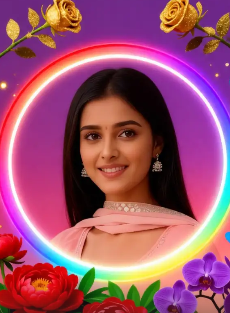
Customizable Intensity & Color
Fine-tune your bloom. Adjust the glow intensity, halo size, and color temperature from warm golden hour hues to cool, mystical blue tones to match your creative vision.
Customizable Intensity & Color
Fine-tune your bloom. Adjust the glow intensity, halo size, and color temperature from warm golden hour hues to cool, mystical blue tones to match your creative vision.
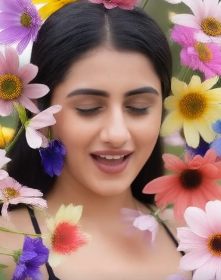
Works on Photos & Videos
Apply the dreamy AI Bloom Effect to both still images and video clips. Create consistent, ethereal aesthetics across your entire social media feed or video project seamlessly.
Works on Photos & Videos
Apply the dreamy AI Bloom Effect to both still images and video clips. Create consistent, ethereal aesthetics across your entire social media feed or video project seamlessly.
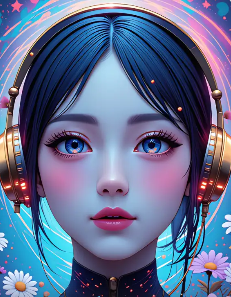
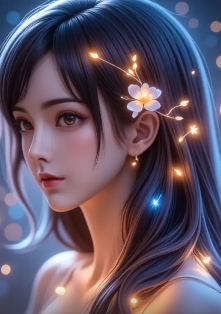
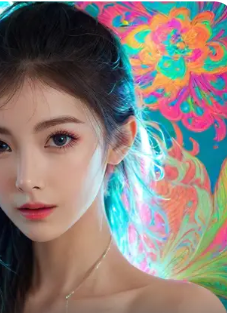
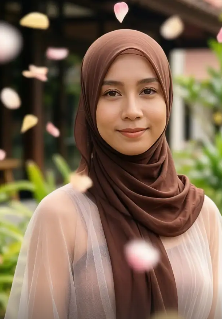
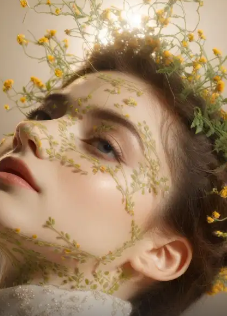
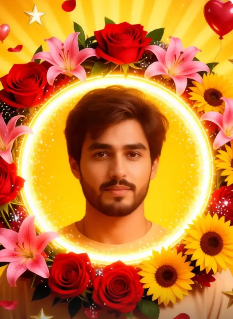
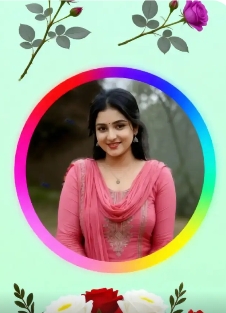
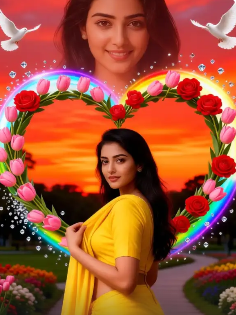
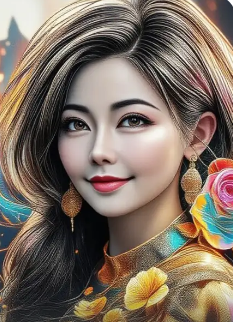
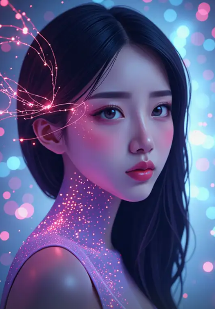
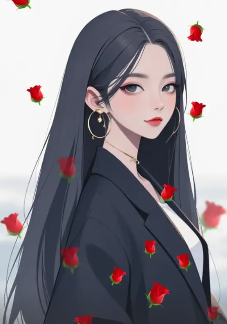
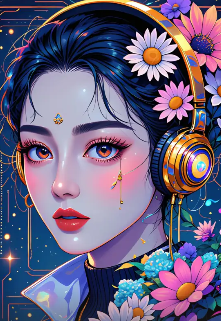
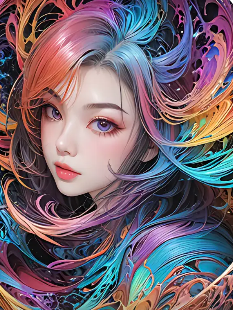
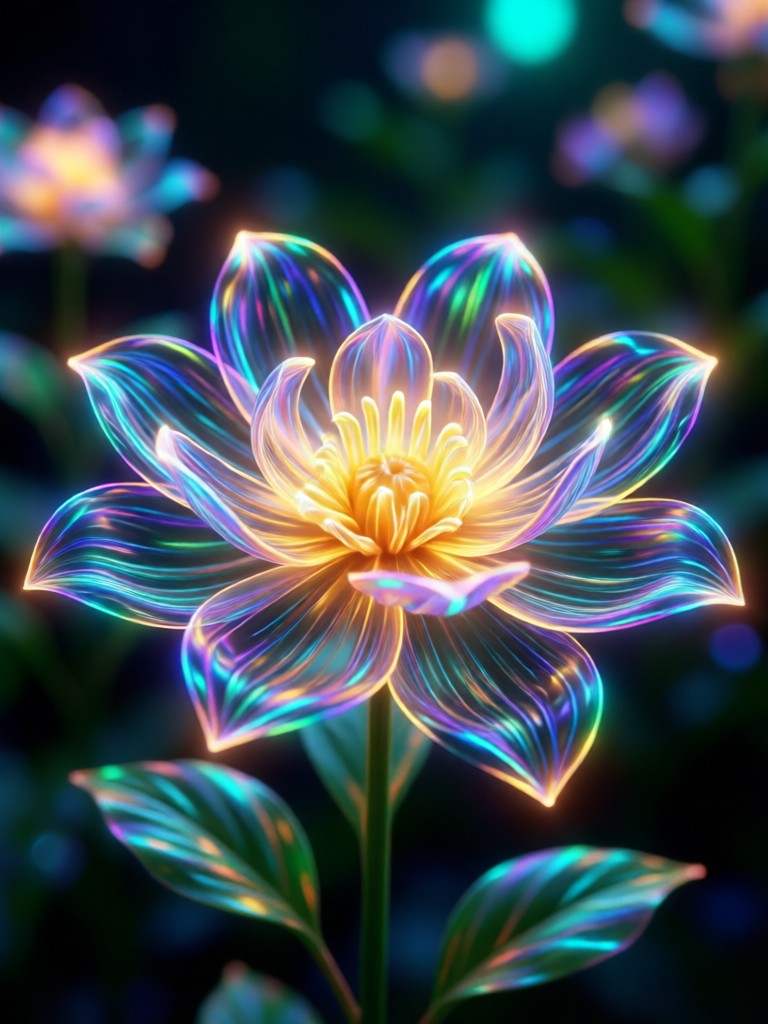
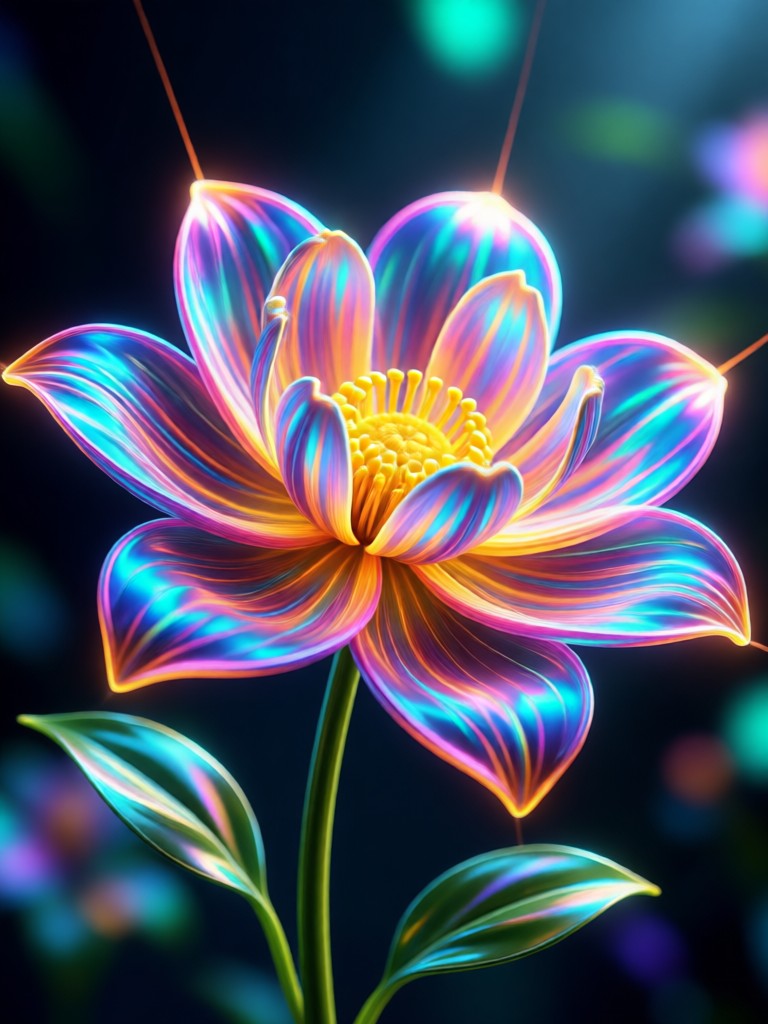
AI Bloom Effect Transformations
See how the AI Bloom Effect transforms portraits, landscapes, and everyday scenes into magical, glowing works of art. Each image showcases the power of ethereal light enhancement.
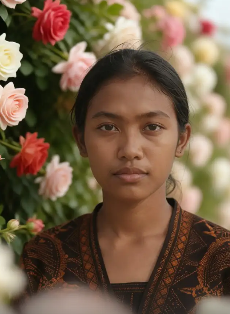
How to Apply the AI Bloom Effect?
Create stunning, glowing visuals in just three simple steps. No professional editing skills required.

Step 01.
Download the usgen app from Google Play. It's your all-in-one mobile studio for AI photo and video effects, including the Bloom filter.

Step 02.
Open the app and select the 'Bloom' filter from the effects library. You can also browse similar ethereal and glow style filters.
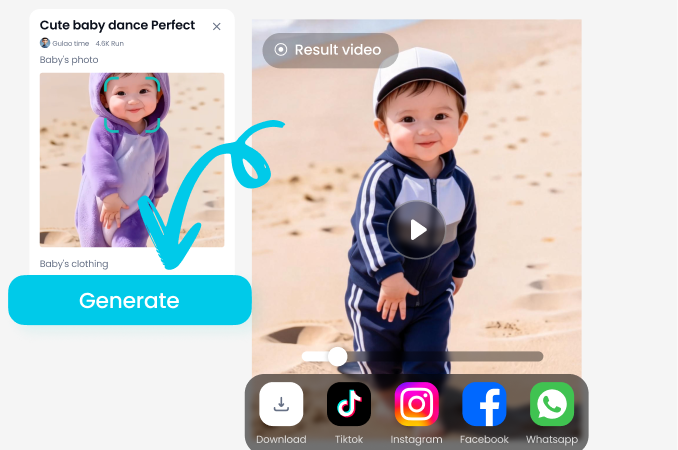
Step 03.
Upload your photo or video, adjust the glow intensity and color to your liking, and instantly generate your dreamy, bloom-enhanced masterpiece.
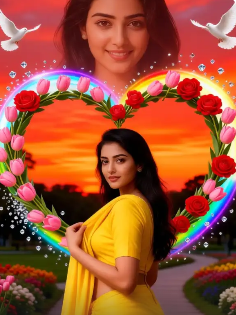
AI Bloom Effect in Your Pocket
Turn any photo from your camera roll into a luminous work of art. The power of professional-grade bloom and glow effects is now on mobile.

Creators Love the AI Bloom Effect
Maya R.
This AI Bloom Effect is a game-changer for my portrait photography. It adds that perfect, soft editorial glow I used to spend hours achieving in Photoshop, now in seconds on my phone.
Leo T.
My travel content instantly looks more cinematic and magical. Sunsets, city lights, even simple cafe shots get an ethereal upgrade that makes my Instagram feed stand out.

Chloe S.
We use the Bloom filter to create a consistent, dreamy aesthetic for our brand's social media. It's incredibly easy for our whole team to use and produces professional-looking results every time.

David K.
Applying bloom to video clips adds a whole new layer of emotion. It makes light sources feel alive and gives my wedding and event videos a truly romantic, filmic quality.
Maya R.
This AI Bloom Effect is a game-changer for my portrait photography. It adds that perfect, soft editorial glow I used to spend hours achieving in Photoshop, now in seconds on my phone.
Leo T.
My travel content instantly looks more cinematic and magical. Sunsets, city lights, even simple cafe shots get an ethereal upgrade that makes my Instagram feed stand out.
Chloe S.
We use the Bloom filter to create a consistent, dreamy aesthetic for our brand's social media. It's incredibly easy for our whole team to use and produces professional-looking results every time.
David K.
Applying bloom to video clips adds a whole new layer of emotion. It makes light sources feel alive and gives my wedding and event videos a truly romantic, filmic quality.
Maya R.
This AI Bloom Effect is a game-changer for my portrait photography. It adds that perfect, soft editorial glow I used to spend hours achieving in Photoshop, now in seconds on my phone.
Leo T.
My travel content instantly looks more cinematic and magical. Sunsets, city lights, even simple cafe shots get an ethereal upgrade that makes my Instagram feed stand out.
Chloe S.
We use the Bloom filter to create a consistent, dreamy aesthetic for our brand's social media. It's incredibly easy for our whole team to use and produces professional-looking results every time.
David K.
Applying bloom to video clips adds a whole new layer of emotion. It makes light sources feel alive and gives my wedding and event videos a truly romantic, filmic quality.
AI Bloom Effect FAQs
Get answers to the most common questions about creating and customizing stunning bloom and glow effects with AI.
More AI Effects You May Like
Explore more topics you may like and discover fresh ideas tailored to your interests.
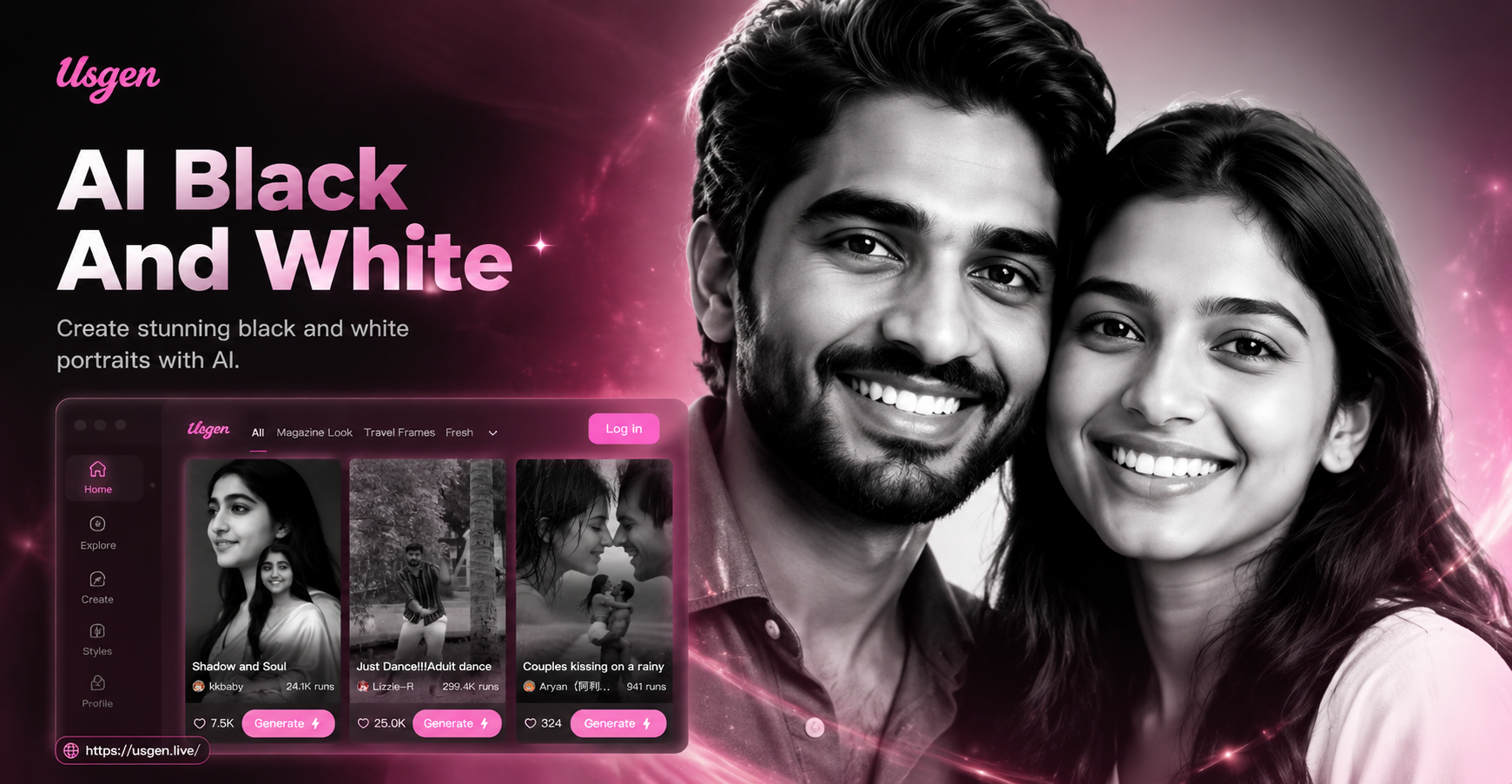
Ai Black And White Portrait

Ai Birthday Party Video Effect
Ai Beauty Generator
Ai Beard Generator
Ai Black And White Portrait
Ai Birthday Party Video Effect
Ai Beauty Generator
Ai Beard Generator
Ignite Your Images with Light
Stop scrolling through complex editing tools. Download usgen now and transform your photos and videos with the magical AI Bloom Effect in seconds. Create visuals that glow.
Ignite Your Images with Light
Stop scrolling through complex editing tools. Download usgen now and transform your photos and videos with the magical AI Bloom Effect in seconds. Create visuals that glow.