AI Angel Wings Effect
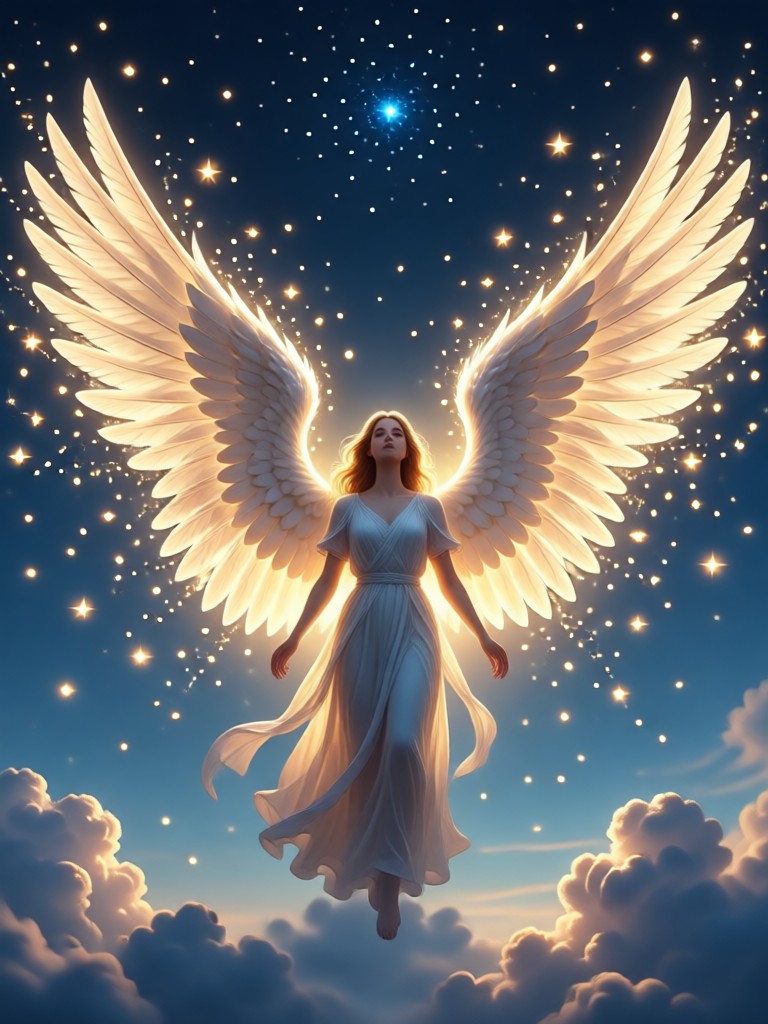
Discover Your Perfect Angelic Style
From classic heavenly wings to dark fantasy and glowing ethereal effects, find the angel wings filter that matches your vision.
Why Choose Our AI Angel Wings Effect?
Our AI technology seamlessly blends angel wings into your photos, creating realistic shadows, lighting, and perspective for a believable celestial transformation.
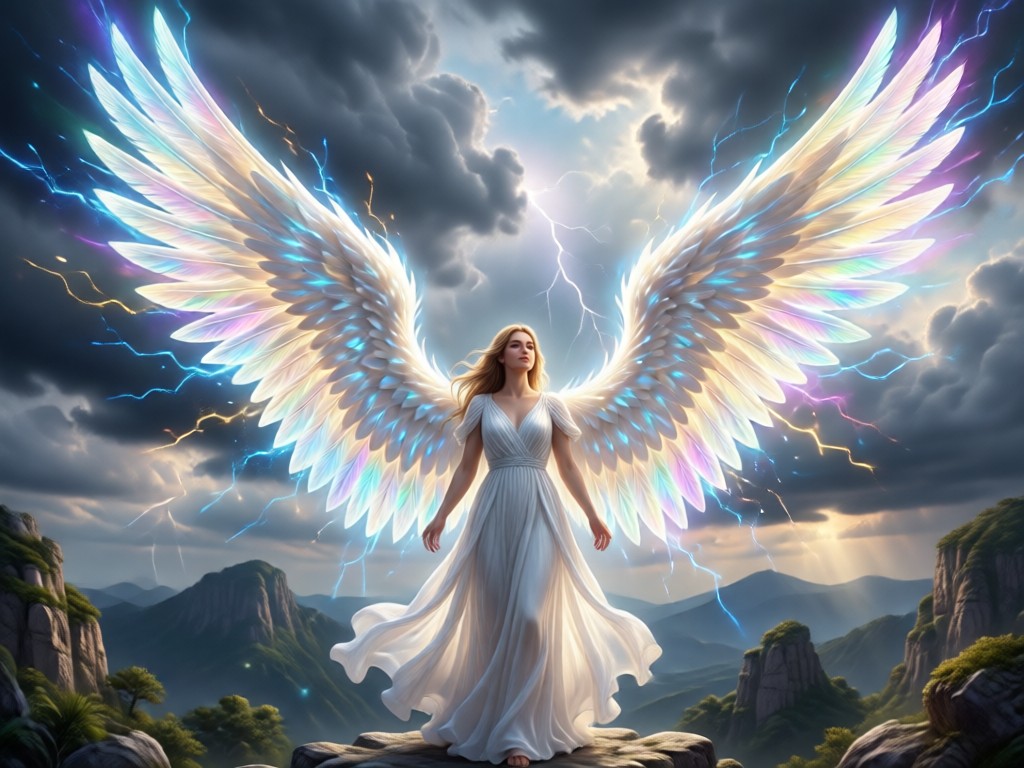
Realistic Wing Integration
Our AI analyzes your photo's lighting, angle, and posture to attach wings that look natural. It adds realistic shadows and adjusts wing perspective to match your body position perfectly.
Realistic Wing Integration
Our AI analyzes your photo's lighting, angle, and posture to attach wings that look natural. It adds realistic shadows and adjusts wing perspective to match your body position perfectly.
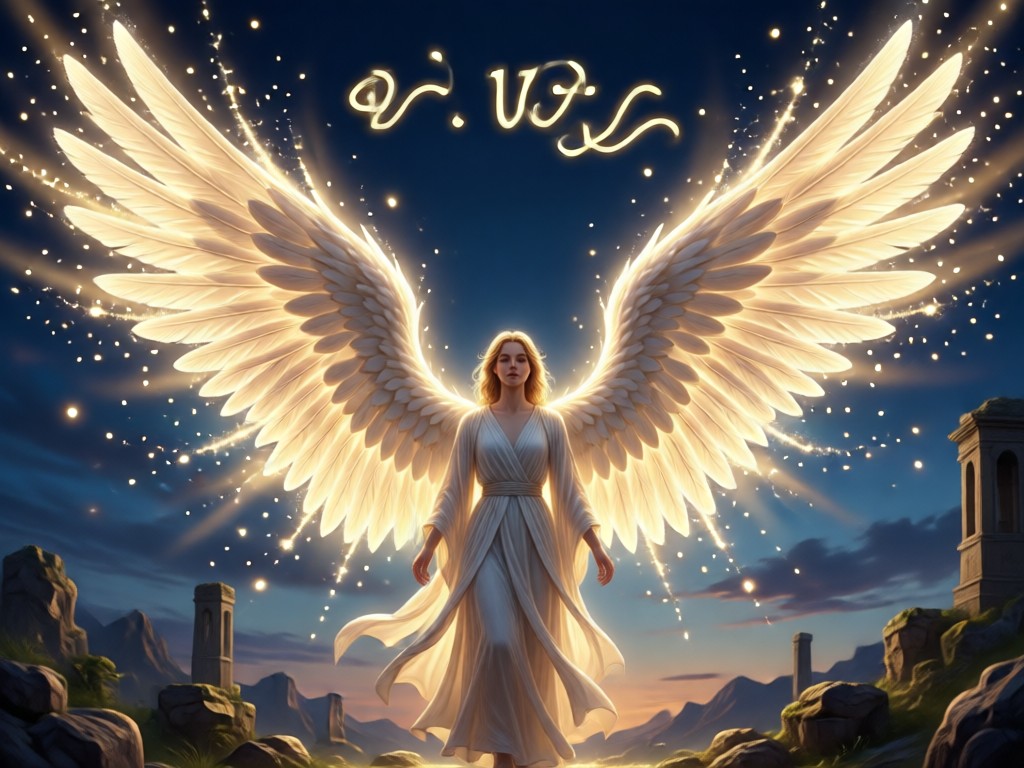
Massive Style Library
Choose from hundreds of angel wing designs. Options include classic white feathers, glowing ethereal wings, dark gothic arches, cyberpunk mechanical wings, and cute cartoon styles for fun creations.
Massive Style Library
Choose from hundreds of angel wing designs. Options include classic white feathers, glowing ethereal wings, dark gothic arches, cyberpunk mechanical wings, and cute cartoon styles for fun creations.
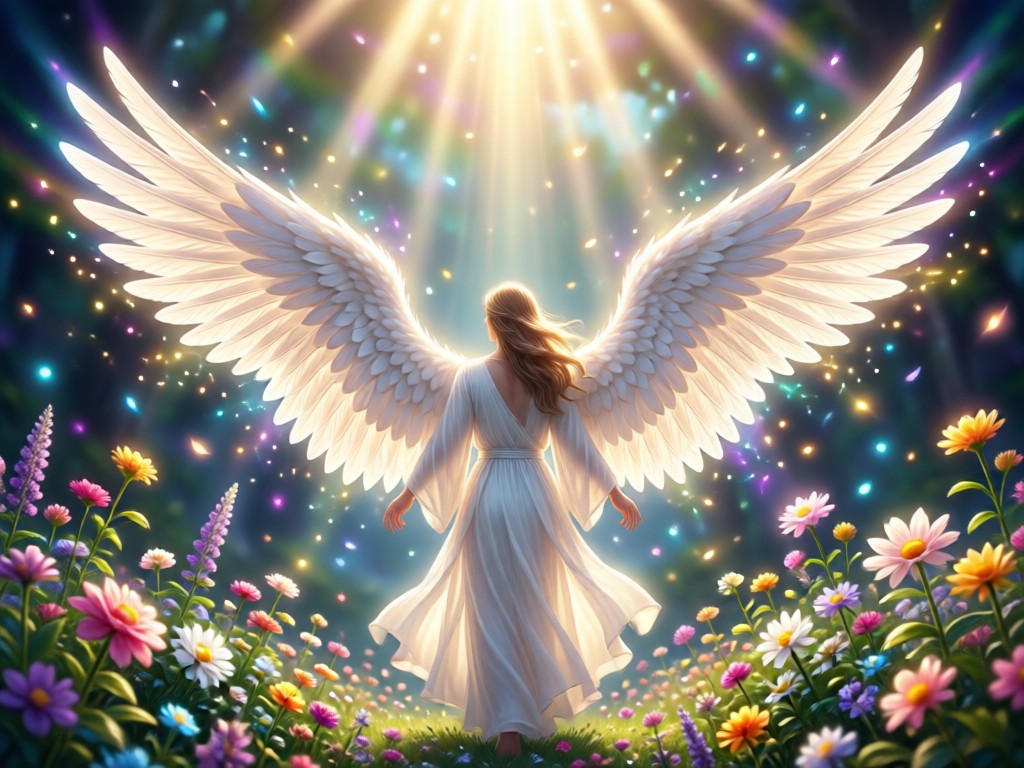
One-Click Transformation
Get professional-looking angelic edits in seconds. Just select a photo and a wing style. The AI handles all the complex masking, blending, and lighting adjustments automatically for you.
One-Click Transformation
Get professional-looking angelic edits in seconds. Just select a photo and a wing style. The AI handles all the complex masking, blending, and lighting adjustments automatically for you.
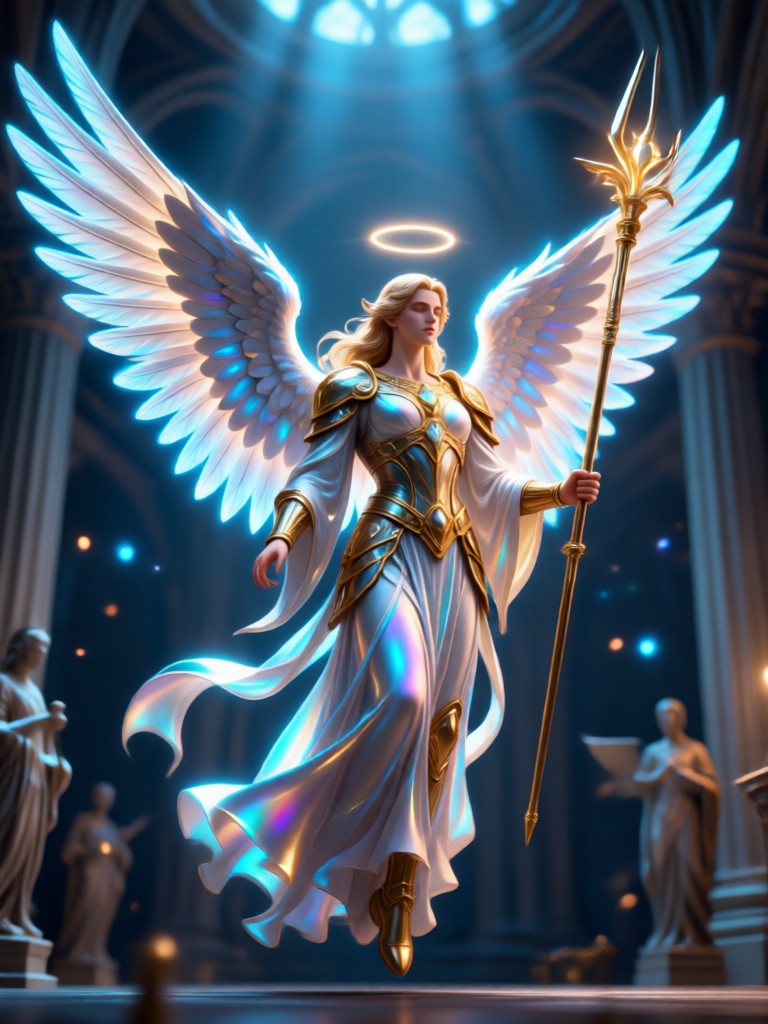
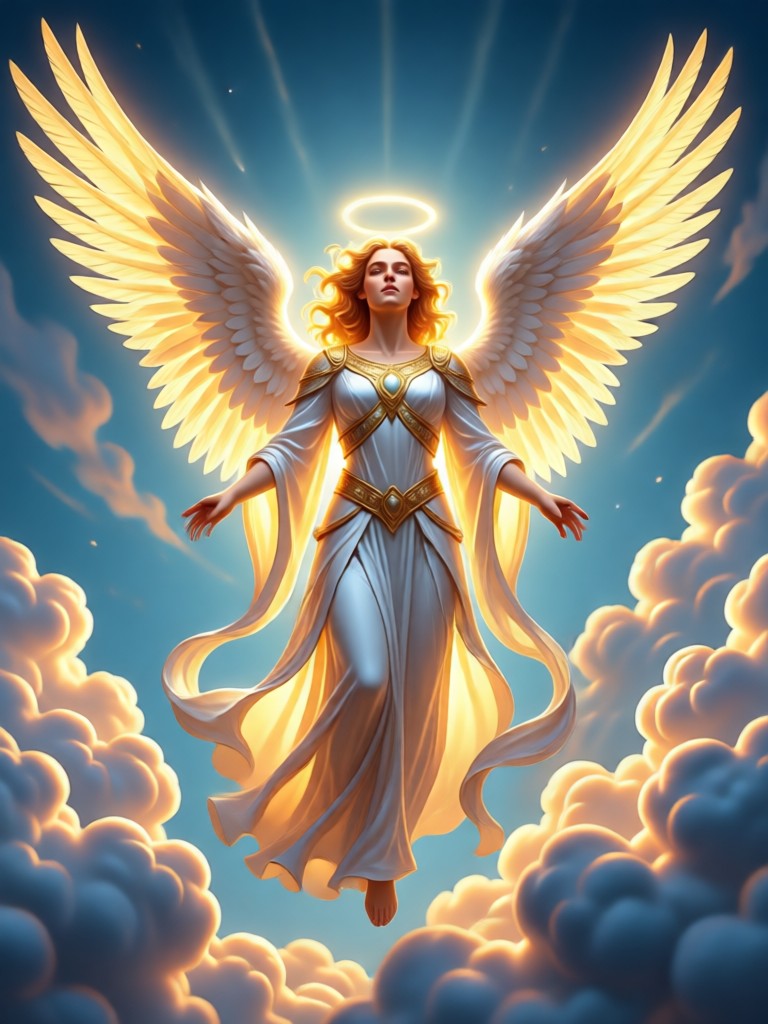
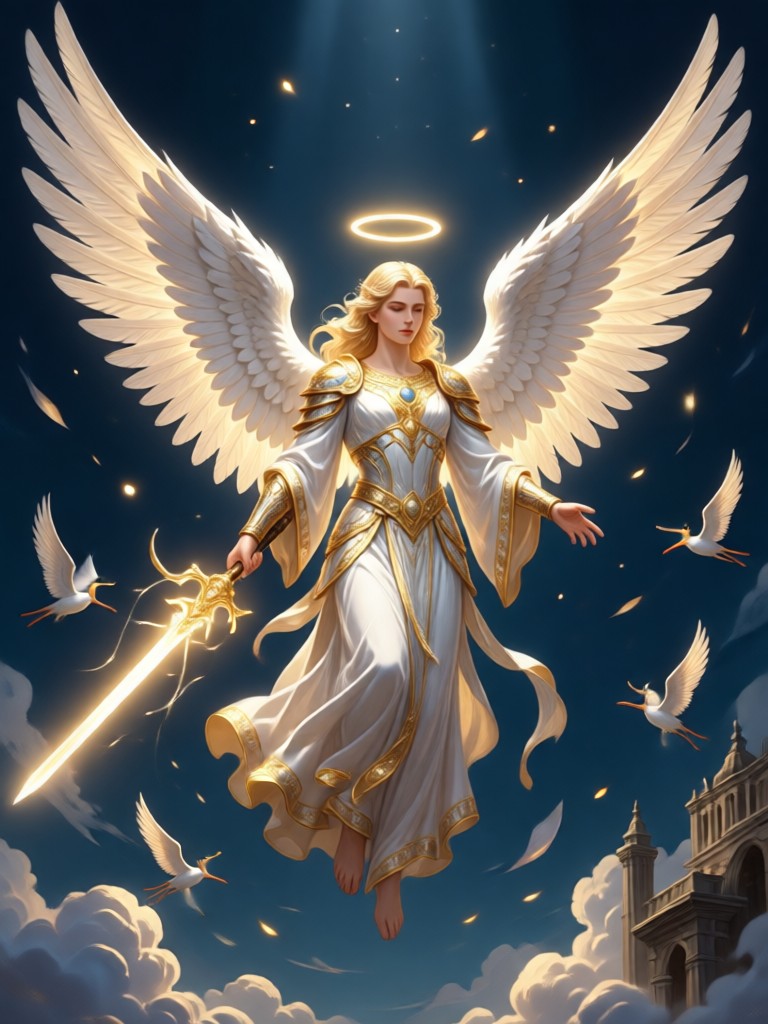
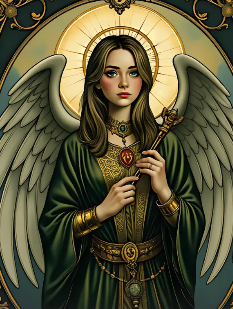
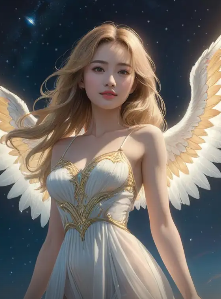
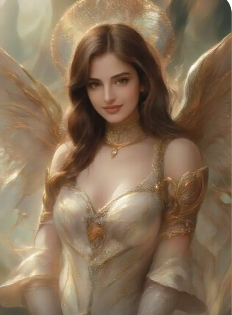
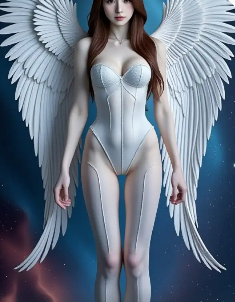
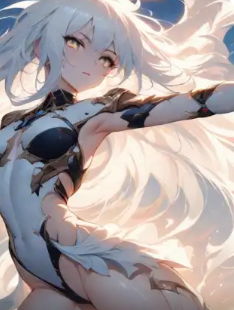
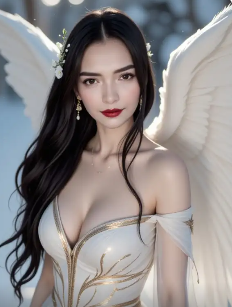
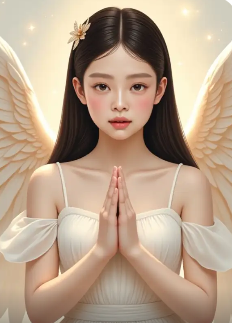
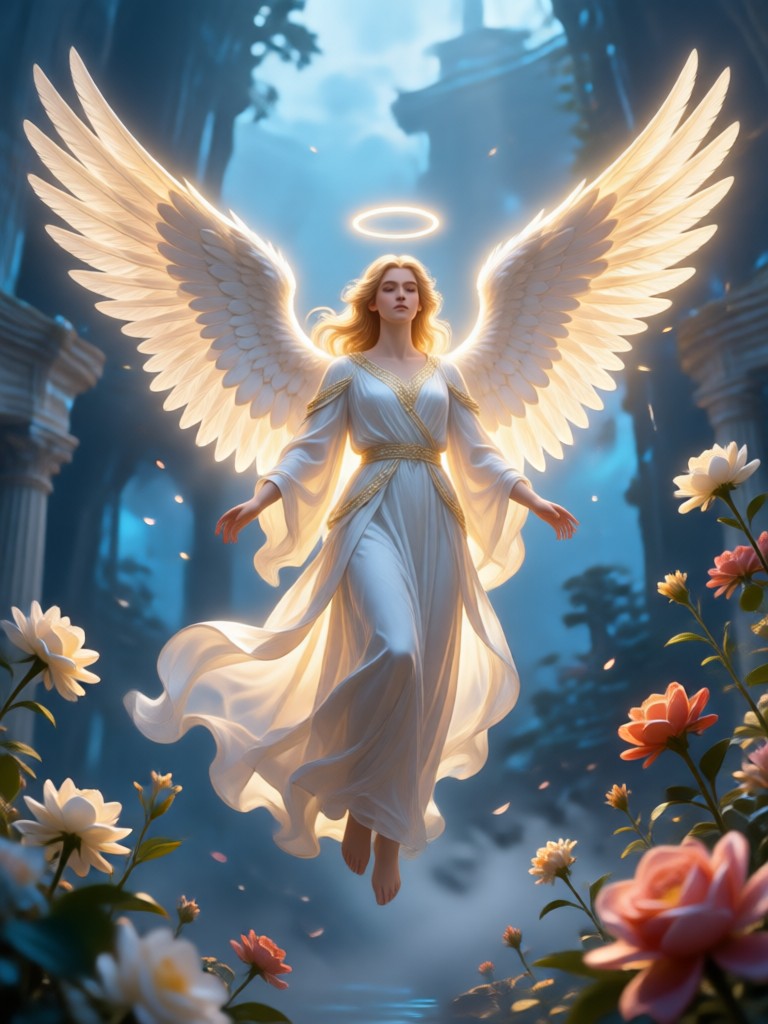
Celestial Creations Gallery
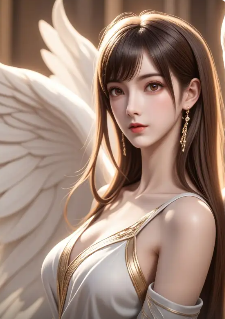
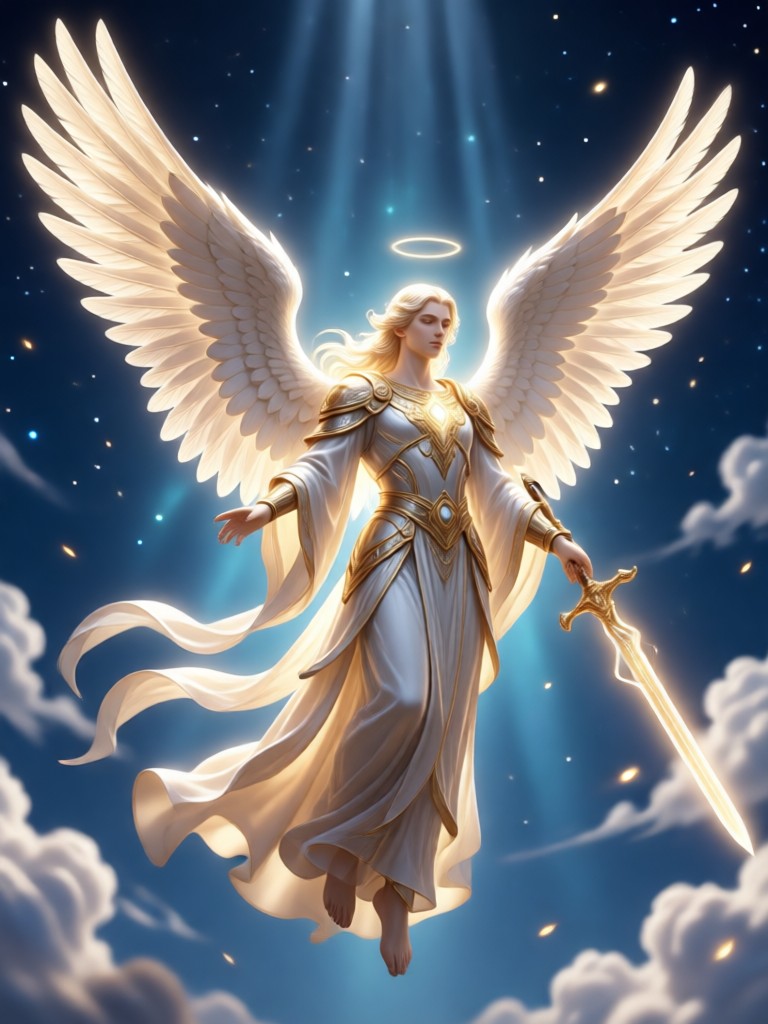
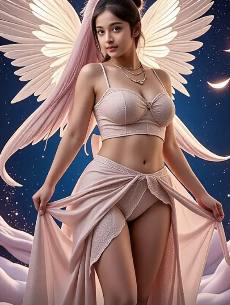
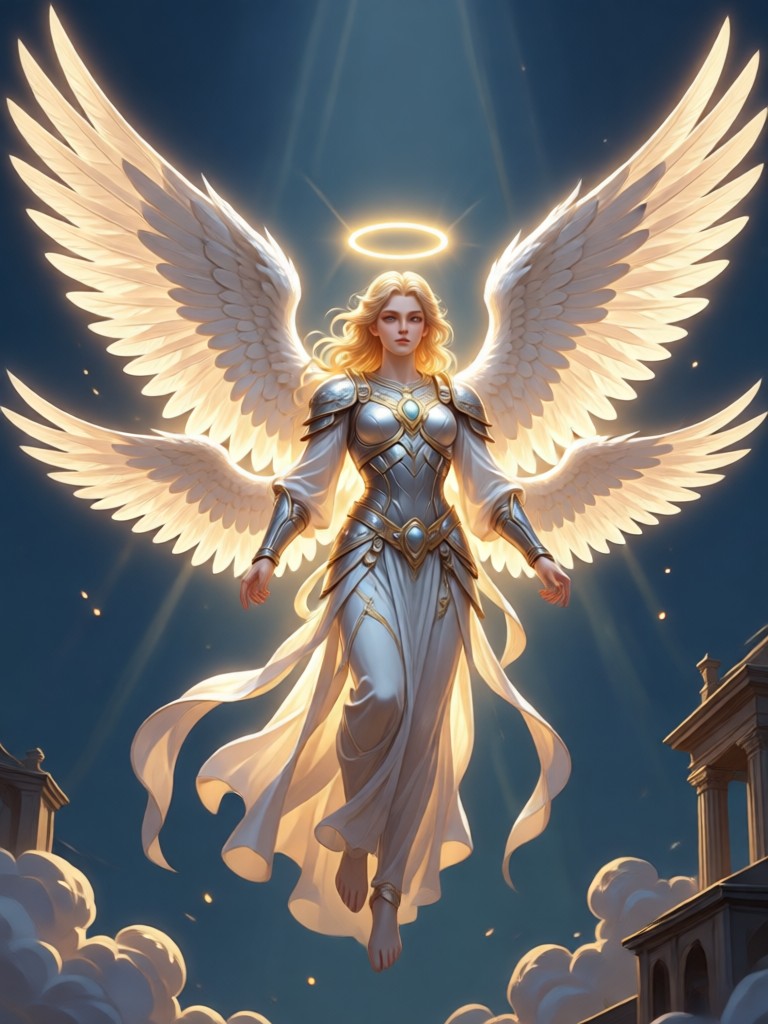
See what others have created with our AI Angelic Generator. From personal portraits to original character designs, explore the divine possibilities.
How to Add Angel Wings to a Photo?
Create your own angelic masterpiece in just three simple steps with our mobile app. No complex editing required.

Step 01.
Download the usgen AI app from the Google Play Store. It's free to install and start creating.
Step 02.
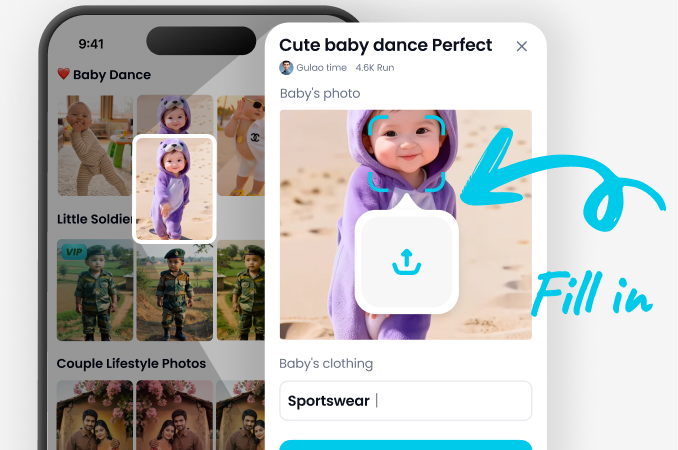
Open the app and find the 'Angel Wings' category. Browse and select your favorite wing style from our vast library.
Step 03.
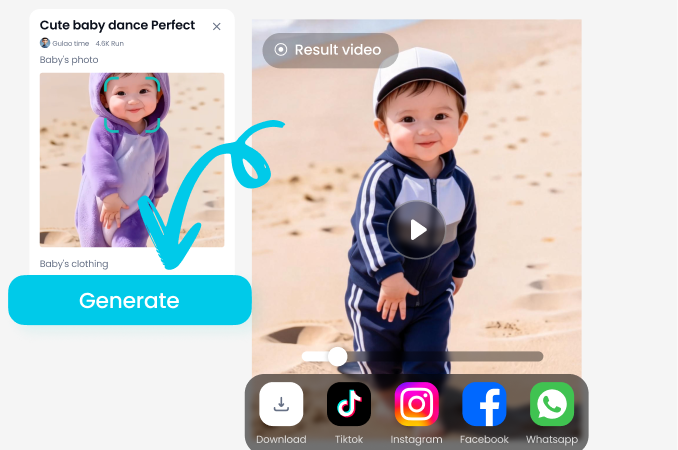
Upload or take a photo. The AI will automatically add and blend the wings. Save and share your celestial creation instantly.
What Users Say About AI Angel Wings
Alex, Cosplayer
This saved me hours of Photoshop work for my fantasy cosplay photos. The wings look so attached and real, with perfect lighting matching my costume shots. My followers love it.
Maya, Portrait Photographer
I use it for creative client shoots. It lets me offer a unique 'fantasy portrait' package. The variety of styles, from elegant to edgy, is incredible for matching different themes.
Jordan, Content Creator
My angel wing Reels consistently get the most likes and saves. It's my go-to for creating eye-catching, magical content that stands out. So easy and the results are always stunning.
Sam, Digital Artist
As an artist, I use it for quick concept art and inspiration. The AI understands depth and placement surprisingly well. It's a fantastic tool for visualizing characters with wings.
Alex, Cosplayer
This saved me hours of Photoshop work for my fantasy cosplay photos. The wings look so attached and real, with perfect lighting matching my costume shots. My followers love it.
Maya, Portrait Photographer
I use it for creative client shoots. It lets me offer a unique 'fantasy portrait' package. The variety of styles, from elegant to edgy, is incredible for matching different themes.
Jordan, Content Creator
My angel wing Reels consistently get the most likes and saves. It's my go-to for creating eye-catching, magical content that stands out. So easy and the results are always stunning.
Sam, Digital Artist
As an artist, I use it for quick concept art and inspiration. The AI understands depth and placement surprisingly well. It's a fantastic tool for visualizing characters with wings.
Alex, Cosplayer
This saved me hours of Photoshop work for my fantasy cosplay photos. The wings look so attached and real, with perfect lighting matching my costume shots. My followers love it.
Maya, Portrait Photographer
I use it for creative client shoots. It lets me offer a unique 'fantasy portrait' package. The variety of styles, from elegant to edgy, is incredible for matching different themes.
Jordan, Content Creator
My angel wing Reels consistently get the most likes and saves. It's my go-to for creating eye-catching, magical content that stands out. So easy and the results are always stunning.
Sam, Digital Artist
As an artist, I use it for quick concept art and inspiration. The AI understands depth and placement surprisingly well. It's a fantastic tool for visualizing characters with wings.
The Power of AI-Powered Angel Wings
Unlike simple sticker apps, our AI Angel Wings Effect uses advanced machine learning to create a believable, integrated celestial look.
Beyond Basic Overlays
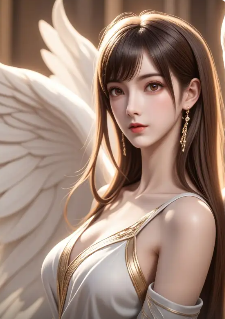
Traditional apps just paste a wing image on top of your photo. Our AI analyzes the subject's pose, lighting direction, and body contours. It then renders wings that appear to grow naturally from the back, casting appropriate shadows and blending with the original photo's light source. This results in a professional, convincing angelic transformation that looks like it was part of the original photograph, not a cheap edit.
Beyond Basic Overlays
Traditional apps just paste a wing image on top of your photo. Our AI analyzes the subject's pose, lighting direction, and body contours. It then renders wings that appear to grow naturally from the back, casting appropriate shadows and blending with the original photo's light source. This results in a professional, convincing angelic transformation that looks like it was part of the original photograph, not a cheap edit.
AI Angel Wings Effect FAQs
Get answers to the most common questions about adding angel wings to your photos with AI.
More Topics You May Like
Explore more creative AI effects and transformations to enhance your photos and videos.
Ai Acrylic Standee Generator
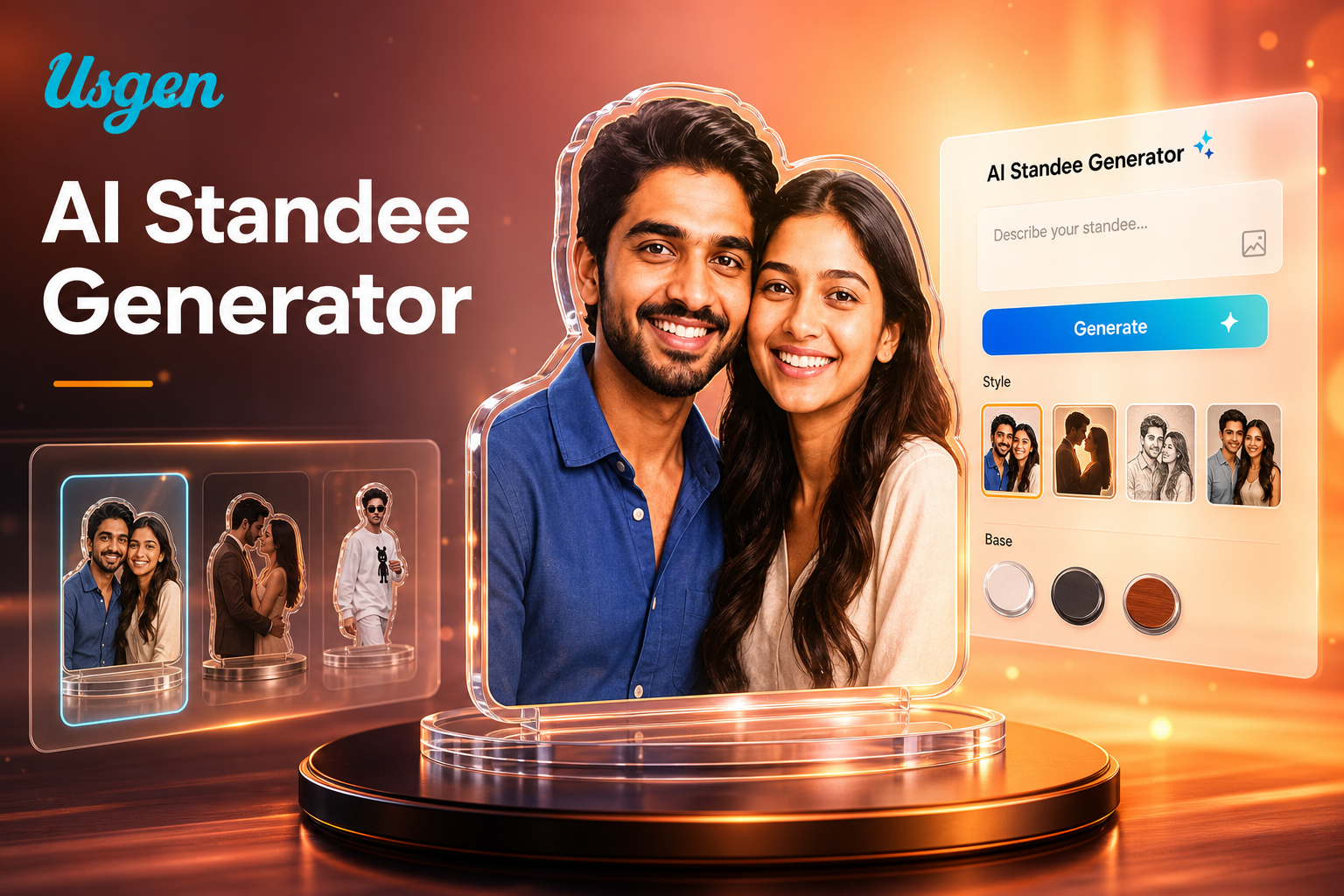
Transform any photo into a realistic acrylic standee with AI. Our AI Standee Effect lets you generate custom anime, game, or portrait standees instantly. No design skills needed.
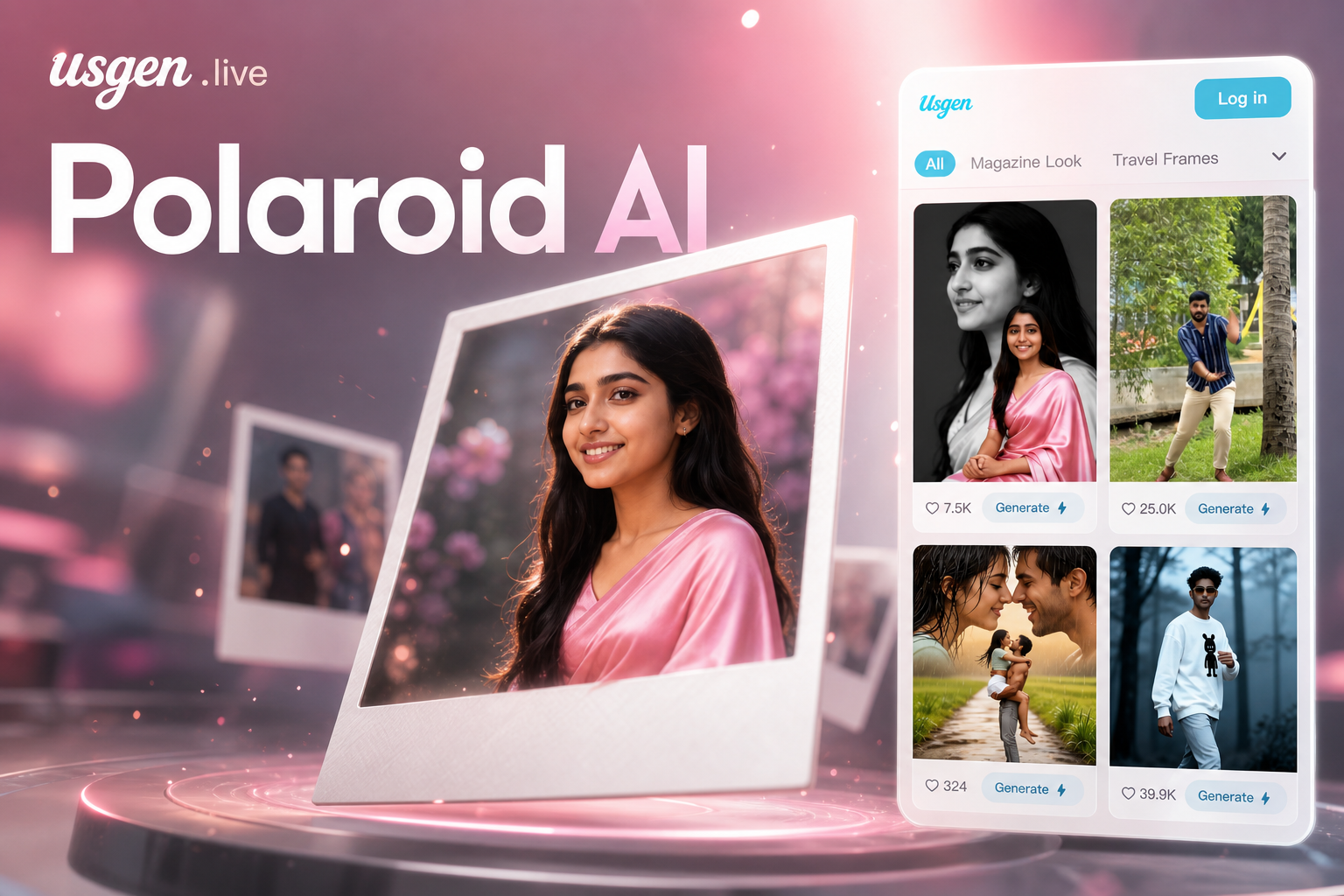
Ai 3d Polaroid Video Effect
Transform any photo into a dynamic 3D Polaroid video with AI. Add realistic depth, motion, and nostalgic Polaroid effects to your memories in seconds. No editing skills required.
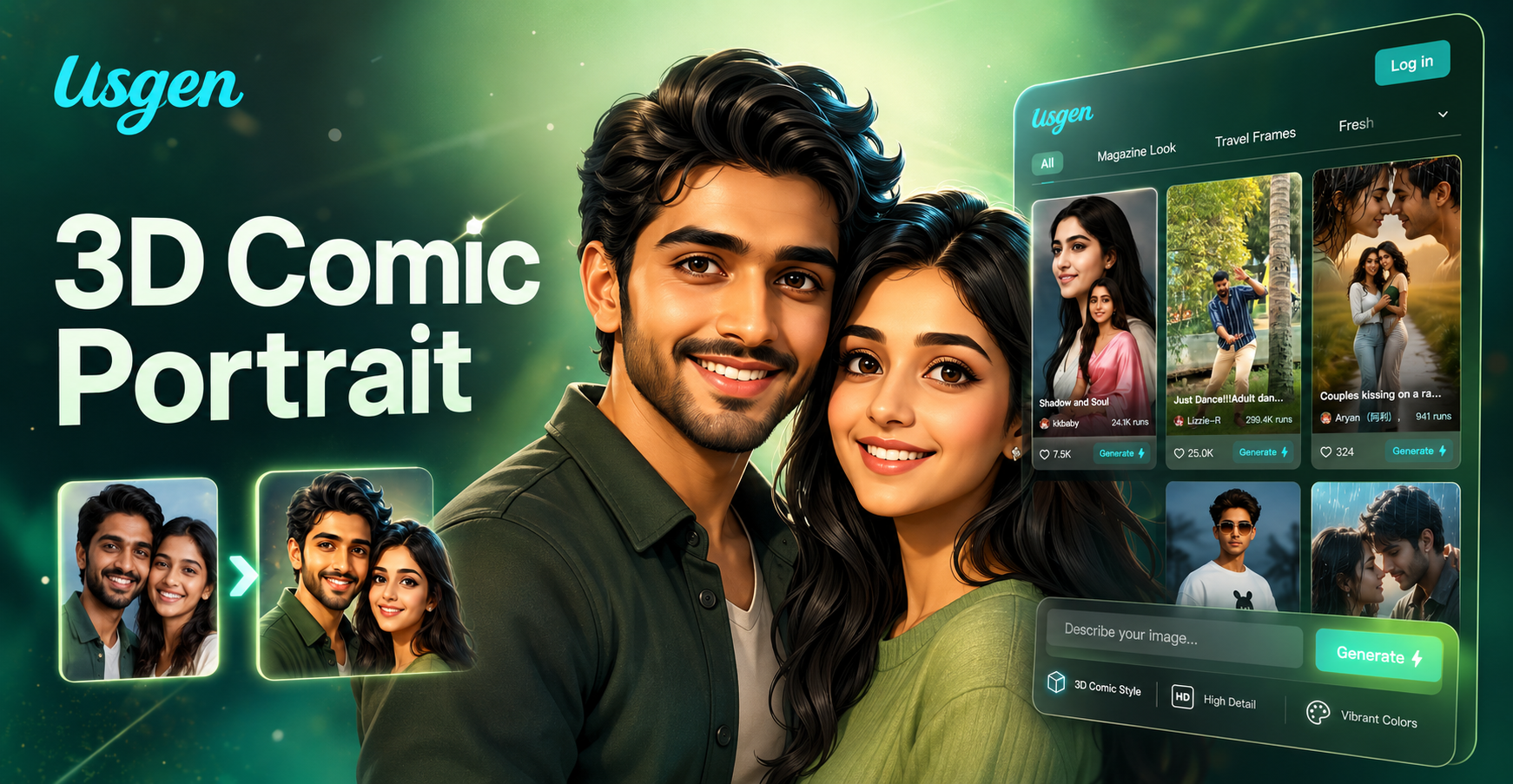
Ai 3d Comic Portrait Generator
Transform any photo into a 3D comic portrait with AI. Our free online AI cartoon generator from image creates stunning, lifelike 3D avatars in seconds. No skills needed.
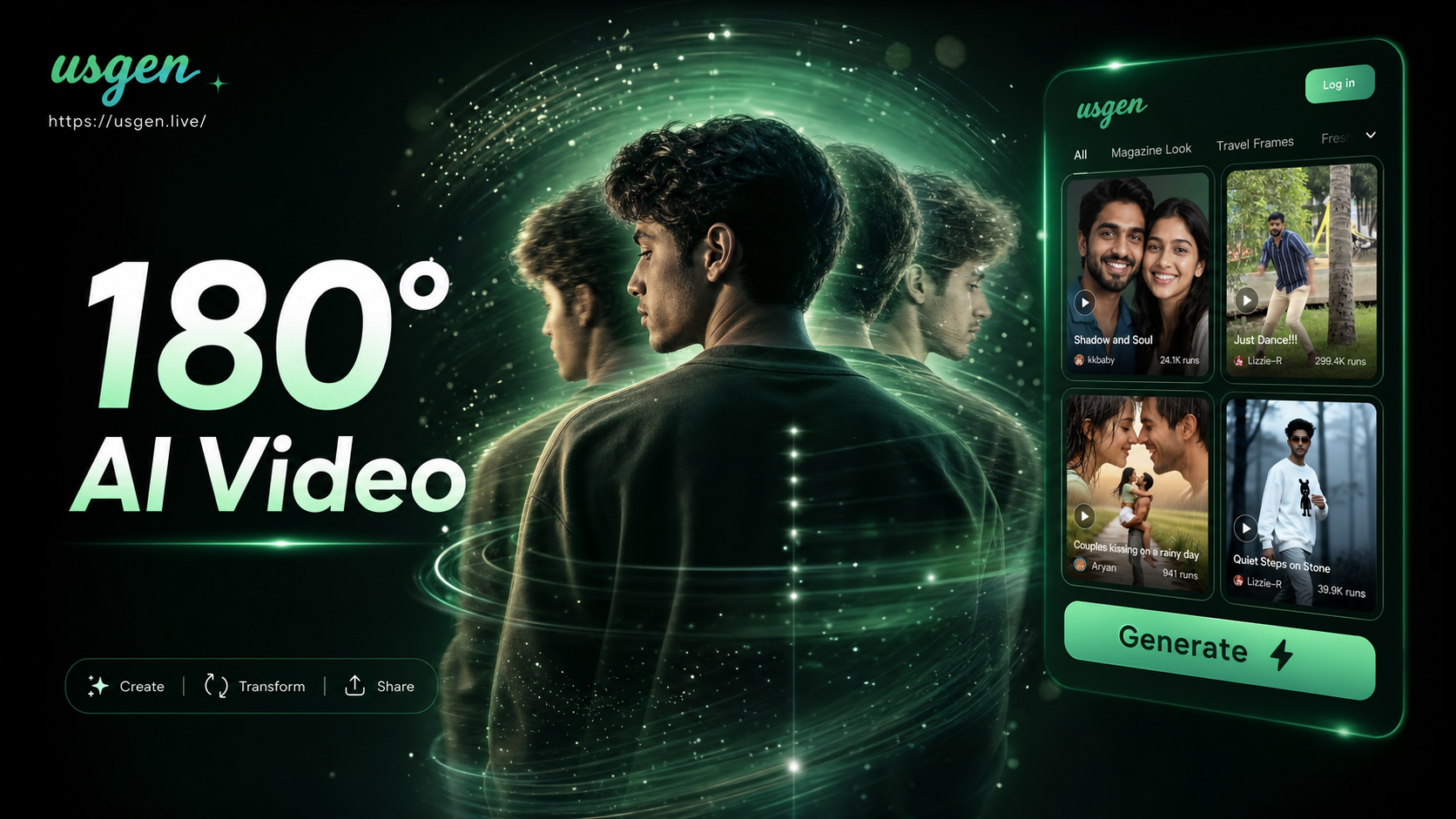
Ai 180 Turn Video Generator
Generate professional 180° turn videos instantly with AI. Simply upload a photo, and our AI 180 Turn Video Generator creates a smooth, realistic spinning video effect. Perfect for social media, portfolios, and presentations.
Become an Angel in Seconds
Stop imagining and start creating. Download the app now and add stunning, realistic angel wings to any photo with a single tap.

Become an Angel in Seconds
Stop imagining and start creating. Download the app now and add stunning, realistic angel wings to any photo with a single tap.