AI 3D Clay Generator
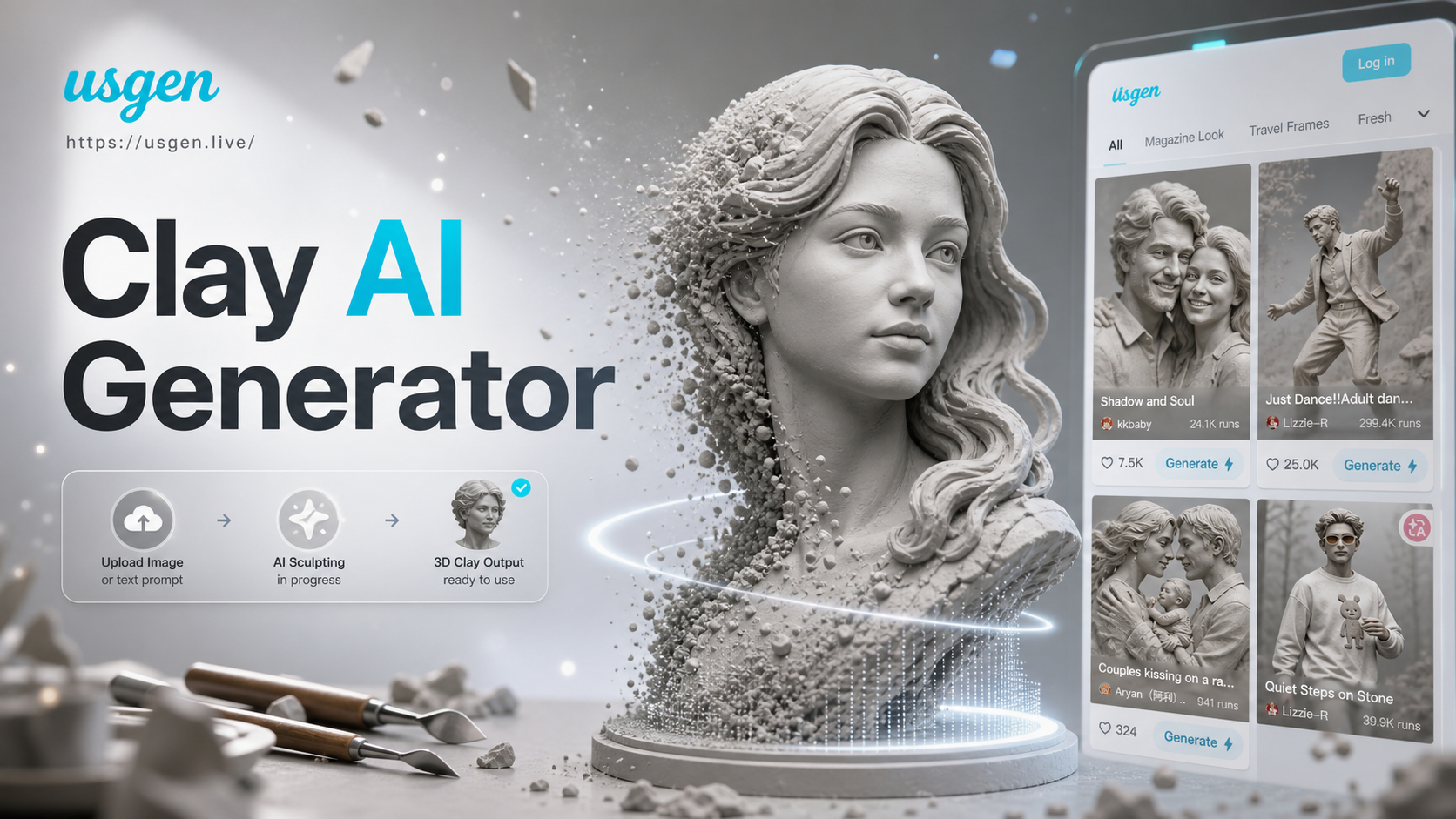
Discover Our Top 3D Art Styles
Explore our collection of AI art filters, from charming 3D clay to other popular styles like anime and cinematic.
Why Choose Our AI 3D Clay Generator
Our AI tool is designed for simplicity and stunning results. Create professional-looking claymation art in seconds with just a few taps.
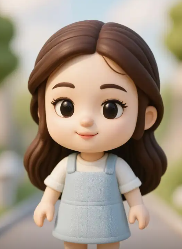
One-Click Clay Transformation
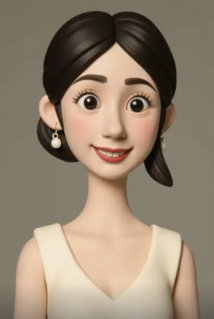
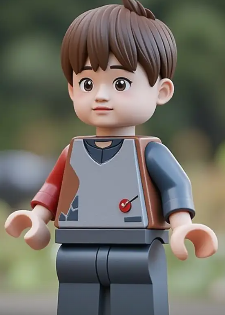
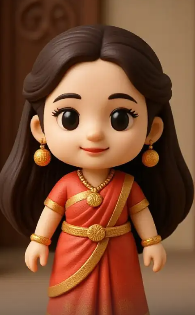
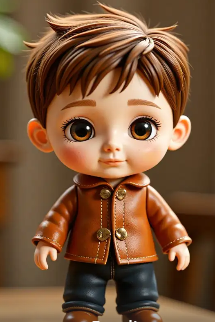
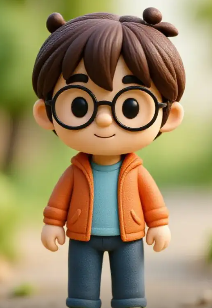
Upload a portrait, pet photo, or any image. Our AI 3D clay filter instantly applies realistic clay textures, soft lighting, and rounded forms, turning it into a stop-motion style character.
One-Click Clay Transformation
Upload a portrait, pet photo, or any image. Our AI 3D clay filter instantly applies realistic clay textures, soft lighting, and rounded forms, turning it into a stop-motion style character.
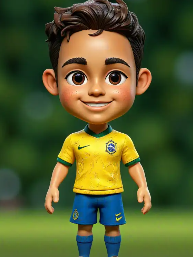
High-Quality 3D Rendering
Experience advanced AI that generates high-resolution 3D clay art. The filter adds depth, realistic material textures, and subtle shadows for a truly three-dimensional, tactile appearance.
High-Quality 3D Rendering
Experience advanced AI that generates high-resolution 3D clay art. The filter adds depth, realistic material textures, and subtle shadows for a truly three-dimensional, tactile appearance.
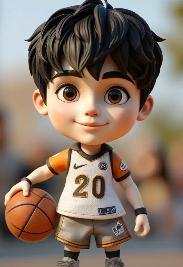
Endless Creative Customization
Go beyond the basic filter. Adjust clay color, texture intensity, and lighting angles. Combine with other AI styles to create hybrid art, like clay-anime or cyberpunk clay figures.
Endless Creative Customization
Go beyond the basic filter. Adjust clay color, texture intensity, and lighting angles. Combine with other AI styles to create hybrid art, like clay-anime or cyberpunk clay figures.
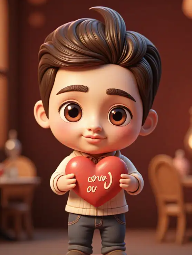
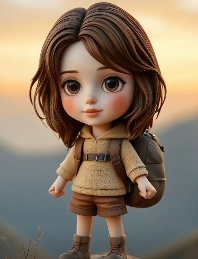
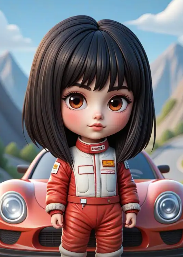
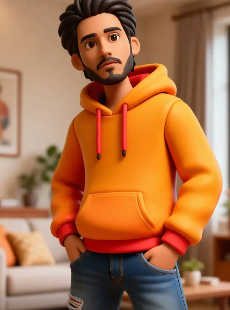
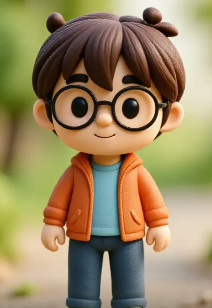
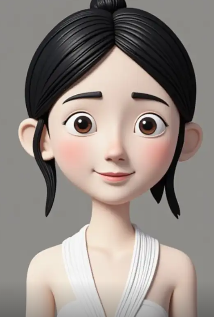
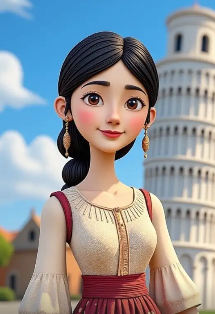
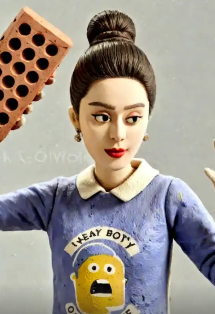
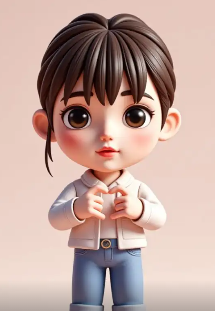
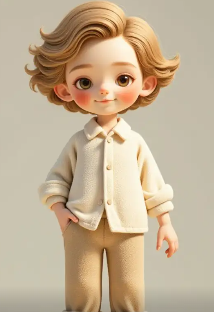
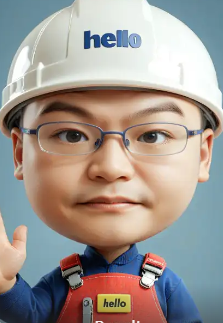
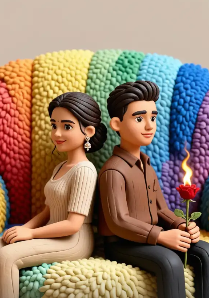
AI 3D Clay Art Gallery
See what's possible with our AI 3D clay generator. Browse a collection of transformations, from portraits and pets to fantasy characters.
How to Create 3D Clay Art in 3 Steps
Making your own claymation art is incredibly easy. Follow these simple steps to transform any photo.

Step 01.
Download the usgen app from Google Play. It's free to install and gives you access to all AI filters, including the 3D clay generator.
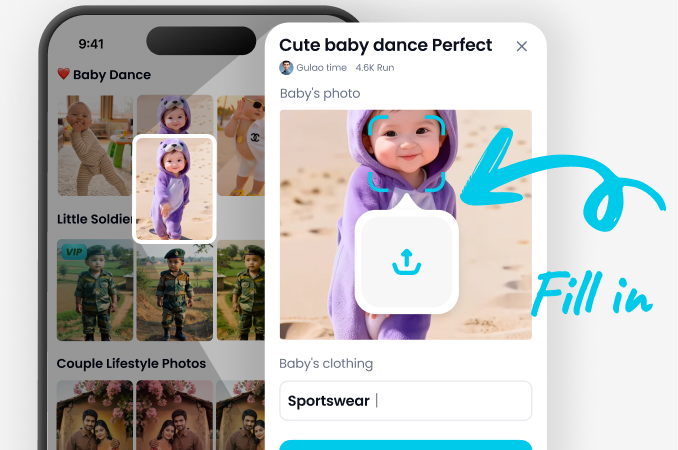
Step 02.
Open the app and tap 'AI Filters'. Find and select the '3D Clay' style from the massive library. You can also browse similar styles like '3D Render' or 'Claymation'.
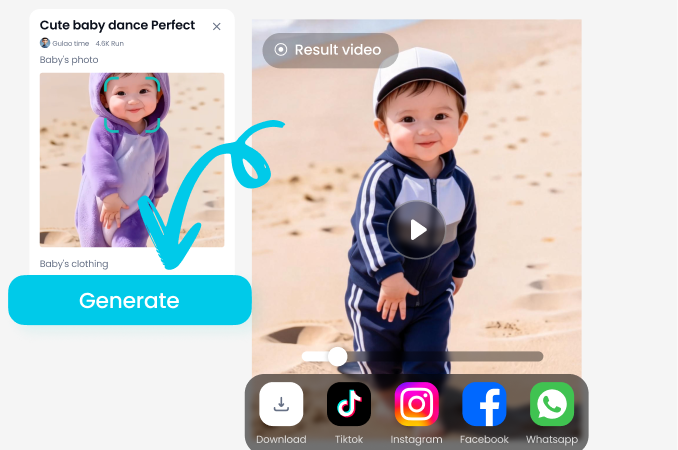
Step 03.
Upload or take a photo. The AI will process it instantly. Download your new 3D clay artwork and share it directly to social media or save it to your gallery.
Perfect for Content Creators & Artists
Whether you're a social media influencer, digital artist, or just love unique photos, our AI 3D clay generator opens a new world of creativity. Stand out with a consistent, eye-catching art style for your brand or personal projects.
Perfect for Content Creators & Artists
Whether you're a social media influencer, digital artist, or just love unique photos, our AI 3D clay generator opens a new world of creativity. Stand out with a consistent, eye-catching art style for your brand or personal projects.
Creators Love Our 3D Clay AI

Maya R.
As a digital artist, I use this to create quick character concepts. The 3D clay filter gives me a perfect base model that I can then paint over. It's sped up my workflow immensely.
Leo T.
My brand's Instagram needed a unique look. Now I run all our team photos through the clay filter. It creates a fun, cohesive aesthetic that our followers instantly recognize.
Sarah K.
I made clay versions of my students as end-of-year gifts. The parents loved them. It's such a simple way to create personalized, memorable artwork without any clay mess.
Alex C.
I use this for my streaming avatars and emotes. Turning my face into a 3D clay character makes my channel art pop. The best part is how fast it is. New emote in under a minute.
Maya R.
As a digital artist, I use this to create quick character concepts. The 3D clay filter gives me a perfect base model that I can then paint over. It's sped up my workflow immensely.
Leo T.
My brand's Instagram needed a unique look. Now I run all our team photos through the clay filter. It creates a fun, cohesive aesthetic that our followers instantly recognize.
Sarah K.
I made clay versions of my students as end-of-year gifts. The parents loved them. It's such a simple way to create personalized, memorable artwork without any clay mess.
Alex C.
I use this for my streaming avatars and emotes. Turning my face into a 3D clay character makes my channel art pop. The best part is how fast it is. New emote in under a minute.
Maya R.
As a digital artist, I use this to create quick character concepts. The 3D clay filter gives me a perfect base model that I can then paint over. It's sped up my workflow immensely.
Leo T.
My brand's Instagram needed a unique look. Now I run all our team photos through the clay filter. It creates a fun, cohesive aesthetic that our followers instantly recognize.
Sarah K.
I made clay versions of my students as end-of-year gifts. The parents loved them. It's such a simple way to create personalized, memorable artwork without any clay mess.
Alex C.
I use this for my streaming avatars and emotes. Turning my face into a 3D clay character makes my channel art pop. The best part is how fast it is. New emote in under a minute.
AI 3D Clay Generator FAQ
Got questions about creating 3D clay art? Find quick answers to the most common questions below.
More Topics You May Like
Explore more topics you may like and discover fresh ideas tailored to your interests.
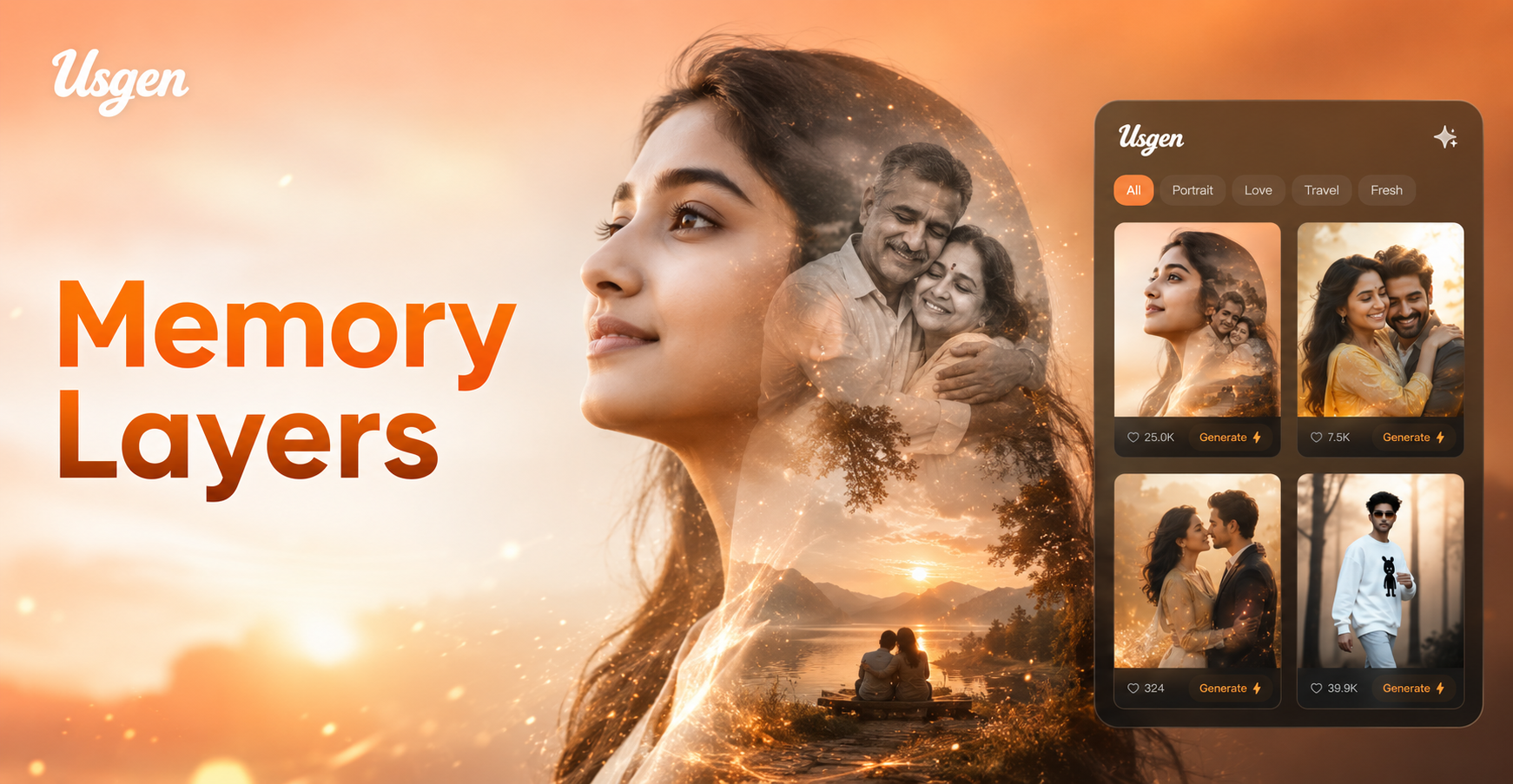
Usgen AI Memorial Double Exposure Photo Maker: Beautiful Tribute Portraits

Usgen AI Lehenga Sherwani Couple Photo Generator: Indian Wedding Looks

Usgen AI Couple Montage Video Template: Create Beautiful Love Videos
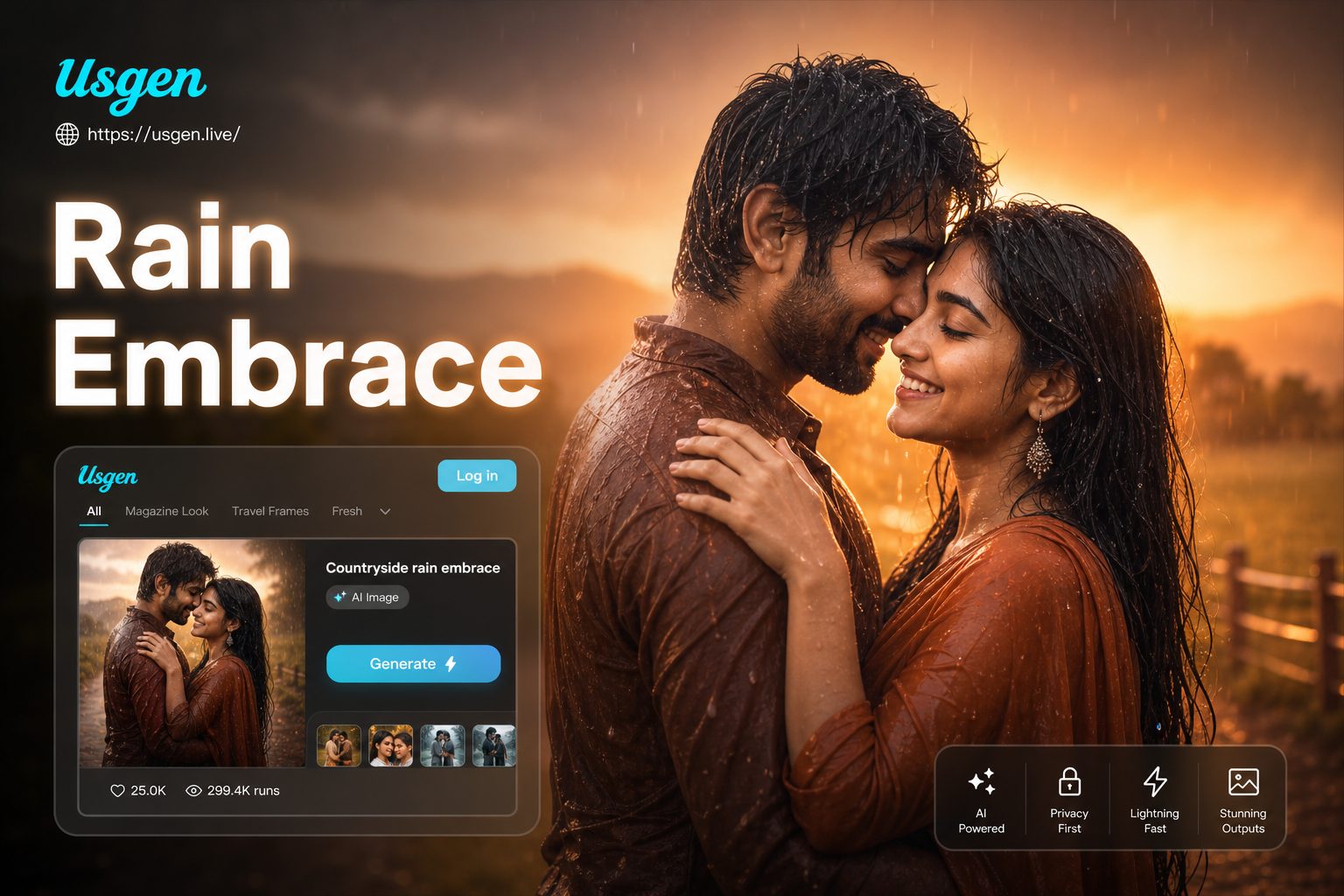
Usgen AI Countryside Rain Embrace Generator: Create Romantic Videos & Images
Usgen AI Memorial Double Exposure Photo Maker: Beautiful Tribute Portraits
Usgen AI Lehenga Sherwani Couple Photo Generator: Indian Wedding Looks
Usgen AI Couple Montage Video Template: Create Beautiful Love Videos
Usgen AI Countryside Rain Embrace Generator: Create Romantic Videos & Images
Create Your Claymation Masterpiece Today
Stop scrolling and start creating. Download the usgen app now and unlock the power of the AI 3D clay generator. Transform your world into clay.

Create Your Claymation Masterpiece Today
Stop scrolling and start creating. Download the usgen app now and unlock the power of the AI 3D clay generator. Transform your world into clay.