80s Christmas AI Photo

Choose a Christmas Filter for Your 80s Photo
Usgen holds 25,000 filters from official and creator makers. New Christmas looks land every day. Open the library and pick your 80s filter.
Key Features of 80s Christmas AI Photo
Three things set a Usgen 80s Christmas AI photo apart from a copied prompt. One tap starts it
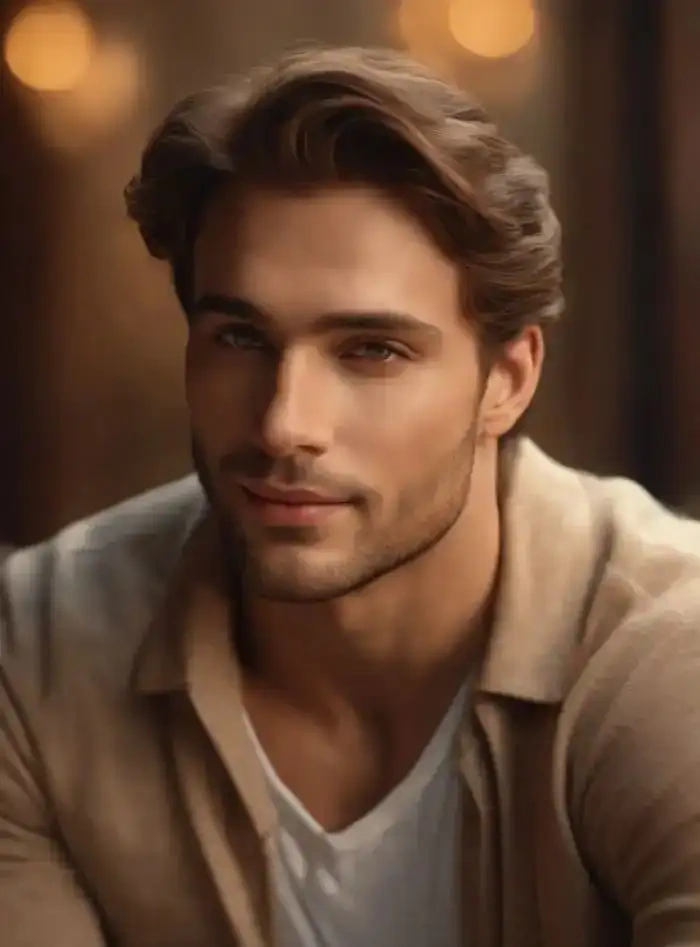 Before
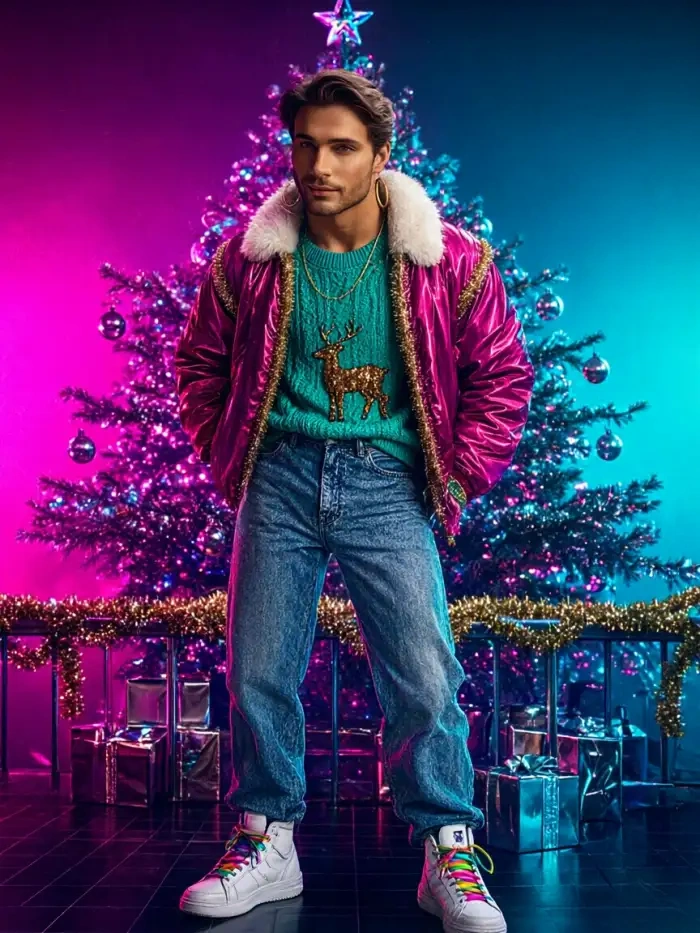 After
Every Face Stays Separate
Usgen separates every face before it styles the frame. Two people hugging, three on a couch, the whole family in one photo. No melted cheeks, no lost subjects, no strange extra face.
 Before
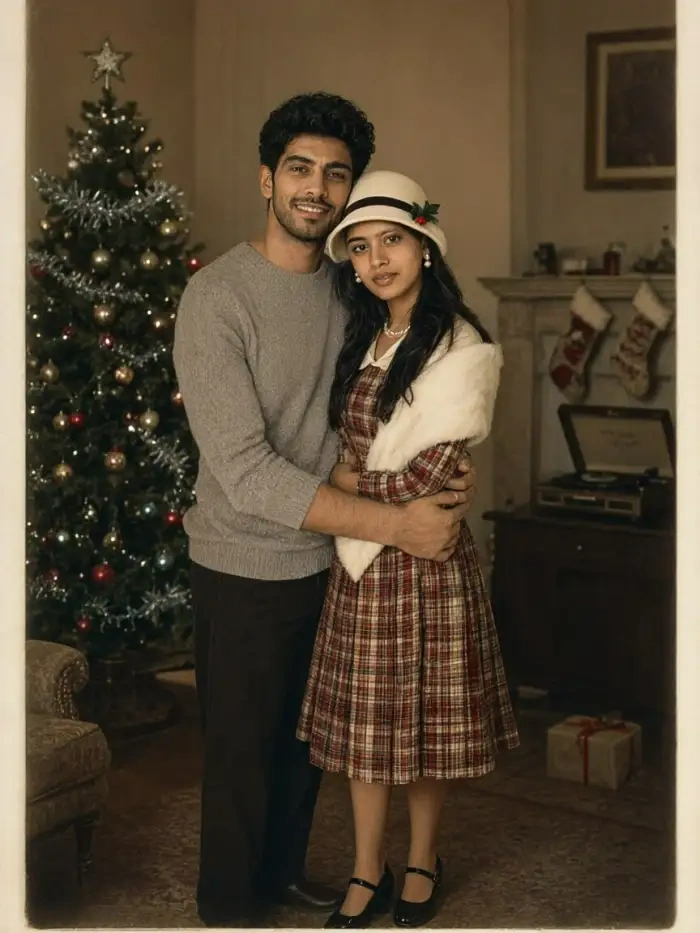 After
One Filter for a Whole 80s Christmas Set
Use one Christmas filter for the whole card set. Usgen holds a face, a hairstyle and an outfit steady across every shot. The series looks like one sitting instead of a folder of strangers.
 Before
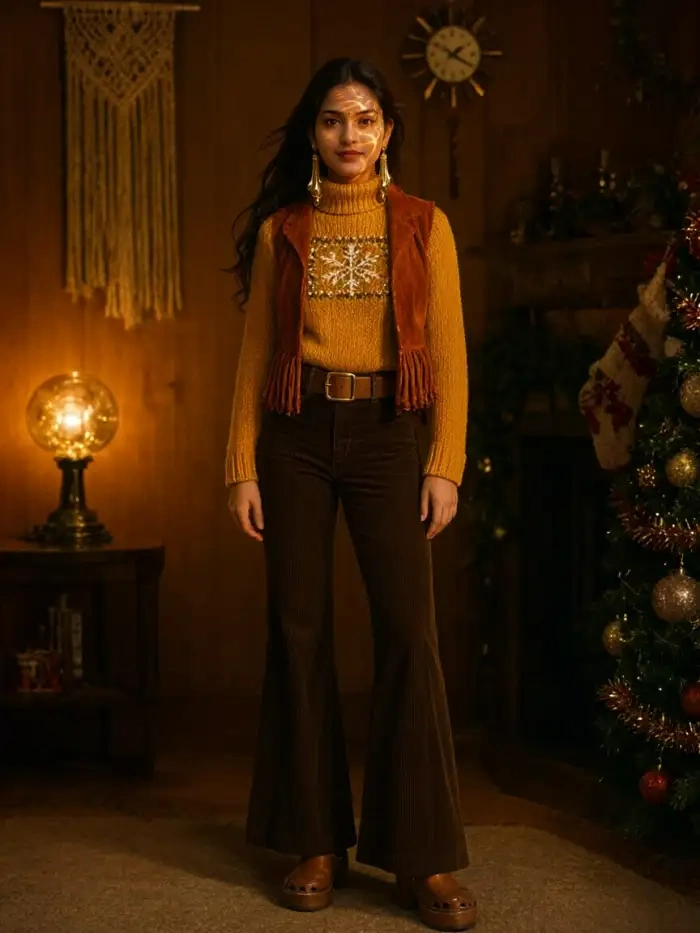 After
Tap Generate Without a Prompt
Every Usgen filter is a fixed look. You pick it, drop in a photo, and tap generate. No prompt box, no slider panel, and no guessing which words will move a face or light a tree.
Browse the 80s Christmas AI Photo Looks
Classic 80s Christmas looks you can build in Usgen, from a mall studio laser wall to a wood panelled living room.
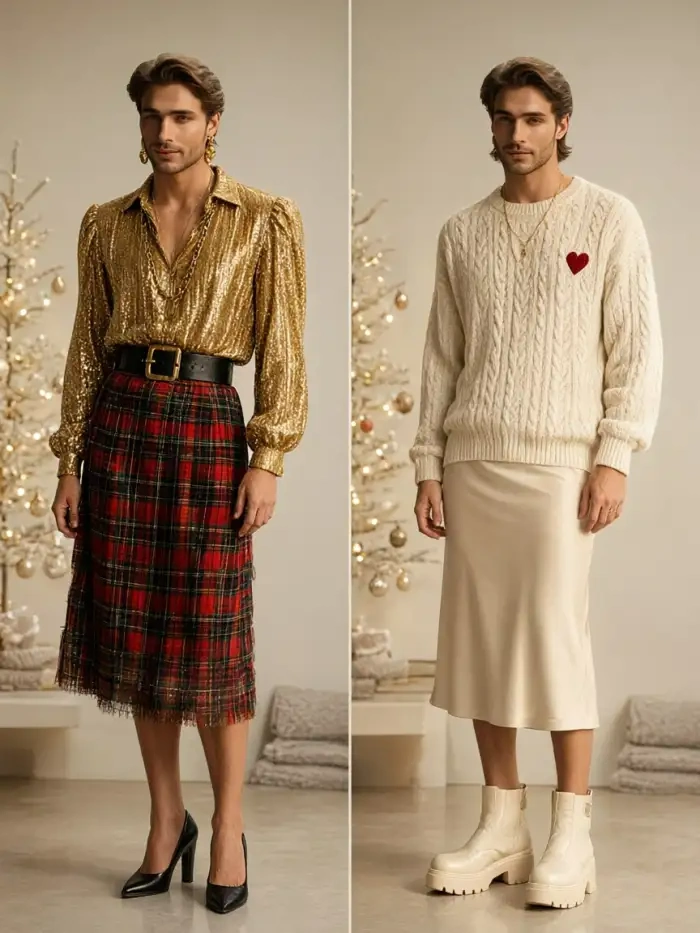
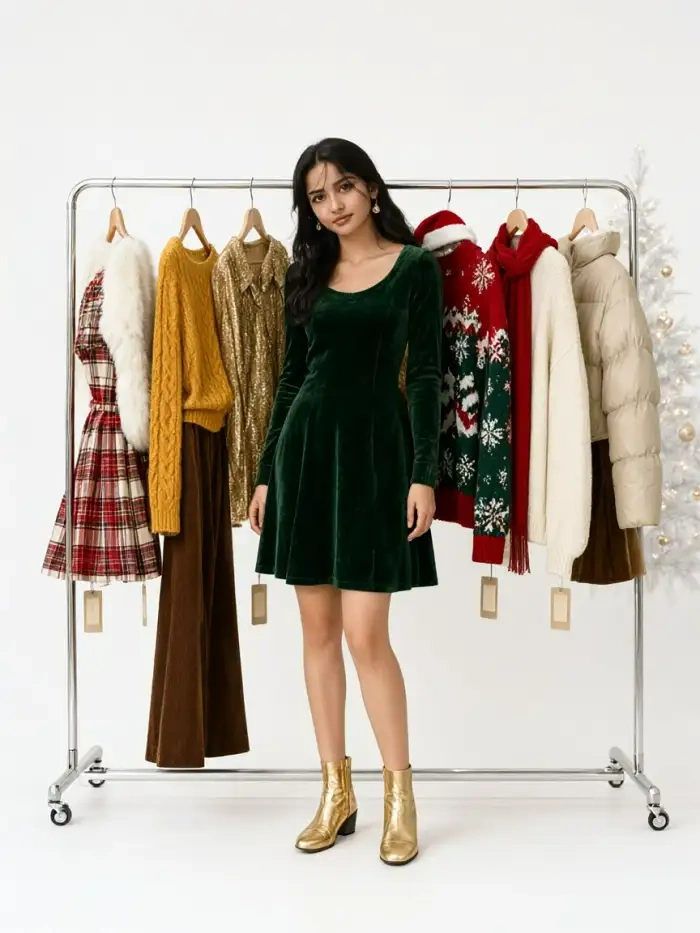
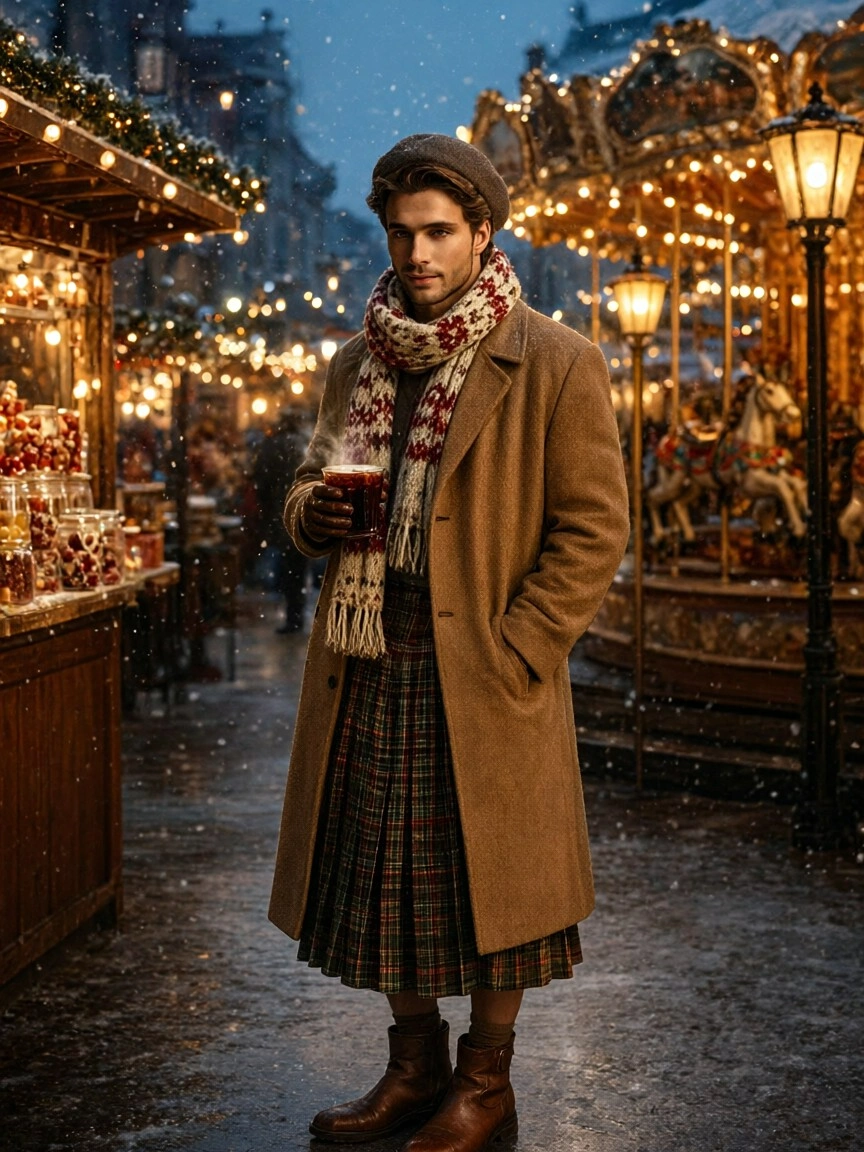
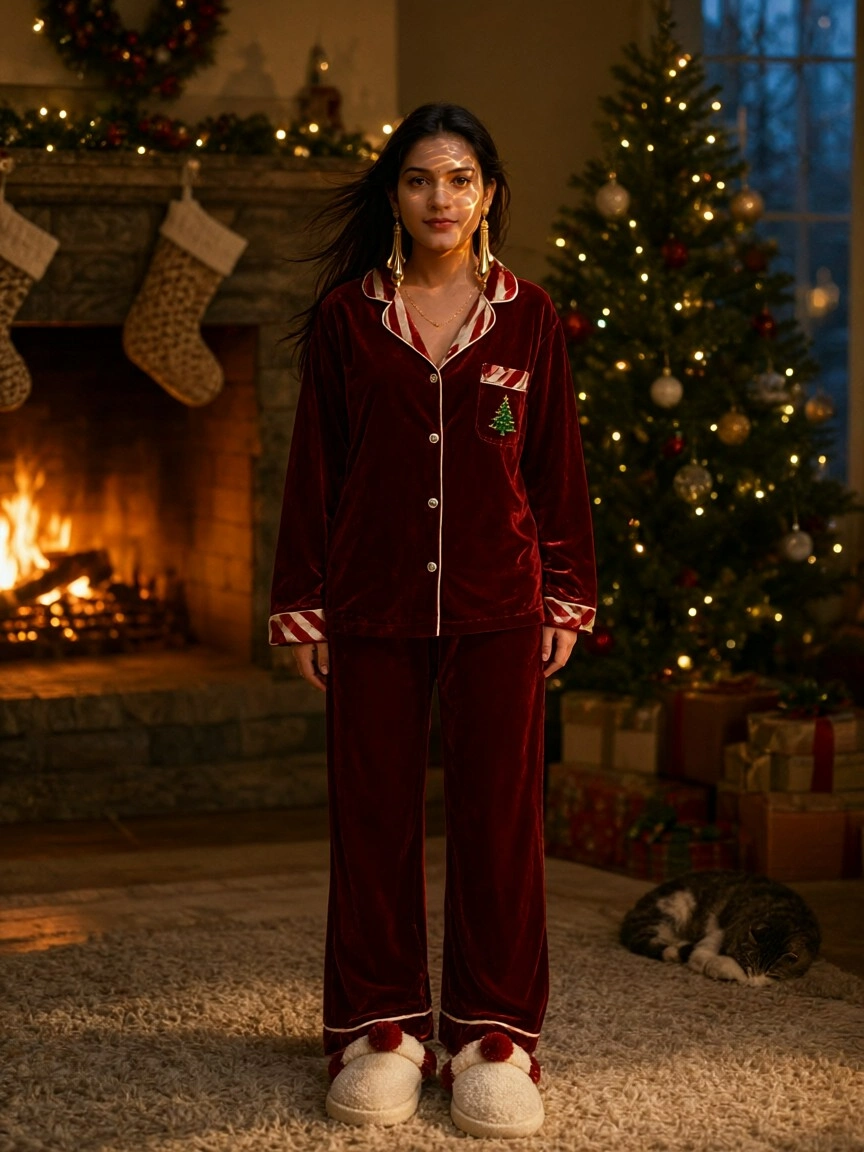
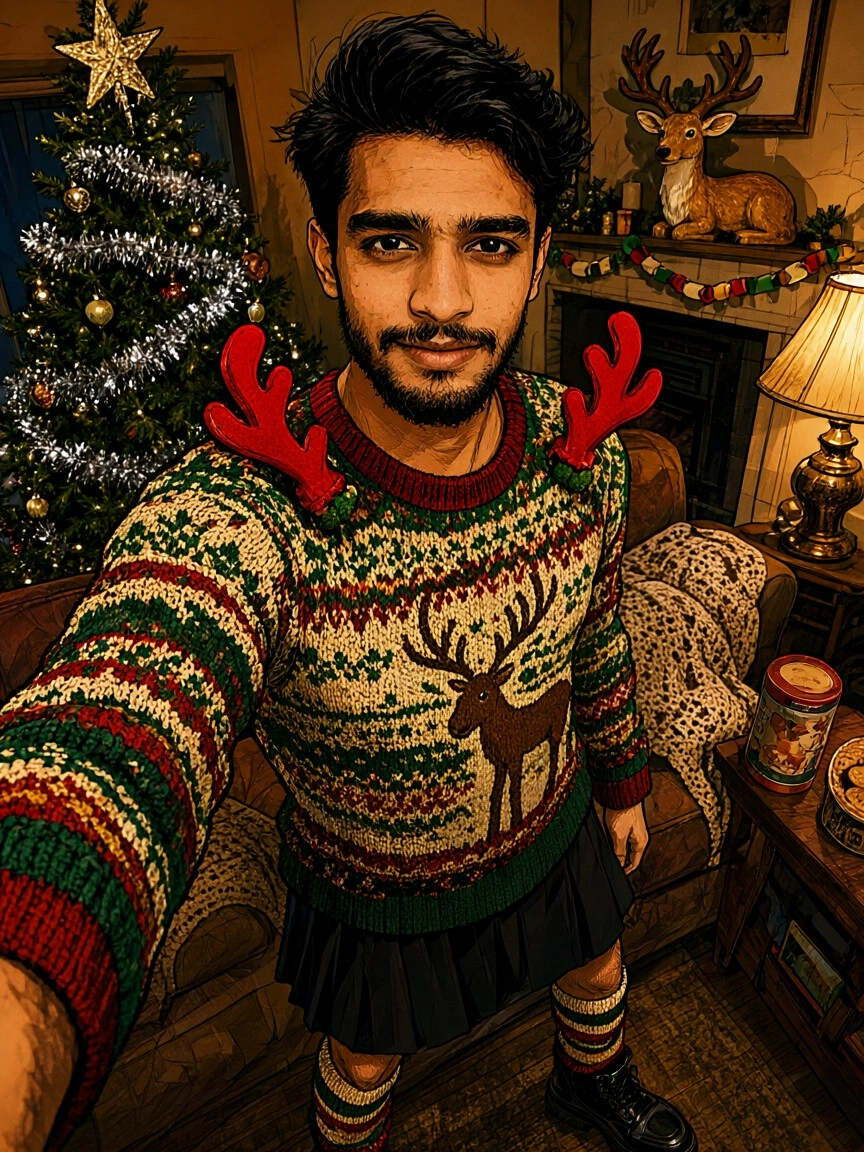
Watch an 80s Christmas AI Photo Walkthrough
Two short videos show the Usgen path from install to filter to a posted 80s Christmas AI photo.
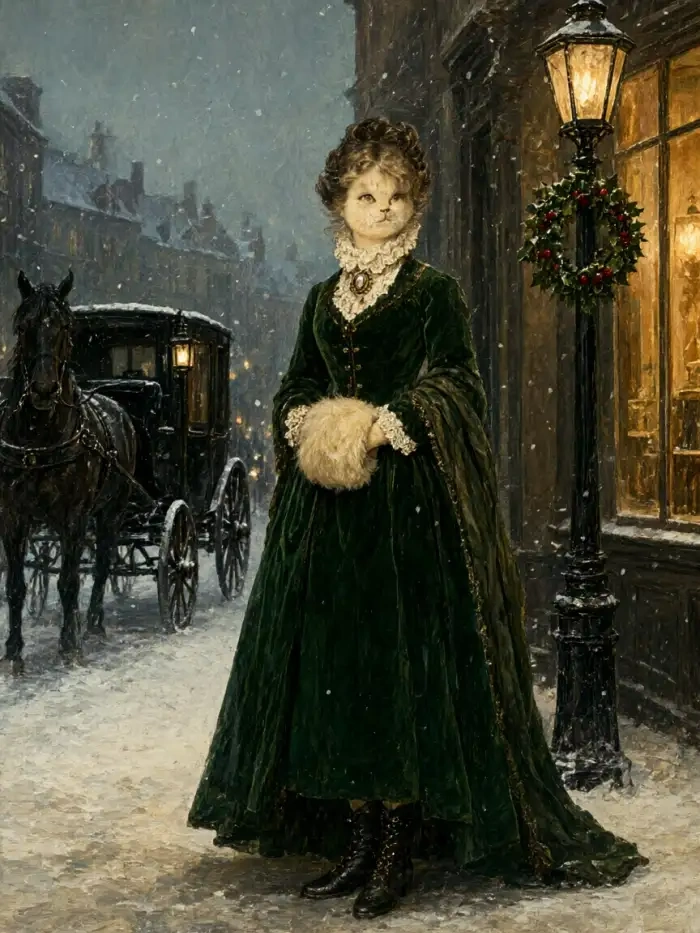
Use Usgen for an 80s Christmas AI Photo
Usgen saves the part that usually goes wrong. You skip the prompt and the desktop upload, and you keep every face in the frame. The render takes ten to twenty seconds inside the app, so you can make the card set while the kettle boils.

How to Create an 80s Christmas AI Photo?
Three taps in the Usgen app and one family photo become an 80s Christmas AI photo you post tonight.
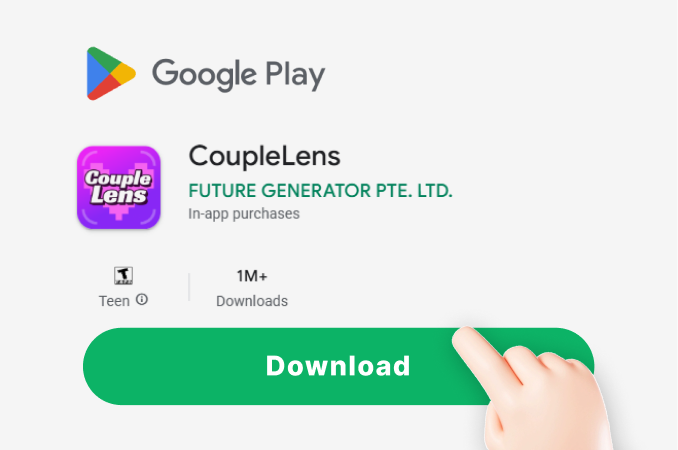
Step 01.
Download Usgen: AI Group Moments Maker by Horizon AI Studio on Google Play and open it on your phone.
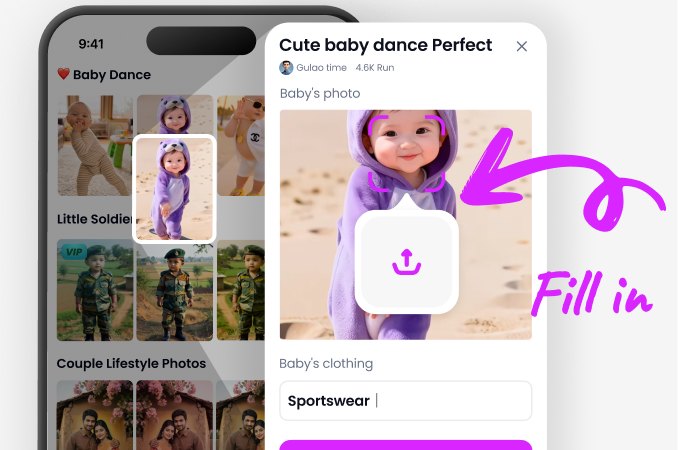
Step 02.
Open the filter library and choose the Christmas look you want. Add one photo of the group, or several if that filter asks for more.
Step 03.
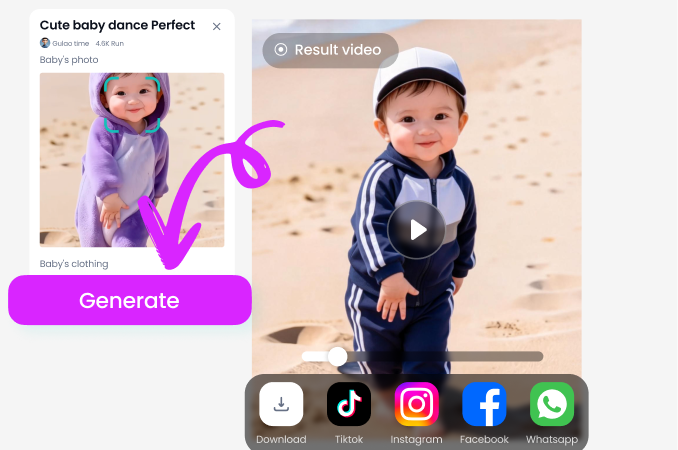
Save the result to your phone, then send it to any of your social apps. You can also publish it to your Usgen profile page and browse what other creators have posted.
Frequently Asked Questions
Straight answers about groups, faces, prompts, filters and sharing for anyone making an 80s Christmas AI photo in the Usgen app.
More Topics You May Like
Sibling searches for the same retro holiday look, from 80s portraits to the ugly sweater trend and vintage photo cards.
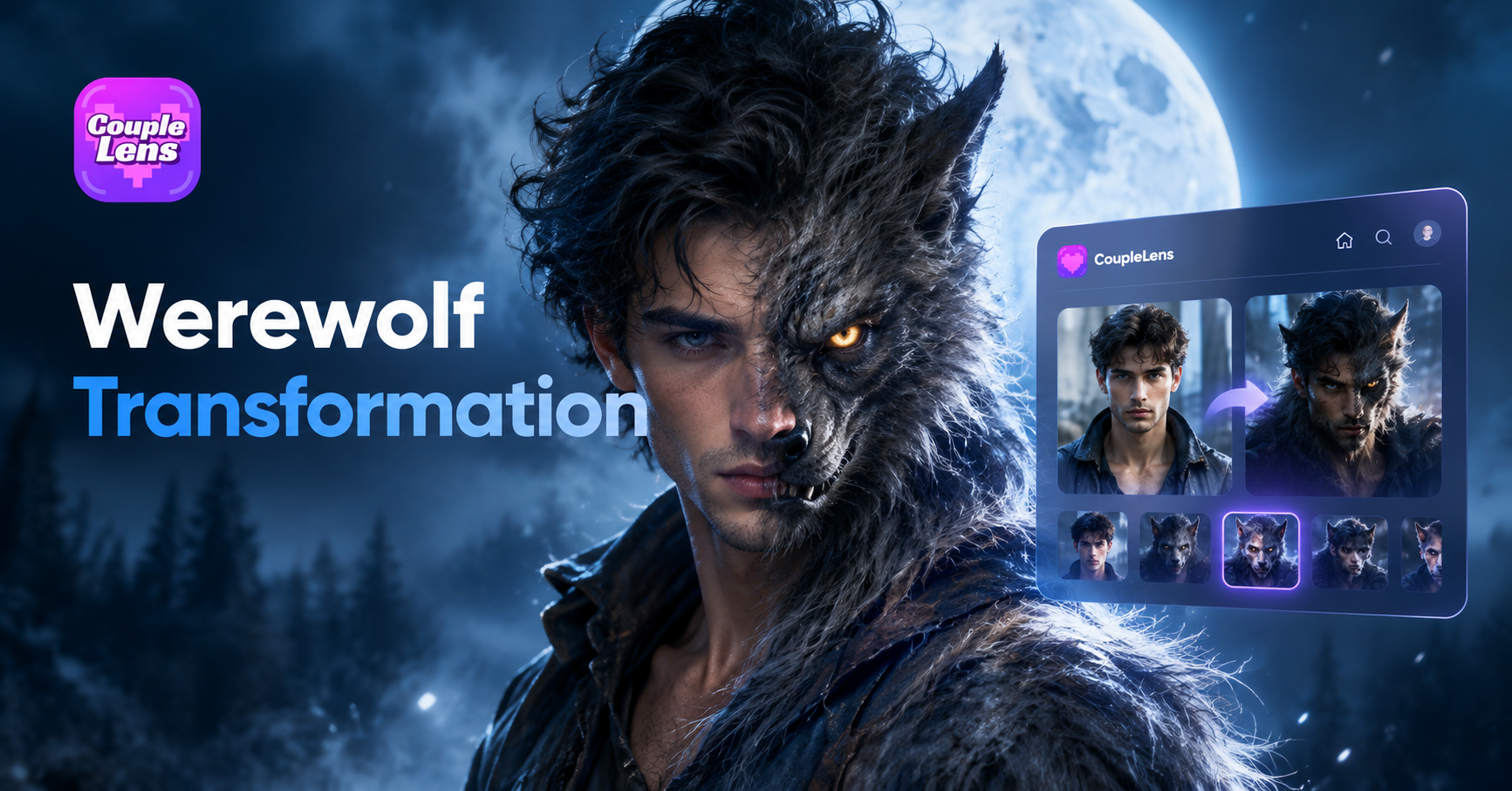
Werewolf Transformation AI Video Generator by CoupleLens App
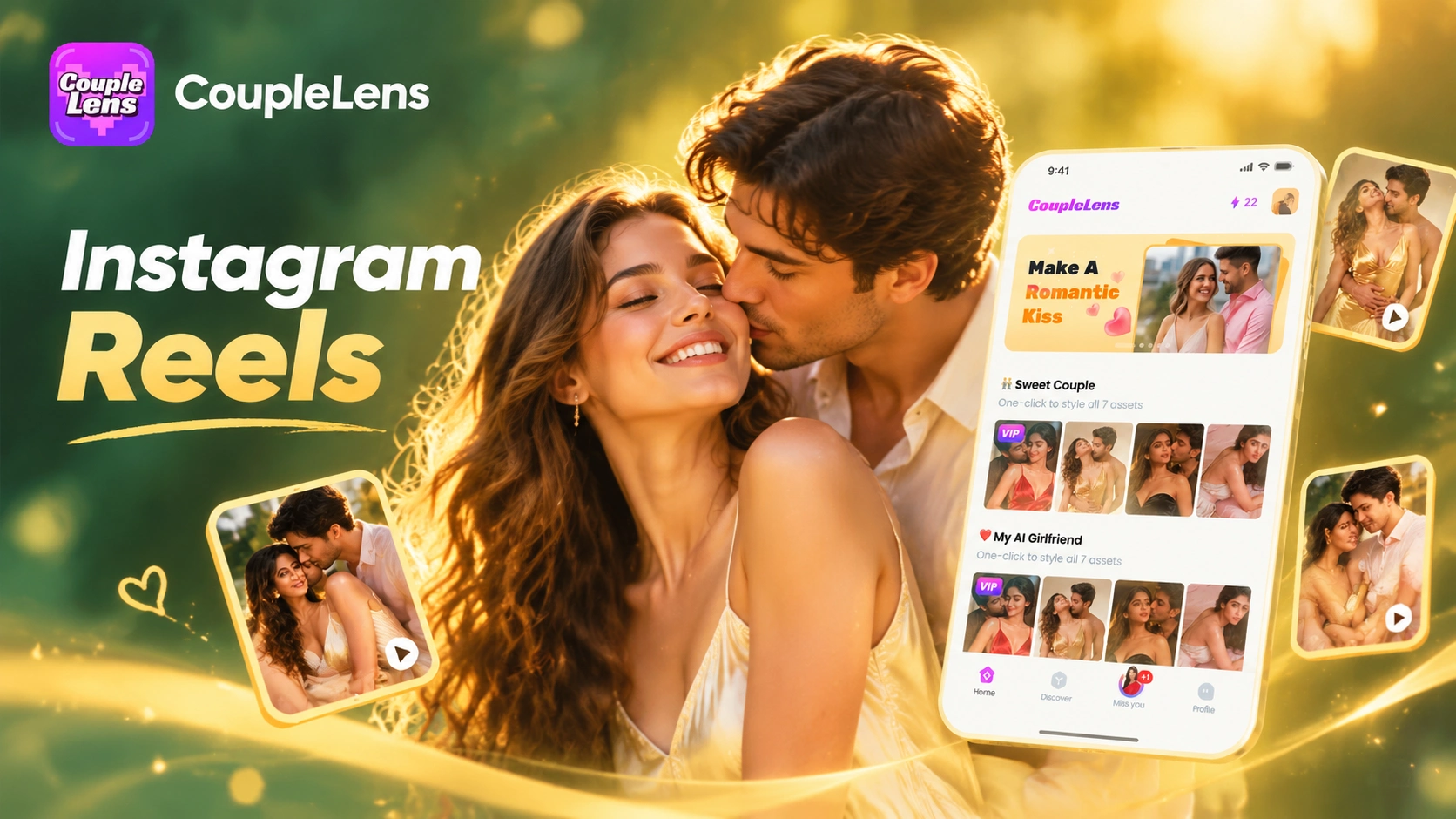
CoupleLens Instagram Reel Cover Collage Maker With Your Own Photos
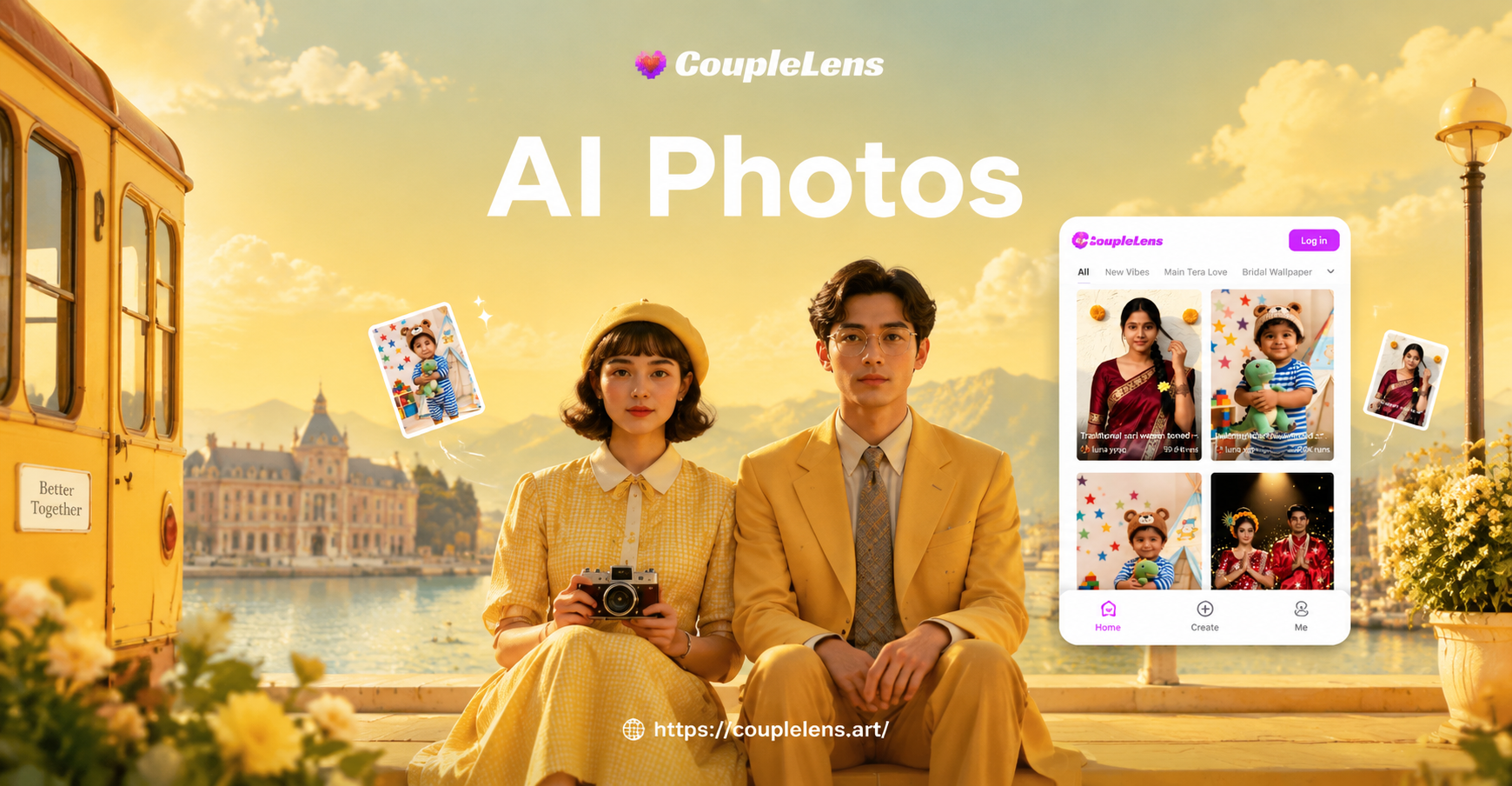
Turn Any Photo Into a Wes Anderson Style Movie Poster

Design Stunning AI Place Cards for Any Event
Werewolf Transformation AI Video Generator by CoupleLens App
CoupleLens Instagram Reel Cover Collage Maker With Your Own Photos
Turn Any Photo Into a Wes Anderson Style Movie Poster
Design Stunning AI Place Cards for Any Event
Make Your Own 80s Christmas AI Photo on Usgen
Get Usgen on Google Play and choose a Christmas filter. Turn the family photos you already have into an 80s Christmas AI photo everyone will laugh at.
Make Your Own 80s Christmas AI Photo on Usgen
Get Usgen on Google Play and choose a Christmas filter. Turn the family photos you already have into an 80s Christmas AI photo everyone will laugh at.